Home Classes Docker and Kubernetes Certification Training | D...
Completed

Docker and Kubernetes Certification Training | DCA - CKA Course

New G 4.5/5   f 4.5/5

Docker Certifications ratify specialist comprehension with an industry-recognized credential. DevOpsSchool offers Best Docker Certification as well as provides Kubernetes certification training Courses by online mode with Certified (CKA) pr...

Online 12 : Hours Starts 01 Nov 2023 Certificate Included

How DevOpsSchool helps you in Docker and Kubernetes Certification Trai...

  • Total Duration:- 20 - 30 hrs - Rough calculation (Training will last until all topics are covered)
  • Timings:- 9PM - 10PM IST (1 hr - Mon - Tue - Thu - Fri)
  • Get your Class recordings, notes and other learning materials after each session
  • Get assignment and all EXAM DUMPS
  • Lifetime Learning Management System (LMS) Access
  • Lifetime Technical Support via EMAIL

Instructor-led, Live & Interactive Training

Everything you need to know about this batch's schedule.

Duration
12 : Hours
Start Date
01 Nov 2023
End Date
11 Nov 2023
Start Time
09:00 PM
End Time
10:00 PM
Mode
Online

Agenda & Curriculum

Docker Certification (DCA) Course Outline

Docker Community Edition Installation and Configuration

  • Introduction to Docker Community Edition
  • Installing Docker on CentOS
  • Installing Docker on Ubuntu
  • Selecting a Storage Driver
  • Running a Container
  • Upgrading the Docker Engine
  • Configuring Logging Drivers (Splunk, Journald, etc.)
  • Introduction to Docker Swarm
  • Configuring a Swarm Manager
  • Configuring Swarm Nodes
  • Docker Swarm Backup and Restore
  • Namespaces and Cgroups
  • Installing and Configuring the Docker Engine
  • Building a Docker Swarm

Image Creation, Management, and Registry

  • Introduction to Docker Images
  • The Components of a Dockerfile
  • More Dockerfile Directives
  • Building Efficient Images
  • Flattening a Docker Image to a Single Layer
  • Introduction to Docker Registries
  • Using Docker Registries
  • Creating Your Own Docker Image
  • Building a Private Docker Registry

Orchestration

  • Locking and Unlocking a Swarm Cluster
  • High Availability in a Swarm Cluster
  • Introduction to Docker Services
  • Using docker inspect
  • Docker Compose
  • Introduction to Docker Stacks
  • Node Labels
  • Building Services in Docker
  • Building a Docker Application Stack

Storage and Volumes

  • Docker Storage in Depth
  • Configuring DeviceMapper
  • Docker Volumes
  • Image Cleanup
  • Storage in a Cluster
  • Using Volumes in Docker Containers
  • Using Storage Volumes with Docker Swarm

Networking

  • Docker Networking
  • Built-In Network Drivers
  • Creating a Docker Bridge Network
  • Deploying a Service on a Docker Overlay Network
  • Exposing Containers Externally
  • Network Troubleshooting
  • Configuring Docker to Use External DNS
  • Using a Docker Bridge Network
  • Deploying a Service on an Overlay Network

Security

  • Signing Images and Enabling Docker Content Trust
  • Default Docker Engine Security
  • Docker MTLS
  • Securing the Docker Daemon HTTP Socket
  • Working with Docker Content Trust

Docker Enterprise Edition

  • Installing Docker EE
  • Setting up Universal Control Plane (UCP)
  • Security in UCP
  • Setting Up Docker Trusted Registry (DTR)
  • Sizing Requirements for Docker, UCP, and DTR
  • Configuring Backups for UCP and DTR
  • DTR Security Features
  • Managing Certificates with UCP and DTR

Wrap-Up

  • How to Prepare for the Exam
  • What's Next After Certification?
  • Get Recognized

==============================================

Kubernetes Certification (CKA) Course Outline

Cluster Architecture, Installation & Configuration

  • Manage role based access control (RBAC)
  • Use Kubeadm to install a basic cluster
  • Manage a highly-available Kubernetes cluster
  • Provision underlying infrastructure to deploy a Kubernetes cluster
  • Perform a version upgrade on a Kubernetes cluster using Kubeadm
  • Implement etcd backup and restore

Workloads & Scheduling

  • Understand deployments and how to perform rolling update and rollbacks
  • Use ConfigMaps and Secrets to configure applications
  • Know how to scale applications
  • Understand the primitives used to create robust, self-healing, application deployments
  • Understand how resource limits can affect Pod scheduling
  • Awareness of manifest management and common templating tools

Services & Networking

  • Understand host networking configuration on the cluster nodes
  • Understand connectivity between Pods
  • Understand ClusterIP, NodePort, LoadBalancer service types and endpoints
  • Know how to use Ingress controllers and Ingress resources
  • Know how to configure and use CoreDNS
  • Choose an appropriate container network interface plugin

Storage

  • Understand storage classes, persistent volumes
  • Understand volume mode, access modes and reclaim policies for volumes
  • Understand persistent volume claims primitive
  • Know how to configure applications with persistent storage

Troubleshooting

  • Evaluate cluster and node logging
  • Understand how to monitor applications
  • Manage container stdout & stderr logs
  • Troubleshoot application failure
  • Troubleshoot cluster component failure
  • Troubleshoot networking

Certified kubernetes administrator CKA  course contents 

25% - Cluster Architecture, Installation & Configuration - 

  • Manage role based access control (RBAC)
  • Use Kubeadm to install a basic cluster
  • Manage a highly-available Kubernetes cluster
  • Provision underlying infrastructure to deploy a Kubernetes cluster
  • Perform a version upgrade on a Kubernetes cluster using Kubeadm
  • Implement etcd backup and restore

15% - Workloads & Scheduling - 

  • Understand deployments and how to perform rolling update and rollbacks
  • Use ConfigMaps and Secrets to configure applications
  • Know how to scale applications
  • Understand the primitives used to create robust, self-healing, application deployments
  • Understand how resource limits can affect Pod scheduling
  • Awareness of manifest management and common templating tools

20% - Services & Networking - 

  • Understand host networking configuration on the cluster nodes
  • Understand connectivity between Pods
  • Understand ClusterIP, NodePort, LoadBalancer service types and endpoints
  • Know how to use Ingress controllers and Ingress resources
  • Know how to configure and use CoreDNS
  • Choose an appropriate container network interface plugin

10% - Storage -

  • Understand storage classes, persistent volumes
  • Understand volume mode, access modes and reclaim policies for volumes
  • Understand persistent volume claims primitive
  • Know how to configure applications with persistent storage

30% - Troubleshooting

  • Evaluate cluster and node logging
  • Understand how to monitor applications
  • Manage container stdout & stderr logs
  • Troubleshoot application failure
  • Troubleshoot cluster component failure
  • Troubleshoot networking
Pre-requisites

For CKA - 

  • Have basic mathematic knowledge
  • Want to learn more about Kubernetes Intermediate.

For DCA -

  • No experience required
  • Suitable for all types of businesses (digital product, physical product, service, B2B, B2C).
Who should attend (Audience)

Any person can join but technical qualification persons would be great. 
Docker and Kubernetes Certification... Certification

Benefits of this certification

  • Recognised by modern software teams hiring for reliable delivery.
  • Industry adoption keeps growing — your skills stay in demand.
  • Certified engineers are among the highest-paid roles in tech.
  • A long-term, future-proof career path.
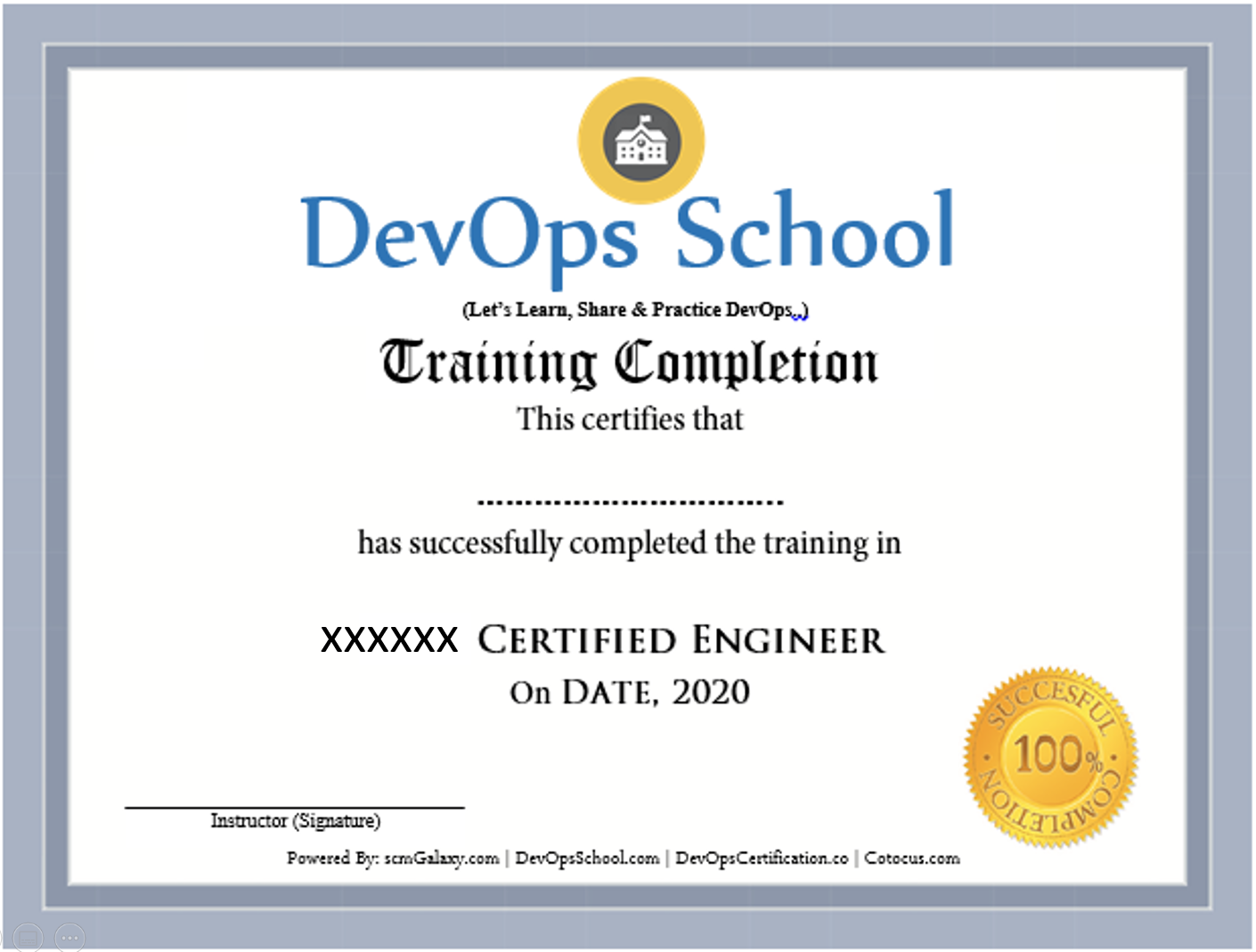
Certificate preview

Frequently Asked Questions

Can I attend a Demo Session?
To maintain the quality of our live sessions we allow a limited number of participants, so a live demo is not possible without enrollment. However, you can request pre-recorded training videos to get familiar with our methodology and the trainer's style.
Will I get any project?
Yes. After training completion you get a real-time, scenario-based project to implement your learnings and gain practical, industry-ready experience.
Who are the training Instructors?
All trainers are highly qualified industry professionals with 10–15 years of relevant experience across IT, Agile, SCM, DevOps, consulting and mentoring, selected through a rigorous screening + demo process.
Do you provide placement assistance?
We help you get interview-ready with resume preparation and real-life projects, and we share openings through our "JOB updates" and "Forum updates" pages.
What are the system requirements?
A Windows / Mac / Linux PC with minimum 2GB RAM and 20GB free storage.
How will I execute the practicals?
Hands-on labs run on DevOpsSchool's AWS cloud; we provide a step-wise lab setup guide. You can also practise on an AWS Free Tier account or local VMs.
What are the payment options?
Google Pay / PhonePe / Paytm, NEFT/IMPS, Debit/Credit card, Xoom & PayPal (USD), and our website payment gateway.
What if I miss a class?
You never lose a lecture — access recordings, notes and presentations 24×7 via our LMS, or attend the missed session in another live batch within 3 months. Learning material access is lifetime.
Do you have classroom training?
Yes — in Bangalore, Hyderabad, Chennai and Delhi. Other cities are possible with 6+ participants.
Do you provide a certificate?
Yes — the industry-recognised "DevOps Certified Professional (DCP)" certificate accredited by DevOpsCertification.co, awarded based on projects, assignments and evaluation.
Is there any group discount?
Yes — 2–3 students: 10% off, 4–6 students: 15% off, 7+ students: 25% off (subject to discussion).
What is the refund policy?
Once training is confirmed we have a no-refund policy; please share concerns with the trainer so we can help resolve them.
How do I get a fee receipt?
Payments via the website gateway auto-generate an invoice over email; for other options, contact our representative for the invoice.
What if I have more queries?
Email us at contact@DevOpsSchool.com and we'll be glad to help.

Ratings & Feedback

4.1
Google Ratings
4.1
Video Reviews
4.1
Facebook Ratings
“The training was very useful and interactive. The trainer helped develop the confidence of all.”
“Trainer was able to resolve our queries effectively. We really liked the hands-on examples covered during the program.”
“Very well organized training — helped a lot to understand the concepts and the various tools in detail.”
“Good experience overall. The trainer was very helpful and clear with the concepts.”

Enrolled Students

No students have enrolled yet — be the first to join this batch!
Video Gallery

See more videos

Ready to join Docker and Kubernetes Certification Trai...?

Secure your seat in this live, instructor-led batch today.