Home Classes Github Advance Training certifications
Completed

Github Advance Training certifications

New G 4.5/5   f 4.5/5

GitHub has become the industry standard platform for version control, source code management, and collaborative software development. Whether you're an individual developer or part of a large engineering team, GitHub enables you to track ch...

Online 4 : Hours Starts 09 Aug 2026 Certificate Included

How DevOpsSchool helps you in Github Advance Training certifications

GitHub Training Highlights

  • Learn Git and GitHub from the ground up.
  • Understand Version Control System (VCS) concepts.
  • Create and manage Git repositories.
  • Work with GitHub repositories efficiently.
  • Clone, commit, push, pull, fetch, and sync repositories.
  • Master branching and merging strategies.
  • Resolve merge conflicts confidently.
  • Use Pull Requests (PRs) and Code Reviews.
  • Collaborate effectively in team-based development.
  • Understand GitHub Issues, Projects, and Discussions.
  • Work with Tags, Releases, and Versioning.
  • Protect branches and manage repository permissions.
  • Learn GitHub Actions for CI/CD automation.
  • Manage Open Source contributions.
  • Follow GitHub best practices and workflows.
  • Hands-on labs with real-world projects.
  • Industry-standard Git workflow (Feature Branch, GitFlow & Trunk-Based Development).
  • Common Git mistakes and recovery techniques.
  • Best practices for enterprise GitHub development.

Instructor-led, Live & Interactive Training

Everything you need to know about this batch's schedule.

Duration
4 : Hours
Start Date
09 Aug 2026
End Date
10 Aug 2026
Start Time
10:00 AM
End Time
01:00 PM
Mode
Online

Agenda & Curriculum

GitHub Training - Agenda of the Class

Module 1: Introduction to Version Control

  • What is Version Control?
  • Centralized vs Distributed Version Control
  • Introduction to Git and GitHub
  • Git Architecture
  • Installing Git
  • Configuring Git

Module 2: Getting Started with Git

  • Git Commands Overview
  • Creating Local Repositories
  • Working Directory, Staging Area & Repository
  • Git Status
  • Git Add
  • Git Commit
  • Git Log
  • Git Diff
  • Git Ignore (.gitignore)

Module 3: Working with GitHub

  • Creating a GitHub Account
  • Creating Repositories
  • Clone, Fork & Import Repositories
  • Push & Pull Code
  • Fetch vs Pull
  • Git Remote
  • Managing Repository Settings

Module 4: Branching & Merging

  • Creating Branches
  • Switching Between Branches
  • Merge Branches
  • Fast Forward Merge
  • Three-Way Merge
  • Merge Conflicts
  • Conflict Resolution Best Practices

Module 5: Collaboration Using GitHub

  • Pull Requests (PR)
  • Code Reviews
  • Approving & Merging PRs
  • Squash Merge
  • Rebase Workflow
  • Repository Collaboration
  • Team Management

Module 6: Advanced Git

  • Git Stash
  • Git Reset
  • Git Revert
  • Git Cherry-Pick
  • Git Reflog
  • Git Bisect
  • Git Tags & Releases
  • Git Hooks

Module 7: GitHub Features

  • GitHub Issues
  • GitHub Projects
  • GitHub Discussions
  • GitHub Wiki
  • GitHub Releases
  • Branch Protection Rules
  • Repository Security
  • Secrets Management

Module 8: GitHub Actions (CI/CD)

  • Introduction to GitHub Actions
  • Workflow Files
  • Events & Triggers
  • Jobs & Runners
  • Actions Marketplace
  • Build & Test Automation
  • Deployment Pipelines

Module 9: Enterprise GitHub Best Practices

  • GitHub Flow
  • GitFlow Workflow
  • Trunk-Based Development
  • Semantic Versioning
  • Repository Organization
  • Security Best Practices
  • Large Team Collaboration
  • Open Source Contribution Workflow

Module 10: Hands-on Labs & Real-World Project

  • Build a Complete GitHub Project
  • Team Collaboration Exercise
  • Pull Request Workflow
  • Merge Conflict Resolution Lab
  • GitHub Actions CI/CD Implementation
  • Repository Security Configuration
  • Best Practices Checklist
  • Interview Questions & Answers
  • Common Git Troubleshooting
  • Final Assessment & Q&A

Hands-on Exercises Included

  • Create and manage repositories.
  • Collaborate using branches and pull requests.
  • Resolve real merge conflicts.
  • Automate builds using GitHub Actions.
  • Work on a team-based GitHub project.
  • Implement industry-standard Git workflows.
  • Publish a project on GitHub with proper versioning and releases.

By the end of this training, participants will have the practical skills to use GitHub effectively for version control, collaborative development, CI/CD automation, and enterprise software development workflows.

Pre-requisites

Participants are not required to have prior experience with GitHub; however, the following basic knowledge will help them get the most out of this course:

  • Basic understanding of computers and file management.
  • Familiarity with command-line (Terminal/Bash/PowerShell) basics is recommended.
  • Basic knowledge of software development concepts is beneficial.
  • Experience with any programming language (Java, Python, JavaScript, C#, PHP, etc.) is an advantage but not mandatory.
  • A GitHub account (free or enterprise) for hands-on practice.
  • Git installed on Windows, macOS, or Linux.
  • A code editor such as Visual Studio Code, IntelliJ IDEA, Eclipse, or any preferred IDE.
  • Stable internet connection for accessing GitHub repositories and completing practical exercises.
  • Willingness to participate in hands-on labs and collaborative exercises.
Who should attend (Audience)

This GitHub Training is designed for individuals and teams who want to master version control and collaborative software development using Git and GitHub.

This course is ideal for:
  • Software Developers (Beginner to Advanced)
  • Full Stack Developers
  • Frontend and Backend Developers
  • DevOps Engineers
  • Site Reliability Engineers (SRE)
  • Cloud Engineers
  • QA & Test Automation Engineers
  • Software Architects and Technical Leads
  • Engineering Managers
  • Open Source Contributors
  • Computer Science Students and Fresh Graduates
  • IT Professionals transitioning into software development
  • Freelancers building collaborative software projects
  • Teams adopting GitHub for source code management and collaboration

Github Advance Training certificatio... Certification

Benefits of this certification

  • Recognised by modern software teams hiring for reliable delivery.
  • Industry adoption keeps growing — your skills stay in demand.
  • Certified engineers are among the highest-paid roles in tech.
  • A long-term, future-proof career path.
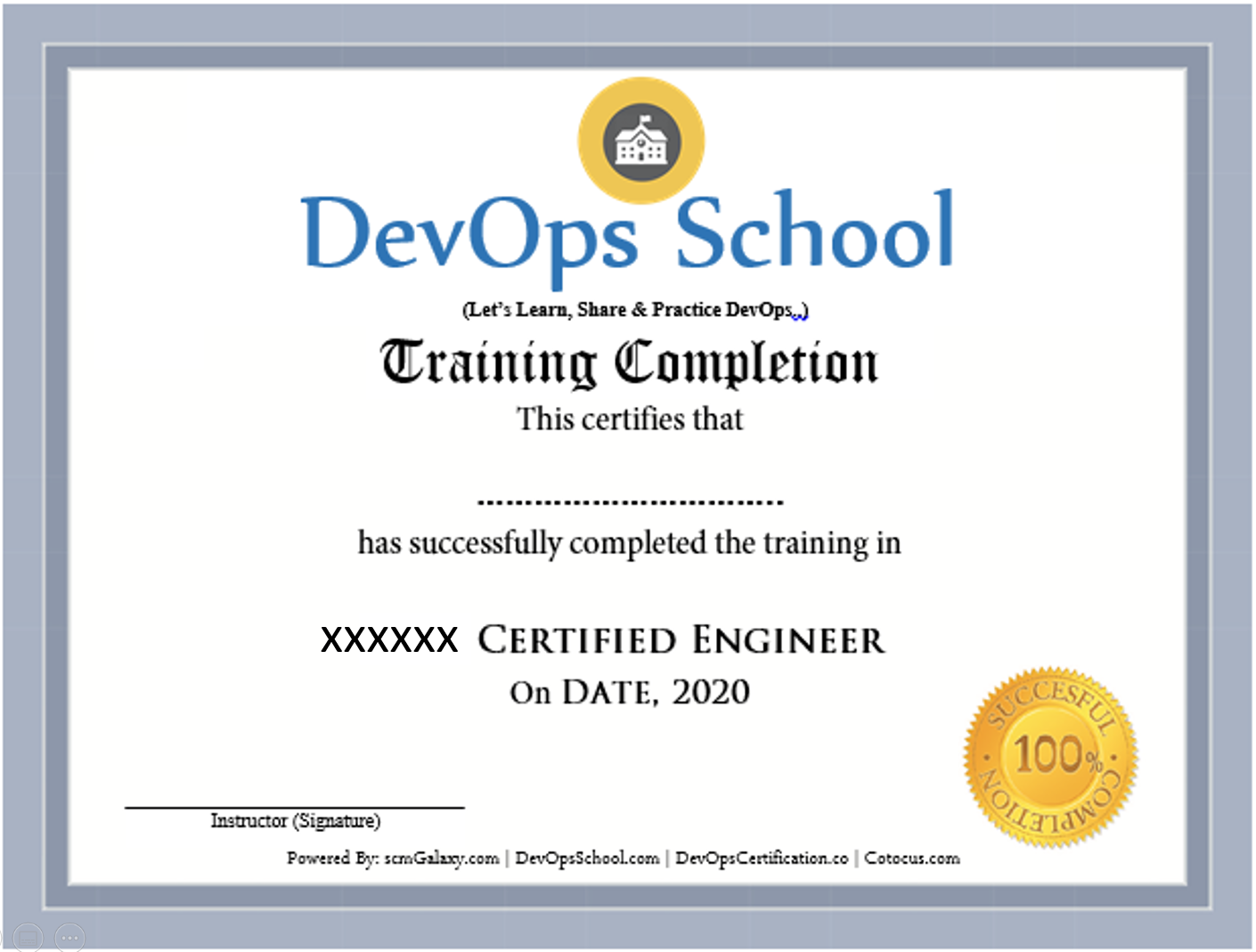
Certificate preview

Frequently Asked Questions

Can I attend a Demo Session?
To maintain the quality of our live sessions we allow a limited number of participants, so a live demo is not possible without enrollment. However, you can request pre-recorded training videos to get familiar with our methodology and the trainer's style.
Will I get any project?
Yes. After training completion you get a real-time, scenario-based project to implement your learnings and gain practical, industry-ready experience.
Who are the training Instructors?
All trainers are highly qualified industry professionals with 10–15 years of relevant experience across IT, Agile, SCM, DevOps, consulting and mentoring, selected through a rigorous screening + demo process.
Do you provide placement assistance?
We help you get interview-ready with resume preparation and real-life projects, and we share openings through our "JOB updates" and "Forum updates" pages.
What are the system requirements?
A Windows / Mac / Linux PC with minimum 2GB RAM and 20GB free storage.
How will I execute the practicals?
Hands-on labs run on DevOpsSchool's AWS cloud; we provide a step-wise lab setup guide. You can also practise on an AWS Free Tier account or local VMs.
What are the payment options?
Google Pay / PhonePe / Paytm, NEFT/IMPS, Debit/Credit card, Xoom & PayPal (USD), and our website payment gateway.
What if I miss a class?
You never lose a lecture — access recordings, notes and presentations 24×7 via our LMS, or attend the missed session in another live batch within 3 months. Learning material access is lifetime.
Do you have classroom training?
Yes — in Bangalore, Hyderabad, Chennai and Delhi. Other cities are possible with 6+ participants.
Do you provide a certificate?
Yes — the industry-recognised "DevOps Certified Professional (DCP)" certificate accredited by DevOpsCertification.co, awarded based on projects, assignments and evaluation.
Is there any group discount?
Yes — 2–3 students: 10% off, 4–6 students: 15% off, 7+ students: 25% off (subject to discussion).
What is the refund policy?
Once training is confirmed we have a no-refund policy; please share concerns with the trainer so we can help resolve them.
How do I get a fee receipt?
Payments via the website gateway auto-generate an invoice over email; for other options, contact our representative for the invoice.
What if I have more queries?
Email us at contact@DevOpsSchool.com and we'll be glad to help.

Ratings & Feedback

4.1
Google Ratings
4.1
Video Reviews
4.1
Facebook Ratings
“The training was very useful and interactive. The trainer helped develop the confidence of all.”
“Trainer was able to resolve our queries effectively. We really liked the hands-on examples covered during the program.”
“Very well organized training — helped a lot to understand the concepts and the various tools in detail.”
“Good experience overall. The trainer was very helpful and clear with the concepts.”

Enrolled Students

No students have enrolled yet — be the first to join this batch!

Video Gallery

See more videos

Ready to join Github Advance Training certifications?

Secure your seat in this live, instructor-led batch today.