
Best Typeform alternatives in 2026
- forms.app – Best all-around Typeform alternative with AI generation, list & step view layouts, smooth form filling experience, and affordable pricing
- Google Forms – Best free option for simple, quick forms
- Microsoft Forms – Best for free surveys that look better than Google Forms
- Formester – Best for affordable, feature-rich forms with AI generation
- Formbricks – Best for teams who need an open source tool for forms
- Paperform – Best for creative, branded form pages
- Outgrow – Best for interactive content like calculators, quizzes, and assessments
- Woorise – Best for giveaways and contests
- SurveyLegend – Best for visually rich surveys
- Youengage – Best for audience engagement through quizzes and polls
Typeform is well-known for its beautiful, conversational one-question-at-a-time experience. But its steep pricing, limited free plan, and restricted layout options lead many users to look for alternatives. The free plan caps you at just 10 responses per month, paid plans scale up quickly in cost, and you’re locked into a single layout style, no classic list view, no way to switch approaches mid-project.
Whether you need more flexibility, better pricing, or advanced features like PDF generation or AI form creation, there’s a Typeform alternative for you. Below, we explore the best options in 2026, with full breakdowns of features, pros, cons, and pricing.
What to look for in a Typeform alternative?
Not all form builders are created equal. To create this article, we have researched and tested a lot of form builders, and we have charted a list of criteria. Before picking a tool, consider these:
- Layout flexibility: Typeform only offers one-at-a-time conversational forms. Though you have the option to add more than one field to a page, it is quite limited. If you need a classic multi-question layout, you need a tool that supports both.
- Pricing transparency: Some tools charge per response or hide key features behind enterprise tiers. Look for tools with clear, flat pricing and generous response limits.
- AI features: In 2026, the best form builders let you generate forms from a text prompt rather than building from scratch.
- Response limits: Typeform’s free plan caps you at 10 responses per month, extremely restrictive. Compare free and paid limits carefully.
- Integrations: Your form tool should connect natively with your CRM, spreadsheet, and communication tools without always needing Zapier as a bridge.
Methodology: How did we test Typeform alternatives?
To compile this list, we evaluated each tool across five dimensions: ease of use, feature depth, layout flexibility, pricing transparency, and integration capabilities. We tested free tiers directly, reviewed verified user ratings from G2 and Capterra, and checked pricing pages to ensure all figures are accurate as of 2026. Tools were selected based on their relevance to teams migrating away from Typeform, with particular attention to aspects that Typeform lacks or needs improvement, such as list view layouts, PDF generation, e-signatures, product listing, and, of course, pricing.
The best Typeform alternatives in 2026
1. forms.app
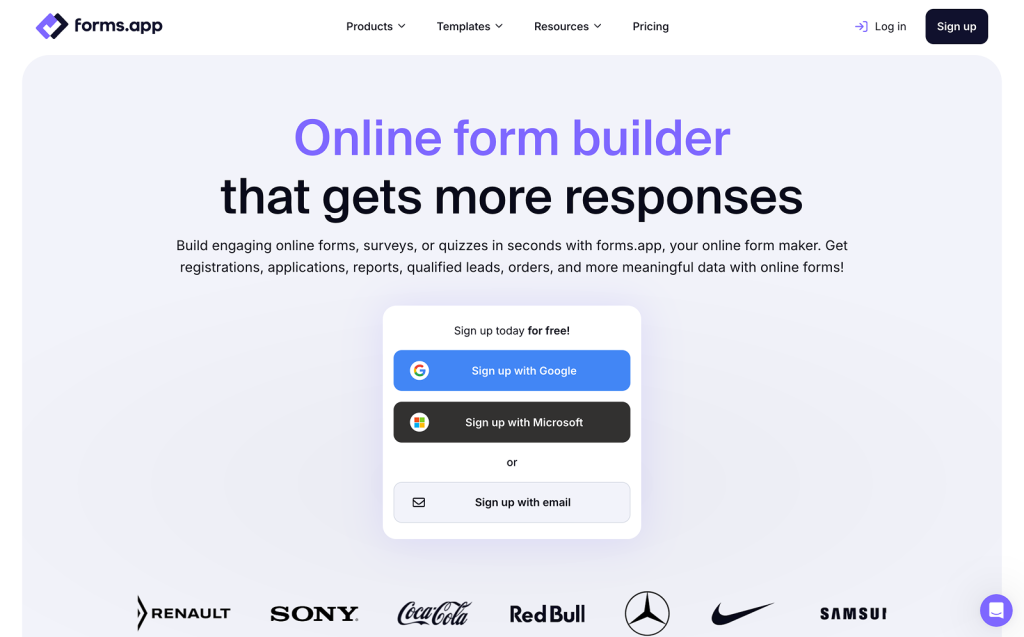
forms.app is an all-around online form builder and a solid Typeform alternative. It matches Typeform’s polished experience with a conversational, step-by-step layout, while also giving you a classic list view that Typeform doesn’t offer. It’s super easy to get started thanks to an AI form generator, 5,000+ ready-made templates, and flexible import options.
Like Typeform, forms.app supports a one-at-a-time conversational layout, answer recall in question titles, multiple endings, and a clean, engaging form-filling experience. Unlike Typeform, it goes further with a classic list view layout, advanced features like save-as-draft and continue later, custom PDF generation from responses, a product listing field, and significantly more affordable pricing.
It’s ideal for marketers, researchers, SMEs, agencies, and any team looking for a Typeform alternative that is just as powerful and engaging, without the high cost.
Key features
- AI form generator: Describe your form in plain language and forms.app generates it in seconds, including questions, fields, and layout suggestions.
- Step view & list view: Switch between a Typeform-style conversational layout and a classic multi-question list view depending on your goals.
- Conditional logic: Show or hide fields dynamically to create a smooth, personalized form-filling experience.
- 5,000+ templates: A massive library of ready-made forms, surveys, and quizzes for nearly every use case.
- Custom PDF generation: Automatically generate polished PDFs from form responses, great for contracts, applications, or reports.
- Native integrations: Connect with Google Sheets, Slack, HubSpot, Mailchimp, Notion, webhooks, and more. Plus Zapier for extended automation.
- Save as draft: Let respondents save their progress and return later using a unique draft link.
- Multiple endings: Show different thank-you pages or messages based on respondent answers.
- E-signatures: Add a built-in e-signature field to gather consent
- Product listing & payments: List services and products, and use payment integrations with Stripe and PayPal to accept payments.
- 30+ field types: Including product listing, file upload, signature, scoring, and more.
Pros
- Easy to get started, AI generator, templates, and import options make form creation fast
- Excellent form-filling experience for respondents, with both conversational and list views available
- Advanced features like save-as-draft, PDF generation, and product listing are not found in Typeform
- Transparent, affordable pricing with a generous free plan
- Native integrations with major business tools
- Supports multilingual forms, team collaboration, and user permissions
Cons
- Doesn’t support offline submissions
- No mobile SDK for embedding in native mobile apps
Pricing
The free plan offers 100 responses per month and unlimited form views. Paid plans range from $15 to $59/month (when billed annually), offering up to 100,000 monthly responses and custom domains without requiring an expensive enterprise plan.
Ratings
Capterra – 4.6/5⭐ | G2 – 4.5/5⭐
2. Google Forms
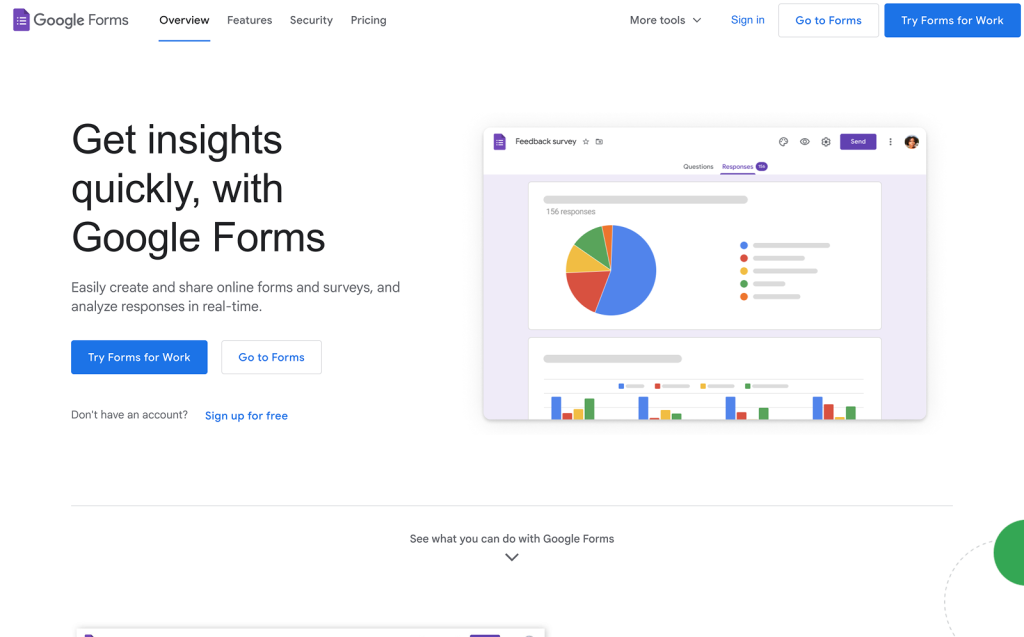
Google Forms is a free form tool built into Google Workspace. It’s a completely free Typeform alternative for teams that just need quick forms without any setup or cost. Of course, it has its limitations when compared to Typeform and other form builders.
Key features
- Google Sheets integration: Direct integration with Google Sheets for automatic data collection
- Essential features: Simple branching & team collaboration
- Form creation using Gemini: Workspace users with the necessary options enabled can create forms using Gemini.
Pros
- Completely free with no response limits
- Seamlessly integrates with Google Workspace
- Unlimited forms and responses
Cons
- Very limited design options
- No conversational layout
- No payment support
- No advanced logic
- Too basic for interactive or branded forms
Pricing
Completely free with unlimited responses and unlimited forms.
Ratings
Capterra – 4.7/5⭐ | G2 – 4.5/5⭐(Google Workspace)
3. Microsoft Forms
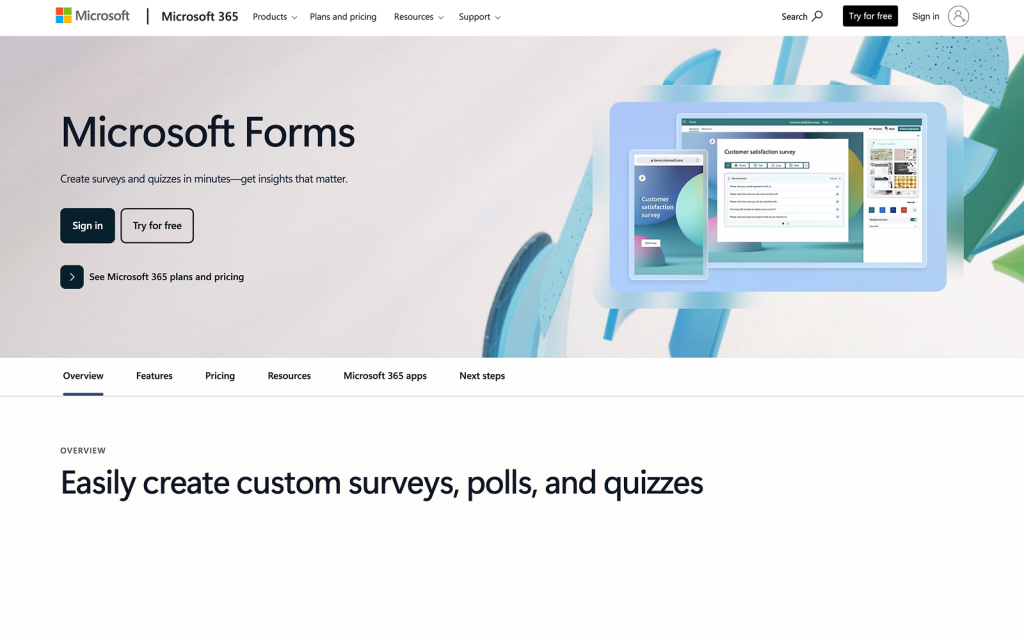
Microsoft Forms is a simple form and survey tool included with Microsoft 365. It can be used for free, and you get extra features if you have a Microsoft 365 subscription. It’s the natural Typeform alternative for teams already in the Microsoft ecosystem. Plus, the surveys look better than Google Forms.
Key features
- Office app integrations: Direct integration with Microsoft 365 tools (Teams, Excel, SharePoint)
- Essential features: Basic branching logic, real-time collaboration, and automatic summaries with built-in charts
- Scoring: Quiz mode with automatic grading
Pros
- Free for Microsoft 365 users
- Very easy to use
- Built-in collaboration
- Data export to Excel
Cons
- Limited design and customization
- No payment support
- No advanced logic
Pricing
Free to use. Some features are available after a Microsoft 365 subscription.
Ratings
Capterra – 4.6/5⭐ | G2 – 4.4/5⭐
4. Formester
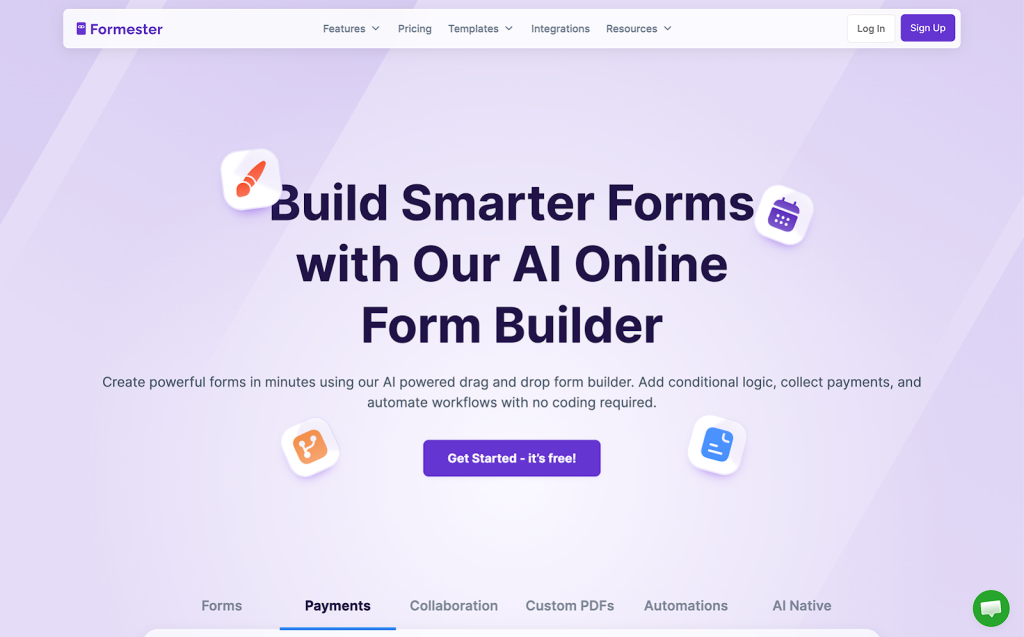
Formester is an affordable, no-code form builder designed for teams that want powerful features. It positions itself as a feature-rich alternative that doesn’t break the bank.
Key features
- AI Form builder: Generate forms automatically from a text prompt, including conditional logic setup
- PDF to form conversion: Upload a PDF, and Formester converts it into a fillable web form
- Conditional logic: Show or hide fields dynamically based on prior answers
- E-Signatures & payments: Built-in e-signature support and payment collection via Stripe and PayPal
- Spam protection: Google reCAPTCHA support
Pros
- Affordable pricing
- AI form creation
- AI auto-translation
Cons
- Smaller template library compared to more established tools
- UI has room for improvement according to some user reviews
- Less brand recognition than older competitors
Pricing
The free tier provides 100 responses per month and 10 forms. Paid plans range from $12/month for 1,000 responses to $45/month for up to 15,000 responses (when billed annually).
Ratings
Capterra – 5/5⭐ (1 review only) | G2 – 4.7/5⭐
5. Formbricks
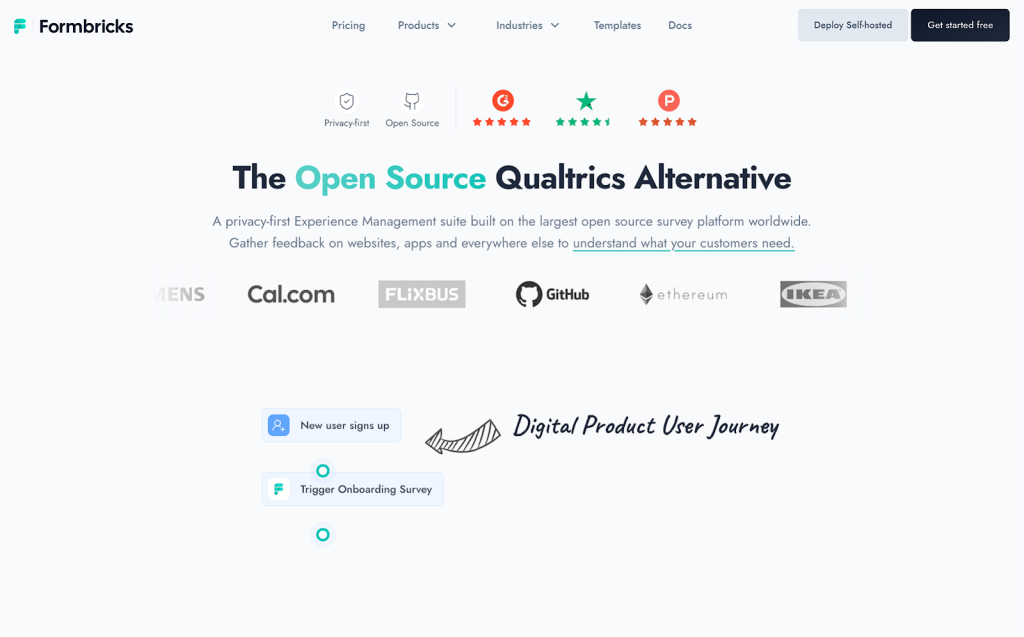
Formbricks is an open-source form and survey builder designed for teams that need full control over their data. It’s the standout Typeform alternative for privacy-conscious organizations and developers, as it can be fully self-hosted. Beyond self-hosting, it also offers a cloud option for those who prefer a managed setup.
Key features
- Open-source: The Community Edition is free forever with unlimited surveys, unlimited responses, and unlimited seats, ideal for teams that want to own their data entirely.
- Advanced logic: Conditional branching, recall information, hidden fields, and single-use links are all included out of the box.
- Integrations: Native connections to Slack, Google Sheets, Notion, Airtable, Zapier, Make.com, and n8n, plus full API and webhook access.
- Multi-language surveys: Run the same survey in multiple languages and analyze responses together or filtered by language.
Pros
- Self-hostable
- Strong data privacy and GDPR compliance out of the box (when you self-host)
- Flexible deployment across web, app, email, and link
Cons
- Self-hosting requires some technical setup
- Not as polished for general-purpose form creation compared to dedicated form builders
- Enterprise features (SSO, white-labeling, team roles) require a paid license
Pricing
The Community Edition (self-hosted) is free. The cloud-hosted version has a free plan with 250 response limit monthly. The Pro plan starts at $74/month, and the Scale plan starts from $325/month (for advanced features like Two-Factor Auth, Spam Protection (ReCaptcha), and team roles), when billed yearly.
Ratings
Capterra – 5/5⭐(2 reviews only) | G2 – 4.9/5⭐
6. Paperform
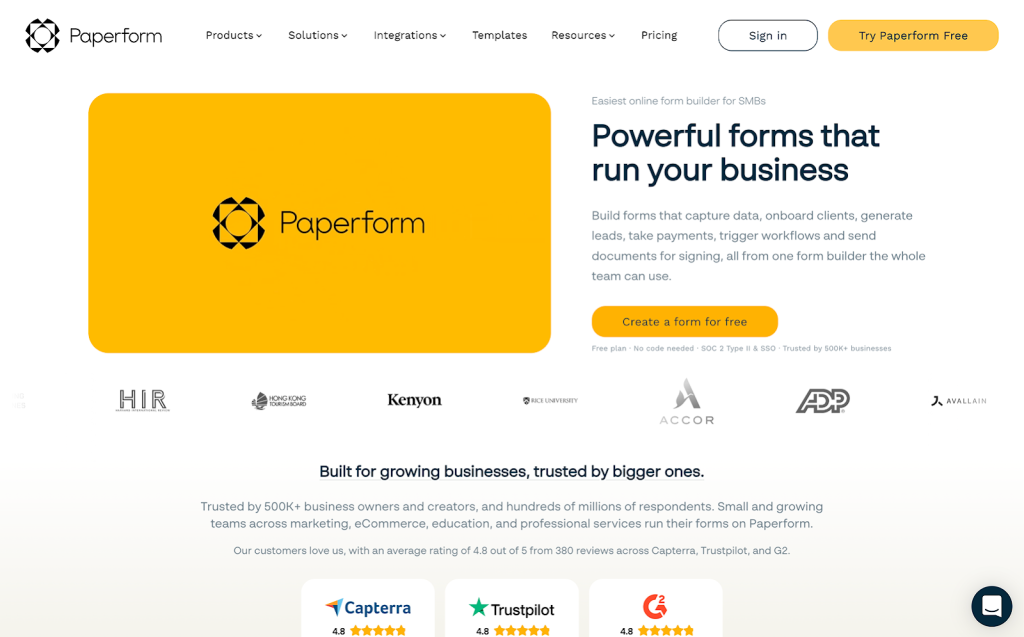
Paperform gives you flexibility in customization. This makes form creation somewhat harder; you can build more than forms thanks to Paperform’s document-style editor.
Key features
- Document style editor: Free-text design editor for rich, document-style forms
- Advanced features: Conditional logic, calculations, and scheduling
- Product selling: Payment collection and product listings
- Integrations: 650+ integrations via native connections and Zapier
Pros
- Strong payment and scheduling capabilities
- Flexible for creative campaigns and customer-facing forms
Cons
- Limited free plan
- Steeper learning curve than standard form builders
- Can be overkill for simple data collection
Pricing
Paperform now offers a free plan for individuals and small teams, but it only allows 30 submissions/mo. Paid plans start at $24/month (Essentials), going up to $49/month (Pro) for custom branding and advanced integrations, and $99/month (Business) for multiple users and priority support, when billed yearly.
Ratings
Capterra – 4.8/5⭐ | G2 – 4.8/5⭐
7. Outgrow
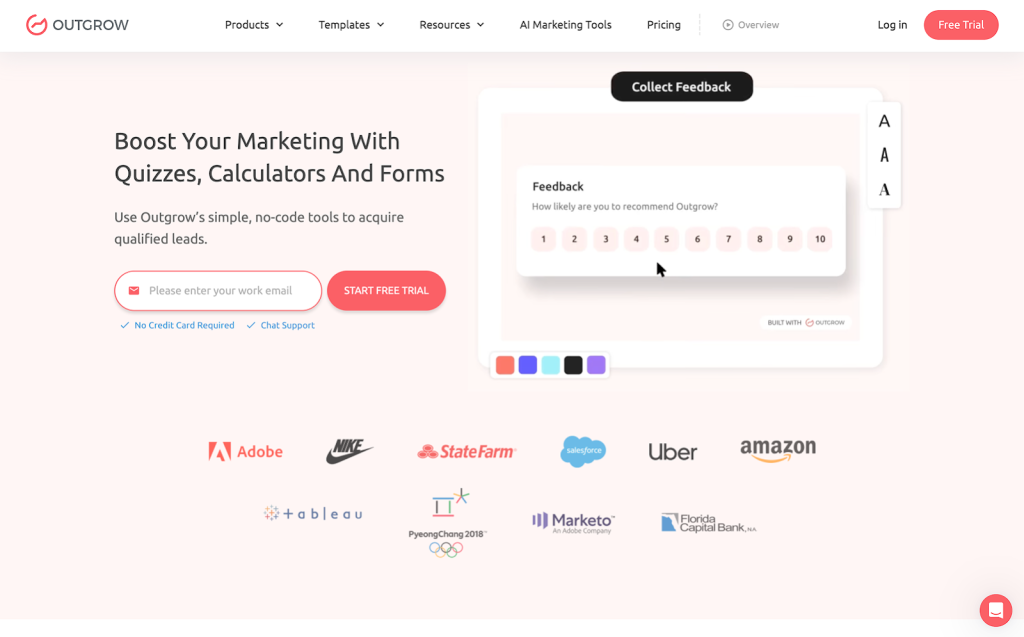
Outgrow is an interactive content platform purpose-built for lead generation. It lets you build ROI calculators, product recommendation quizzes, assessments, polls, chatbots, and graded tests.
Key features
- Interactive content types: Build calculators, quizzes, assessments, chatbots, surveys, polls, and product recommendations from a single platform.
- Outcome-based logic: Deliver personalized results and messages based on respondent answers and scores.
- 1,000+ Templates: A large library of ready-made, industry-specific interactive content templates.
- End-to-end analytics: Full funnel visualization showing visits, engagement, leads generated, and referrals.
- Flexible publishing: Embed as a pop-up, slider, inline widget, or standalone Outgrow-hosted page.
Pros
- Nice experience with interactive lead generation, calculators, and quizzes.
- Branding options
- Logic and formula controls.
Cons
- Steeper learning curve than simpler form builders
- Can be expensive for small businesses
- Not ideal for straightforward data collection; it’s overkill for simple contact forms.
Pricing
Free plan is available; however, it is hidden under the “Custom plans” tab. Paid plans start at $14/month (Freelancer) when paid yearly.
Ratings
Capterra – 4.8/5⭐ | G2 – 4.7/5⭐
8. Woorise
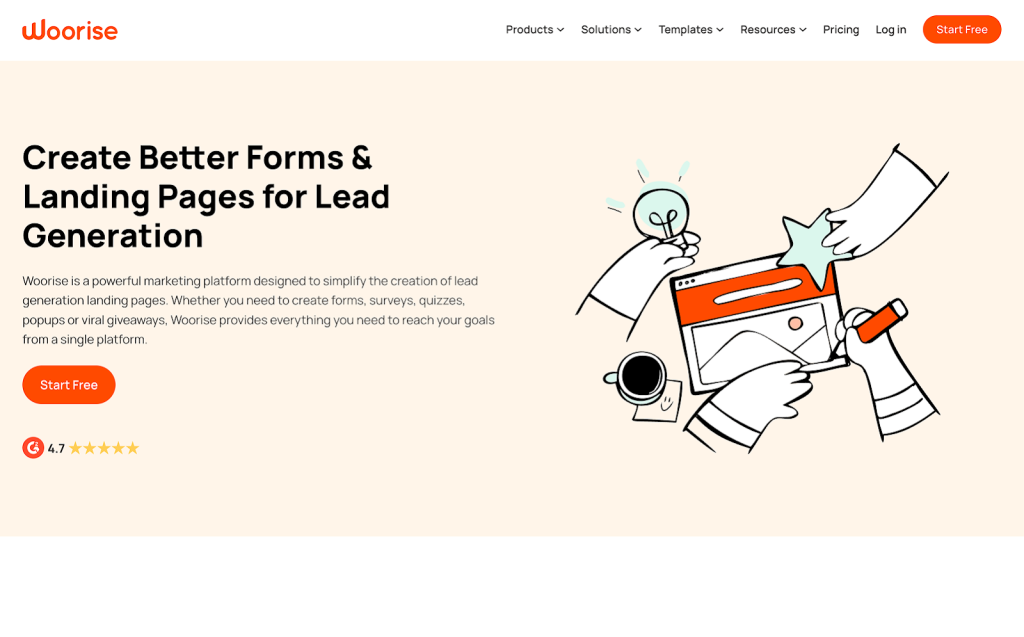
Woorise is a versatile lead generation and marketing platform that goes well beyond typical form builders. It combines forms, surveys, quizzes, landing pages, popups, and giveaway tools, all in one place. While Typeform focuses on conversational forms, Woorise adds gamification features such as sweepstakes, photo-voting contests, spin-to-win wheels, and viral referral campaigns.
Key features
- Conversational forms: One-question-at-a-time layout for higher engagement and completion rates.
- Giveaways & contests: Run sweepstakes, photo contests, and viral referral campaigns to grow your audience.
- Custom domain: Use your own domain or subdomain on the paid plan.
- Real-time analytics: Track campaign performance, entries, and conversion rates.
Pros
- Landing pages.
- Unlimited campaigns on all paid plans.
- Multilingual support.
Cons
- Interface can feel cluttered when building complex campaigns.
- Limited free plan: only 200 submissions per month, with no integrations.
- The template library is smaller than dedicated form builders like Jotform or forms.app.
Pricing
No free plan available on Woorise. Paid plans start at $23/month (Basic) with 1,000 entries. Higher plans include Grow at $39/month with 2,000 entries, and Pro at $79/month with 10,000+ entries, when paid yearly.
Ratings
Capterra – 4.7/5⭐ | G2 – 4.6/5⭐
9. SurveyLegend
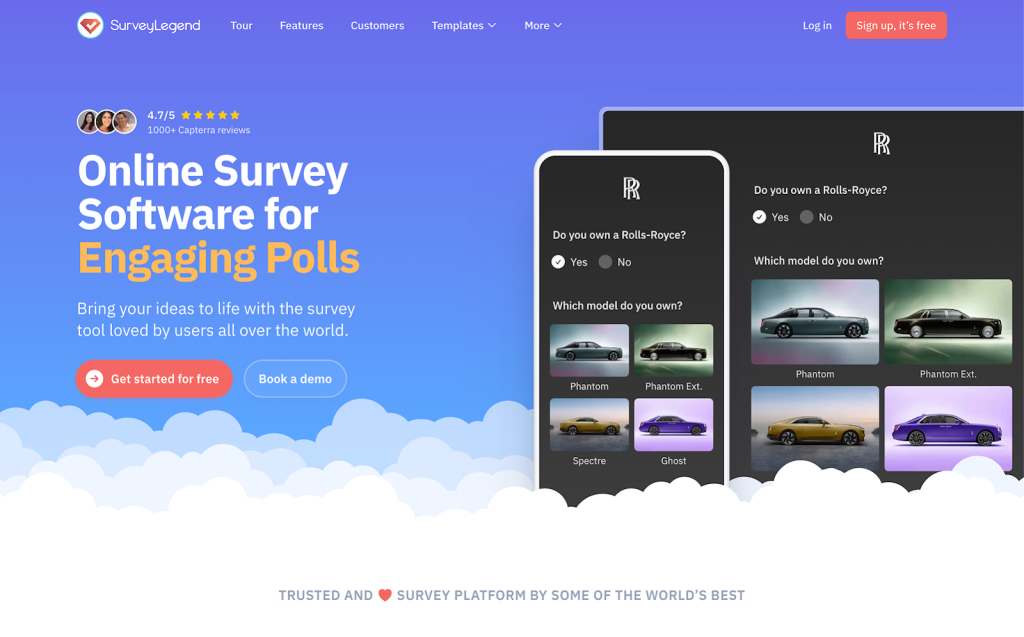
SurveyLegend is another survey and form builder with a strong focus on mobile experience. Its swipe-based interface is designed to feel like a native app on smartphones and tablets.
Key features
- Mobile-first design: Swipe-based, thumb-friendly interface optimized for smartphones and tablets.
- Real-time analytics: Live dashboards with charts, graphs, and data visualizations updated instantly.
- Data export: Export responses to CSV, PDF, and more (on paid plans).
Pros
- Nice mobile experience.
- Live analytics.
- Affordable entry-level pricing.
Cons
- The free plan is very limited, only 3 surveys, ads/watermarks on responses, and only 1 conditional logic.
- Advanced features like custom branding removal and webhooks require higher-tier plans.
- Fewer integrations compared to other form builders.
- Data export is restricted on lower plans.
Pricing
The starter plan is free with 3 surveys available. Paid plans start at $15/month, billed annually. Higher plans include Business at $25/month and Legendary at $65/month annually.
Ratings
Capterra – 4.6/5⭐ | G2 – 4.4/5⭐
10. YouEngage
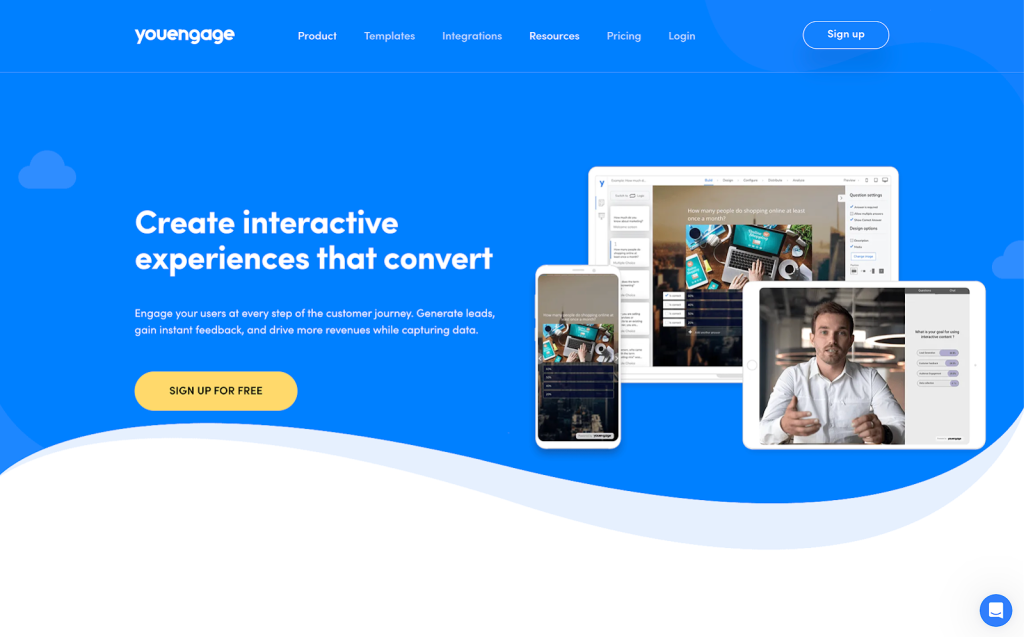
YouEngage is an interactive content platform designed to drive audience engagement at every stage of the customer journey. It lets you create quizzes, surveys, calculators, assessments, product recommendations, polls, and live Q&A sessions.
Key features
- Interactive content types: Quizzes, surveys, calculators, assessments, product recommendations, polls, and forms.
- Live engagement: Real-time polls, Q&A, and audience interaction tools for virtual events and webinars.
- Conditional logic: Branching and logic jumps for personalized respondent flows.
- Embedding & sharing: Embed on any website or share as a standalone link.
Pros
- Unique live engagement tools.
- Flexible pricing.
- Good mix of data-collection and audience-engagement tools.
Cons
- Smaller template library compared to more established platforms.
- Fewer integrations than other platforms.
- Some features (like a real-time leaderboard) are still in development.
- Less established brand than Typeform, forms.app, or Google Forms.
Pricing
Free plan available (100 responses/month). Paid plans start at approximately $19/month (billed annually).
Ratings
Capterra – 4.9/5⭐ | G2 – 4.5/5⭐
How to choose the right Typeform alternative
The right Typeform alternative depends on what’s actually holding you back with Typeform. Here’s a quick decision guide:
- If Typeform’s pricing is your main problem → forms.app gives you the same conversational experience at a fraction of the cost, with 100,000 responses/month available for $79.
- If you just need something free and simple → Google Forms requires no setup and has no response limits. It won’t win any design awards, but it works.
- If you need advanced features at a low price → Both forms.app and Formester offer AI form generation, auto-translation, PDF conversion, and payment support.
- If branding and visual design matter most → Paperform and forms.app lets you design forms in a much more flexible way with custom CSS support.
- If your team lives in Microsoft 365 → Microsoft Forms is already included in your subscription.
FAQs about Typeform alternatives
What is the best free alternative to Typeform?
Google Forms and forms.app are the strongest free options. Google Forms offers unlimited responses and deep Google Workspace integration, while forms.app provides a more modern Typeform-like experience with more submission limits on its free tier. If you want AI features and more advanced capabilities on a free plan, forms.app’s free tier includes conditional logic, e-signatures, and all 30+ field types.
Is there a cheaper alternative to Typeform?
Yes. forms.app starts at $29/month and lets you collect up to 100,000 responses per month for $79, while Typeform charges significantly more for comparable volume. The other Typeform alternatives on the list are good contenders, as well.
Do alternative tools have a conversational layout like Typeform?
Yes. Many Typeform alternatives have a one-question-at-a-time layout, similar to Typeform. Some form builders, like forms.app supports both a one-question-at-a-time step view (like Typeform) and a classic list view. You can switch between them depending on the use case, which Typeform doesn’t allow.
Final Thoughts
Typeform set the bar for engaging, conversational forms, but its price and limitations push many users to look elsewhere. The right alternative depends on your needs.
forms.app is the strongest all-around Typeform alternative in 2026. It matches Typeform’s conversational experience, adds a classic list view, and goes further with features like AI form generation, custom PDF generation, save-as-draft, and 5,000+ templates. Its pricing is far more transparent and affordable, you can collect up to 100,000 responses per month for $79/month, compared to Typeform’s significantly higher enterprise pricing.
In this article, we tried to list all the best Typeform alternatives that are worth trying in 2026. Regardless of your choice, you will find a solid form/survey building tool that you can use for your business safely and efficiently.

Find Trusted Cardiac Hospitals
Compare heart hospitals by city and services — all in one place.
Explore Hospitals
Nice article! It clearly explains different tools you can use instead of Typeform and shows their features, pros, and cons. Very helpful for anyone looking for a good form or survey tool to try in 2026