
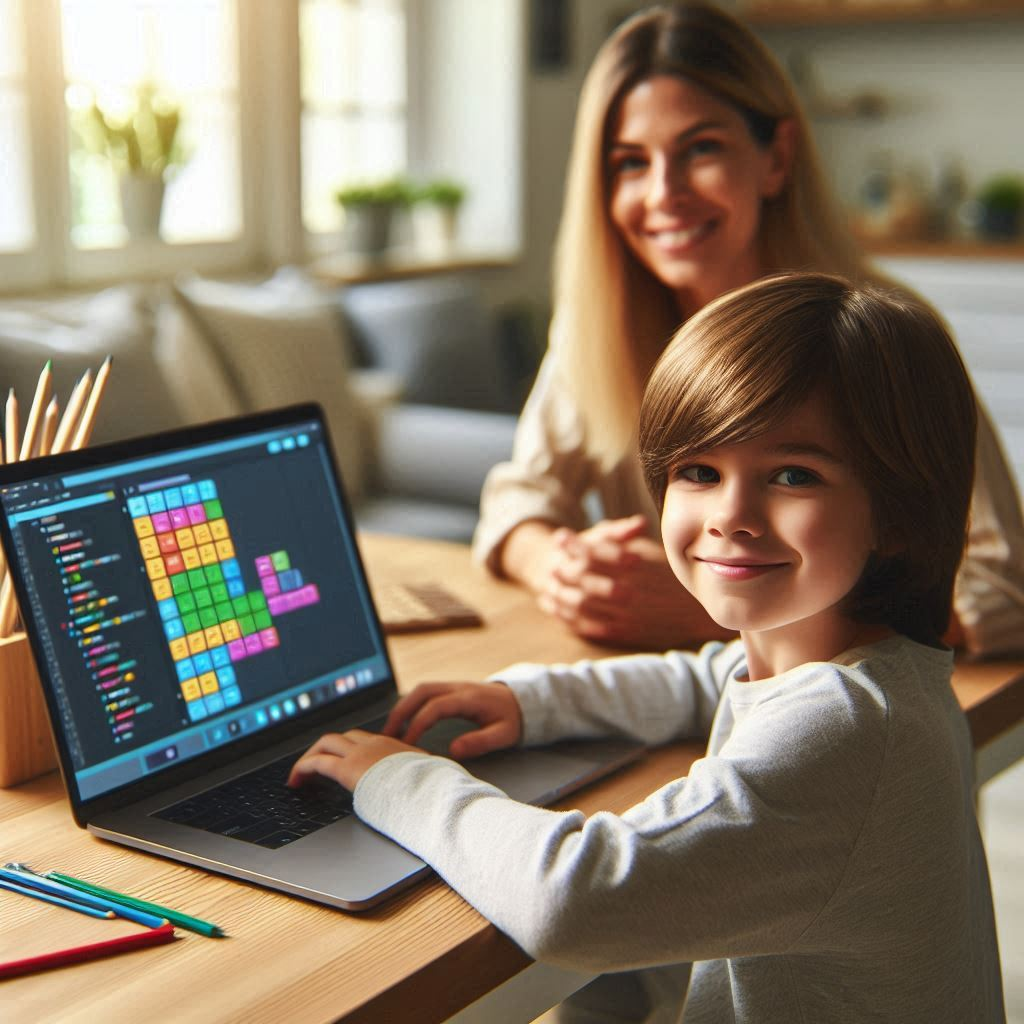
If your child is starting programming, they should start by learning how to think, then focus on learning a language. Before tackling syntax and screens full of text, kids need playful problem solving, creativity, and confidence.
Many parents assume coding begins with typing lines of Java or Python. In reality, strong programmers start by experimenting, asking questions, and building small projects that matter to them.
Start With Computational Thinking Before Code
Computational thinking may sound complex, but it is really about learning to approach challenges step by step. Kids practice it when they break a big task into smaller parts, notice patterns, and adjust their ideas until something clicks.
These habits strengthen performance across subjects, from math to writing, because children learn how to organize their thoughts clearly. You can build these skills without screens by asking your child to explain a game’s rules or outline simple daily tasks in order.
Use Visual Programming To Build Confidence
When your child is ready to use real coding tools, visual platforms make a welcoming starting point. Instead of typing complex symbols, kids snap together colorful blocks and focus on how their ideas connect. They learn more deeply when they build projects that matter to them, like a short animation or a simple game.
The aim is not memorizing commands but turning imagination into something interactive. Along the way, children strengthen patience and problem solving as they fix errors and try again with confidence.
Focus On Creativity Over Perfection
Children do not need to build perfect programs. They need room to experiment.
When kids treat coding like a creative studio instead of a test, they take risks. They remix ideas, add their own characters, and try new approaches. In a study discussed by the World Economic Forum, creativity and problem solving are among the most important skills for future careers. Your child practices both every time they design a small digital project.
Here are three simple priorities for beginners:
- Build small projects that feel personally meaningful
- Encourage questions instead of quick fixes
- Celebrate effort and iteration over flawless results
These habits shape how children see challenges. Programming becomes a playground, not a pressure cooker.
Why Support And Structure Matter
While free tools are helpful, guided learning can make a big difference. Children thrive when someone asks thoughtful questions, suggests new ideas, and models curiosity.
Many parents report seeing their child excited and engaged when learning through Coco Coders. Their live online classes focus on small group interaction, hands on projects, and age appropriate pathways starting as young as six. Instead of overwhelming students with heavy theory, they guide kids to build games, animations, and apps step by step.
Families often share that their children grow more confident not only in coding but also in speaking up and explaining their ideas. That kind of growth reaches beyond the screen and into school presentations and everyday problem solving. Supportive mentorship turns programming into a social and creative experience.
Choosing The Right First Language
After visual programming, text based languages like Python or JavaScript can be a natural next step. Python is often recommended for beginners because its syntax is readable and clean.
However, the language matters less than the mindset. A child who understands loops through a simple game will grasp them again in Python. A child who has practiced debugging patiently will approach text based code with resilience.
Coding today is viewed as a new form of literacy. For your family, that does not mean rushing into advanced topics. It means giving your child steady exposure and encouragement.
Helping Your Child Take The First Step In Programming
The most important first lesson in programming is curiosity. Encourage your child to wonder, “What will happen if I test this idea?” and then allow ample time for open exploration. Begin with simple computational thinking skills, then introduce fun visual coding tools, and emphasize creativity before diving into harder concepts.
When kids feel proud of something they designed themselves, the world of coding feels exciting instead of intimidating. If you are considering guided support, look at how programs like Coco Coders fit your child’s personality and goals, and reach out to DevOpsSchool.com to discuss next steps.

Find Trusted Cardiac Hospitals
Compare heart hospitals by city and services — all in one place.
Explore Hospitals
Informative article showing that choosing the right first programming skill depends on a child’s age, interest, and learning style.
Thanks for this thoughtful guide! I really liked the emphasis on building computational thinking and creativity before diving into syntax — it makes programming feel more like exploration than work. The advice on starting with visual coding tools and fun projects first helps make learning less intimidating for kids. It’s also great that you mentioned moving to text‑based languages like Python or JavaScript when they’re ready, as that gives direction without pressure. Very helpful for parents deciding where to begin!