
Software engineer completes two week sprint closes final Jira ticket and then realises sprint review is in four hours and there are zero slides. The dashboard for monitoring is looking good. The runbook is rock-solid. But none of it makes for a devops presentation a product manager or VP of Engineering can follow without straining at terminal screenshots copied into Powerpoint.
Most of the time spent by DevOps teams is in the space between doing the work and communicating the work. AI for PowerPoint presentations has evolved beyond generic template generators. The latest generation of tools reads tech docs, parses thick PDF reports, and outputs organised devops slides that really hold up in a conference room. These seven tools are categorised by what they really do. There’s a distinct divide between the ones that advise and the ones that act.
The Three Important Categories
Before the list. One distinction that saves the most terrible tool picks. Almost anything sold as an “AI presentation tool” falls into one of three buckets:
- Generators fill your content with the whole deck. You revise and edit. It is the speed.
- Collaborators let numerous people develop and edit a deck at the same time. The value is co-ordination.
- Design engines are about visual refinement and visualisation of data. What counts is impact.
When a tool says it “automates your presentations”, your first query should be which of those does it actually do. A generator that can produce a rough draft in two minutes addresses a different challenge than a design engine that can make one slide appear flawless in twenty. Read with this lens on.
Quick Reference
| Tool | Category | Best For | Export |
| Slideonic | Generator | PDF/DOCX to slides | PPTX, PDF |
| Decksy | Generator | Prompt to deck | PPTX, Google Slides |
| Canva | Design engine | Brand-aligned decks | PPTX, PDF, link |
| Prezi | Collaborator | Spatial system diagrams | PPTX, PDF, link |
| Figma Slides | Design engine | Pixel-perfect conference talks | PPTX, PDF |
| Miro | Collaborator | Retros and workshops | PDF, image |
| Visme | Design engine | Data-heavy executive reports | PPTX, PDF, HTML |
1. Slideonic
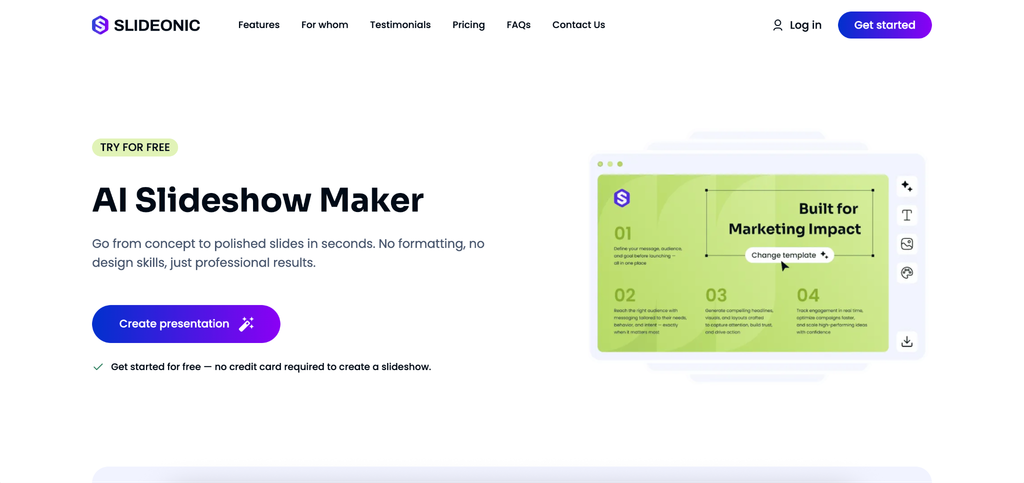
Most DevOps teams already write their technical documentation as a PDF. Architecture decision documents, runbook summaries, incident post-mortems, quarterly infra reports. The content is not suffering. There is content. It’s hard to turn a 15-page PDF into a clear devops PowerPoint presentation because you have to copy and paste text onto blank slides one block at a time and then spend an hour formatting for nothing that no one will remember.
A straight upload here is the first step in the process. The tool takes a PDF, DOCX, or TXT file and looks at the structure of the file before making anything. First, you get an outline that you can change. This is more important than it sounds. Teams that choose PDF to PPT with Slideonic also get a fully editable deck sent to PowerPoint or Google Slides, ready for the last minute changes before the conference. The outline-first method lets the presenter decide how the story makes sense, and the technology takes care of the visual style.
| Plan | Price |
| Free tier | 1 presentation a day, no credit card needed |
| 7-day trial | $2.00, full premium access |
| Monthly | $14.99/month |
| Annual | $9.99/month, payable annually |
The honest read: this tool has a place when you’ve got your source content already in document form. The teams that get the most value here are the ones that produce strong runbooks and post-mortems, because the heavy lifting of creating the information is already done. The AI takes care of the formatting layer, which is exactly the portion nobody wants to perform at 4 PM before a sprint review.
2. Decksy
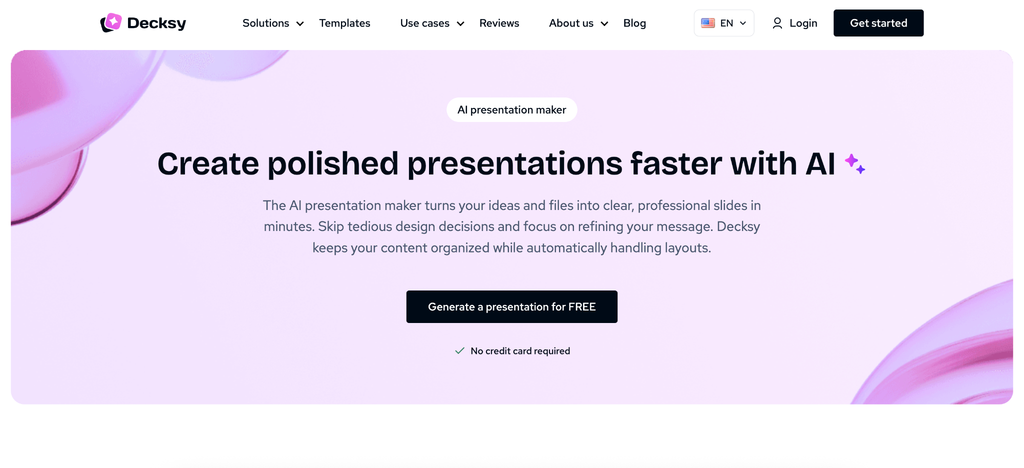
Decksy overcomes another problem. There is no document. No PDF. A 300-word account of what occurred during this sprint, typed into a prompt box. Within two minutes, you’ll have a 12-slide deck in your inbox as a native PowerPoint or Google Slides file that needs only minimal data edits.
Speed is the selling pitch and it’s real. Sprint review prep that used to take an evening now takes the time of a coffee break. Submit the brief, get back a shareable devops slide deck in nearly no time. The Chrome addon makes it even faster for teams that present weekly to utilise again and again.
- 7-day access: $2.00
- Monthly: $19.99 per month
- Annual: $9.99 per month, paid annually
The trade off is control. Speed you get, structural perfection you don’t. The outcome is a good first draft, not a polished project, and the tool does its best when your expectations match that reality.
3. Canva
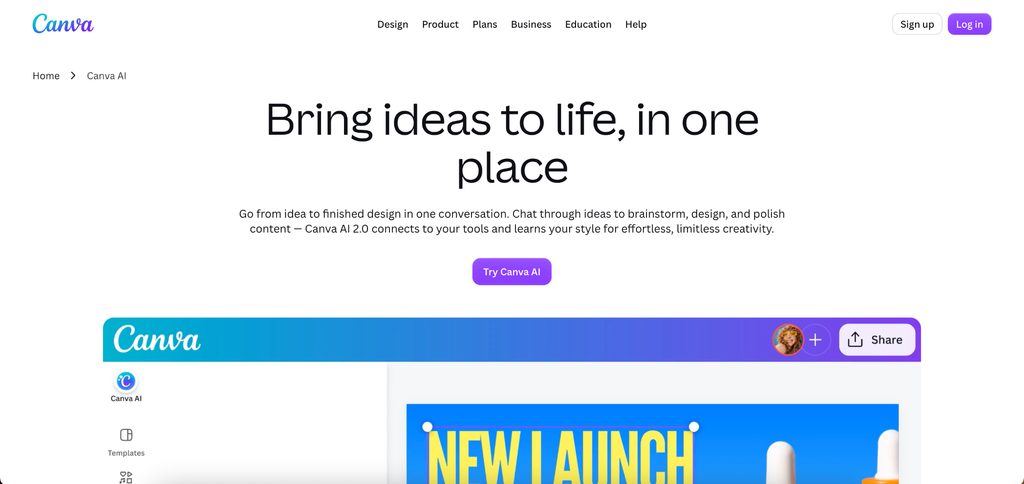
Canva is still the easiest way to begin with AI tools for business presentations, no matter the size of your team. The AI design assistant offers layouts based on copied content, creates backdrop images, and maintains consistent branding across each slide. DevOps teams benefit from a variety of templates, including network topology layouts, process flow templates and dashboard summary formats.
How and Why DevOps Teams Use It
It’s important for a tech team to keep the brand consistent at a large scale when they regularly deliver to many stakeholders. Once you set the colours, fonts, and logos. No changes are made by hand to any new devops presentation template; they all follow company standards. Multiple engineers can work on the same deck at the same time with real-time teamwork. When the deck is finished, it can be exported to PPTX, PDF, or a link that can be shared.
Canva is great for teams that need to make professional decks for regular presentations to people who aren’t tech-savvy but have an interest in the project. For most uses, the free option is enough.
4. Prezi
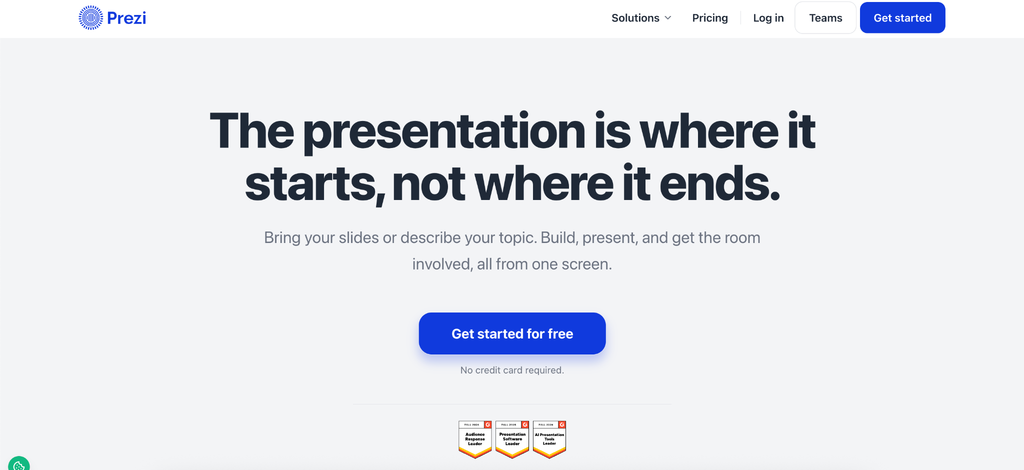
Prezi offers a very distinct approach to devops presentation ideas. It is not a slide presentation that moves in sequence, but a spatial canvas from which the presenter zooms from one topic to another. That method is amazingly effective for teaching complex devops workflow tools since that’s how engineers actually think about systems: interconnected components rather than serial bullet points.
This description of a CI/CD pipeline is a zoomable map with each stage blown up in its own detail view. First the viewer gets the big picture, then the details. The AI assistant takes pasted text and develops initial canvas layouts, then offers visual hierarchy depending on how the content relates.
Prezi is good for live presentations when the presenter controls the flow. The format doesn’t work as well with emailed or self-served decks since the spatial navigation is not quite as effective without narrative. Basic tier with limited functionality. Standard plans start at $7 per month.
5. Figma Slides
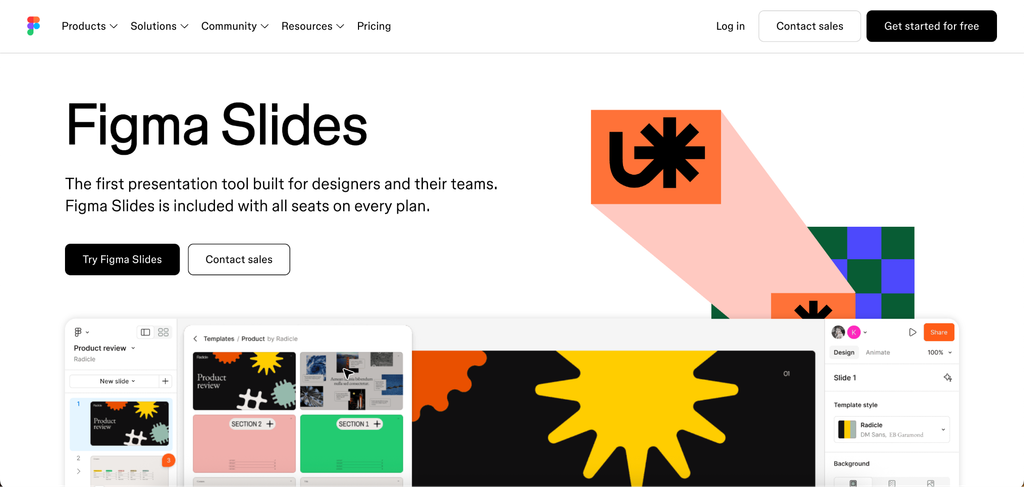
Figma developed an independent Slides product with AI to build layouts, recommend fonts, and auto-arrange blocks of material. The best AI presentation software is in a familiar environment for DevOps teams already using Figma for UI work or internal tooling design.
The strength is the precision of design. Engineers that need pixel-perfect devops slides for conference talks or executive briefings receive control that template-based technologies can’t match. AI conducts initial layout generation. From there the designer polishes. The price is time. Figma Slides is overkill for teams that need a quick deck for a Tuesday standup. The technology pays for itself when you have a presentation important enough to merit the extra polish.
6. Miro
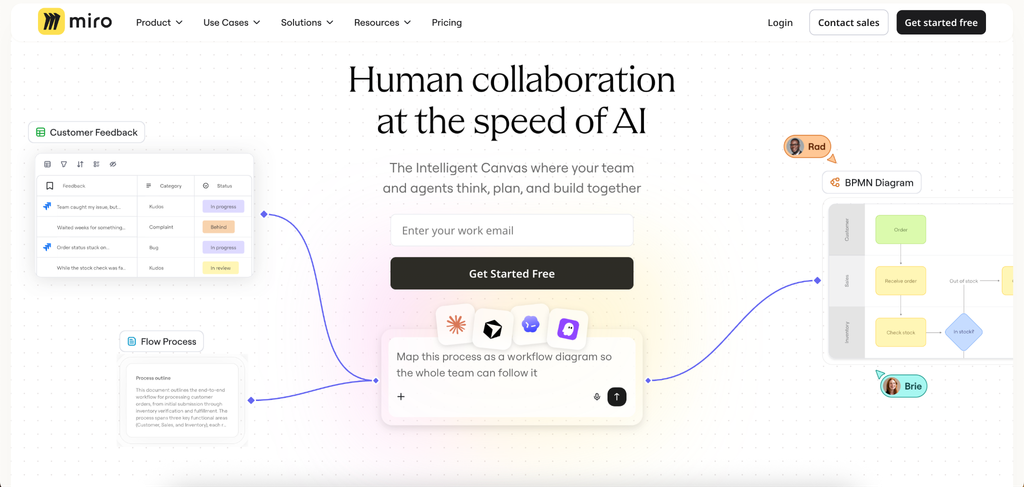
Miro is not a standard presentation tool and that’s exactly why it works for some devops presentation topics. The endless whiteboard is out-of-the-box for architecture diagrams, retrospective boards, and workflow maps.
- Ideal for collaborative workshops and retrospectives
- Real-time editing for several users in dispersed teams
- Integrates with Jira, Confluence, Slack
- AI assistant arranges sticky notes and flowcharts into ordered layouts
- Free tier for up to three editable boards
DevOps teams that conduct remote retrospectives or collaborative planning sessions can develop the presentation right in the workspace where the real thinking happens. No export stage. No reformatting. The presentation is the board itself.
7. Visme
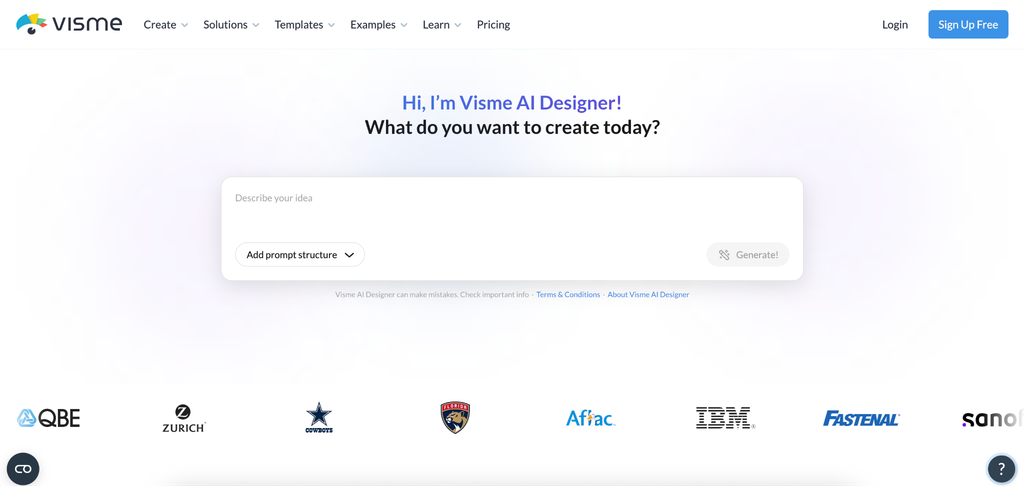
Visme blends AI presentation tools characteristics with advanced data visualisation capabilities. Raw data sets enter. Out come the charts, the infographics, the dashboard-style displays. The data-to-visual pipeline is more efficient than manually producing charts in PowerPoint for DevOps teams that need to present uptime metrics, incident frequency statistics, or infrastructure cost analysis to leadership.
Pricing
- Free tier with limited exports
- Starter: $12.25/month
- Business: $24.75/month with full data visualisation and brand kit
How to Make Decisions Without Overthinking
It’s about what you’ve already got.
PDF documentation, good to go? Slideonic.
A brief prompt or summary? Decksy.
Need executive polish for your brand? Canva.
Live explanations of complex systems? Prezi.
Conference talk that needs to look good? Figma Slides.
Workshop collaboration? Miro.
Executive summary driven by data? Visme.
For your next presentation, start with the lowest friction choice. Try the free tier on a low-stakes sprint evaluation. The time saved on a single deck usually pays for itself quickly, and the hours that go back into genuine engineering work are the ones that count the most.
In Conclusion
AI is used in DevOps to automate and monitor pipelines but also to do a lot more things. The presentation layer is vital. It may make or break months of hard work on the technical side that leads to leadership support, budget approvals, and team credit. All three tools are valuable at distinct parts of the devops presentation workflow. The ideal tool for you is the one that does what you want it to accomplish. Just take one and make it work for an actual delivery. The rest can wait.

I’m Rajesh Kumar, a DevOps, SRE, DevSecOps, Cloud, and Platform Engineering expert passionate about sharing practical knowledge, real-world experiences, and industry best practices. I have worked at Cotocus and regularly write about technology, travel, investing, health, product reviews, and digital marketing through my various platforms.
I publish technical articles at DevOps School, travel stories at Holiday Landmark, stock market insights at Stocks Mantra, health and fitness guidance at My Medic Plus, product reviews at TrueReviewNow, and SEO and digital marketing strategies at Wizbrand.
Find Trusted Cardiac Hospitals
Compare heart hospitals by city and services — all in one place.
Explore Hospitals