

What is HandBrake ?
Handbrake is an open-source video trans coder that is available for Linux, Mac and Windows and everyone can use Handbrake to create videos for free.Handbrake is used as a post-production tool. It is the easiest to convert videos from supported source formats to MP4, MKV or WebM format. If you wish to make changes to your source video, please use an appropriate video editing software. In addition, it can change your source video according to you.
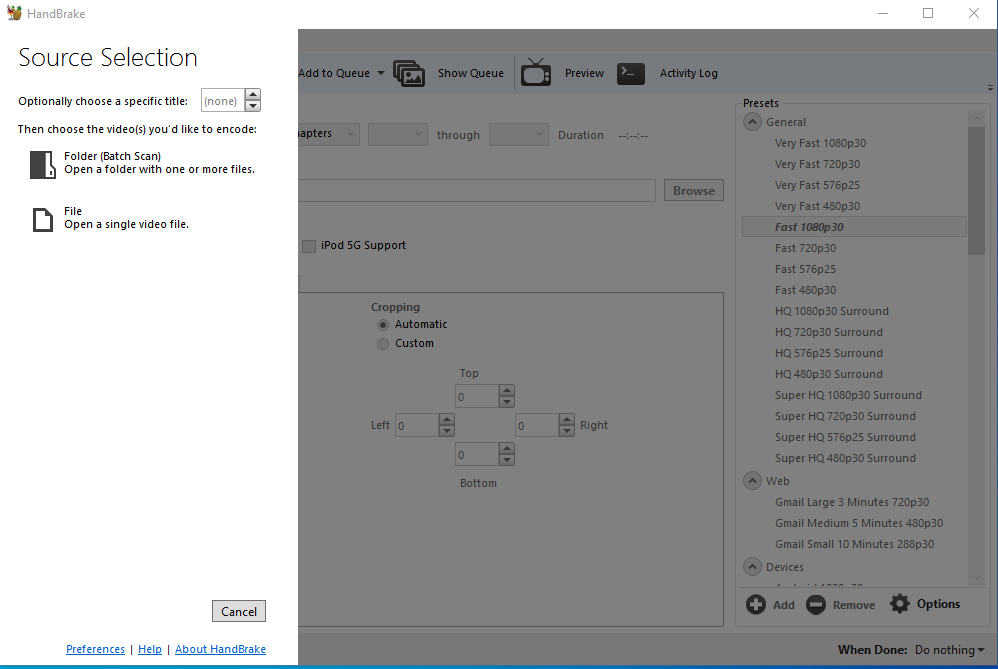
How Handbrake Software Works ?
Handbrake takes videos you already have and creates new ones that work on your computer, web browser, tablet, mobile phone, TV media player, or game console – almost anything that supports modern video formats.
Handbreak is helpful in working with the most common video files and formats, including editorial and professional video cameras, mobile devices such as phones and tablets, game and computer screen recordings, and DVD and Blu-ray discs. Handbrake also helps create new MP4, MKV, or WebM video files with tools like FFmpeg, x264, and x265.
Features of Handbrake Software
- Helps convert any video to MP4, MKV or WebM.
- resize video and Crop.
- Helps restore old and low-quality videos
- Remove comb artifacts due to telecine and interlacing.
- Pass-through audio without conversion to nearly audio types.
- Downmix discrete surround sound surrounded by matrix or feature stereo.
- Facility to adjust audio volume level and dynamic range for some audio types.
Handbrakes can also be helpful in making videos that are smaller – taking up less storage space on your device – than the original.
Drawbacks of Handbrake software?
- Cannot mix multiple video clips in one video.
- cocktails Make.
- Create AVCHD,Blu-ray or DVD discs.
Handbrake software also does not defeat or circumvent copy protection in any way. It does not work with video files employing digital rights management. This includes but is not limited to, copy protected content from iTunes, Netflix, Amazon Video or other online providers, and many Blu-ray discs and commercial DVD . Applications such as Any DVD HD for Windows and Make MKV for Mac and Linux can make copies of Blu-ray discs and DVDs that can open handbrakes, reduce wear on the original discs, and often corrupt or otherwise break up discs. Can fix errors caused by.
Do not use handbrake software or any other application to copy content for which you do not have the copying rights.

I’m Rajesh Kumar, a DevOps, SRE, DevSecOps, Cloud, and Platform Engineering expert passionate about sharing practical knowledge, real-world experiences, and industry best practices. I have worked at Cotocus and regularly write about technology, travel, investing, health, product reviews, and digital marketing through my various platforms.
I publish technical articles at DevOps School, travel stories at Holiday Landmark, stock market insights at Stocks Mantra, health and fitness guidance at My Medic Plus, product reviews at TrueReviewNow, and SEO and digital marketing strategies at Wizbrand.
Find Trusted Cardiac Hospitals
Compare heart hospitals by city and services — all in one place.
Explore Hospitals