
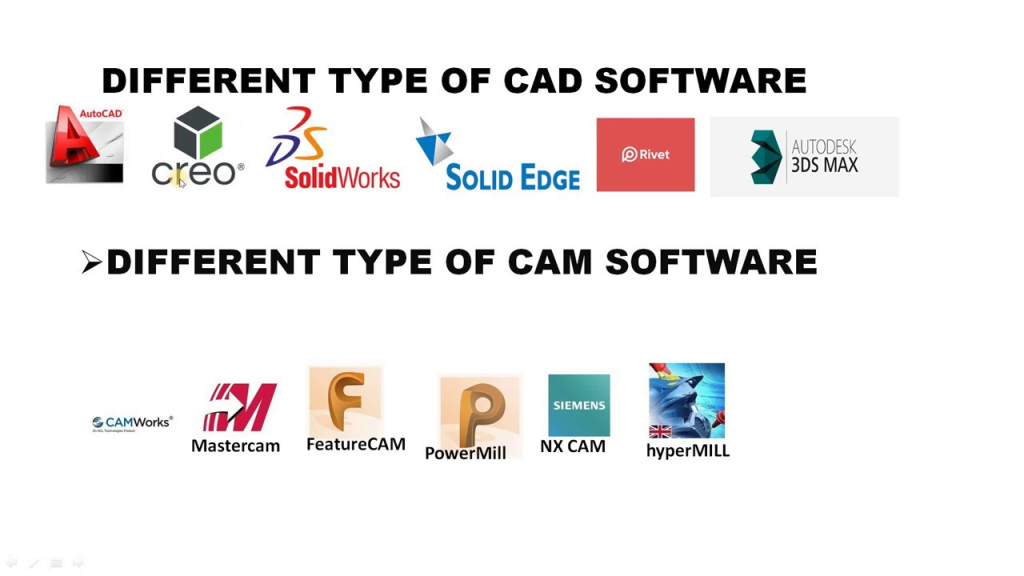
With the ever-evolving landscape of design and engineering, choosing the right Computer-Aided Design (CAD) tool is crucial. Here’s a breakdown of some leading options in 2024, categorized by their focus:
General-Purpose CAD:
- AutoCAD: The industry standard for 2D and 3D mechanical drafting and design, offering powerful features and extensive industry support.
- SolidWorks: Renowned for its robust 3D modeling capabilities, ideal for complex mechanical and product design.
- Onshape: A cloud-native platform offering seamless collaboration and scalable resources for diverse design needs.
- Fusion 360: A cloud-based platform combining design, simulation, and manufacturing in one, perfect for product development and prototyping.
- FreeCAD: A free and open-source option suitable for basic 2D and 3D modeling tasks.
Building Design and BIM (Building Information Modeling):
- Revit: A popular BIM software for architectural and structural design, offering comprehensive tools for building information management.
- ArchiCAD: A BIM solution specializing in architectural design, providing advanced features for generating documentation and visualizations.
- Bentley MicroStation: A versatile platform for infrastructure and civil engineering design, offering tools for various project types.
Specialized CAD:
- CATIA: A high-end CAD software for complex mechanical design, aerospace, and automotive industries.
- Creo: A powerful solution for parametric modeling and design automation, used in various manufacturing sectors.
- NX: A comprehensive platform for product design, simulation, and manufacturing, catering to diverse engineering needs.
The best CAD tool for you depends on several factors:
- Your industry and project needs: Consider the specific design tasks and level of complexity you’ll be dealing with.
- Budget: Evaluate the cost of the software, including licensing and subscription fees.
- Ease of use and learning: Assess the user interface and learning curve based on your team’s experience.
- Collaboration and file sharing needs: Check if the software facilitates collaboration and data sharing, especially for team projects.
- Interoperability: Ensure compatibility with other software your team or clients might use.
Tips:
- Explore free trials or demos to test different tools before committing.
- Consider cloud-based options for flexibility and scalability.
- Stay informed about the latest advancements and trends in CAD software.

Find Trusted Cardiac Hospitals
Compare heart hospitals by city and services — all in one place.
Explore Hospitals