
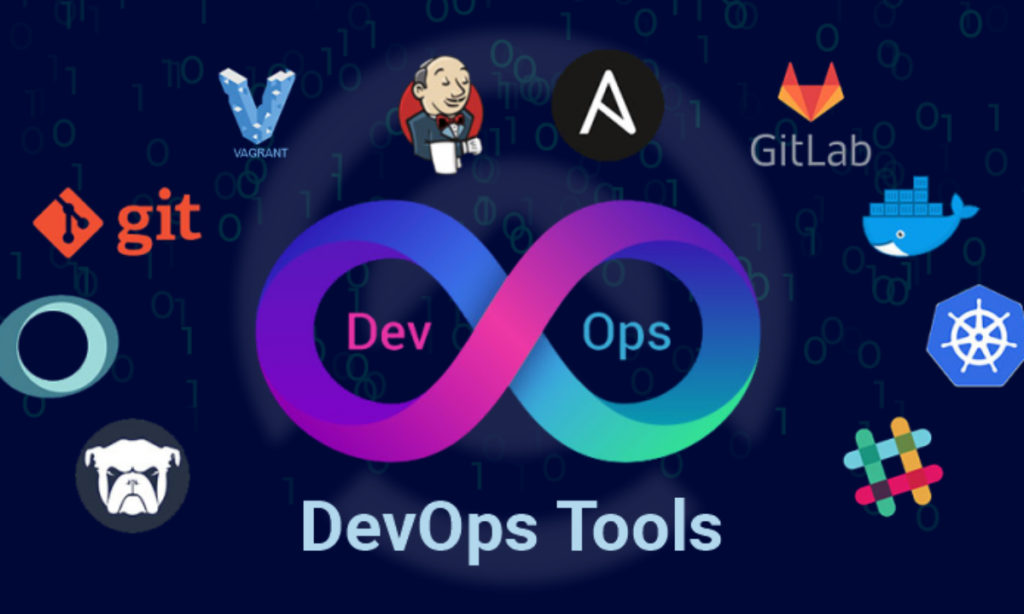
The following are the best DevOps security integration tools:
- Jenkins is a popular open source automation server that can be used to automate security checks throughout the DevOps pipeline.
- SonarQube is a continuous code analysis tool that can be used to find security vulnerabilities in code.

- OWASP Zed Attack Proxy (ZAP) is an open source web proxy that can be used to scan web applications for security vulnerabilities.
- Snyk is a cloud-based tool that can be used to scan for vulnerabilities in open source dependencies.
- QualysGuard Cloud Platform is a cloud-based vulnerability management platform that can be used to scan for vulnerabilities in applications, infrastructure, and cloud assets.
- Tenable.io is a cloud-based vulnerability management platform that can be used to scan for vulnerabilities in applications, infrastructure, and cloud assets.
- Checkmarx is an automated security testing platform that can be used to find security vulnerabilities in code.
- Fortify SCA is an automated security testing platform that can be used to find security vulnerabilities in code.
- WhiteHat Sentinel is a cloud-based security platform that can be used to find and fix security vulnerabilities in web applications.
These are just a few of the many DevOps security integration tools available. The best tool for you will depend on your specific needs and requirements.
When choosing a DevOps security integration tool, you should consider the following factors:
- The type of security vulnerabilities you want to find.
- The complexity and size of your codebase.
- Your budget.
- The level of automation you need.
- The level of integration with your existing DevOps tools.
It is also important to consider the security posture of your organization. If you have a lot of security vulnerabilities, you may need a more comprehensive tool that can scan for a wider range of vulnerabilities. If you are just starting out with DevSecOps, you may want to start with a less expensive tool that can help you get started.
No matter which tool you choose, it is important to integrate it into your DevOps pipeline so that security checks are performed automatically at every stage of the development process. This will help you to find and fix security vulnerabilities early, before they can be exploited by attackers.

👤 About the Author
Ashwani is passionate about DevOps, DevSecOps, SRE, MLOps, and AiOps, with a strong drive to simplify and scale modern IT operations. Through continuous learning and sharing, Ashwani helps organizations and engineers adopt best practices for automation, security, reliability, and AI-driven operations.
🌐 Connect & Follow:
Website: WizBrand.com
Facebook: facebook.com/DevOpsSchool
X (Twitter): x.com/DevOpsSchools
LinkedIn: linkedin.com/company/devopsschool
YouTube: youtube.com/@TheDevOpsSchool
Instagram: instagram.com/devopsschool
Quora: devopsschool.quora.com
Email– contact@devopsschool.com
Find Trusted Cardiac Hospitals
Compare heart hospitals by city and services — all in one place.
Explore Hospitals