
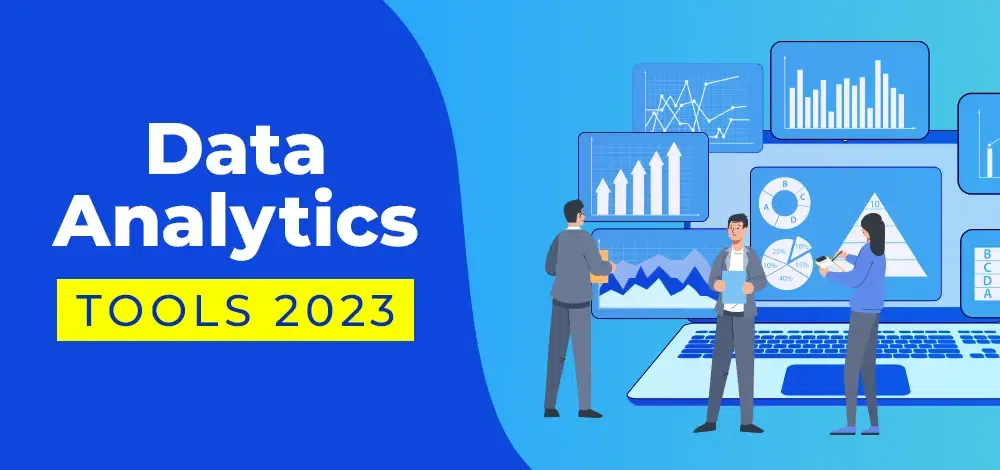
Have you ever felt overwhelmed with the amount of data you have to analyze? Well, worry no more! In this article, we have compiled a list of the best data analytics tools to help you make sense of your data.
What are Data Analytics Tools?
Before we dive into the list, let’s first define what data analytics tools are. Data analytics tools are software applications that help you collect, process, analyze, and visualize data. These tools enable you to gain insights from your data and make informed decisions based on those insights.
The List of Data Analytics Tools
- Tableau
- Google Analytics
- Microsoft Power BI
- Apache Spark
- IBM Watson Analytics
- SAS
- Python
- R
- QlikView
- SAP BusinessObjects
Tableau
Tableau is a data visualization tool that allows you to create interactive dashboards and reports. It has a user-friendly interface and supports a wide range of data sources, including spreadsheets, databases, and cloud-based data. Tableau also offers advanced analytics features, such as predictive modeling and statistical analysis.
Google Analytics
Google Analytics is a free web analytics tool that helps you track website traffic and user behavior. It provides valuable insights into your website’s performance, including the number of visitors, their demographics, and their behavior on your site. Google Analytics also allows you to set up goals and track conversions.
Microsoft Power BI
Microsoft Power BI is a business analytics service that enables you to analyze data and share insights. It offers a range of data visualization options, including charts, graphs, and maps. Power BI also integrates with other Microsoft products, such as Excel and SharePoint, making it easy to import data from various sources.
Apache Spark
Apache Spark is an open-source data processing engine that allows you to process large data sets quickly. It supports multiple programming languages, including Java, Python, and Scala. Spark also offers machine learning and graph processing capabilities.
IBM Watson Analytics
IBM Watson Analytics is a cloud-based analytics platform that uses artificial intelligence (AI) to help you analyze your data. It offers natural language processing, which allows you to ask questions in plain English and get insights in real-time. Watson Analytics also offers predictive modeling and data visualization features.
SAS
SAS is a business analytics software that offers a range of tools for data analysis, data management, and predictive modeling. It supports multiple programming languages, including SAS programming, Python, and R. SAS also offers machine learning and deep learning capabilities.
Python
Python is a popular programming language that is widely used in data analytics and machine learning. It offers a range of libraries and frameworks for data manipulation, data visualization, and statistical analysis. Python is easy to learn and has a large community of developers.
R
R is another popular programming language for data analytics and statistical computing. It offers a range of packages for data manipulation, data visualization, and statistical analysis. R is open-source and has a large community of developers.
QlikView
QlikView is a data discovery and visualization tool that allows you to create interactive dashboards and reports. It offers a range of data visualization options, including charts, graphs, and tables. QlikView also supports a wide range of data sources, including spreadsheets, databases, and cloud-based data.
SAP BusinessObjects
SAP BusinessObjects is a business intelligence platform that offers a range of tools for data analysis and reporting. It supports multiple data sources, including spreadsheets, databases, and cloud-based data. BusinessObjects also offers advanced analytics features, such as predictive modeling and data mining.
Conclusion
In conclusion, data analytics tools are essential for businesses and individuals who want to make sense of their data. The tools listed above offer a range of features and capabilities for data analysis and visualization. Whether you’re a beginner or an experienced data analyst, there’s a tool on this list that can help you achieve your goals. So, go ahead and explore these tools to find the one that best suits your needs.

👤 About the Author
Ashwani is passionate about DevOps, DevSecOps, SRE, MLOps, and AiOps, with a strong drive to simplify and scale modern IT operations. Through continuous learning and sharing, Ashwani helps organizations and engineers adopt best practices for automation, security, reliability, and AI-driven operations.
🌐 Connect & Follow:
Website: WizBrand.com
Facebook: facebook.com/DevOpsSchool
X (Twitter): x.com/DevOpsSchools
LinkedIn: linkedin.com/company/devopsschool
YouTube: youtube.com/@TheDevOpsSchool
Instagram: instagram.com/devopsschool
Quora: devopsschool.quora.com
Email– contact@devopsschool.com
Find Trusted Cardiac Hospitals
Compare heart hospitals by city and services — all in one place.
Explore Hospitals