
Are you concerned about your data privacy? With the increasing amount of personal information we share online, it’s essential to take steps to protect it. Lucky for you, there are plenty of data privacy tools available to help keep your information secure. Here’s a list of some of the most effective tools out there.
VPNs
If you’re looking to keep your browsing habits private, a Virtual Private Network (VPN) is an excellent tool to consider. A VPN encrypts your internet connection, making it difficult for anyone to track your online activity or steal your personal information. Some popular VPNs include ExpressVPN, NordVPN, and Surfshark.
Password Managers
Do you use the same password for multiple accounts? If so, you’re putting yourself at risk for a data breach. Password managers like LastPass, Dashlane, and 1Password can help you generate and store complex passwords for all your accounts, so you don’t have to remember them all.
Ad Blockers
Online ads can be annoying, but they can also be a security risk. Malicious ads can infect your computer with malware or steal your personal information. Ad blockers like uBlock Origin and AdBlock Plus can help protect you from these threats.
Encrypted Messaging Apps
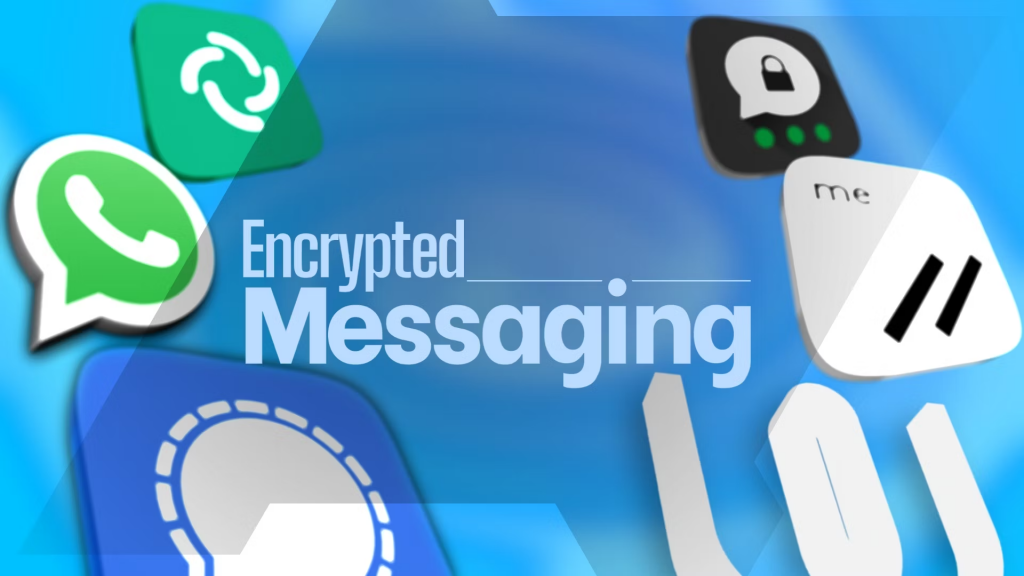
If you want to keep your conversations private, consider using encrypted messaging apps like Signal or WhatsApp. These apps use end-to-end encryption, meaning only you and the person you’re communicating with can read the messages.
Two-Factor Authentication
Two-Factor Authentication (2FA) adds an extra layer of security to your online accounts. With 2FA, you’ll need to enter a code in addition to your password to log in. This makes it much harder for hackers to access your accounts. Many popular services, like Google and Facebook, offer 2FA.
Privacy-Focused Browsers
If you’re concerned about online tracking, consider using a privacy-focused browser like Brave or Firefox. These browsers block third-party cookies and other tracking technologies, making it harder for advertisers to follow your online activity.
File Encryption Software
If you want to keep your files secure, consider using file encryption software like VeraCrypt or AxCrypt. These tools encrypt your files, making them unreadable to anyone without the decryption key.
Privacy-Focused Search Engines
If you’re tired of search engines tracking your every move, consider using a privacy-focused search engine like DuckDuckGo or StartPage. These search engines don’t track your searches or collect your personal information.
Firewall Software
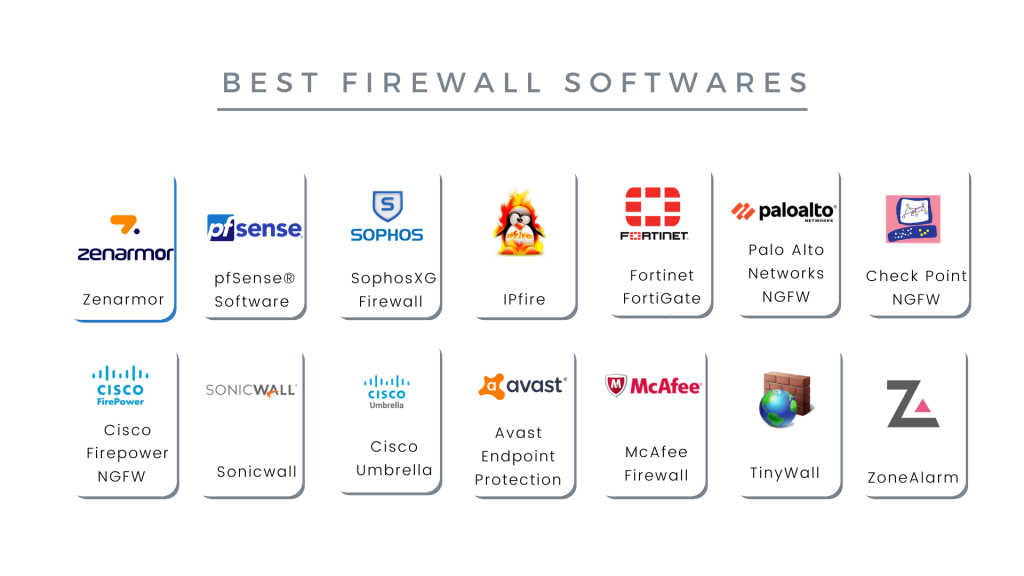
Firewall software like Windows Firewall or Norton Firewall can help protect your computer from unauthorized access. These tools monitor incoming and outgoing traffic to your computer, blocking any suspicious activity.
Anti-Virus Software
Last but not least, anti-virus software is a must-have for any computer user. These tools can help protect you from malware, viruses, and other online threats. Popular options include Norton, McAfee, and Avast.
In conclusion, there are plenty of data privacy tools available to help keep your personal information secure. From VPNs to anti-virus software, these tools can help protect you from online threats. So, take some time to explore the options and find the right tools for your needs. Your privacy is worth it!

👤 About the Author
Ashwani is passionate about DevOps, DevSecOps, SRE, MLOps, and AiOps, with a strong drive to simplify and scale modern IT operations. Through continuous learning and sharing, Ashwani helps organizations and engineers adopt best practices for automation, security, reliability, and AI-driven operations.
🌐 Connect & Follow:
Website: WizBrand.com
Facebook: facebook.com/DevOpsSchool
X (Twitter): x.com/DevOpsSchools
LinkedIn: linkedin.com/company/devopsschool
YouTube: youtube.com/@TheDevOpsSchool
Instagram: instagram.com/devopsschool
Quora: devopsschool.quora.com
Email– contact@devopsschool.com
Find Trusted Cardiac Hospitals
Compare heart hospitals by city and services — all in one place.
Explore Hospitals