
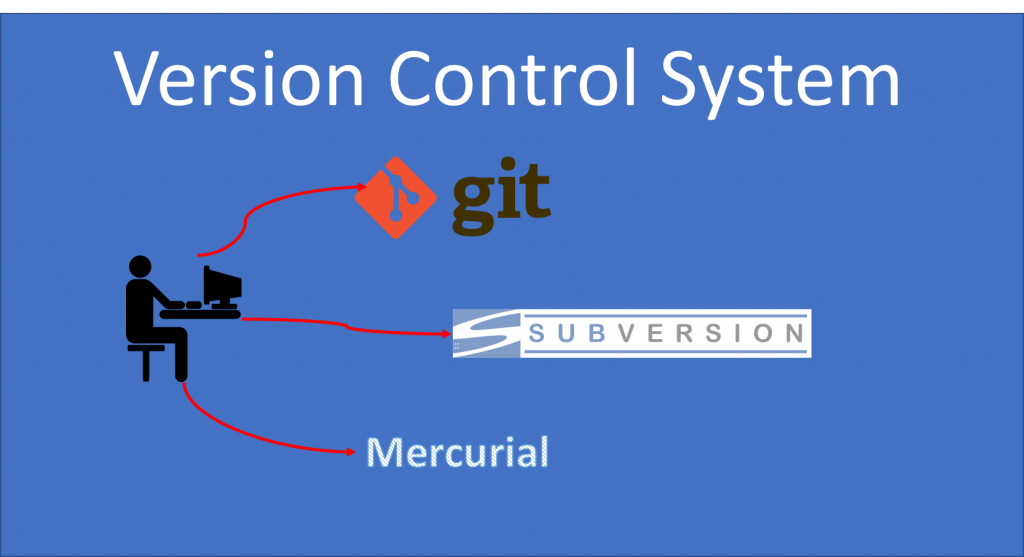
Version control systems (VCS) are an essential tool in the world of software development. They allow developers to keep track of changes made to code over time, collaborate with others on projects, and revert to previous versions if necessary. In this article, we will explore the basics of version control systems, including what they are, how they work, and why they are important.
What is a version control system?
At its core, a version control system is a tool that allows developers to track changes made to code over time. It allows them to see what changes were made, when they were made, and by whom. This is done by keeping a record of each change made to the code, along with a timestamp and the name of the person who made the change.
How do version control systems work?
Version control systems work by creating a repository, which is a central location where all code changes are stored. Developers can then make changes to the code locally on their own machines, and when they are ready to commit those changes to the repository, they can do so using a command-line interface or a graphical user interface.
When changes are committed to the repository, they are given a unique identifier, called a commit hash. This identifier allows developers to easily track changes and revert to previous versions if necessary. It also allows multiple developers to work on the same codebase at the same time, without worrying about conflicts between their changes.
Why are version control systems important?
Version control systems are important for several reasons. First and foremost, they allow developers to collaborate on projects more effectively. By keeping track of changes made to the code, developers can see what others have done and avoid conflicts between their changes.
Secondly, version control systems allow developers to revert to previous versions of the code if something goes wrong. This can be extremely helpful when dealing with bugs or other issues that arise during the development process.
Finally, version control systems can help with project management. By keeping track of changes made to the code, developers can see how the project has evolved over time and make informed decisions about future development.
Conclusion
In conclusion, version control systems are an essential tool for any software development project. They allow developers to track changes made to code over time, collaborate with others on projects, and revert to previous versions if necessary. By understanding the basics of version control systems, developers can work more effectively and efficiently, and ultimately deliver better software to their users.

👤 About the Author
Ashwani is passionate about DevOps, DevSecOps, SRE, MLOps, and AiOps, with a strong drive to simplify and scale modern IT operations. Through continuous learning and sharing, Ashwani helps organizations and engineers adopt best practices for automation, security, reliability, and AI-driven operations.
🌐 Connect & Follow:
Website: WizBrand.com
Facebook: facebook.com/DevOpsSchool
X (Twitter): x.com/DevOpsSchools
LinkedIn: linkedin.com/company/devopsschool
YouTube: youtube.com/@TheDevOpsSchool
Instagram: instagram.com/devopsschool
Quora: devopsschool.quora.com
Email– contact@devopsschool.com
Find Trusted Cardiac Hospitals
Compare heart hospitals by city and services — all in one place.
Explore Hospitals