
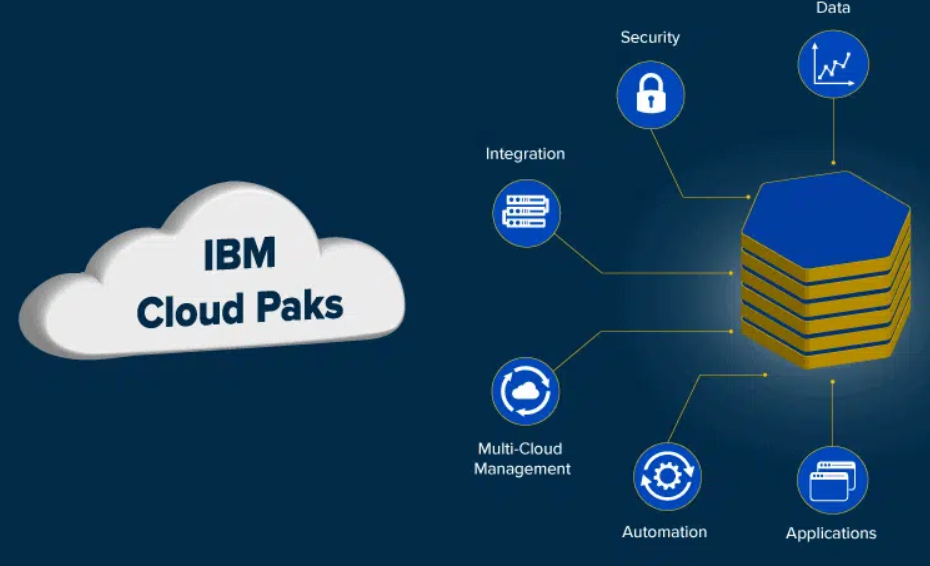
Cloud Pak is a term often associated with IBM’s cloud computing offerings. IBM Cloud Paks are enterprise-ready, containerized software solutions that provide a common operating model and set of services for running applications on any cloud. They are designed to help clients accelerate their journey to the cloud by providing a faster, more reliable way to modernize and move critical workloads.
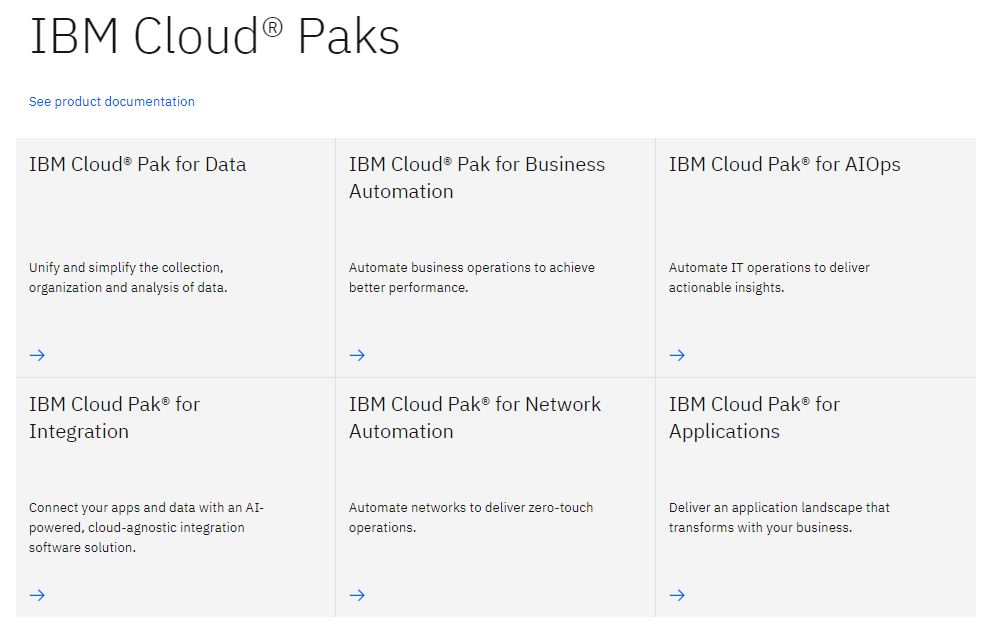
IBM offers Cloud Paks tailored for specific use cases such as application modernization, data and AI, integration, automation, and multicloud management. These Cloud Paks are built on Red Hat OpenShift, a leading enterprise Kubernetes platform, which provides the foundation for deploying and managing containerized applications across hybrid cloud environments.
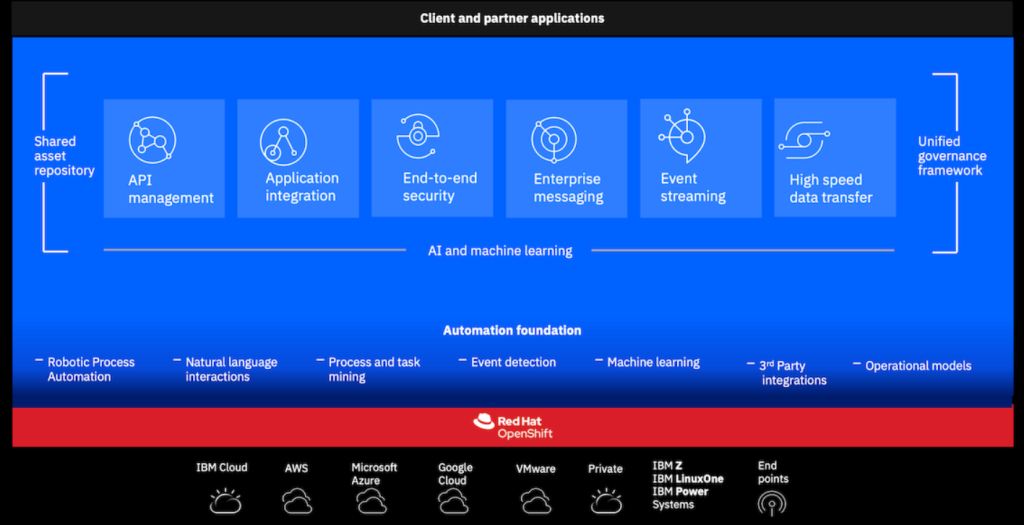
The aim of Cloud Paks is to simplify the process of building, deploying, and managing cloud-native applications, while also providing a consistent experience across different cloud environments. They enable organizations to leverage the benefits of cloud computing, such as scalability, flexibility, and agility, while also addressing the challenges of managing complex hybrid cloud environments.
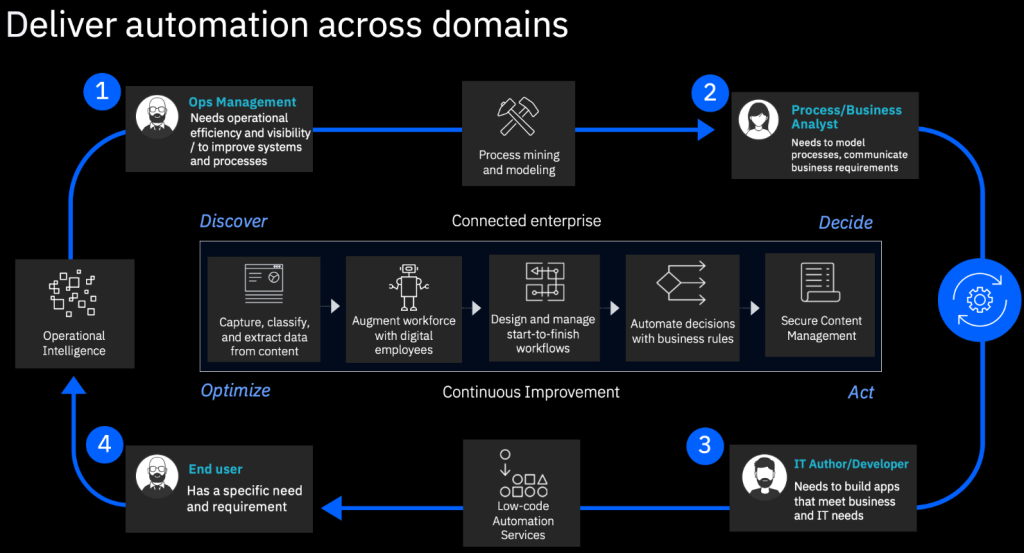
IBM Cloud Pak is a suite of pre-integrated software offerings designed to help businesses with digital transformation. It essentially provides tools and resources to :
- Modernize applications: Cloud Pak offers tools to update and improve existing applications to run in a cloud environment.
- Leverage AI and automation: The suite includes AI-powered features to automate tasks and gain insights from data.
- Implement a hybrid cloud strategy: Cloud Pak is designed to work across different cloud environments, including private and public clouds.
Here are some of the benefits of using IBM Cloud Pak:
- Increased agility and flexibility: By modernizing applications and automating tasks, businesses can become more responsive to change.
- Improved data utilization: Cloud Pak provides tools to better manage and analyze data, which can lead to better decision-making.
- Enhanced security: The suite includes security features to protect data and applications in the cloud.
Overall, IBM Cloud Pak is a comprehensive platform that can help businesses move their operations to the cloud, improve efficiency, and gain a competitive edge.
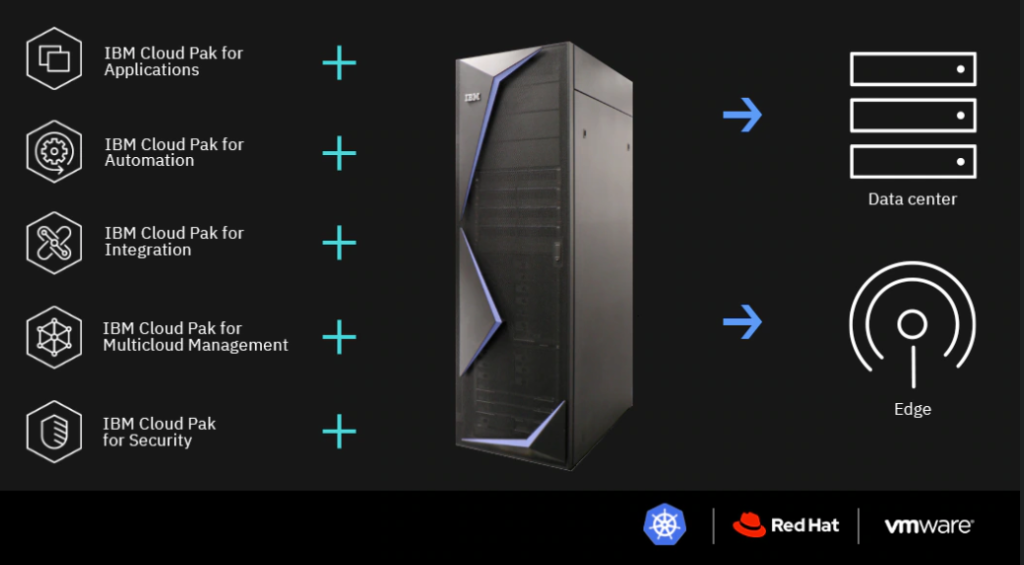
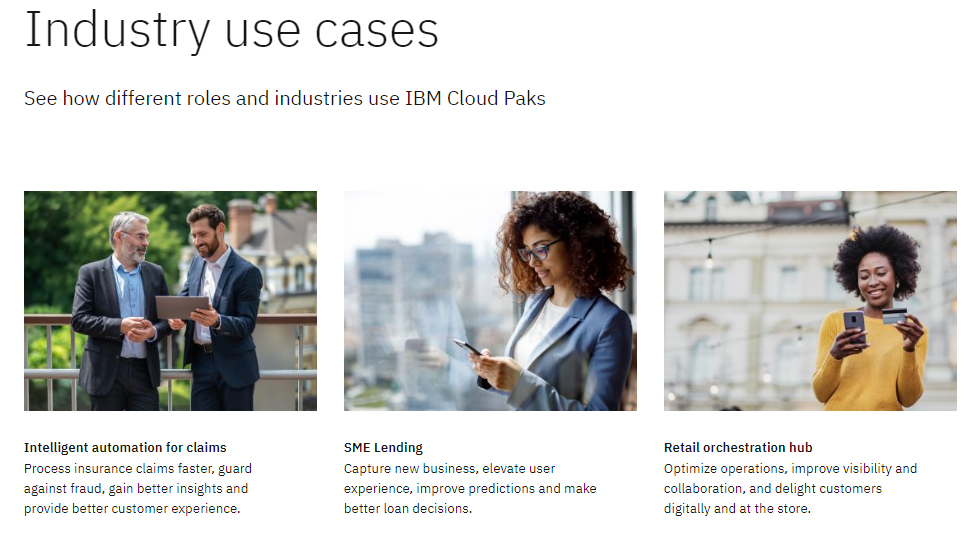
Industry Use Cases of Cloud Pak

I’m Rajesh Kumar, a DevOps, SRE, DevSecOps, Cloud, and Platform Engineering expert passionate about sharing practical knowledge, real-world experiences, and industry best practices. I have worked at Cotocus and regularly write about technology, travel, investing, health, product reviews, and digital marketing through my various platforms.
I publish technical articles at DevOps School, travel stories at Holiday Landmark, stock market insights at Stocks Mantra, health and fitness guidance at My Medic Plus, product reviews at TrueReviewNow, and SEO and digital marketing strategies at Wizbrand.
Find Trusted Cardiac Hospitals
Compare heart hospitals by city and services — all in one place.
Explore Hospitals





