Code editors are a crucial tool for developers and programmers alike. They allow the creation, modification, and testing of code for software applications and websites. In this article, we will explore what code editors are, how they work, and their importance in the world of software development.
What is a Code Editor?
A code editor is a software application that allows developers to write and edit source code. It is a tool that provides an environment for writing and debugging code for software applications and websites. Code editors come in both online and offline forms and provide a range of features that enable developers to write clean and efficient code.
How Do Code Editors Work?
Code editors work by providing a user interface that allows developers to write and edit code. They offer a range of features that help developers write clean and efficient code, including syntax highlighting, auto-completion, indentation, and error checking.
Syntax Highlighting
Syntax highlighting is a feature that highlights the syntax of the code being written or edited. This feature makes it easier for developers to read and understand the code they are working on.
Auto-Completion
Auto-completion is a feature that suggests code completions as developers type. This feature helps developers write code more efficiently by reducing the amount of typing required.
Indentation
Indentation is a feature that automatically indents code as it is written or edited. This feature helps developers keep their code organized and easy to read.
Error Checking
Error checking is a feature that checks code for errors as it is written or edited. This feature helps developers catch errors before they cause problems in their code.
Why Are Code Editors Important?
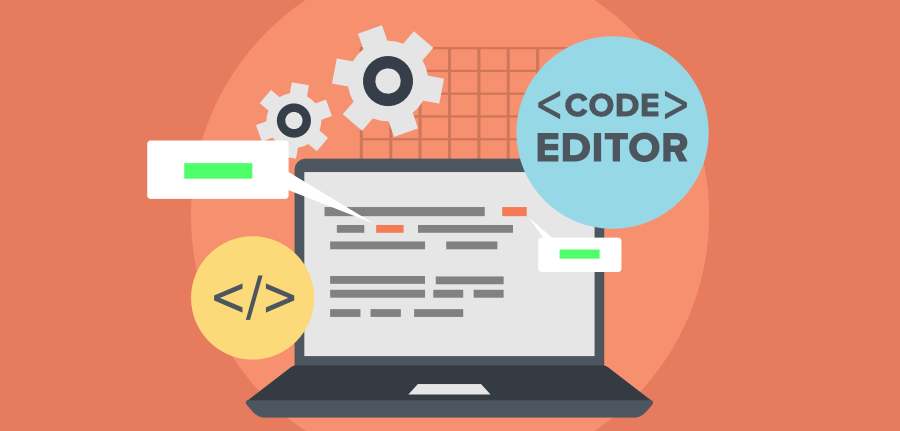
Code editors are important for several reasons. They help developers write clean and efficient code, reduce the amount of time required to write code, and catch errors before they cause problems in the code.
Clean and Efficient Code
Code editors help developers write clean and efficient code by providing features such as syntax highlighting, auto-completion, and indentation. These features help developers write code that is easy to read and understand, reducing the likelihood of errors and making it easier to maintain and update the code over time.
Time Savings
Code editors reduce the amount of time required to write code by providing features such as auto-completion and indentation. These features help developers write code more efficiently, reducing the amount of time required to complete a project.
Error Prevention
Code editors help prevent errors in code by providing features such as error checking. These features catch errors before they cause problems in the code, reducing the likelihood of bugs and other issues.
Conclusion
In conclusion, code editors are a crucial tool for developers and programmers alike. They provide an environment for writing and debugging code for software applications and websites, and offer a range of features that help developers write clean and efficient code. With the help of code editors, developers can save time, prevent errors, and create high-quality software applications and websites.

👤 About the Author
Ashwani is passionate about DevOps, DevSecOps, SRE, MLOps, and AiOps, with a strong drive to simplify and scale modern IT operations. Through continuous learning and sharing, Ashwani helps organizations and engineers adopt best practices for automation, security, reliability, and AI-driven operations.
🌐 Connect & Follow:
Website: WizBrand.com
Facebook: facebook.com/DevOpsSchool
X (Twitter): x.com/DevOpsSchools
LinkedIn: linkedin.com/company/devopsschool
YouTube: youtube.com/@TheDevOpsSchool
Instagram: instagram.com/devopsschool
Quora: devopsschool.quora.com
Email– contact@devopsschool.com
Find Trusted Cardiac Hospitals
Compare heart hospitals by city and services — all in one place.
Explore Hospitals