
The process of creating music has evolved significantly with the advent of artificial intelligence. Today, musicians, producers, and enthusiasts have at their disposal powerful tools that can generate songs, melodies, and even sound effects with just a few clicks. Among these advancements, free AI music generators stand out as a revolutionary way to produce music without the need for expensive software, musical instruments, or even deep knowledge of music theory. This guide delves into how anyone can harness the power of these AI song generators to create music tailored to their tastes or project needs.
Understanding AI Music Generators
AI music generators are sophisticated software systems that use artificial intelligence and machine learning algorithms to compose music. By analyzing vast databases of music and understanding patterns, rhythms, and harmonies, these generators can create original music pieces based on specific prompts provided by users.
Choosing the Right AI Song Generator
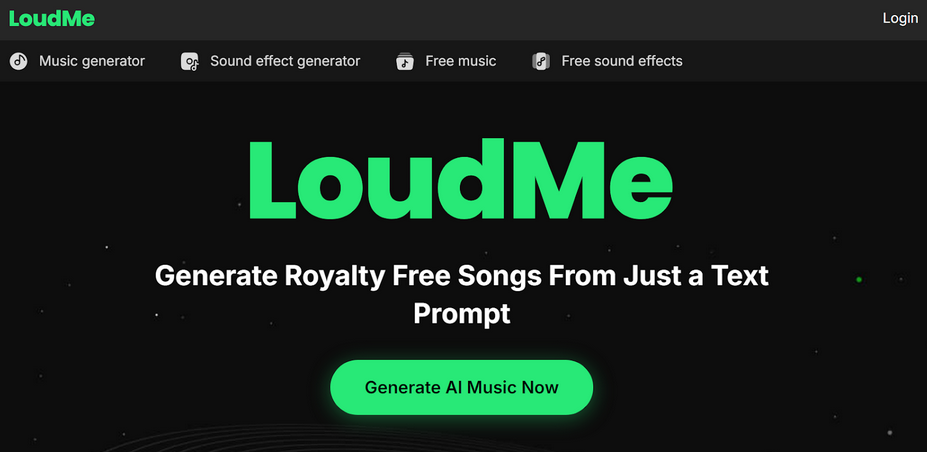
When embarking on your musical creation journey, the first step is selecting the right AI music generator. Factors to consider include genre versatility, the ability to customize songs, user interface simplicity, and, importantly, whether the generator offers compositions that are royalty-free for commercial use. A standout option that meets these criteria is LoudMe, a free AI music generator that provides vast functionalities suited for both beginners and seasoned musicians. It is designed to produce diverse and high-quality music that caters to a broad spectrum of musical tastes and project requirements.
Step 1: Setting Your Musical Preferences
Genre and Style
Begin by deciding the genre and style of music you wish to create. Whether it’s classical, pop, jazz, or electronic, clearly defining your music’s genre will guide the AI in generating the right composition. Specify any sub-genres or influences to add more depth to the music.
Mood and Theme
The mood and theme are crucial in conveying the intended feel of your music. Do you want it to be uplifting, somber, energetic, or calming? Envisioning the emotion and message you want to communicate will significantly influence the AI’s output.
Length and Complexity
Consider how long you want your track to be. Whether it’s a short jingle or a full-length song, most AI music generators allow you to set the desired length. Additionally, think about the complexity of the music. Do you prefer something simple and catchy, or complex and layered?
Step 2: Utilizing the AI Music Generator
With your preferences set, it’s time to input these into the AI music generator of your choice. Using LoudMe as an example, the process is straightforward. Users are prompted to type in a description of the song they’d like to generate, including genre, mood, and any specific instruments or effects they envision. This description ensures that the generated music closely aligns with your initial concept.
Step 3: Customization and Refinement
Tweaking the Composition
Once the AI generates the initial composition, review the music to see if it meets your expectations. Most AI music generators, including LoudMe, offer tools to tweak and refine the composition. You can adjust tempo, key, or even add or remove instruments.
Lyrics and Vocals
If your project requires vocals, some AI generators can synthesize vocal tracks. You might need to input lyrics, or in some cases, the AI can generate lyrics based on the song’s theme. This feature opens up new possibilities for creating complete and polished tracks.
Step 4: Finalizing and Downloading Your Music
After customizing your song to satisfaction, the next step is to finalize and download the composition. High-quality AI music generators provide options to download the music in various formats suitable for different uses, whether for digital listening, video background music, or other multimedia projects.
Step 5: Sharing and Using Your Creation
Understanding Copyrights and Royalties
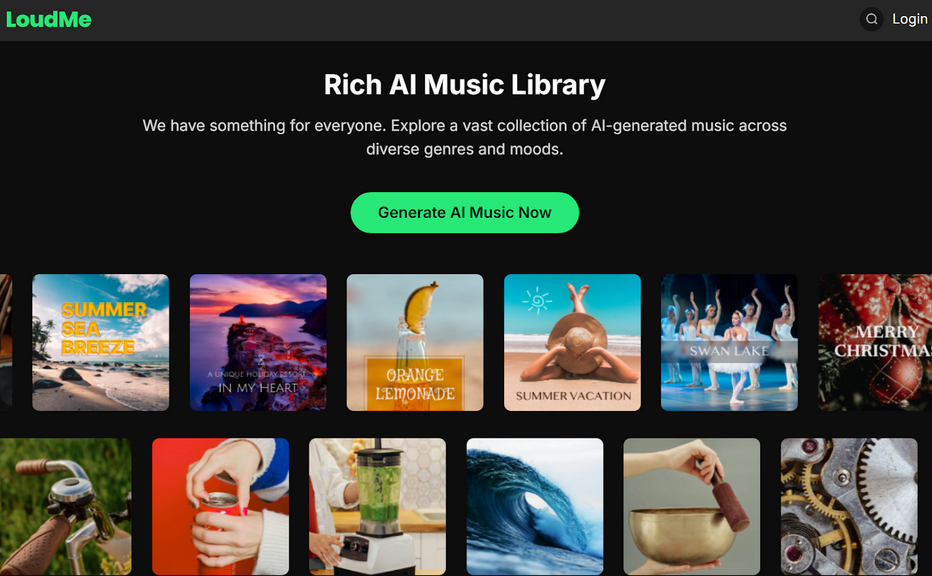
Before sharing or using your newly created music, understand the copyright and royalty terms provided by the AI generator. With LoudMe, all generated music is royalty-free, meaning you can use it for personal or commercial projects without worrying about copyright infringement.
Sharing Your Music
Whether you’re looking to share your creation on social media, streaming platforms, or use it as background music for videos or presentations, ensure the format and quality fit the medium. Engage with your audience by sharing the story behind your AI-generated music piece.
Conclusion: Unleashing Your Creativity with AI
AI music generators like LoudMe are transforming the landscape of music creation, making it more accessible, flexible, and fun. By understanding the capabilities and leveraging the tools these platforms offer, anyone can become a music creator. Whether you’re a seasoned musician looking for inspiration or a novice eager to explore the world of music production, free AI music generators provide an exciting starting point to unleash your creativity and bring your musical visions to life.
Embrace the future of music creation by exploring, experimenting, and creating with AI at your fingertips. The journey from conceptualization to sharing your unique composition with the world is now more accessible than ever.

👤 About the Author
Ashwani is passionate about DevOps, DevSecOps, SRE, MLOps, and AiOps, with a strong drive to simplify and scale modern IT operations. Through continuous learning and sharing, Ashwani helps organizations and engineers adopt best practices for automation, security, reliability, and AI-driven operations.
🌐 Connect & Follow:
Website: WizBrand.com
Facebook: facebook.com/DevOpsSchool
X (Twitter): x.com/DevOpsSchools
LinkedIn: linkedin.com/company/devopsschool
YouTube: youtube.com/@TheDevOpsSchool
Instagram: instagram.com/devopsschool
Quora: devopsschool.quora.com
Email– contact@devopsschool.com
Find Trusted Cardiac Hospitals
Compare heart hospitals by city and services — all in one place.
Explore Hospitals