
Every comparison of these tools starts in the same place. How real does the face look? Does the mouth match the words?
That question stopped being useful about a year ago. Nearly every serious platform now clears the bar for corporate video. What separates them is duller and far more expensive to get wrong: what you pay once the trial becomes a real program, and how many markets you can publish into without booking another recording session. Every price below came from the vendor’s own pricing page.
How we picked and ranked these tools
Four things, weighted in this order.
Language and voice coverage came first, because it is the hardest thing to fix later. Published pricing came second, since a tool that hides its entry cost behind a sales call is one you cannot budget for. Then how many avatars you actually get per plan, including the option to build your own. Finally export and governance, meaning SCORM, single sign-on, API access and security certifications.
We left out tools that make static profile pictures or cartoon characters. We also left out platforms whose entry pricing we could not confirm from a single authoritative source, which is why this is a list of eight rather than a rounder number.
What these tools actually do
You write a script. The platform gives you back a video of a digital presenter saying it on camera. No studio, no crew, nobody to book.
The part that matters commercially comes later. A filmed video is frozen the second it renders, so a product name change means a reshoot. This kind of video stays editable, and you can swap the language without touching anything else.
The eight platforms at a glance
| Platform | Entry paid plan | Free plan | Languages | Library | Best for |
| Synthesia | $29/mo ($18 annual) | Yes, no card | 160+ | 240+ stock | Enterprise training and multilingual video |
| Colossyan | $27/mo ($19 annual) | Yes | 70+ | 110+ on Business | Interactive e-learning and quizzes |
| DeepBrain AI Studios | $24/mo | Yes, 3 videos/mo | 80+ | 100+ | Corporate presenters and slide conversion |
| Vidnoz | $26.99/mo ($19.99 annual) | Yes, 3 min daily | 140+ | Full on Starter | Solo creators on a tight budget |
| Akool | $30/mo ($15 seat annual) | Yes, watermarked | 150+ | Streaming avatars | Live and real-time avatars |
| Creatify | $39/mo | Yes, watermarked | Varies by model | 300+ actors | Ad creative built from product URLs |
| Elai.io | $29/mo (~$23 annual) | Trial only | Not published | Custom import | Turning documents into video |
| D-ID | $4.70/mo annual | 14-day trial | 100+ | Photo animation | Animating a single photograph |
All pricing verified against vendor pricing pages in 2026. Credit systems and caps move constantly, so treat these as starting points.
What you will really pay
Entry plans run from about $4.70 to $39 a month. Realistic business use lands between $29 and $99. Enterprise deals are custom quoted and usually include unlimited minutes.
The advertised entry price is rarely what a business pays. D-ID is the clearest case. Its $4.70 Lite plan sounds unbeatable until you notice it is watermarked, capped at 512px and licensed for personal use only.
Here is what the platforms billing by the minute actually work out to:
| Plan | Monthly | Minutes | Per minute |
| Colossyan Starter | $27 | 20 | $1.35 |
| Vidnoz Starter | $26.99 | 15 | $1.80 |
| Elai.io entry | $29 | 15 | $1.93 |
| Colossyan Business | $88 | 40 | $2.20 |
| Synthesia Starter | $29 | 10 | $2.90 |
| Synthesia Creator | $89 | 30 | $2.97 |
Akool and Creatify bill in credits, so they sit outside this table. For rough comparison, a 1080p Akool avatar video burns around 30 credits a minute, which turns the Pro plan’s 600 credits into roughly 20 minutes.
One caveat worth sitting with. These rates measure a plan most business teams pass straight through. Synthesia’s Enterprise tier includes unlimited minutes, and DeepBrain’s Personal plan allows unlimited videos up to 30 minutes each, so both drop toward zero marginal cost at volume. Price the plan you expect to be on in year two.
About those free plans: every one adds a watermark. Vidnoz gives the most volume at three minutes daily. Synthesia needs no credit card and is the only one including prompt-built custom scenes.
Language coverage is messier than it looks
This is where most comparisons quietly mislead you.
Almost every list quotes one language number per platform. That number nearly always describes text-to-speech generation, which is a different capability from translating or dubbing footage you already have. If you are localizing existing video, you are reading the wrong figure.
Synthesia publishes four separate numbers on its own pricing page, and the pattern repeats across the category:
- 160+ languages and voices for generating new video, on every plan including free
- 70+ dubbing languages on Starter and Creator
- 140+ dubbing languages on Enterprise
- 80+ languages for one-click translation, Enterprise only
Quoting 160+ for a dubbing project would simply be wrong.
On generation coverage: Synthesia 160+, Akool 150+, Vidnoz 140+, D-ID 100+, DeepBrain 80+, Colossyan 70+. Creatify varies by the model running underneath, and Elai.io publishes a voice cloning figure of 28 languages without a clear generation number, which is exactly the confusion this section is about.
Before committing, ask any vendor three questions. How many languages can I generate in? How many can I dub into? And does lip-sync re-render to match the new audio? On Synthesia, turning lip-sync on for dubbing doubles the credit cost, which is the sort of detail that quietly wrecks a budget.
The eight platforms, ranked
1. Synthesia
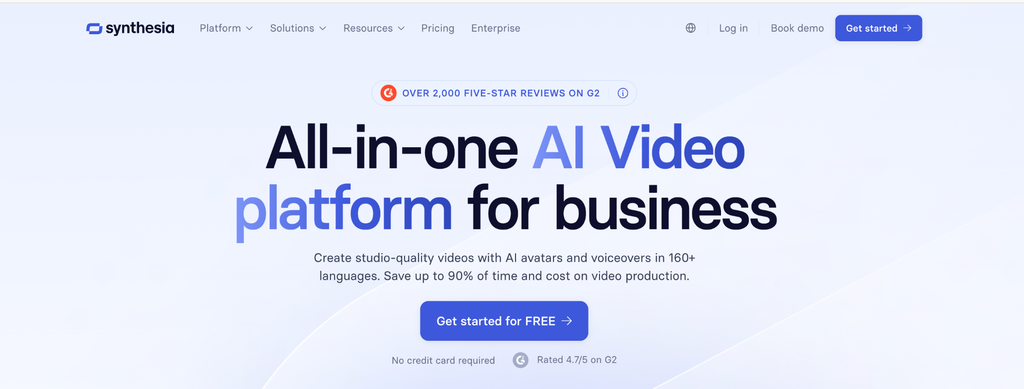
Synthesia is the most widely deployed platform in corporate video, used by over 50,000 companies including 90 percent of the Fortune 100, with more than 20 million videos generated. It holds 4.7 on G2 from over 2,000 reviews.
You get 240+ stock avatars on Enterprise, 180+ on Creator and 125+ on Starter, with 160+ languages everywhere. Five types cover most needs: ready-made stock, customizable avatars generated into any scene, personal avatars built from one photo, studio avatars captured in a session, and interactive avatars that respond live, currently in beta.
Synthesia is the best AI avatar generator here for teams that need a presenter matching their brand rather than picking one from a library. You describe the outfit, setting and on-screen action in plain language and the scene gets generated with Veo 3. That works on the free plan too, which is rare.
Starter is $29 a month or $18 billed yearly. Creator is $89 or $64 yearly. Studio avatars are a $1,000 per year add-on on annual plans.
Two independent studies back the format. A UCL report across 500 adult learners found no meaningful difference in engagement or retention against a human instructor, with the avatar version finished around 20 percent faster. A peer-reviewed USC Marshall study across 250 professionals found identical knowledge transfer.
It is SOC 2 Type II, ISO 27001, ISO 42001 and GDPR compliant. Personal avatars need live on-camera consent that cannot be uploaded, and stock actors are paid every time their likeness is used.
Watch for: SCORM export and one-click translation sit behind Enterprise, so budget that tier from the start if you run an LMS.
2. Colossyan
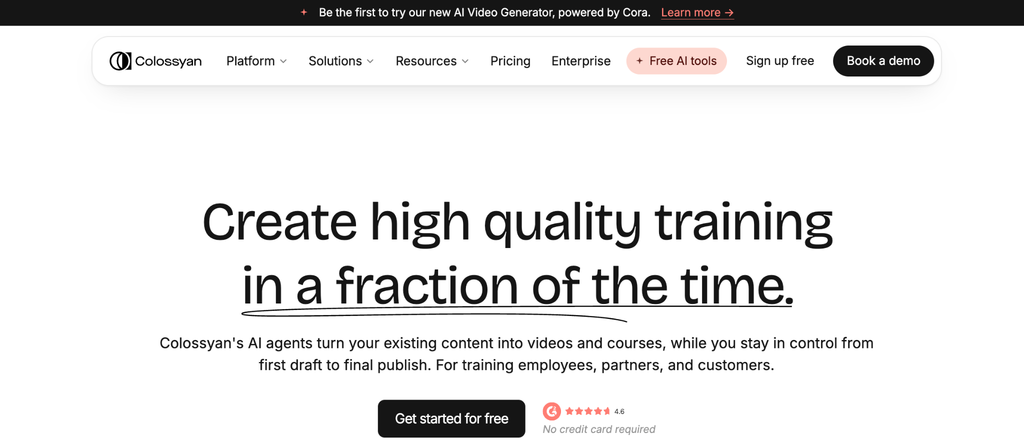
Built for training rather than general video. Branching scenarios and built-in quizzes turn a linear video into something closer to an interactive module, which most rivals need a separate authoring tool to manage.
Starter is $27 a month or $19 annually for 20 minutes and 70 or more avatars. Business is $88 or $70 annually for 40 minutes. Coverage sits at 70 or more languages.
Watch for: the advanced avatar model has its own separate minute cap on lower tiers.
3. DeepBrain AI Studios
Focused on hyper-realistic corporate presenters, with over 100 licensed avatars and 80 or more languages. Its slide-to-video conversion is the strongest here if you have existing decks.
Personal costs around $24 a month with unlimited videos up to 30 minutes each. Team is roughly $55 per seat and adds 4K.
Watch for: building a custom avatar costs a lot extra and is limited on lower tiers.
4. Vidnoz
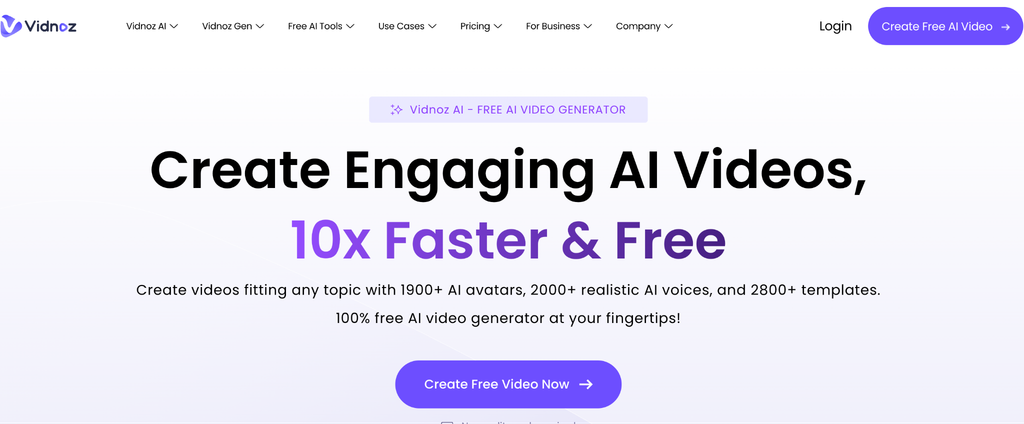
The most generous free tier here at three minutes a day, genuinely enough to judge output quality rather than just poke at the interface. Coverage reaches 140 or more languages.
Starter is $26.99 a month or $19.99 annually for 15 minutes with no watermark. Business is $74.99 or $56.24 annually for 30 minutes. You also get face swap, talking photos and a two-avatar conversation mode.
Watch for: voice cloning and brand kit need Business, so branded work really starts at the higher tier.
5. Akool
The one to look at when your avatar needs to appear live rather than in a rendered file, with real-time streaming and 150 or more languages. It bundles face swap and video translation into the same interface.
The free Basic plan is watermarked at 720p. Pro runs $30 a month, or about $15 per seat billed annually, with 600 credits. Pro Max and Business sit above that, scaling resolution and video length.
Watch for: credit billing makes monthly costs hard to predict, and unused credits generally do not roll over.
6. Creatify
Not a general tool at all. It takes a product URL from Shopify or Amazon, pulls the details and builds short-form ads with AI actors and performance-shaped scripts. It sits at 4.8 on G2 across more than 1,500 reviews.
The free plan gives ten credits with watermarks. Starter is $39 a month for 100 credits, Pro is $99 for 300 plus custom avatars and a competitor ad tracker.
Watch for: videos cost 2 to 20 credits by quality, so 100 credits is nearer five good videos than a hundred.
7. Elai.io
Turns existing documents and web pages into narrated video, which suits teams repurposing written training material. Voice cloning covers 28 languages.
Pricing starts around $29 a month, roughly $23 annually, for 15 minutes. Higher tiers reach the $100 range for 50 minutes.
Watch for: published prices vary noticeably across third-party listings, and generation language coverage is not clearly stated anywhere publicly. Confirm both directly.
8. D-ID
Its specialism is turning one still photograph into a talking presenter, and it is still the cheapest way in. It also runs real-time conversational agents through an API, with 100 or more languages.
Lite starts at $4.70 a month billed annually. Commercial licensing, 1080p and API access all require Pro.
Watch for: the headline price is misleading for business use, as covered above.
When this kind of video is the wrong call
Worth saying plainly, because nobody selling these tools will.
Skip it when the presenter’s identity is the whole point. Founder messages, apologies and crisis communication fall flat when delivery is synthetic, however good the render.
Skip it for anything needing physical demonstration. Screen recording or real footage wins there. Skip it for genuinely sensitive material too, such as bereavement or redundancy communication.
And skip it for a one-off. If you publish once, in one language, and never update it, a phone recording beats the subscription on cost. The economics here come entirely from reuse, translation and updating.
How to choose the right one for your team
Start with languages, since it is the hardest thing to retrofit. Ask about generation and dubbing separately, using those three questions from earlier.
Then check how content gets out. If you run an LMS, you need SCORM, and on most platforms, including Synthesia, that sits on the enterprise tier. That single requirement can reshape the whole budget.
Then model year two rather than year one. Entry plans cap at 10 to 20 minutes a month, and a single program for onboarding remote employees will eat that whole allowance before you have touched product training.
Conclusion
The gap between these platforms is not really about faces any more. It is about how far your content can travel, whether it fits the systems you already run, and what the bill looks like when the pilot turns into a program.
Pick two or three, run your own script through each, and compare what comes back. Every platform here has a free tier or trial, and output varies far more by script quality than by anything in the marketing.
FAQs
Which platform supports the most languages?
Synthesia leads on generation at 160 or more languages and voices, followed by Akool at 150 or more and Vidnoz at 140 or more. Remember that dubbing coverage is a separate number on most platforms, and usually a smaller one.
What is the cheapest option per video minute?
Among platforms billing by the minute, Colossyan Starter works out cheapest at roughly $1.35. Credit-based tools are not directly comparable, and enterprise plans with unlimited minutes change the math completely.
Can I make videos like this for free?
Yes. Synthesia, Colossyan, DeepBrain, Vidnoz, Akool and Creatify all run free tiers, though every one watermarks your exports. Synthesia’s needs no credit card and includes prompt-built custom scenes.
Can I create a digital version of myself?
On most platforms, yes. Synthesia builds one from a single photo with optional voice cloning, and requires a live on-camera consent recording that cannot be uploaded on someone else’s behalf.

I’m Rajesh Kumar, a DevOps, SRE, DevSecOps, Cloud, and Platform Engineering expert passionate about sharing practical knowledge, real-world experiences, and industry best practices. I have worked at Cotocus and regularly write about technology, travel, investing, health, product reviews, and digital marketing through my various platforms.
I publish technical articles at DevOps School, travel stories at Holiday Landmark, stock market insights at Stocks Mantra, health and fitness guidance at My Medic Plus, product reviews at TrueReviewNow, and SEO and digital marketing strategies at Wizbrand.
Find Trusted Cardiac Hospitals
Compare heart hospitals by city and services — all in one place.
Explore Hospitals
For organizations producing AI-generated training content at scale, I think the bigger challenge becomes managing change rather than creating the first video. When a policy, product feature, or technical instruction changes, every affected language version needs to be identified and updated consistently. A useful production setup would track dependencies between source scripts and localized outputs, trigger re-generation when the source changes, and retain approval history for each release. Without that discipline, multilingual video libraries can quietly become inconsistent and expensive to maintain.