
Are you struggling to manage your data pipeline? Do you have too much data to handle? Don’t worry, we’ve got you covered. In this article, we will discuss some of the best data pipeline tools that can help you manage your data seamlessly.
What is a Data Pipeline?
Before we dive into the list of tools, let’s first understand what a data pipeline is. A data pipeline is a set of processes that extracts raw data from various sources, transforms the data into a usable format, and loads it into a destination for analysis.
List of Data Pipeline Tools
- Apache NiFi
Apache NiFi is a powerful open-source data pipeline tool that allows you to automate data flows between systems. It has a user-friendly interface that makes it easy to create, modify, and manage data flows. It supports a wide range of data formats and can handle large volumes of data.
- Apache Kafka

Apache Kafka is another open-source data pipeline tool that is designed for real-time data streaming. It is highly scalable and can handle millions of messages per second. It also has a robust security framework that ensures data privacy and integrity.
- AWS Glue
AWS Glue is a fully-managed data pipeline tool that allows you to extract, transform, and load (ETL) data from various sources. It supports a wide range of data formats and has built-in connectors for popular data sources such as Amazon S3, Amazon RDS, and Amazon Redshift.
- Talend
Talend is an open-source data integration tool that allows you to create data pipelines that can handle both batch and real-time data. It has a drag-and-drop interface that makes it easy to design data flows. It also has a wide range of connectors for various data sources.
- Apache Airflow

Apache Airflow is an open-source data orchestration tool that allows you to schedule, monitor, and manage data pipelines. It has a flexible and extensible architecture that allows you to customize data flows to meet your specific needs.
- StreamSets
StreamSets is a data pipeline tool that allows you to create and manage data pipelines without writing any code. It has a visual interface that makes it easy to design data flows. It also has built-in connectors for popular data sources such as Amazon S3, Microsoft Azure, and Google Cloud Storage.
- Microsoft Azure Data Factory
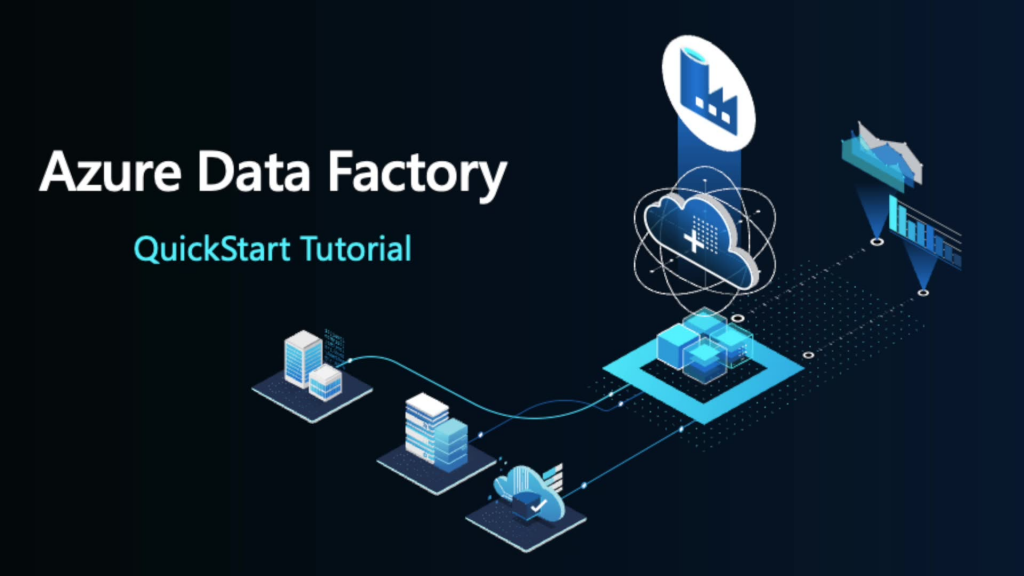
Microsoft Azure Data Factory is a cloud-based data pipeline tool that allows you to create, schedule, and manage data pipelines. It has a drag-and-drop interface that makes it easy to design data flows. It also has built-in connectors for popular data sources such as Azure Blob Storage, Azure SQL Database, and Azure Data Lake Storage.
Conclusion
In conclusion, managing a data pipeline can be a challenging task, but with the right tools, it can be made easy. The tools discussed in this article are some of the best data pipeline tools available in the market. Choose the one that best suits your needs and start managing your data pipeline seamlessly.

👤 About the Author
Ashwani is passionate about DevOps, DevSecOps, SRE, MLOps, and AiOps, with a strong drive to simplify and scale modern IT operations. Through continuous learning and sharing, Ashwani helps organizations and engineers adopt best practices for automation, security, reliability, and AI-driven operations.
🌐 Connect & Follow:
Website: WizBrand.com
Facebook: facebook.com/DevOpsSchool
X (Twitter): x.com/DevOpsSchools
LinkedIn: linkedin.com/company/devopsschool
YouTube: youtube.com/@TheDevOpsSchool
Instagram: instagram.com/devopsschool
Quora: devopsschool.quora.com
Email– contact@devopsschool.com
Find Trusted Cardiac Hospitals
Compare heart hospitals by city and services — all in one place.
Explore Hospitals