

Are you tired of losing important data and files? Do you want to keep your data safe and secure? Look no further! We have compiled a list of the best data storage tools available.
Cloud Storage
Google Drive
Google Drive is a cloud storage service that allows you to store your files and access them from anywhere. It offers free storage up to 15 GB and paid plans for additional storage.
Dropbox
Dropbox is another popular cloud storage service that offers free storage up to 2 GB and paid plans for additional storage. It allows you to access your files from anywhere and share them with others.
OneDrive
OneDrive is Microsoft’s cloud storage service that comes with Microsoft Office and Windows 10. It offers free storage up to 5 GB and paid plans for additional storage.
External Hard Drives
Seagate Backup Plus
Seagate Backup Plus is a portable external hard drive that offers up to 5 TB of storage. It is easy to use and comes with backup software.
Western Digital My Passport
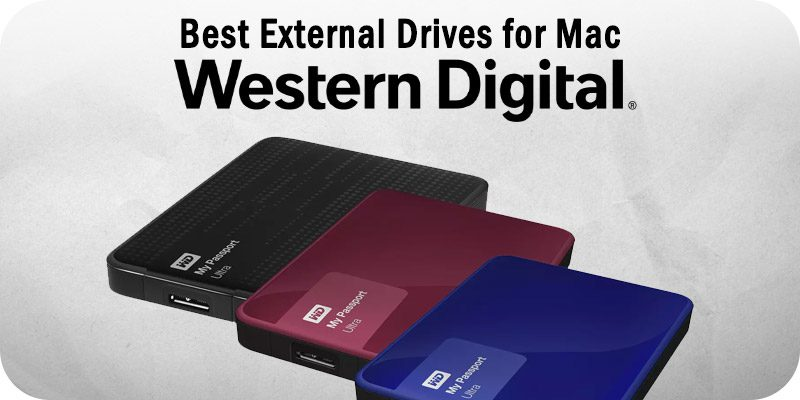
Western Digital My Passport is another popular external hard drive that offers up to 4 TB of storage. It is compact and comes with backup software.
Toshiba Canvio Advance
Toshiba Canvio Advance is a portable external hard drive that offers up to 4 TB of storage. It is sleek and comes with backup software.
Network-Attached Storage (NAS)
Synology DiskStation
Synology DiskStation is a popular NAS device that allows you to store and share your files over the network. It offers various models with different storage capacities.
QNAP TS-451+
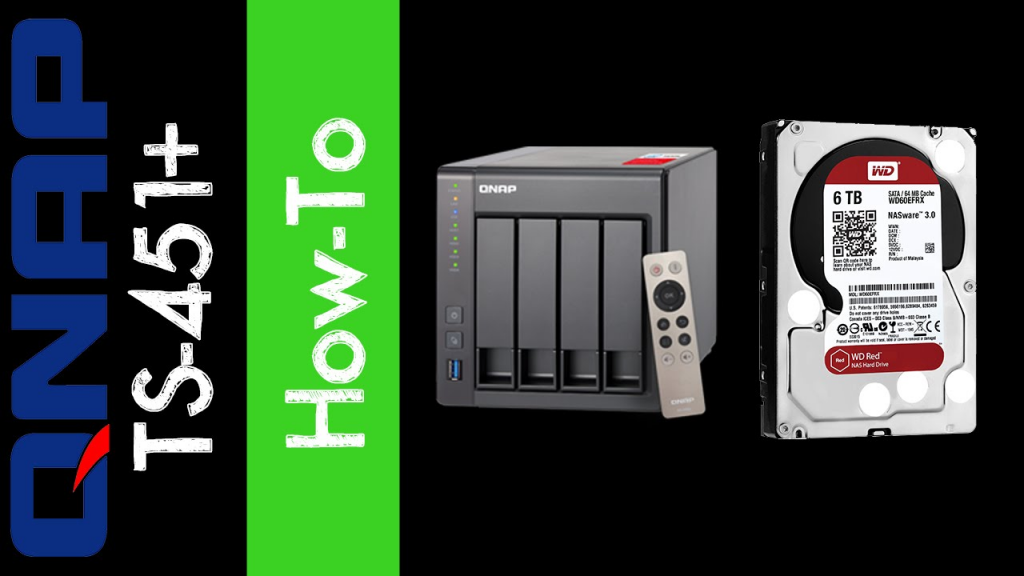
QNAP TS-451+ is another popular NAS device that offers up to 96 TB of storage. It is easy to use and comes with advanced features like virtualization and multimedia streaming.
Buffalo TeraStation 5200DN
Buffalo TeraStation 5200DN is a high-performance NAS device that offers up to 16 TB of storage. It is ideal for small businesses and comes with advanced features like RAID and backup.
Conclusion
In conclusion, there are various data storage tools available that can help you keep your data safe and secure. Whether you prefer cloud storage, external hard drives, or NAS devices, there is an option that will suit your needs. So, don’t wait any longer, choose the right data storage tool and start protecting your data today!

👤 About the Author
Ashwani is passionate about DevOps, DevSecOps, SRE, MLOps, and AiOps, with a strong drive to simplify and scale modern IT operations. Through continuous learning and sharing, Ashwani helps organizations and engineers adopt best practices for automation, security, reliability, and AI-driven operations.
🌐 Connect & Follow:
Website: WizBrand.com
Facebook: facebook.com/DevOpsSchool
X (Twitter): x.com/DevOpsSchools
LinkedIn: linkedin.com/company/devopsschool
YouTube: youtube.com/@TheDevOpsSchool
Instagram: instagram.com/devopsschool
Quora: devopsschool.quora.com
Email– contact@devopsschool.com
Find Trusted Cardiac Hospitals
Compare heart hospitals by city and services — all in one place.
Explore Hospitals