
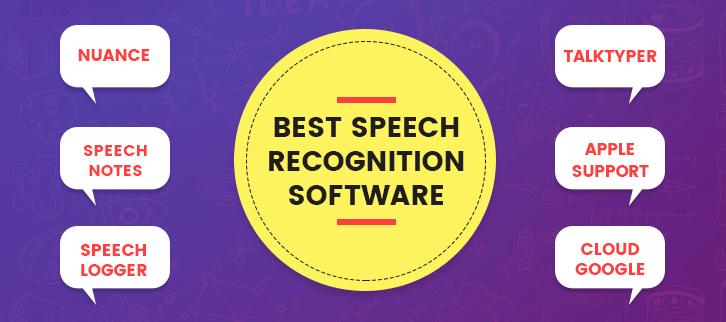
If you become frustrated of typing away on your keyboard? Do you wish you could just speak your thoughts into existence? Well, you’re in luck! Thanks to the advancements in technology, speech recognition tools are becoming more and more popular. In this article, we’ll be discussing some of the best speech recognition tools available today.
Dragon NaturallySpeaking
Dragon NaturallySpeaking is a popular speech recognition tool that has been around for quite some time. It allows users to dictate text into their computer, and the software will transcribe it into written text. One of the best things about Dragon NaturallySpeaking is its accuracy. It is able to recognize even the most complex words and phrases with ease. Additionally, it has a wide range of commands that allow users to control their computer entirely with their voice.
Windows Speech Recognition
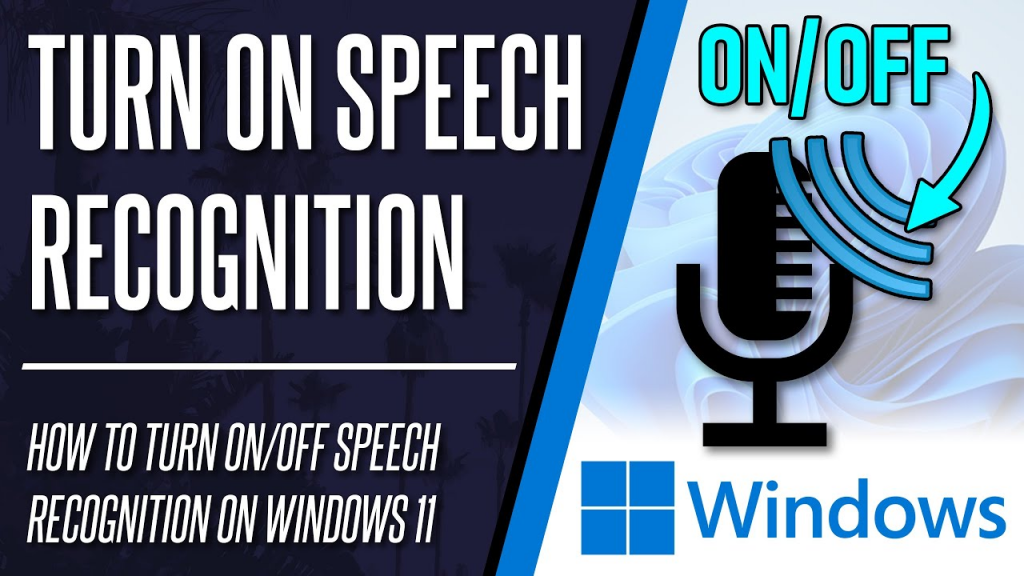
Windows Speech Recognition is another popular speech recognition tool that comes built-in with Windows. It allows users to dictate text into their computer, and it can be used to control various functions of the computer, such as opening applications and navigating menus. While it may not be as accurate as some of the other tools on this list, it is still a great option for those looking to try out speech recognition for the first time.
Google Voice Typing
Google Voice Typing is a speech recognition tool that is available through Google Docs. It allows users to dictate text directly into their Google Doc, and it is incredibly accurate. Additionally, it has a wide range of commands that allow users to control various functions of the Google Doc, such as formatting and editing.
Speechnotes
Speechnotes is a free speech recognition tool that is available online. It allows users to dictate text into a text box, and the software will transcribe it into written text. While it may not be as accurate as some of the other tools on this list, it is still a great option for those looking for a free speech recognition tool.
Nuance Dragon Anywhere
Nuance Dragon Anywhere is a mobile speech recognition tool that allows users to dictate text directly into their mobile device. It is incredibly accurate and has a wide range of commands that allow users to control various functions of their mobile device. Additionally, it has a cloud-based feature that allows users to access their documents from anywhere.
IBM Watson Speech to Text
IBM Watson Speech to Text is a speech recognition tool that uses artificial intelligence to transcribe spoken words into written text. It is incredibly accurate and has a wide range of commands that allow users to control various functions of the software. Additionally, it has a cloud-based feature that allows users to access their documents from anywhere.
Conclusion
Speech recognition tools are becoming more and more popular as technology continues to advance. Whether you’re looking to dictate text into your computer, mobile device, or online text box, there is a speech recognition tool out there for you. From Dragon NaturallySpeaking to IBM Watson Speech to Text, these tools are incredibly accurate and can save users a lot of time and effort. So why not give them a try? Who knows, you may just find that you prefer speaking your thoughts into existence rather than typing them out!

👤 About the Author
Ashwani is passionate about DevOps, DevSecOps, SRE, MLOps, and AiOps, with a strong drive to simplify and scale modern IT operations. Through continuous learning and sharing, Ashwani helps organizations and engineers adopt best practices for automation, security, reliability, and AI-driven operations.
🌐 Connect & Follow:
Website: WizBrand.com
Facebook: facebook.com/DevOpsSchool
X (Twitter): x.com/DevOpsSchools
LinkedIn: linkedin.com/company/devopsschool
YouTube: youtube.com/@TheDevOpsSchool
Instagram: instagram.com/devopsschool
Quora: devopsschool.quora.com
Email– contact@devopsschool.com
Find Trusted Cardiac Hospitals
Compare heart hospitals by city and services — all in one place.
Explore Hospitals