
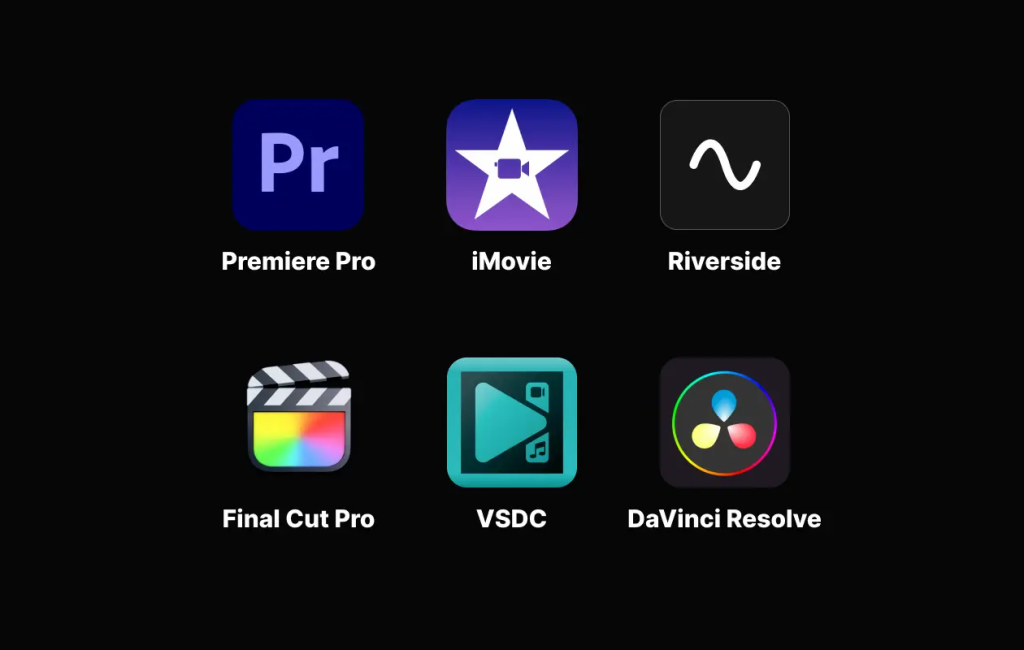
In 2024, video editing tools have become more sophisticated and accessible than ever before. There are a wide range of options available, from free and easy-to-use software to powerful professional-grade applications. Here’s a look at some of the most popular video editing tools in 2024:
Movavi Video Editor (Free and Paid Versions): Movavi Video Editor is reliable video editing
software for Windows and Mac. It provides a rich library of ready-to-use effects, transitions, sound
effects, and other assets as well as a set of powerful AI features such as motion tracking, automatic
subtitles, and background and noise removal. It’s a solid option for beginners and other users who
cherish their time and simplicity.
Free Video Editing Tools:
- DaVinci Resolve (Free and Paid Versions): DaVinci Resolve is a powerful and professional-grade video editing software that offers a surprising number of features for free. The free version includes tools for editing, color correction, audio mixing, and motion graphics. It’s a great option for both beginners and experienced editors.
- HitFilm Express (Free): HitFilm Express is another free video editing software that offers a good range of features, including trimming, cutting, adding effects, and transitions. It’s a good option for beginners who are looking for a more powerful free option than DaVinci Resolve.
- Shotcut (Free): Shotcut is a free and open-source video editing software that is available for Windows, macOS, and Linux. It’s a good option for users who are looking for a powerful and flexible free video editor.
- OpenShot (Free): OpenShot is another free and open-source video editing software that is available for Windows, macOS, and Linux. It’s a good option for beginners who are looking for a user-friendly free video editor.
Paid Video Editing Tools:
- Adobe Premiere Pro: Adobe Premiere Pro is the industry-standard video editing software. It’s a powerful and versatile tool that can be used to edit everything from simple home videos to complex Hollywood films.
- Final Cut Pro: Final Cut Pro is a professional-grade video editing software that is exclusive to Mac computers. It’s a powerful and user-friendly tool that is popular among YouTubers and other video creators.
- Avid Media Composer: Avid Media Composer is another professional-grade video editing software that is used by Hollywood studios and television broadcasters. It’s a powerful and complex tool that is not for the faint of heart.
Other Video Editing Tools:
- Online video editors: There are a number of online video editors that allow you to edit videos directly in your web browser. These are a good option for beginners who are looking for a quick and easy way to edit videos.
- Mobile video editors: There are a number of mobile video editors that allow you to edit videos on your smartphone or tablet. These are a good option for creating short videos for social media or other online platforms.
The best video editing tool for you will depend on your needs and experience level. If you are a beginner, a free video editing software like DaVinci Resolve or HitFilm Express is a good place to start. If you are a more experienced editor, you may want to consider a paid video editing software like Adobe Premiere Pro or Final Cut Pro.

Find Trusted Cardiac Hospitals
Compare heart hospitals by city and services — all in one place.
Explore Hospitals
This article gives a solid and realistic overview of video‑editing options available today — from free, open‑source editors to full‑fledged professional tools. It’s especially useful how it highlights that beginners can start with free software like DaVinci Resolve or Shotcut to learn the basics, while more advanced users can benefit from powerful editors like Adobe Premiere Pro or Final Cut Pro. The post rightly points out that the “best” tool depends on user goals, whether it’s quick social‑media clips or full‑length professional content. It serves as a useful guide for anyone unsure where to begin with video editing — stressing that ease-of-use, features, and budget all play a role in making the right choice.
This is a very helpful overview of video‑editing tools for 2024 — especially the call‑out to match the tool with your skill level. For beginners or casual editors, starting with free software like DaVinci Resolve or HitFilm Express makes perfect sense. For those looking for more advanced editing, the article rightly points to full‑fledged editors like Adobe Premiere Pro or Final Cut Pro. Having clarity on what each category offers helps creators — from social‑media clips to more polished videos — pick the right tool for their needs. Great guide for anyone trying to step up their video‑editing game!