
On a Tuesday in March, a client forwarded me her weekly ranking report with two words on top: all green. Positions flat, a few even climbing. Then, three lines down in the same email, her traffic curve — sliding, quiet as water finding a drain. Both readings were true. This is the gap the best serp tracking tools now have to close: the distance between a number that reads position three and a page no one clicks. SERP tracking used to mean watching a rank. Now it means watching everything crowding in around it.
The feeling has numbers behind it. When an AI summary sits at the top of the results, only 1% of visits led to a click on a link inside that summary — and people ended their session on 26% of those pages, against 16% of pages with no summary at all. A held position can hide a vanishing click.
For most teams, the tool I’d reach for first is SE Ranking. It tracks daily top-100 positions, SERP features, and AI Overview presence, and it collects its own SERP data — so tracking lives in the same place as the rest of your SEO work, not in a tab you forget to open. One honest nuance: if raw refresh speed across a very large keyword set is your single priority, a dedicated tracker like AccuRanker goes deeper on that one axis. The full lineup, grouped by type, sits below.
What separates a tracker worth keeping from one you quietly cancel comes down to four things:
- Location and device fidelity — whether it renders the SERP your customers actually see, in the city and on the device they use.
- SERP-feature and AI Overview coverage — the serp feature tracking that tells you who owns the space above your link.
- Check cadence and history depth — how often it refreshes, and how far back it lets you look.
- Reporting and workflow — whether the data reaches the people who act on it.
Methodology: features were checked against each vendor’s own documentation, prices taken from each vendor’s pricing page in July 2026, and tools grouped by type rather than force-ranked.
The lineup at a glance
| Rank | Tool | Type | Best for | SERP-feature + AI tracking | Entry price |
| 1 | SE Ranking | All-in-one platform | In-house teams tracking SEO + AI visibility together | 35+ features + AI Results Tracker (5 engines) | $129/mo Core |
| 2 | Serpstat | All-in-one platform | Teams consolidating tracking into one SEO suite | SERP features + AI Overview report | $50/mo |
| 3 | Semrush (Position Tracking) | All-in-one platform | Teams already inside the Semrush suite | SERP features + intent | $139/mo |
| 4 | AccuRanker | Dedicated tracker | Teams that want the fastest daily refresh | SERP features + AI CTR/volume | $224/mo |
| 5 | Wincher | Dedicated tracker | Focused daily position + feature monitoring | SERP features + volatility | $49/mo |
| 6 | Advanced Web Ranking (AWR) | Dedicated tracker | Pixel-precise, above-the-fold analysis | Pixel position + feature-weighted CTR | $139/mo |
| 7 | Nightwatch | Dedicated tracker | Granular ZIP-level local tracking | SERP features + AI/LLM | €79/mo |
| 8 | seoClarity | Enterprise | Enterprise programs needing unlimited keywords | Real-time SERP + AI assistant | Custom quote |
Tier 1: The all-in-one platforms where SERP tracking rides along
Some teams don’t want rankings living in their own tab. They want position data resting beside the keyword research, the audit flags, the backlink notes—one workspace, one login, one story. If that’s your team, an all-in-one platform folds a SERP monitoring tool into the wider work rather than isolating it.
1. SE Ranking
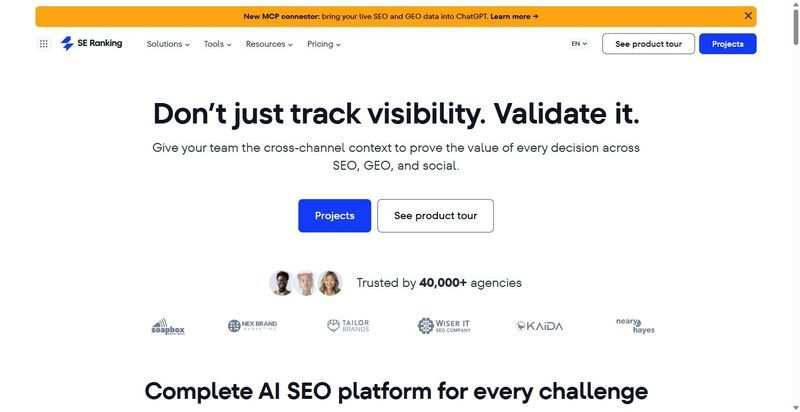
SE Ranking pairs rank tracking with its own SERP data pipeline, so what you monitor and what you research come from one engine.
Best for: In-house teams and agencies running sprawling keyword sets who want tracking, research, and reporting under a single roof.
Standout: Every plan checks positions daily across the full top 100. Google, Bing, YouTube, and Maps each get their own read, with 35-plus SERP features flagged, and the AI Results Tracker follows your brand across ChatGPT, AI Overviews, AI Mode, Gemini, and Perplexity.
Pros:
- Draws position data from its own crawlers and calculates search volume independently, so tracking and research agree.
- Flags target-URL cannibalization before two of your own pages start fighting over the same query.
- Includes API access and an official MCP server—160-plus tools—on every plan, not only the top tier.
- Separates desktop and mobile rankings so mobile softness never hides inside a blended number.
Cons:
- Core caps daily-checked keywords at 2,000, which the largest portfolios will outgrow.
- Tracking AI prompts at scale means adding the paid AI Search add-on.
- Removing a search engine or region permanently deletes that history.
Pricing: $129/mo Core ($103.20/mo billed annually); Growth $279/mo; 14-day free trial, no card. API and MCP in every plan.
Where it lands: For a mid-market team or agency that wants SE Ranking’s position tracking sitting inside the same workspace as its audits and keyword work, this is the natural home. The independent data and AI-era coverage matter most when rankings inform real decisions, not just weekly screenshots.
2. Serpstat
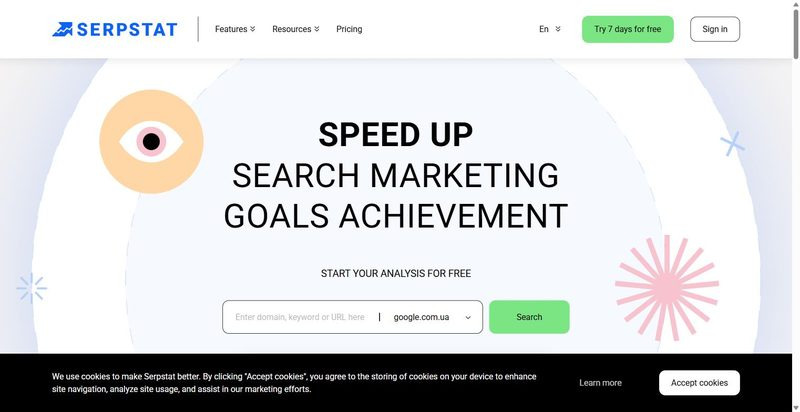
Serpstat bundles rank tracking with site audit, backlinks, and keyword research, aimed at teams that want one dashboard for everything.
Best for: Teams that value breadth over depth and want AI-mention reporting folded into a familiar all-in-one.
Standout: Positions refresh daily on both desktop and mobile, and the platform’s real pull is range: rank tracking, audits, backlinks, and keyword research share one interface. A ChatGPT and Claude MCP integration opens the data to AI assistants, while the AI Overview “Brand Opportunities” report—on Team and higher tiers—surfaces where you could earn a mention.
Pros:
- Covers rank tracking, audits, backlinks, and keyword research without stitching separate tools together.
- Refreshes desktop and mobile positions daily.
- Connects to ChatGPT and Claude through MCP for AI-assisted analysis.
Cons:
- Tracking depth runs lighter than dedicated rank trackers.
- Some AI features stay gated behind higher tiers.
Pricing: $50/mo (Individual, 10,000 position checks).
Where it lands: Serpstat suits a team that would rather consolidate than specialize—one login covering the whole SEO workflow, with AI-mention reporting as a bonus. Just temper expectations on tracking granularity; if position data is your center of gravity, a dedicated tracker will read the SERP more closely.
3. Semrush (Position Tracking)
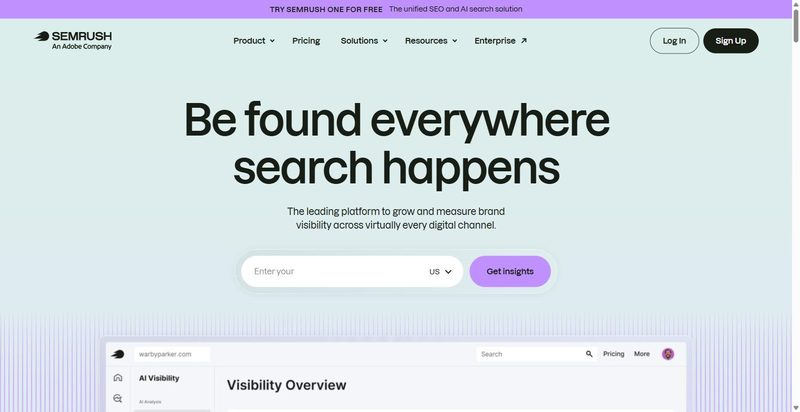
Semrush offers Position Tracking as one module inside a broad marketing suite, built for teams already invested in the wider platform.
Best for: Teams already running the full suite who want position tracking without onboarding another vendor.
Standout: Position Tracking updates daily and lets you split results by location and device, watch competitors, and follow specific landing pages as they climb or slip. SERP-feature monitoring rounds it out. The catch is architectural: this is one instrument in a large orchestra, and you buy the whole ensemble to hear it play.
Pros:
- Updates tracked positions daily across multiple locations and devices.
- Tracks competitors and individual landing pages alongside your own.
- Monitors SERP features within the same module.
Cons:
- Requires buying the whole platform to reach the tracking module.
- The SEO plan caps daily-tracked keywords at 500.
- Overkill for teams that only need SERP tracking.
Pricing: $139/mo (SEO plan; $117.33/mo billed annually), Position Tracking included, 500 keywords daily.
Where it lands: Semrush earns its place for teams already living in the suite, where Position Tracking is one more panel they’ve effectively paid for. But if rankings are the whole reason you’re shopping, the 500-keyword daily cap and the price of everything bundled around it make this a heavy way to watch the SERP.
Tier 2: The dedicated SERP trackers built for position accuracy
Some teams already own a suite that does everything, and still catch themselves squinting at its ranking numbers, half-sure the figures lag a day behind reality. If that’s you, a dedicated Google SERP tracker earns its place: one instrument, tuned to a single task, reading the SERP at a resolution a generalist tool rarely bothers with.
4. AccuRanker
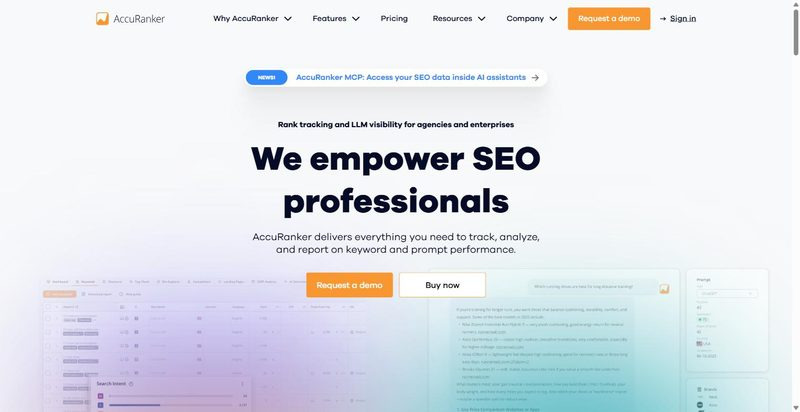
AccuRanker built its name on one promise — refresh the whole keyword set fast, and refresh it again the moment you ask.
Best for: teams that live and die by refresh speed across large keyword sets.
Standout: The daily updates arrive on schedule, but the on-demand refresh is the part people fall for — click, and the numbers redraw while you watch. A live SERP checker shows the full results page behind each rank, AI CTR and AI Search Volume estimate what an AI answer skims off the top, and Enterprise accounts can pull the raw SERP HTML.
Pros:
- Refreshes ranking data on demand, not just overnight
- Renders the live SERP behind every tracked keyword
- Estimates AI-era CTR and search volume alongside position
- Exports raw SERP HTML on Enterprise
Cons:
- Prices by keyword volume, so the entry tier starts higher than most
- Tracks the SERP and little else — it’s not a full suite
Pricing: $224/mo (Professional, 2,000 keywords; ~10% off annual).
Where it lands: Reach for AccuRanker when speed is the whole point — a large, volatile keyword set you need to see the instant it moves, not tomorrow morning. It won’t replace a suite, and the per-keyword pricing rewards teams with the volume to justify it. For an agency chasing daily shifts across many clients, that trade reads fair.
5. Wincher
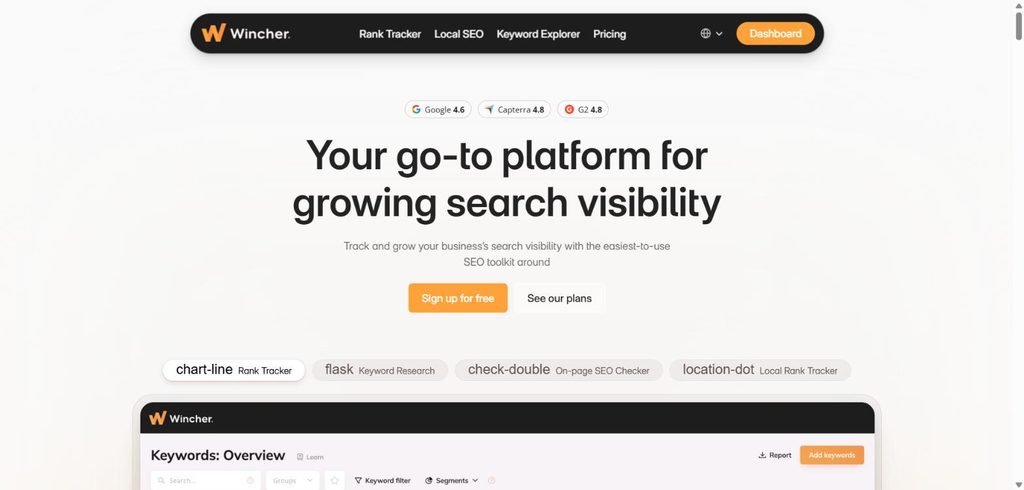
Wincher keeps its focus narrow on purpose — daily positions, the features around them, and not much clutter in between.
Best for: teams that want daily monitoring without the overhead of a full platform.
Standout: Daily rank updates come paired with serp feature tracking, so you see whether a snippet or a map pack has quietly moved in above you. A free public volatility tool reads the day’s turbulence before you commit, local Google Maps tracking covers the storefront crowd, and Share of Voice arrives on the higher tiers.
Pros:
- Tracks daily positions with the SERP features around them
- Reads market volatility through a free public tool
- Covers local Google Maps results
- Adds Share of Voice on higher tiers
Cons:
- A focused tracker, not a full SEO suite
- Larger keyword volumes push you up the pricing tiers
Pricing: $49/mo (Basic, from 500 keywords).
Where it lands: Wincher suits a team that wants to watch the SERP closely without buying a platform they’ll only half-use. The entry price is gentle, which makes it easy to start; the tiers climb as your keyword list does. For a lean in-house team or an agency running tidy client sets, it’s a clean, unfussy instrument.
6. Advanced Web Ranking (AWR)
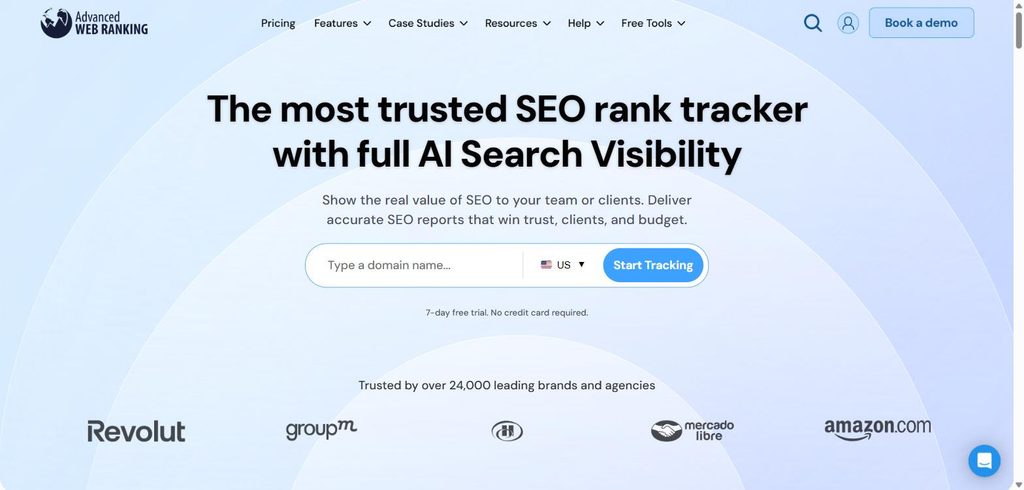
Advanced Web Ranking has been reading search results since before “SERP feature” was a phrase, and it shows in the detail.
Best for: teams that want pixel-level precision on where a result truly sits.
Standout: Two decades of accuracy stretch across more than 4,000 search engines, but the pixel-position reading is what sets it apart — not just rank three, but how far down the page rank three actually falls, and whether it clears the fold at all. CTR trends weigh in the SERP features crowding each result, and paid tiers carry unlimited users and projects.
Pros:
- Pins each result to its pixel position on the page
- Flags whether a listing clears the fold
- Weights CTR trends by the SERP features present
- Includes unlimited users and projects on paid tiers
Cons:
- Interface feels dated next to newer tools
- Carries more depth than a team wanting a single number will touch
Pricing: $139/mo (Pro, 7,000 keywords, unlimited users).
Where it lands: AWR is for the team that treats position as geometry, not a headline — where the link sits in pixels, above or below the fold, hemmed in by which features. That precision is wasted on anyone who just wants a number to report. But for a rankings analyst who reads the page like a map, the depth pays for itself.
7. Nightwatch
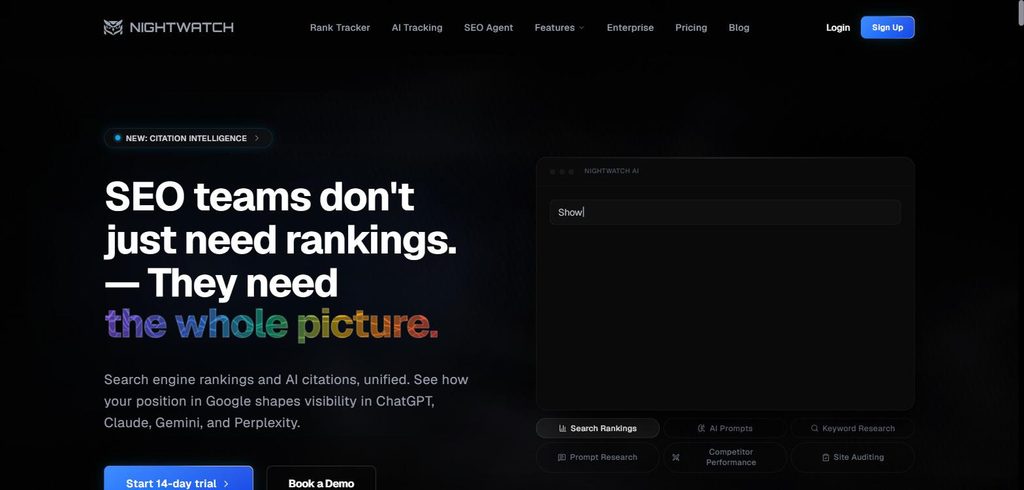
Nightwatch is built for teams whose rankings change street by street, and who need to watch each of those streets.
Best for: teams tracking granular local rankings across many cities or countries.
Standout: More than 107,000 locations across 190-plus countries let you track down to the ZIP code, which matters when a business ranks first on one block and nowhere on the next. Every plan carries unlimited user seats with no per-seat charge, three years of SERP history sit behind each keyword, and AI and LLM tracking are folded in.
Pros:
- Tracks rankings down to ZIP-level across 190+ countries
- Seats every user with no per-seat fee
- Holds three years of SERP history per keyword
- Includes AI and LLM tracking
Cons:
- Starter keyword allowance is small at 500
- Interface leans toward power users
Pricing: €79/mo (Starter, 500 keywords, unlimited seats).
Where it lands: Nightwatch is the pick when geography is the whole story — a multi-location brand or an agency mapping rankings city by city, handing every team member a seat without watching the bill climb. The small starter allowance and the power-user feel ask a little patience up front. Local specialists tend to find it worth learning.
Tier 3: The enterprise tier
At a certain scale, counting keywords becomes its own tax. When you’re tracking hundreds of thousands of them across markets and teams, a tool that meters every one starts to feel like paying by the word for a novel. The enterprise tier answers a different question: not what does a keyword cost, but what does the whole program need.
8. seoClarity
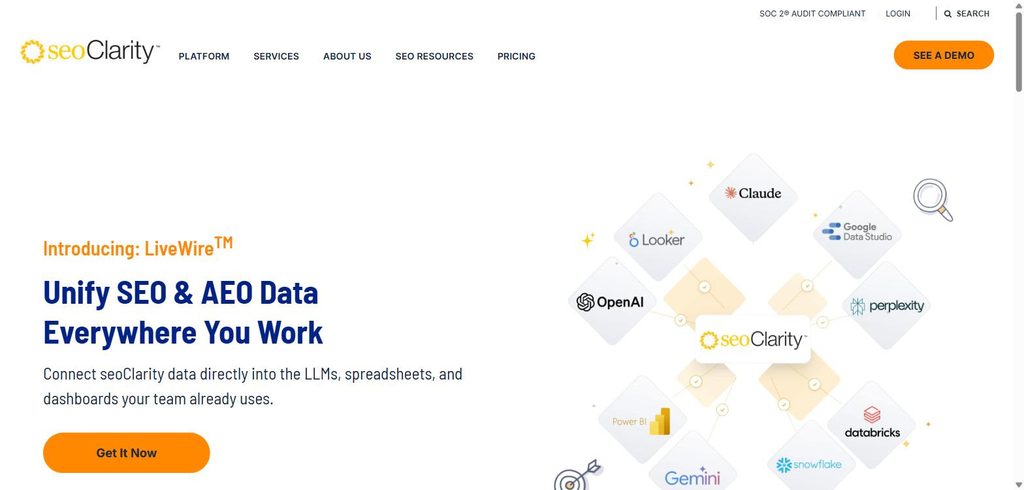
seoClarity is built for programs where the keyword count runs past the point of counting, and the seats do too.
Best for: enterprise programs that need unlimited keywords and users in one place.
Standout: Enterprise-scale rank tracking comes with no ceiling on keywords or users, so a global team can pile everything into one view without rationing. The Research Grid handles keyword work at volume, real-time SERP data keeps the picture current rather than daily, and a built-in AI assistant called Clarity answers questions about your own data in plain language.
Pros:
- Tracks unlimited keywords and users
- Refreshes SERP data in real time
- Handles keyword research at scale through the Research Grid
- Answers data questions through the Clarity AI assistant
Cons:
- Publishes no public pricing — every deal runs through sales
- Asks for an enterprise commitment and onboarding
- Overbuilt for a mid-market team
Pricing: Custom/quote-only (no public entry price).
Where it lands: seoClarity is the tool you grow into, not the one you try. It’s meant for enterprise programs with the scale, the budget, and the appetite for onboarding to match — the kind of operation where unlimited everything is a relief, not an extravagance. A mid-market team would rattle around inside it. The right buyer already knows who they are.
Where it lands: matching a tier to your team
After a year of watching teams switch tools to chase one missing feature, my honest read is that most in-house and agency teams don’t need the choice this article is built around. SE Ranking collapses it: dedicated-grade SERP and AI-visibility tracking without leaving the platform that already holds your keyword, audit, and backlink work.
That’s the default, not the whole story. If you need genuinely unlimited keywords and real-time data at enterprise scale, that points to seoClarity. If a single obsession with refresh speed across a massive keyword set defines your work, a dedicated tracker like AccuRanker earns its higher entry price. And a free SERP tracker or checker, useful as it is for a quick look, won’t hold up for trend work.
One principle to carry: the best serp tracking tools aren’t a single winner but a fit — match the serp tracking software to how your team already works, then shortlist two and run them on the same keywords for a couple of weeks before you commit.
Frequently asked questions
What should a SERP tracker show you beyond your ranking position?
Where you sit is only part of the picture. A tracker worth keeping shows SERP-feature presence and placement — featured snippets, People Also Ask, image and video packs — and whether you’re cited in AI Overviews. Position alone has become a shrinking slice of a page that keeps filling up around your link.
How far back should SERP tracking history go?
Far enough to line a change up against a Google update and a full seasonal cycle — otherwise you’re reading movement with no context. History depth is often plan-dependent: some tools keep six months on entry tiers, others several years. And deleting an engine or region can erase it, so prune with care.
Can SERP tracking tell you when AI Overviews are taking your clicks?
Partly. Modern trackers log whether an AI Overview appears and whether you’re cited inside it. Pair that with the pattern: only 1% of AI-summary visits click a link inside the summary, and sessions end on 26% of those pages against 16% without.
How often do Google’s search results actually change?
Constantly. Beyond the confirmed core updates rolled out across 2024 and 2025, everyday shifts in SERP features and rankings mean a weekly check quietly misses real movement. For anyone doing trend work, daily is the practical floor — the rhythm the page itself now keeps.
Should you use a dedicated SERP tracker or your platform’s built-in one?
For most teams, a strong all-in-one tracker is enough — the data lives beside everything else you act on. Move to a dedicated tool when you need faster refresh, pixel-level position, or ZIP-level local tracking at a scale your platform can’t match. Let the need pull you, not the label.

Find Trusted Cardiac Hospitals
Compare heart hospitals by city and services — all in one place.
Explore Hospitals
One practical consideration is data consistency when comparing rankings across tools. Search results can vary by location, device, language, personalization, SERP features, and tracking frequency, so two platforms may report different positions without either being technically wrong. I’d standardize the tracking configuration and monitor visibility trends, clicks, and conversions alongside rank changes rather than treating a single position number as the definitive performance metric.