Find the Best Cosmetic Hospitals

Explore trusted cosmetic hospitals and make a confident choice for your transformation.

โ€œInvest in yourself โ€” your confidence is always worth it.โ€

Explore Cosmetic Hospitals

Start your journey today โ€” compare options in one place.

Install & configure Zabbix Server in Ubuntu

Platform & Compoenent

Ubuntu Version: 20:04
Zabbix Version: 6.0 LTS
Database: MySQL
Web Server: Apache

Prerequisite

Step 1 – Install Zabbix repository


# sudo -s [ Become a root user ]
# wget https://repo.zabbix.com/zabbix/6.0/ubuntu/pool/main/z/zabbix-release/zabbix-release_6.0-1+ubuntu20.04_all.deb
# dpkg -i zabbix-release_6.0-1+ubuntu20.04_all.deb
# apt updateCode language: PHP (php)

Step 2 – Install Zabbix server, frontend, agent


# apt install zabbix-server-mysql zabbix-frontend-php zabbix-apache-conf zabbix-sql-scripts zabbix-agentCode language: PHP (php)

Step 3 – Create initial database

Make sure you have database server up and running.
Run the following on your database host.


# mysql -uroot -p
password
mysql> create database zabbix character set utf8mb4 collate utf8mb4_bin;
mysql> create user zabbix@localhost identified by 'DevOpsSchool$123';
mysql> grant all privileges on zabbix.* to zabbix@localhost;
mysql> GRANT SUPER ON *.* TO 'zabbix'@'localhost';
mysql> FLUSH PRIVILEGES;
mysql> quit;Code language: PHP (php)

On Zabbix server host import initial schema and data. You will be prompted to enter your newly created password.


$ ls /usr/share/doc/zabbix-sql-scripts/mysql/server.sql.gz
$  zcat /usr/share/doc/zabbix-sql-scripts/mysql/server.sql.gz | mysql -uzabbix -p zabbix

# Alternate location
/usr/share/zabbix-sql-scripts/mysql
$ ls /usr/share/zabbix-sql-scripts/mysql/server.sql.gz
$  zcat /usr/share/zabbix-sql-scripts/mysql/server.sql.gz | mysql -uzabbix -p zabbixCode language: PHP (php)

Step 4 – Configure the database for Zabbix server

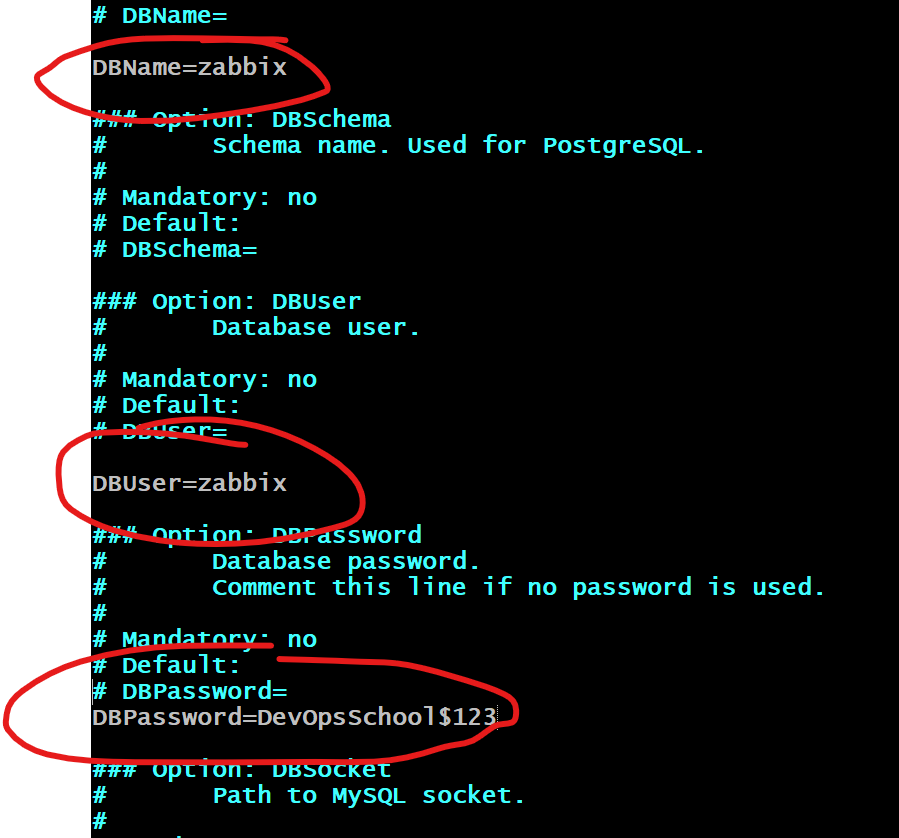
Edit file /etc/zabbix/zabbix_server.conf


DBPassword=DevOpsSchool$123
Step 5 – Start Zabbix server and agent processes

Start Zabbix server and agent processes and make it start at system boot.


# systemctl restart zabbix-server zabbix-agent apache2
# systemctl enable zabbix-server zabbix-agent apache2
# systemctl status zabbix-server zabbix-agent apache2Code language: PHP (php)

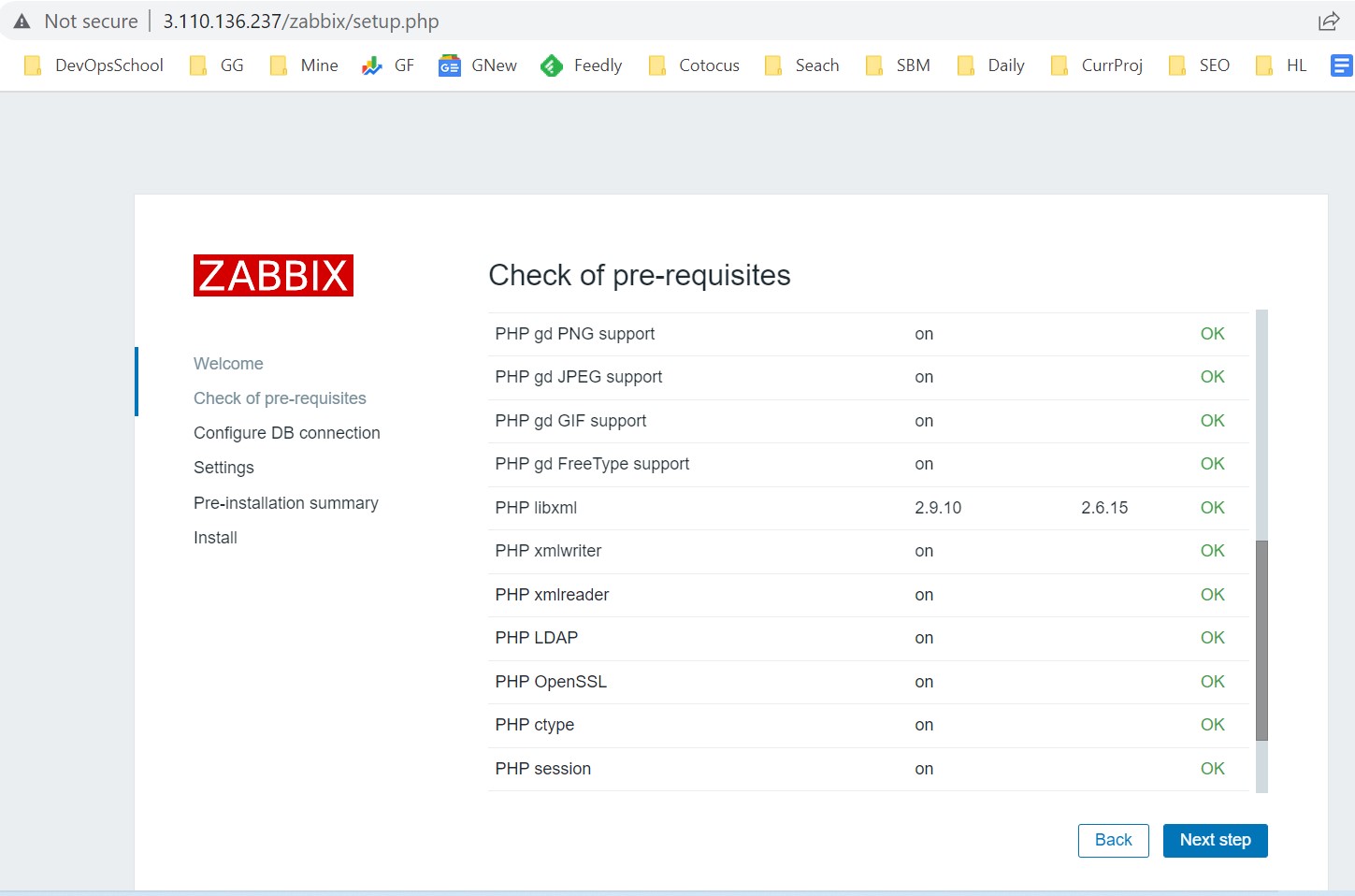
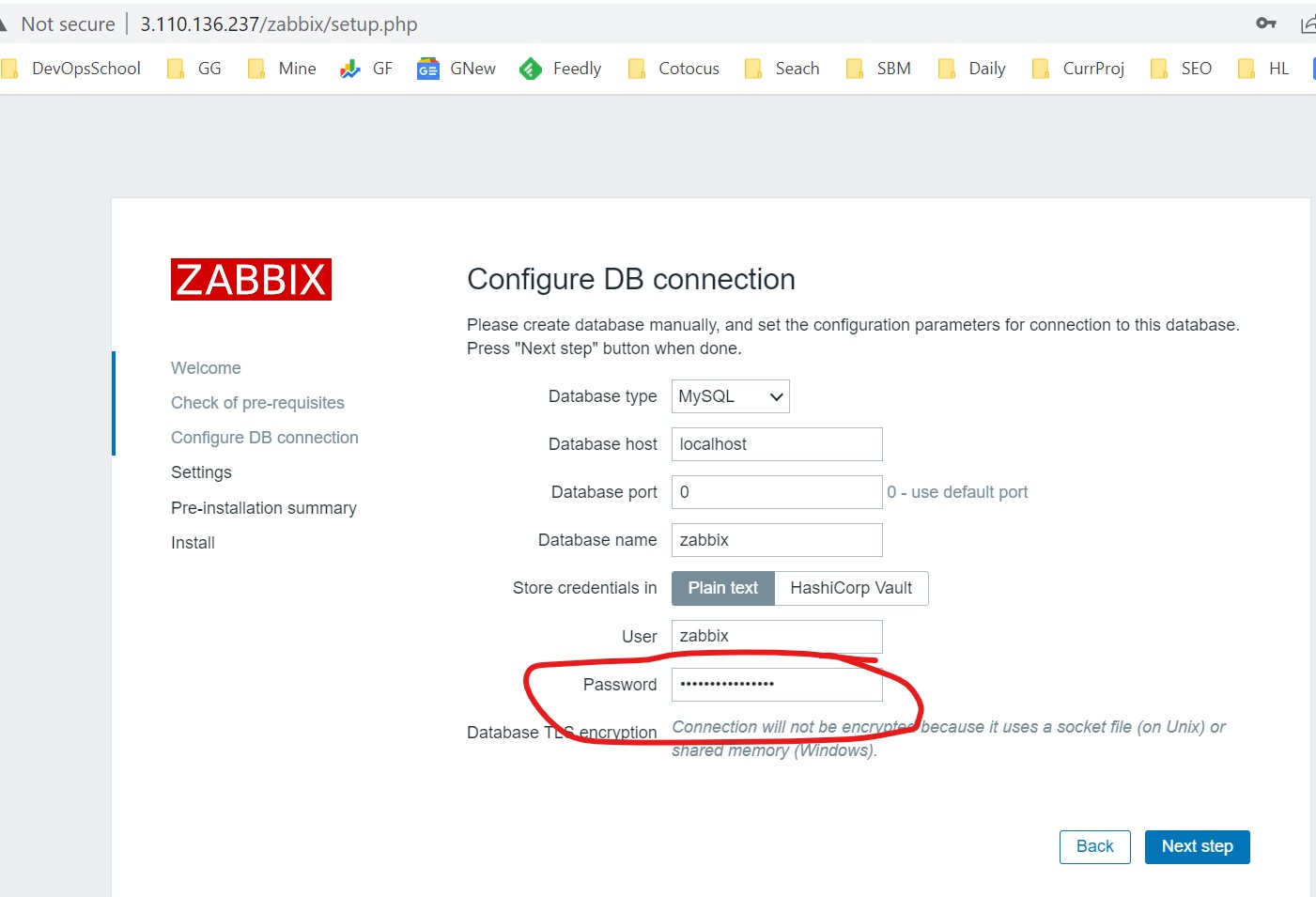
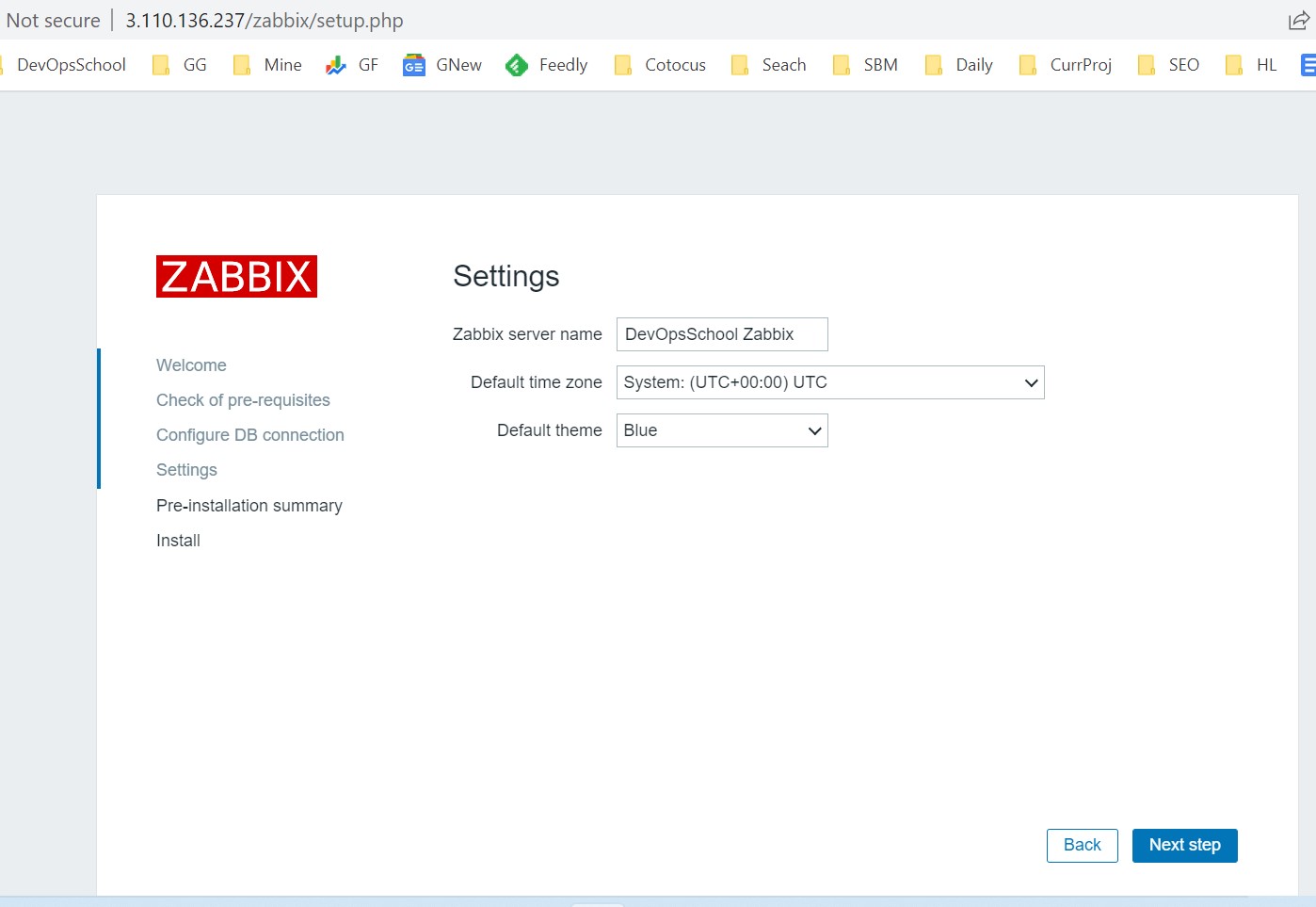
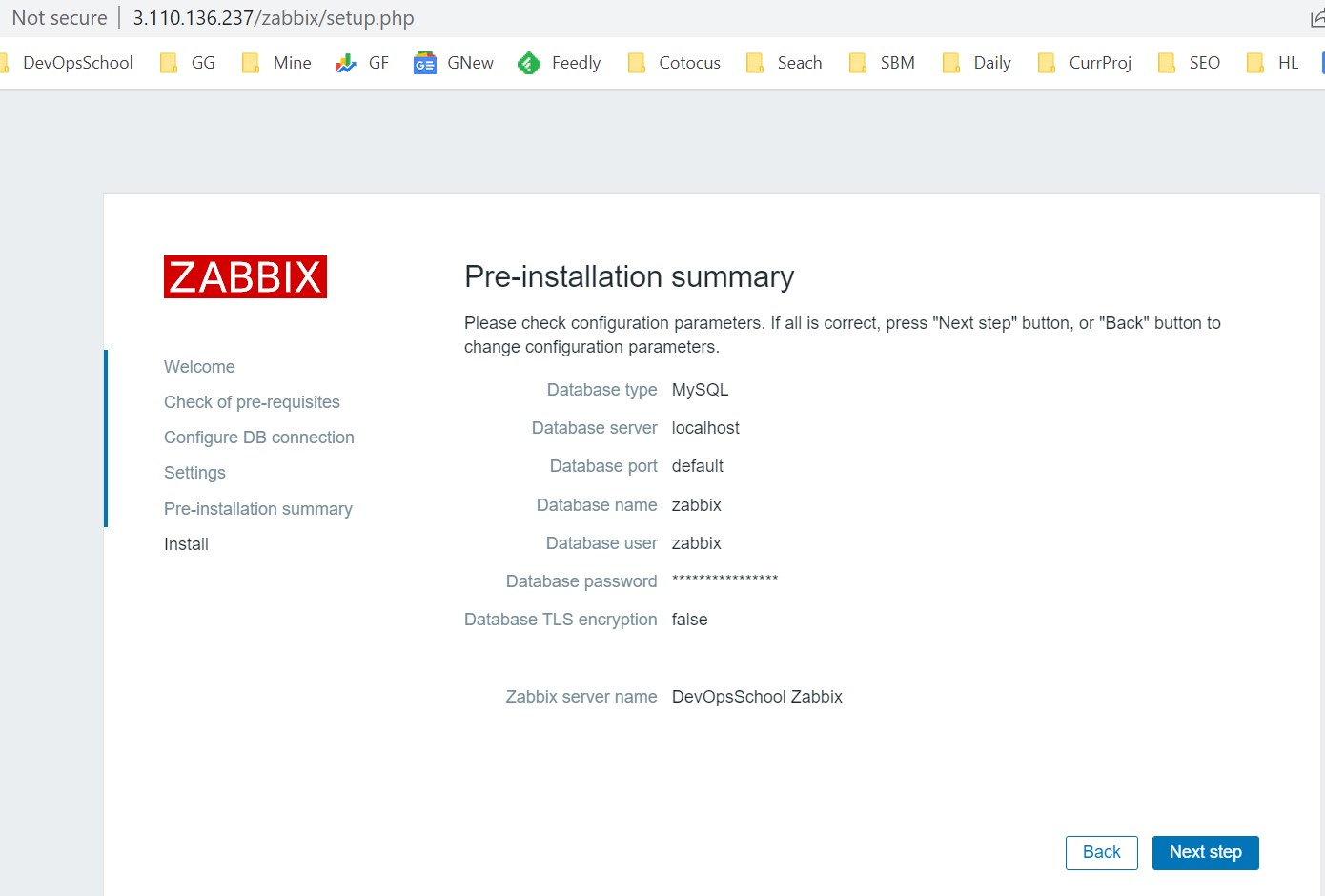
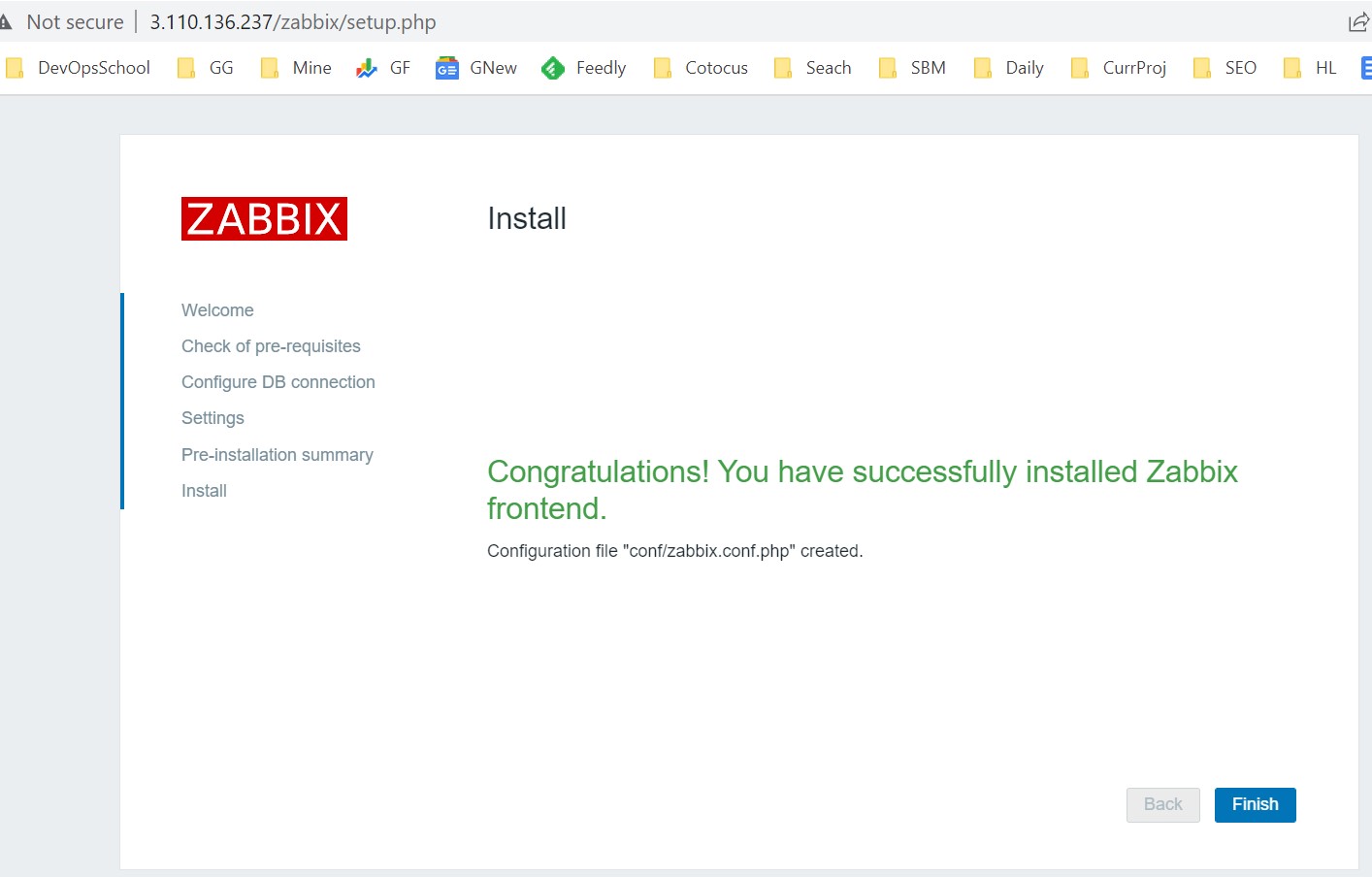
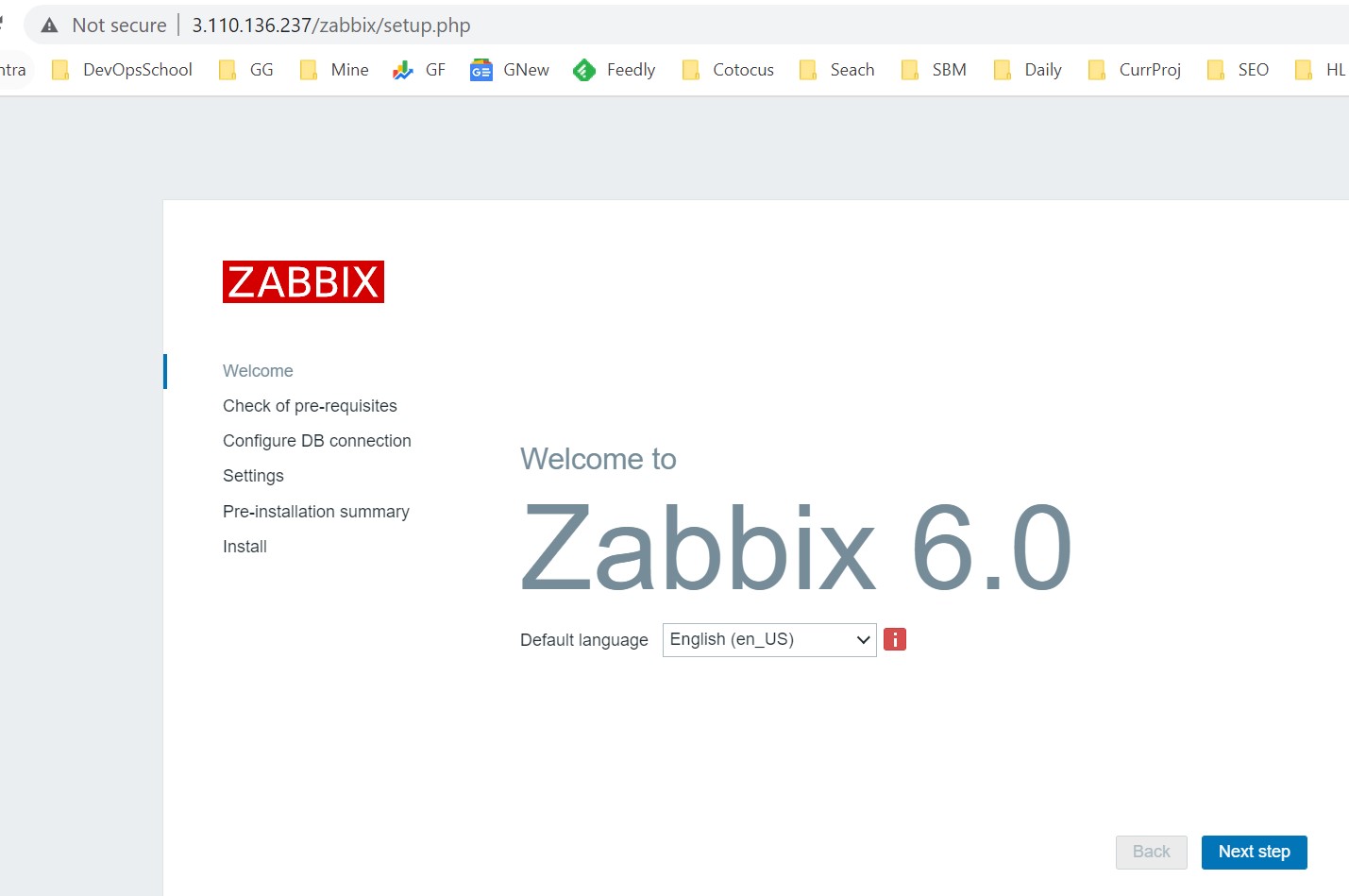
Step 6 – Configure Zabbix frontend

Connect to your newly installed Zabbix frontend: http://server_ip_or_name/zabbix
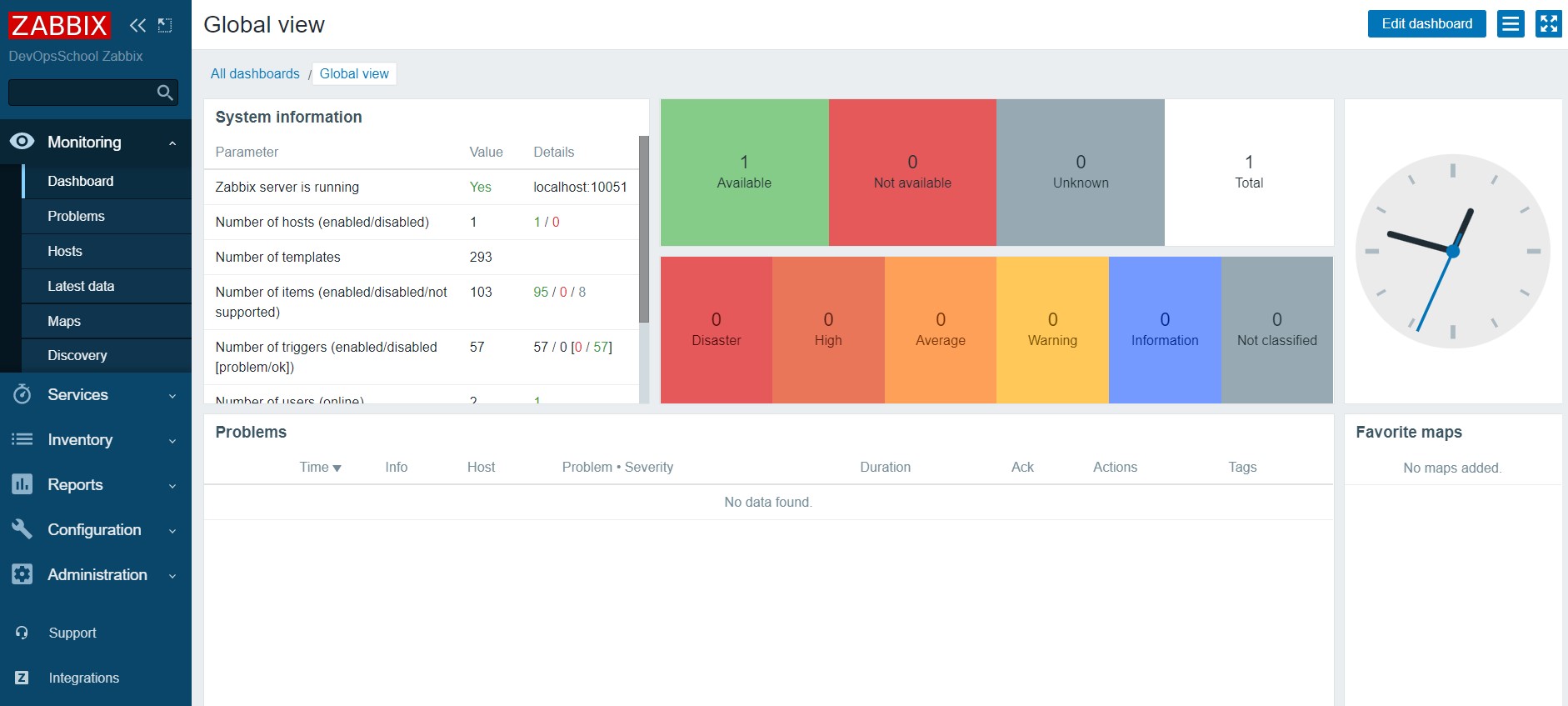
Step 7 – Start using Zabbix

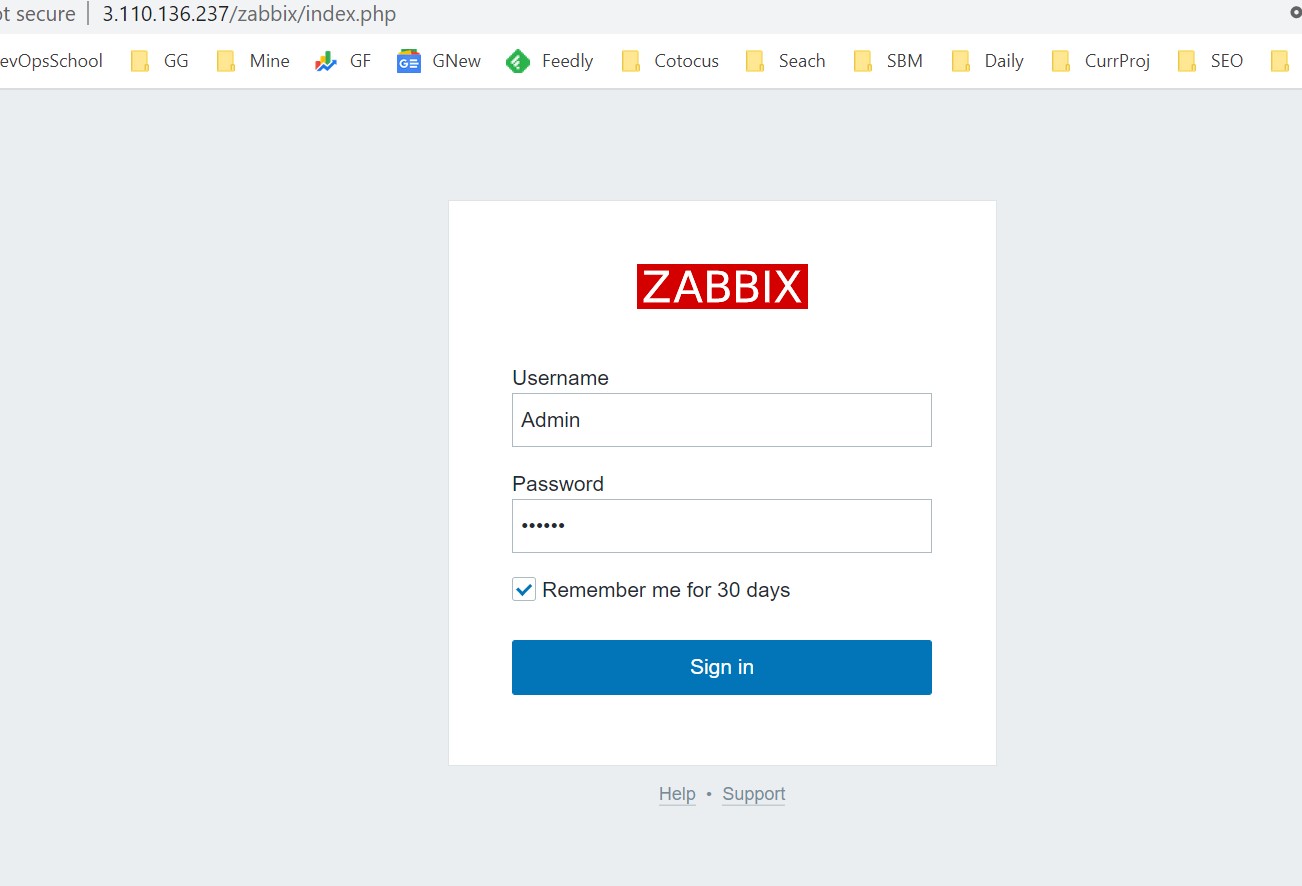
This is the Zabbix welcome screen. Enter the user name – “Admin” with password – “zabbix” to log in as a Zabbix superuser. Access to Configuration and Administration menus will be granted.
Find Trusted Cardiac Hospitals

Compare heart hospitals by city and services โ€” all in one place.

Explore Hospitals
Iโ€™m a DevOps/SRE/DevSecOps/Cloud Expert passionate about sharing knowledge and experiences. I have worked at <a href="https://www.cotocus.com/">Cotocus</a>. I share tech blog at <a href="https://www.devopsschool.com/">DevOps School</a>, travel stories at <a href="https://www.holidaylandmark.com/">Holiday Landmark</a>, stock market tips at <a href="https://www.stocksmantra.in/">Stocks Mantra</a>, health and fitness guidance at <a href="https://www.mymedicplus.com/">My Medic Plus</a>, product reviews at <a href="https://www.truereviewnow.com/">TrueReviewNow</a> , and SEO strategies at <a href="https://www.wizbrand.com/">Wizbrand.</a> Do you want to learn <a href="https://www.quantumuting.com/">Quantum Computing</a>? <strong>Please find my social handles as below;</strong> <a href="https://www.rajeshkumar.xyz/">Rajesh Kumar Personal Website</a> <a href="https://www.youtube.com/TheDevOpsSchool">Rajesh Kumar at YOUTUBE</a> <a href="https://www.instagram.com/rajeshkumarin">Rajesh Kumar at INSTAGRAM</a> <a href="https://x.com/RajeshKumarIn">Rajesh Kumar at X</a> <a href="https://www.facebook.com/RajeshKumarLog">Rajesh Kumar at FACEBOOK</a> <a href="https://www.linkedin.com/in/rajeshkumarin/">Rajesh Kumar at LINKEDIN</a> <a href="https://www.wizbrand.com/rajeshkumar">Rajesh Kumar at WIZBRAND</a> <a href="https://www.rajeshkumar.xyz/dailylogs">Rajesh Kumar DailyLogs</a>

Related Posts

Top 10 AI Infographic Creators Tools in 2026: Features, Pros, Cons & Comparison

Introduction In 2026, AI infographic creators have become essential tools for businesses, marketers, educators, and content creators who need to transform complex data into visually compelling stories….

Read More

Top 11 AI Personalized Learning Tools in 2026: Features, Pros, Cons & Comparison

Introduction In 2026, AI personalized learning tools have transformed education and training, tailoring content to individual learner needs with unprecedented precision. These tools leverage machine learning, natural…

Read More

Top 10 Accounting Software Tools in 2026: Features, Pros, Cons & Comparison

Introduction In 2026, the importance of accounting software continues to grow, helping businesses of all sizes streamline financial management, improve accuracy, and stay compliant with ever-changing regulations….

Read More

Top 10 Endpoint Management Tools in 2026: Features, Pros, Cons & Comparison

Introduction In 2026, businesses of all sizes are increasingly reliant on a variety of devicesโ€”laptops, desktops, mobile devices, and other endpointsโ€”that connect to their networks. With the…

Read More

Top 10 Order Management Systems Tools in 2026: Features, Pros, Cons & Comparison

Introduction In 2026, managing orders has become a sophisticated process, requiring advanced tools to handle large volumes, multiple sales channels, and intricate supply chains. Order Management Systems…

Read More

What is Veracode and use cases of Veracode?

What is Veracode? Veracode is a leading application security (AppSec) platform that helps organizations identify and remediate vulnerabilities in their software throughout the development lifecycle. By integrating…

Read More
Subscribe
Notify of
guest
0 Comments
Newest
Oldest Most Voted
Inline Feedbacks
View all comments
0
Would love your thoughts, please comment.x
()
x