
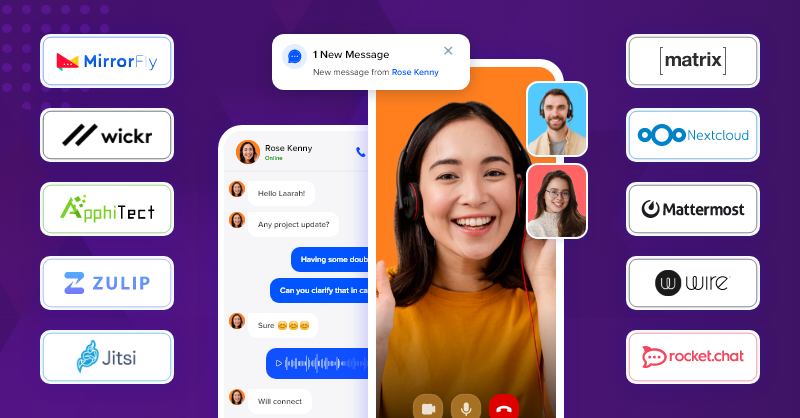
The world of chat and messaging tools is alive and evolving in 2024, offering options for various communication needs and preferences. Here’s a breakdown of some popular categories and their leading contenders:
Team Communication:
- Slack: A long-standing favorite, offering channels, direct messages, video calls, integrations, and a playful vibe. Ideal for quick communication and information sharing within teams.
- Microsoft Teams: Integrated with the Microsoft ecosystem, offering chat, video calls, file sharing, and numerous integrations. Perfect for teams already using Microsoft tools.
- Discord: Primarily used by the gaming community but expanding, Discord has versatile chat features, voice channels, screen sharing, and an emphasis on community building. Great for informal communication and fun interactions.
- Google Chat: Part of Google Workspace, offering chat, video calls, and integration with other Google services. A good choice for teams already familiar with the Google environment.
- Mattermost: An open-source platform offering self-hosted chat with similar features to Slack. Ideal for teams seeking customization and control over their data.
Project-Specific Collaboration:
- ClickUp: Offers chat functionality within its project management platform, fostering real-time communication and context-specific discussions.
- Asana: Integrates chat directly into projects and tasks, facilitating communication and collaboration within specific workflows.
- Notion: Combines chat with document collaboration, allowing for real-time discussions and brainstorming within projects or specific pages.
Enterprise-Grade Solutions:
- Workplace by Meta: Formerly Facebook Workplace, this platform offers chat, video calls, groups, and integration with other Meta tools. Suitable for large organizations and those already using Meta services.
- Cisco Webex Teams: Provides secure chat, video conferencing, file sharing, and integration with other Cisco solutions. Ideal for organizations prioritizing security and compliance.
Customer Support and Live Chat:
- Zendesk Chat: Offers live chat functionalities for websites and mobile apps, with features like agent routing, chatbots, and reporting.
- Intercom: A customer messaging platform with chat, in-app messaging, and bots, designed to engage and support customers throughout their journey.
- Crisp Chat: A live chat solution with features like proactive chat, file sharing, and co-browsing. Great for website and app-based customer support.
Choosing the Right Tool:
- Team size and needs: Smaller teams might prefer focused tools, while larger teams need scalable solutions.
- Communication style: Consider synchronous (real-time) vs. asynchronous communication needs.
- Security and compliance: Evaluate data security and privacy features, especially for sensitive communication.
- Integrations: Ensure the tool integrates with other software you use, like project management or CRM systems.
- Budget: Open-source options exist, but many tools offer freemium plans or paid subscriptions with additional features.
By understanding your specific requirements and exploring different options, you can choose the chat and messaging tool that best fosters communication, collaboration, and productivity within your team or organization.

Find Trusted Cardiac Hospitals
Compare heart hospitals by city and services — all in one place.
Explore Hospitals




