
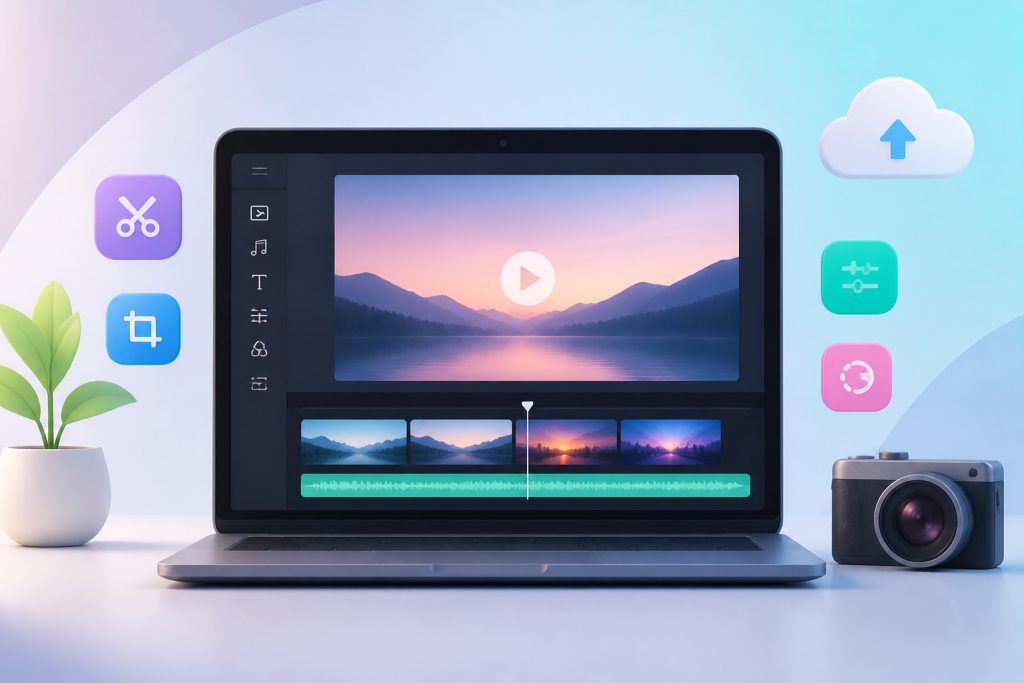
In today’s fast-paced digital world, video content is king. Whether you’re a small business owner, content creator, or social media enthusiast, being able to create & edit videos online instantly with Clideo is a game-changer. Gone are the days of expensive software or complex installations—Clideo brings powerful video tools right to your browser, letting you focus on your creativity.
Why Clideo is Perfect for Instant Video Editing
Clideo is designed for simplicity without compromising functionality. With a clean, user-friendly interface, anyone can edit videos online without prior experience. Whether you want to compress, merge, crop, or add subtitles, Clideo offers a full suite of tools for instant video editing.
- No downloads needed: Edit directly in your browser.
- Cross-platform: Works on Windows, Mac, and mobile devices.
- Fast processing: Upload, edit, and download videos in minutes.
- Secure and private: Videos are deleted from servers after processing.
Key Tools You Can Use with Clideo
1. Video Editor
The Clideo Video Editor lets you trim, crop, merge, and rotate videos effortlessly. You can also add music, text, and effects to make your videos stand out. It’s ideal for marketing clips, social media posts, and personal projects.
2. Video Compressor
Large videos can be a hassle, especially when sharing online. Clideo’s compressor reduces file size while maintaining high quality, making uploads faster and storage easier.
3. Add Subtitles
Enhance accessibility and engagement by adding subtitles. Clideo supports multiple languages, and the automatic subtitle generator saves you time.
4. Video Translator
Reach global audiences by translating your videos into different languages. Perfect for businesses looking to expand internationally.
5. Text to Speech
Convert written content into professional voiceovers. This tool supports a range of accents and voices, giving your videos a polished touch.
6. Screen Recorder
Record your desktop or browser in real-time. Ideal for tutorials, webinars, or product demos.
7. Resize Video
Adapt your videos for any platform. Whether it’s Instagram, YouTube, or TikTok, resizing ensures your content looks perfect everywhere.
8. GIF Maker
Turn your clips into engaging GIFs for social media, emails, or presentations. Simple and fast.
9. Video Converter
Convert videos into multiple formats. No technical skills required—Clideo handles everything.
10. All-in-One Tools
From merging multiple clips to adding filters and adjusting playback speed, Clideo offers a full spectrum of editing tools in one convenient online platform.
How to Use Clideo: Step-by-Step
- Open Clideo in your browser
Visit Clideo.com and choose the tool you need. - Upload your video
Drag and drop your file, or select from cloud storage. - Edit or enhance
Use trimming, merging, compressing, resizing, or subtitle features. - Preview your changes
Ensure your video looks exactly as you want. - Download instantly
Once satisfied, download your video in the desired format. - Share online
Upload directly to social media, websites, or emails.
Benefits of Creating Videos Online with Clideo
- Time-saving: Quick edits without software installation.
- Cost-effective: Many tools are free, with optional premium upgrades.
- Accessibility: Works on any device with internet access.
- Professional quality: High-resolution exports with minimal compression loss.
- Collaborative: Easily share edited videos with teams or clients.
Common Use Cases for Clideo
- Social media content: Instagram stories, YouTube intros, TikTok clips.
- Marketing campaigns: Create promotional videos without hiring professionals.
- Educational videos: Tutorials, lectures, and webinars.
- Personal projects: Family videos, travel vlogs, and celebrations.
Clideo Pricing and Plans
While Clideo offers many free tools, upgrading provides unlimited storage, watermark-free videos, and faster processing. Monthly plans start at USD $9, with annual savings available.
Tips for Maximising Your Video Editing Experience
- Keep videos short for social media engagement.
- Use subtitles to increase accessibility and retention.
- Optimise video size for faster loading and sharing.
- Experiment with text-to-speech to create dynamic narration.
- Always preview before final download to catch errors.
Frequently Asked Questions (FAQs)
Q1: Is Clideo free to use?
Yes, Clideo offers free editing tools. Upgrading unlocks additional features like unlimited storage and watermark removal.
Q2: Can I edit videos on my mobile device?
Absolutely. Clideo is browser-based and works on all major devices.
Q3: How long does it take to process a video?
Processing times depend on video size and tool used but are generally quick, often under a few minutes.
Q4: Are my videos safe on Clideo?
Yes, all uploaded videos are deleted from Clideo servers after processing, ensuring privacy.
Q5: Can I add music to my videos?
Yes, Clideo allows you to add music, sound effects, and voiceovers easily.
Q6: What video formats does Clideo support?
Clideo supports popular formats including MP4, MOV, AVI, and more.
Final Thoughts
Creating professional-quality videos has never been easier. With Clideo, you can create & edit videos online instantly, saving time, cost, and effort. Whether for business, education, or personal use, Clideo empowers you to bring your video ideas to life in minutes. Visit Clideo.com and start editing today.

I’m Rajesh Kumar, a DevOps, SRE, DevSecOps, Cloud, and Platform Engineering expert passionate about sharing practical knowledge, real-world experiences, and industry best practices. I have worked at Cotocus and regularly write about technology, travel, investing, health, product reviews, and digital marketing through my various platforms.
I publish technical articles at DevOps School, travel stories at Holiday Landmark, stock market insights at Stocks Mantra, health and fitness guidance at My Medic Plus, product reviews at TrueReviewNow, and SEO and digital marketing strategies at Wizbrand.
Find Trusted Cardiac Hospitals
Compare heart hospitals by city and services — all in one place.
Explore Hospitals
A simple and informative guide that makes online video editing with Clideo easy to understand for beginners as well as content creators looking for quick editing solutions.