
📄 What is Mermaid.js?
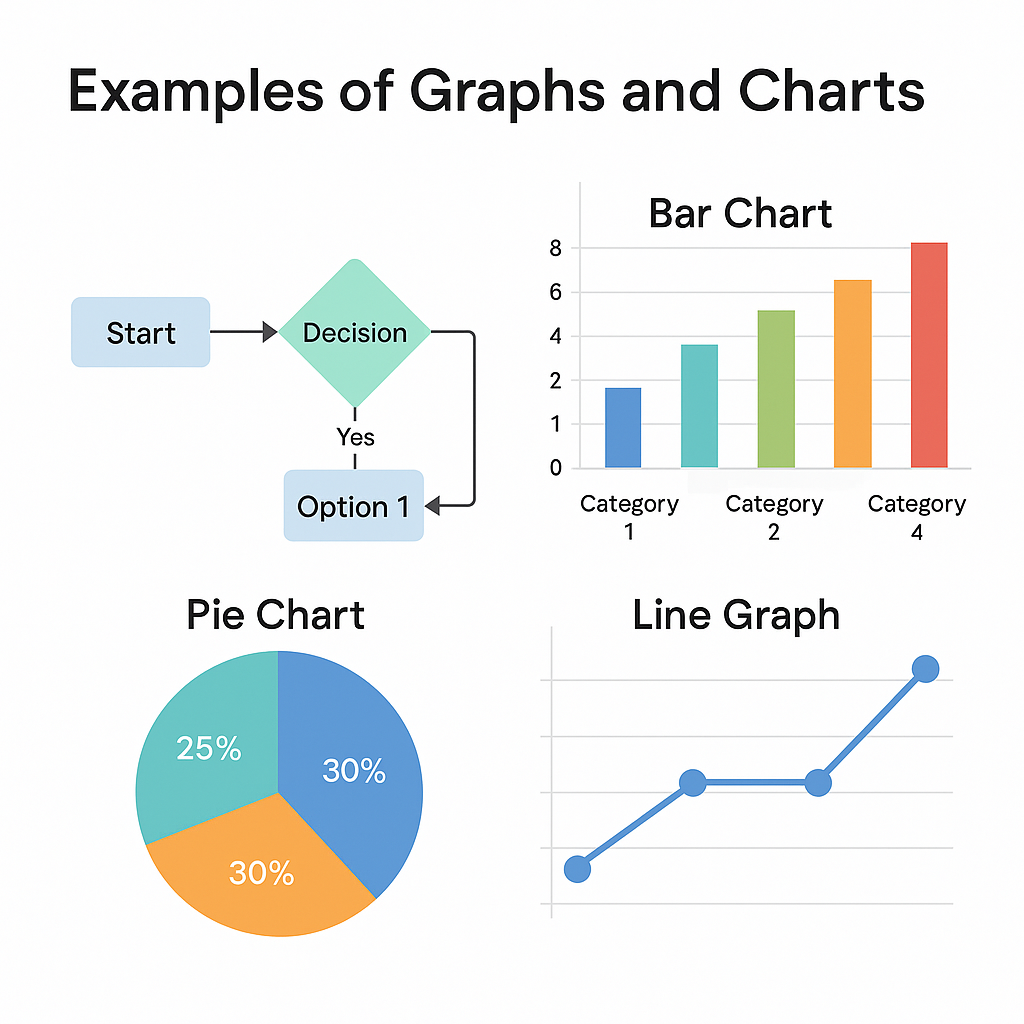
Mermaid.js is an open-source JavaScript library that lets you create diagrams and visualizations using simple markdown-like syntax. It is especially useful for developers, technical writers, DevOps engineers, and data modelers who want to include flowcharts, sequence diagrams, class diagrams, and more directly in documentation or webpages.
- Official Site: https://mermaid.js.org
- License: MIT
❓ Why Use Mermaid.js?
✅ Benefits:
- Simple syntax: Easy to learn and write.
- Embeddable: Works with HTML, Markdown, GitHub, GitLab, VS Code, Notion, Obsidian, and more.
- No external diagram tools needed: Write once, render anywhere.
- Customizable: Themes, configs, and rendering options.
- Open-source and client-side: No need for server processing.
⚖️ Core Features
| Diagram Type | Syntax Keyword | Use Case |
|---|---|---|
| Flowchart | graph | Process maps, logic trees |
| Sequence Diagram | sequenceDiagram | API calls, user interactions |
| Class Diagram | classDiagram | Object-oriented design |
| Gantt Chart | gantt | Project timelines |
| State Diagram | stateDiagram | State machines |
| Entity Relationship | erDiagram | Database schema visualization |
| Pie Chart | pie | Proportion data |
| Journey Diagram | journey | Customer/user journey mapping |
| Git Graph | gitGraph | Git commit history and branching |
| Mindmap (experimental) | mindmap | Brainstorming and ideation |
| Requirement Diagram | requirementDiagram | System/software requirement modeling |
🔧 How to Use Mermaid.js
Option 1: Using CDN (Recommended for Beginners)
<!DOCTYPE html>
<html>
<head>
  <script type="module">
    import mermaid from 'https://cdn.jsdelivr.net/npm/mermaid@10/dist/mermaid.esm.min.mjs';
    mermaid.initialize({ startOnLoad: true });
  </script>
</head>
<body>
  <pre class="mermaid">
    graph TD
      A[Start] --> B{Is it working?}
      B -- Yes --> C[Great]
      B -- No --> D[Fix it]
      D --> B
  </pre>
</body>
</html>
Code language: HTML, XML (xml)
Option 2: Install with NPM (Advanced)
npm install mermaid
Then in your JS:
import mermaid from 'mermaid';
mermaid.initialize({ startOnLoad: true });
Code language: JavaScript (javascript)
📈 Examples
Flowchart
graph LR
  A[Start] --> B[Next Step]
  B --> C{Decision?}
  C -- Yes --> D[Do A]
  C -- No --> E[Do B]
Code language: PHP (php)
Sequence Diagram
sequenceDiagram
  Alice->>Bob: Hello Bob
  Bob-->>Alice: Hi Alice
Gantt Chart
gantt
  title Project Timeline
  dateFormat  YYYY-MM-DD
  section Development
  Planning       :done,    des1, 2026-01-01, 2026-01-05
  Development    :active,  des2, 2026-01-06, 10d
Code language: CSS (css)
⚙️ Configuration
You can configure Mermaid using:
mermaid.initialize({
  startOnLoad: true,
  theme: 'default', // or 'dark', 'forest', 'neutral'
  securityLevel: 'strict',
  flowchart: { curve: 'basis' },
});
Code language: CSS (css)
🌐 Supported Platforms
| Platform | Mermaid Support |
|---|---|
| GitHub (Markdown) | ✅ Yes |
| GitLab | ✅ Yes |
| Obsidian | ✅ Plugin |
| Notion | ✅ Embed workaround |
| VS Code | ✅ With extension |
| HTML websites | ✅ Native |
| Docusaurus/MkDocs | ✅ With plugins |
❓ Tips
- Wrap Mermaid code in
<pre class="mermaid">for HTML rendering. - Use the Live Editor: https://mermaid.live/
- Use
flowchart TDorgraph LRto control flow direction. - Prefer
sequenceDiagramfor time-based flows.
📅 Roadmap
- Improvements to
mindmap - Export to PDF/SVG
- Accessibility enhancements
📄 Conclusion
Mermaid.js is a flexible and lightweight diagramming solution perfect for developers, engineers, and technical writers. Whether you’re documenting infrastructure, user journeys, or system design, Mermaid makes it easy to visualize and maintain your diagrams directly in code or markdown.

I’m Rajesh Kumar, a DevOps, SRE, DevSecOps, Cloud, and Platform Engineering expert passionate about sharing practical knowledge, real-world experiences, and industry best practices. I have worked at Cotocus and regularly write about technology, travel, investing, health, product reviews, and digital marketing through my various platforms.
I publish technical articles at DevOps School, travel stories at Holiday Landmark, stock market insights at Stocks Mantra, health and fitness guidance at My Medic Plus, product reviews at TrueReviewNow, and SEO and digital marketing strategies at Wizbrand.
Find Trusted Cardiac Hospitals
Compare heart hospitals by city and services — all in one place.
Explore Hospitals