
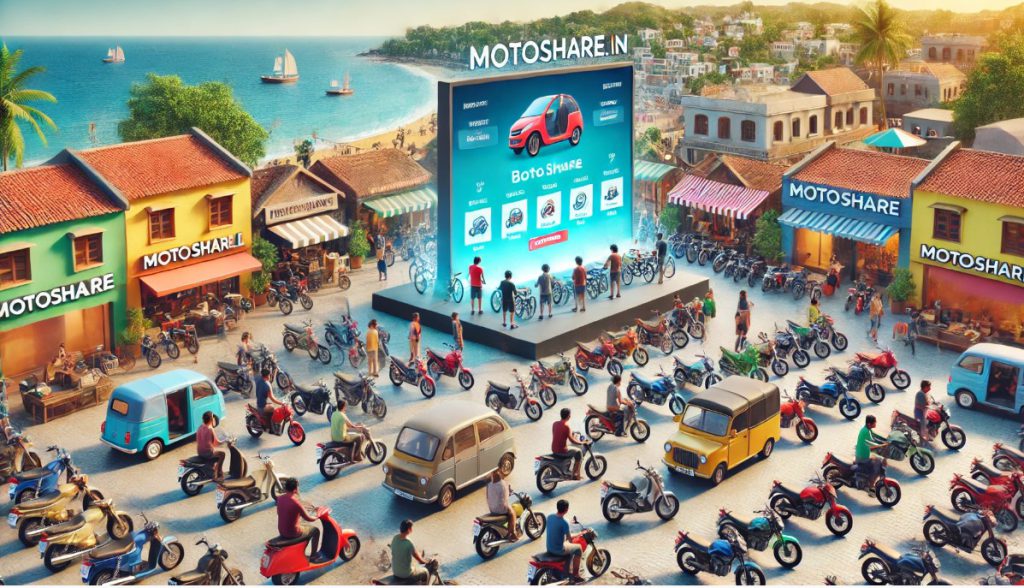
MotoShare.in has officially launched its bike and car rental services across India, providing a simple and convenient platform for vehicle owners and renters. Whether you’re a traveler or a local resident looking for transportation options, MotoShare.in is revolutionizing the way people rent bikes, cars, and motorbikes. Here’s a detailed breakdown of how MotoShare.in works and what you need to know:
About MotoShare.in
MotoShare.in is an innovative marketplace that connects vehicle owners with individuals looking to rent bikes, cars, or motorbikes. The platform allows vehicle owners to list their vehicles for rent, and customers can easily browse and book them for short or long durations. With no hidden fees and a straightforward rental process, MotoShare.in is making vehicle rentals more accessible across various cities in India.
How MotoShare.in Works
MotoShare.in operates as a peer-to-peer rental platform:
- Vehicle Owners: Owners list their vehicles (bikes, cars, motorbikes) on the platform, set rental prices, and manage availability.
- Customers: Renters browse through available vehicles and book their preferred option for the desired duration.
- Payments: Customers directly pay the vehicle owners, and MotoShare.in does not involve itself in the transaction process.
- Validation: Renters are advised to validate the owner’s authenticity before completing the payment to ensure a smooth and safe rental experience.
How to Register Your Bike, Car, or Motorbike for Rental Services at MotoShare.in
If you own a bike, car, or motorbike and want to rent it out through MotoShare.in, follow these simple steps:
- Sign Up: Register on MotoShare.in as a vehicle owner by providing your basic information.
- Add Vehicle Details: List your vehicle with complete details, including make, model, year, and photos.
- Upload Documents: Submit essential documents like the vehicle’s Registration Certificate (RC), Insurance, Pollution Under Control (PUC) certificate, and ID proof for verification.
- Set Rental Terms: Define your rental prices, vehicle availability, and any specific terms for renters.
- Approval and Listing: Once approved, your vehicle will be live on MotoShare.in, ready to be rented by customers.
Does MotoShare.in Charge Any Fees for Vehicle Owners (Bikes, Cars, Motorbikes) for Listing?
No, MotoShare.in is 100% free for vehicle owners. Owners can list their vehicles (bikes, cars, motorbikes) on the platform without paying any fees. MotoShare.in does not charge a commission or transaction fees when a rental takes place, meaning that owners keep all the earnings from the rentals.
Does MotoShare.in Charge Any Fees to Customers (Renters) to Rent Bikes, Cars, and Motorbikes?
No, MotoShare.in does not charge customers any fees for booking bikes, cars, or motorbikes. Renters pay the rental amount directly to the vehicle owners without any platform-related fees or hidden charges. However, customers are required to validate the vehicle owner’s genuineness before making the payment through UPI or other methods.
What is the Pricing and Charges Model of MotoShare.in?
MotoShare.in follows a transparent and user-friendly pricing model:
- For Vehicle Owners: There are no listing fees or transaction charges for listing bikes, cars, or motorbikes on MotoShare.in. Owners set their own rental prices and keep all earnings from rentals.
- For Customers: No booking fees or hidden charges. Customers directly pay the vehicle owner for the rental and must validate the owner’s authenticity before proceeding with payments.
- No Platform Fees: MotoShare.in acts solely as a marketplace and does not get involved in the financial transactions between renters and owners.
Which Cities is MotoShare.in Providing Services?
MotoShare.in has launched its services in several popular tourist destinations and cities across India. Currently, you can avail of rental services in the following locations:
- Daman and Diu: Perfect for exploring coastal landscapes and historic sites.
- Goa: Ideal for beach hopping and scenic drives through this tourist hotspot.
- Alibaug: A serene coastal town close to Mumbai, great for weekend getaways.
- Puri: Visit the famous Jagannath Temple and enjoy the serene beaches.
- Gokarna: A peaceful destination with beautiful beaches, perfect for a relaxed exploration.
- Puducherry: Experience the French-inspired architecture and culture while cruising around town on a bike or car.
MotoShare.in is bringing a new level of convenience and flexibility to vehicle rentals across India. Whether you’re an owner looking to monetize your vehicle or a traveler seeking reliable transportation, MotoShare.in offers a hassle-free, fee-free experience for everyone involved.

I’m Rajesh Kumar, a DevOps, SRE, DevSecOps, Cloud, and Platform Engineering expert passionate about sharing practical knowledge, real-world experiences, and industry best practices. I have worked at Cotocus and regularly write about technology, travel, investing, health, product reviews, and digital marketing through my various platforms.
I publish technical articles at DevOps School, travel stories at Holiday Landmark, stock market insights at Stocks Mantra, health and fitness guidance at My Medic Plus, product reviews at TrueReviewNow, and SEO and digital marketing strategies at Wizbrand.
Find Trusted Cardiac Hospitals
Compare heart hospitals by city and services — all in one place.
Explore Hospitals