
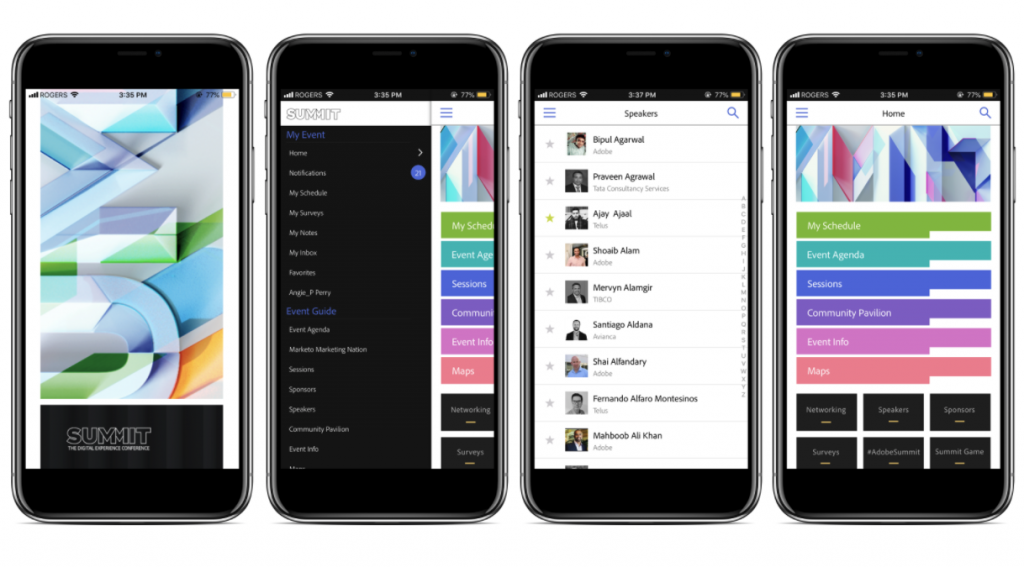
Are you tired of planning and organizing events manually? Do you want to make your life easier and more efficient? Look no further, as we have compiled the top 11 best apps for events that will help you streamline your event planning process.
1. Eventbrite
Eventbrite is a popular app that allows you to create, promote, and sell tickets for your event. With its user-friendly interface, you can easily manage attendees and track sales.
2. Trello
Trello is a project management app that allows you to organize tasks and collaborate with your team. It’s perfect for event planning, as you can assign tasks to team members and track progress.
3. Asana
Asana is another project management app that helps you keep track of tasks and deadlines. It has a range of features, including team collaboration and file sharing.
4. Slack
Slack is a communication app that allows you to chat with team members, share files, and collaborate in real-time. It’s perfect for event planning, as it allows you to stay connected with your team no matter where you are.
5. Canva
Canva is a design app that allows you to create beautiful graphics and marketing materials for your event. With its drag-and-drop interface, you can easily create flyers, posters, and social media graphics.
6. Hootsuite
Hootsuite is a social media management app that allows you to schedule and publish posts across all your social media platforms. It’s perfect for event promotion, as you can schedule posts in advance and track engagement.
7. Google Drive
Google Drive is a cloud storage app that allows you to store and share files with your team. It’s perfect for event planning, as you can easily share documents and collaborate in real-time.
8. Survey Monkey
Survey Monkey is a survey app that allows you to collect feedback from attendees after your event. It’s perfect for improving future events, as you can gather valuable insights and make data-driven decisions.
9. Eventbase
Eventbase is an event app that allows you to create a personalized schedule for your attendees. With its user-friendly interface, attendees can easily navigate your event and stay up-to-date with the latest information.
10. Bizzabo
Bizzabo is an all-in-one event management app that allows you to create, promote, and manage your event. With its range of features, including ticketing, networking, and analytics, you can streamline your entire event planning process.
11. Attendify
Attendify is an event app that allows you to create a custom app for your event. With its range of features, including schedules, networking, and sponsor promotion, attendees can easily navigate your event and stay engaged.
In conclusion, these are the top 11 best apps for events that will help you streamline your event planning process. From project management to social media management, these apps will help you stay organized, productive, and efficient. So, what are you waiting for? Download these apps today and take your event planning to the next level!

👤 About the Author
Ashwani is passionate about DevOps, DevSecOps, SRE, MLOps, and AiOps, with a strong drive to simplify and scale modern IT operations. Through continuous learning and sharing, Ashwani helps organizations and engineers adopt best practices for automation, security, reliability, and AI-driven operations.
🌐 Connect & Follow:
Website: WizBrand.com
Facebook: facebook.com/DevOpsSchool
X (Twitter): x.com/DevOpsSchools
LinkedIn: linkedin.com/company/devopsschool
YouTube: youtube.com/@TheDevOpsSchool
Instagram: instagram.com/devopsschool
Quora: devopsschool.quora.com
Email– contact@devopsschool.com
Find Trusted Cardiac Hospitals
Compare heart hospitals by city and services — all in one place.
Explore Hospitals