
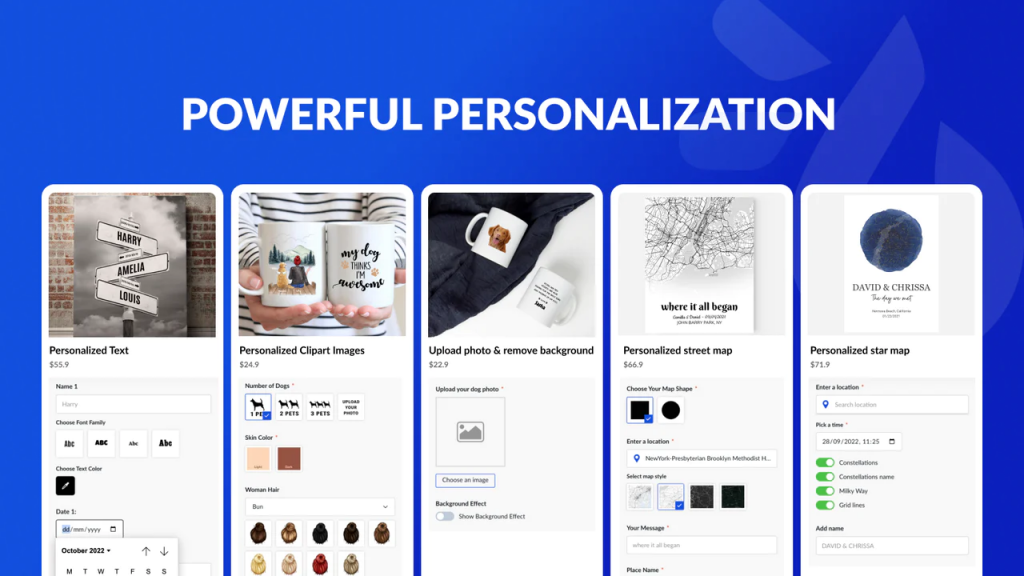
Are you tired of using the same old boring apps that everyone else is using? Do you want to stand out from the crowd and show off your unique style? Look no further than these top 11 best apps for personalization.
1. Zedge
Zedge is a must-have app for anyone looking to personalize their phone. With millions of free wallpapers, ringtones, and notifications, you’ll never run out of options. Plus, the app learns your preferences over time and suggests new options based on your tastes.
2. Nova Launcher
Nova Launcher is the ultimate app for customizing your Android phone. It allows you to change everything from your home screen layout to your app icons. Plus, it has a ton of cool features like gesture controls and customizable dock shortcuts.
3. Widgetsmith
Widgetsmith is the perfect app for anyone who loves to customize their iPhone’s home screen. It allows you to create custom widgets for things like the weather, calendar events, and even your battery percentage. Plus, it has a ton of different font and color options to choose from.
4. Facetune
Facetune is the ultimate app for anyone who wants to perfect their selfies. It allows you to smooth out your skin, whiten your teeth, and even change the color of your eyes. Plus, it has a ton of cool filters and effects to choose from.
5. Canva
Canva is a great app for anyone looking to create personalized graphics and designs. It has a ton of templates to choose from, or you can create something from scratch. Plus, it’s super user-friendly and easy to use.
6. Pocket
Pocket is a great app for anyone who loves to save articles and videos to read later. It allows you to customize your reading list and even suggests new articles based on your interests. Plus, it syncs across all your devices so you can pick up where you left off.
7. Trello
Trello is a must-have app for anyone who wants to stay organized. It allows you to create boards for different projects and tasks, and you can even assign due dates and labels. Plus, it’s great for collaborating with others and keeping everyone on the same page.
8. Forest
Forest is a unique app that helps you stay focused and productive. You plant a virtual tree and it grows as you work, but if you leave the app, the tree dies. It’s a great way to stay motivated and avoid distractions.
9. Headspace
Headspace is a meditation app that’s great for anyone looking to reduce stress and improve their mental health. It has a ton of guided meditations and mindfulness exercises to choose from, and it even tracks your progress over time.
10. MyFitnessPal
MyFitnessPal is a great app for anyone looking to track their diet and exercise. It allows you to log your meals and workouts and even gives you personalized recommendations based on your goals. Plus, it syncs with other fitness apps and devices.
11. Duolingo
Duolingo is a language-learning app that’s great for anyone looking to learn a new language. It’s super user-friendly and fun, with interactive lessons and quizzes. Plus, it’s free!
In conclusion, these top 11 best apps for personalization are a great way to show off your unique style and stay organized, productive, and healthy. So why not download a few and give them a try? Your phone (and your brain) will thank you.

👤 About the Author
Ashwani is passionate about DevOps, DevSecOps, SRE, MLOps, and AiOps, with a strong drive to simplify and scale modern IT operations. Through continuous learning and sharing, Ashwani helps organizations and engineers adopt best practices for automation, security, reliability, and AI-driven operations.
🌐 Connect & Follow:
Website: WizBrand.com
Facebook: facebook.com/DevOpsSchool
X (Twitter): x.com/DevOpsSchools
LinkedIn: linkedin.com/company/devopsschool
YouTube: youtube.com/@TheDevOpsSchool
Instagram: instagram.com/devopsschool
Quora: devopsschool.quora.com
Email– contact@devopsschool.com
Find Trusted Cardiac Hospitals
Compare heart hospitals by city and services — all in one place.
Explore Hospitals