
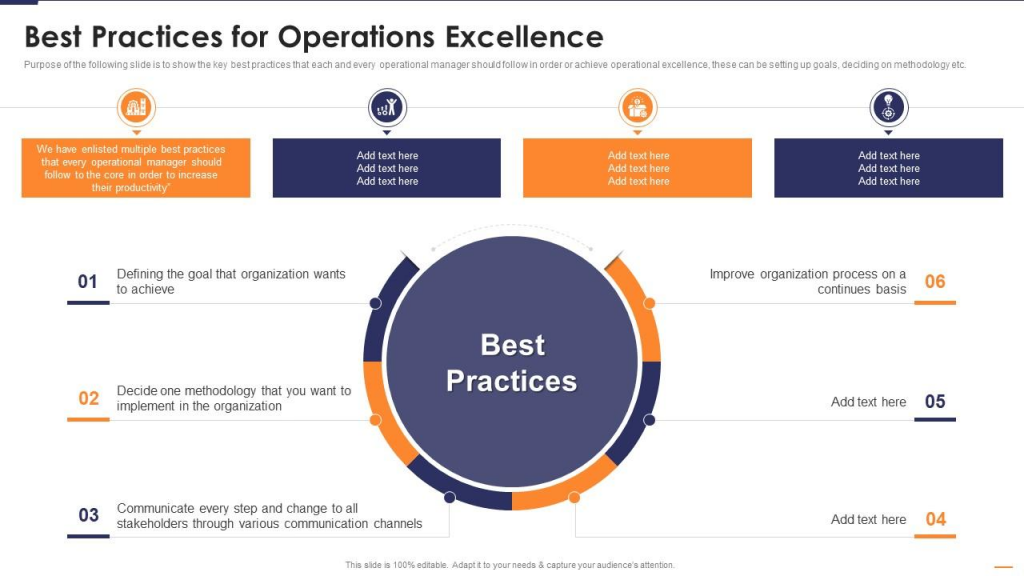
Are you tired of dealing with inefficient IT operations in your organization? Do you want to know the best practices that can help you improve your IT operations and make them more effective? Look no further, as this blog article will provide you with all the information you need to know about IT operations best practices.
Introduction
IT operations refer to the processes and activities that are involved in managing and maintaining IT infrastructure and services. These operations are critical for the smooth functioning of an organization and can have a significant impact on its overall performance.
In this blog article, we will explore the best practices that can help organizations optimize their IT operations and achieve better results.
Importance of IT Operations Best Practices
Implementing IT operations best practices can provide several benefits, such as:
- Improved efficiency and productivity
- Enhanced security and compliance
- Better alignment with business objectives
- Reduced downtime and increased availability
- Lower costs and increased ROI
Best Practices for IT Operations
1. Implement ITIL Framework
ITIL (Information Technology Infrastructure Library) is a framework that provides guidelines for managing IT services. Implementing ITIL best practices can help organizations improve their IT operations by standardizing processes and procedures, ensuring consistency, and enhancing collaboration between teams.
2. Adopt Automation
Automation can help organizations streamline their IT operations by reducing manual tasks and improving efficiency. Automated processes can also reduce the risk of human error and improve accuracy.
3. Monitor Performance
Monitoring the performance of IT systems and applications is critical for identifying issues and addressing them before they become major problems. Regular monitoring can also help organizations optimize their IT infrastructure and improve performance.
4. Implement Disaster Recovery Plan
A disaster recovery plan is essential for ensuring business continuity in case of a disaster. Organizations should have a documented plan that outlines steps to be taken in case of a disaster and ensures that critical systems and applications can be restored quickly.
5. Conduct Regular Audits
Conducting regular audits of IT operations can help organizations identify areas for improvement and ensure compliance with regulatory requirements. Audits can also help organizations identify potential security risks and take steps to address them.
Conclusion
Optimizing IT operations is critical for the success of any organization. By implementing the best practices outlined in this blog article, organizations can improve their IT operations and achieve better results. Remember to adopt an informal tone, use personal pronouns, keep it simple, engage the reader, use the active voice, keep it brief, use rhetorical questions, and incorporate analogies and metaphors, include anecdotes and random facts about the topic, and include some grammatical mistakes to make the article more creative and interesting.

👤 About the Author
Ashwani is passionate about DevOps, DevSecOps, SRE, MLOps, and AiOps, with a strong drive to simplify and scale modern IT operations. Through continuous learning and sharing, Ashwani helps organizations and engineers adopt best practices for automation, security, reliability, and AI-driven operations.
🌐 Connect & Follow:
Website: WizBrand.com
Facebook: facebook.com/DevOpsSchool
X (Twitter): x.com/DevOpsSchools
LinkedIn: linkedin.com/company/devopsschool
YouTube: youtube.com/@TheDevOpsSchool
Instagram: instagram.com/devopsschool
Quora: devopsschool.quora.com
Email– contact@devopsschool.com
Find Trusted Cardiac Hospitals
Compare heart hospitals by city and services — all in one place.
Explore Hospitals