
Prerequisites of Jenkins Installation
Minimum hardware requirements:
- 256 MB of RAM
- 1 GB of drive space (although 10 GB is a recommended minimum if running Jenkins as a Docker container)
Recommended hardware configuration for a small team:
- 4 GB+ of RAM
- 50 GB+ of drive space
Comprehensive hardware recommendations:
- Hardware: see the Hardware Recommendations page
Software requirements:
- Java: see the Java Requirements page
- Web browser: see the Web Browser Compatibility page
- For Windows operating system: Windows Support Policy
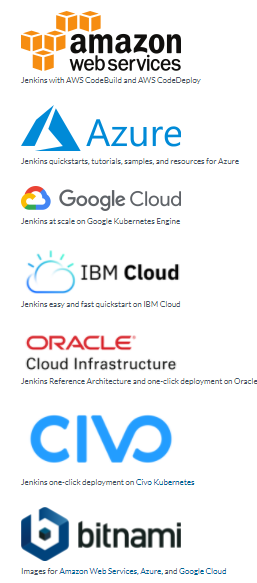
Supported Platforms & Cloud for Jenkins
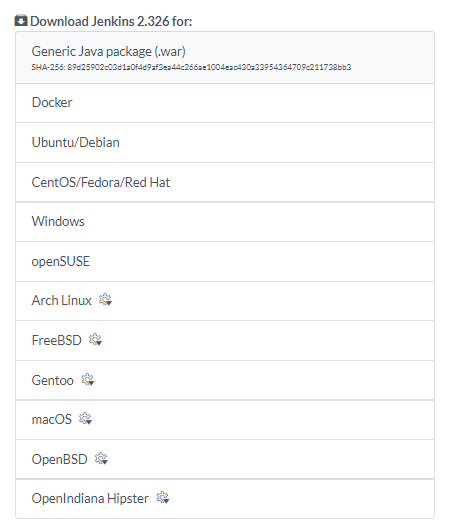
Java Installation Guide
Port Requirement for Jenkins
Disable the firewall
# Disable and stop Firewall in Cento/RHEL
sudo systemctl stop firewalld
sudo systemctl disable firewalld
sudo systemctl status firewalld


# Disable and stop Firewall in Ubuntu
sudo ufw disable
sudo ufw status
Code language: PHP (php)
Jenkins Installation Guide in RHEL/Centos
To use this repository, run the following command:
  sudo wget -O /etc/yum.repos.d/jenkins.repo https://pkg.jenkins.io/redhat/jenkins.repo
  sudo rpm --import https://pkg.jenkins.io/redhat/jenkins.io.key
If you’ve previously imported the key from Jenkins, the rpm --import will fail because you already have a key. Please ignore that and move on.
  yum install epel-release # repository that provides 'daemonize'
  yum install java-11-openjdk-devel
  yum install jenkins
Jenkins Installation Guide in Ubuntu
This is the Debian package repository of Jenkins to automate installation and upgrade. To use this repository, first add the key to your system:
  curl -fsSL https://pkg.jenkins.io/debian/jenkins.io.key | sudo tee \
    /usr/share/keyrings/jenkins-keyring.asc > /dev/null
Then add a Jenkins apt repository entry:
  echo deb [signed-by=/usr/share/keyrings/jenkins-keyring.asc] \
    https://pkg.jenkins.io/debian binary/ | sudo tee \
    /etc/apt/sources.list.d/jenkins.list > /dev/null
Update your local package index, then finally install Jenkins:
  sudo apt-get update
  sudo apt-get install jenkins
Jenkins Installation Guide with Docker
$ docker run -p 8080:8080 -p 50000:50000 jenkins/jenkins:lts-jdk11
OR
$ docker run -p 8080:8080 -p 50000:50000 -v jenkins_home:/var/jenkins_home jenkins/jenkins:lts-jdk11
OR
$ docker run -d -v jenkins_home:/var/jenkins_home -p 8080:8080 -p 50000:50000 jenkins/jenkins:lts-jdk11

Code language: JavaScript (javascript)
Install Jenkins in Windows
Step 1- Download a jenkins exec from https://www.jenkins.io/download/
URL – https://www.jenkins.io/download/thank-you-downloading-windows-installer/
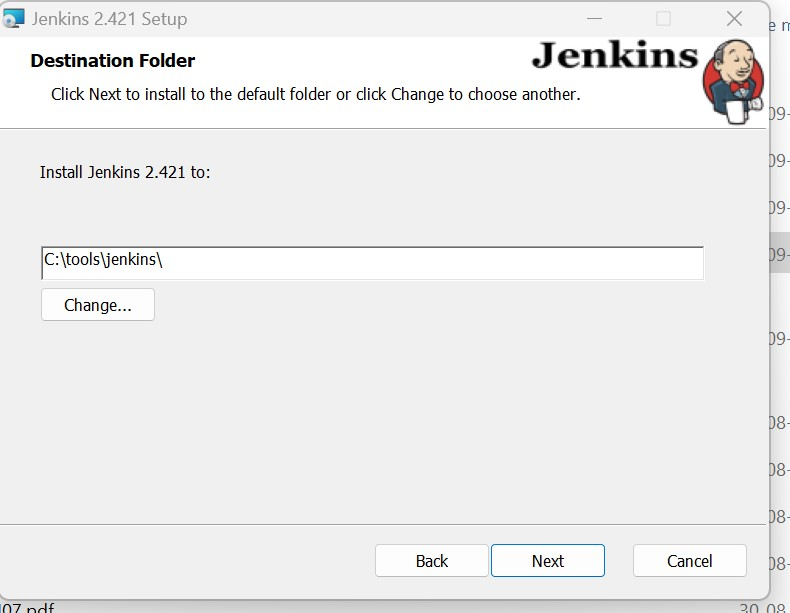
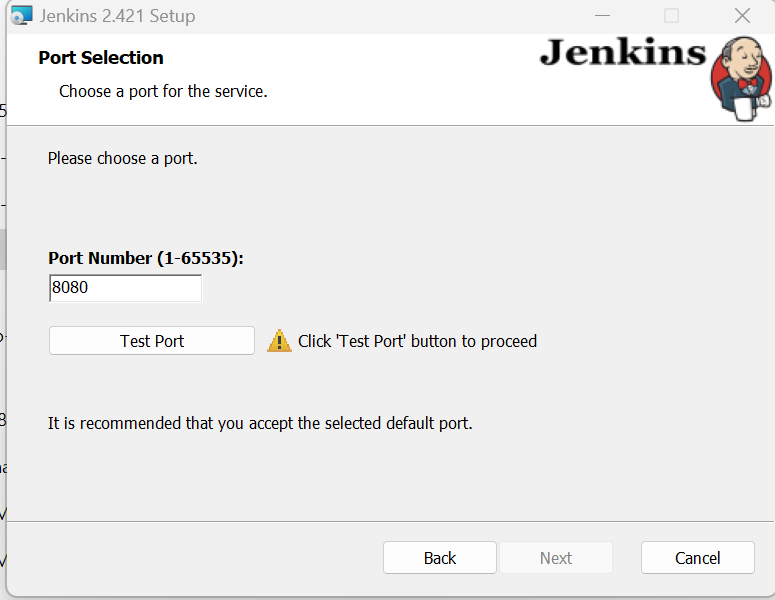
Step 2 – Run a Jenkins.msi and follow the steps.
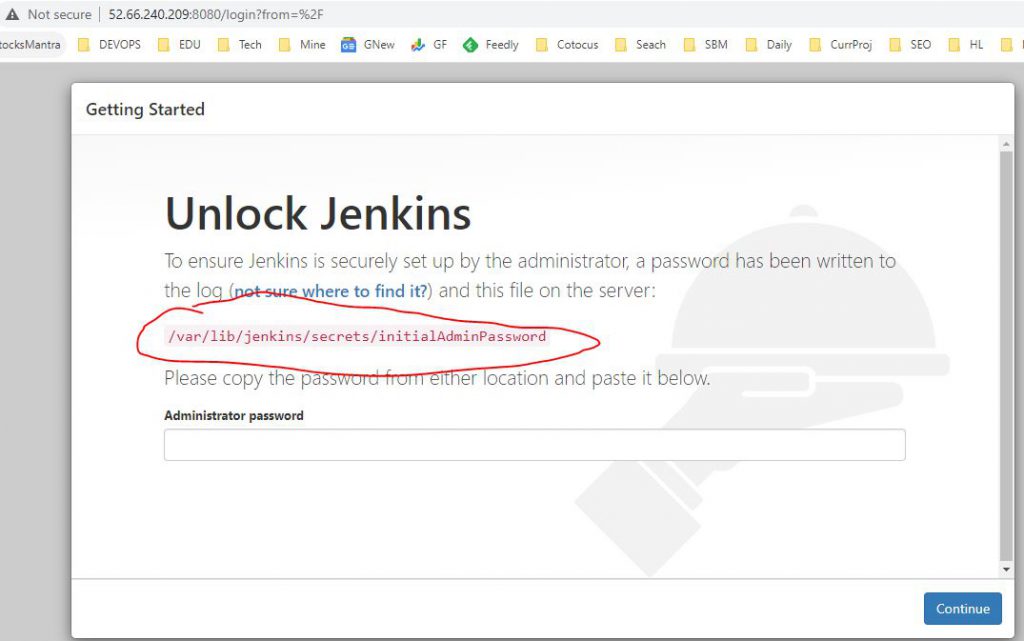
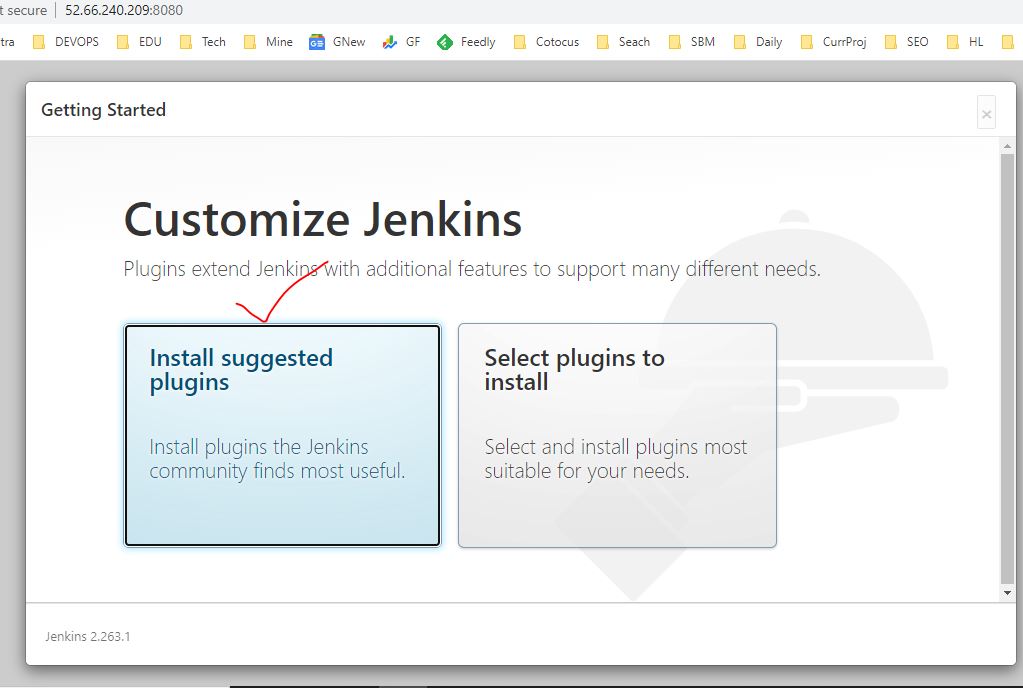
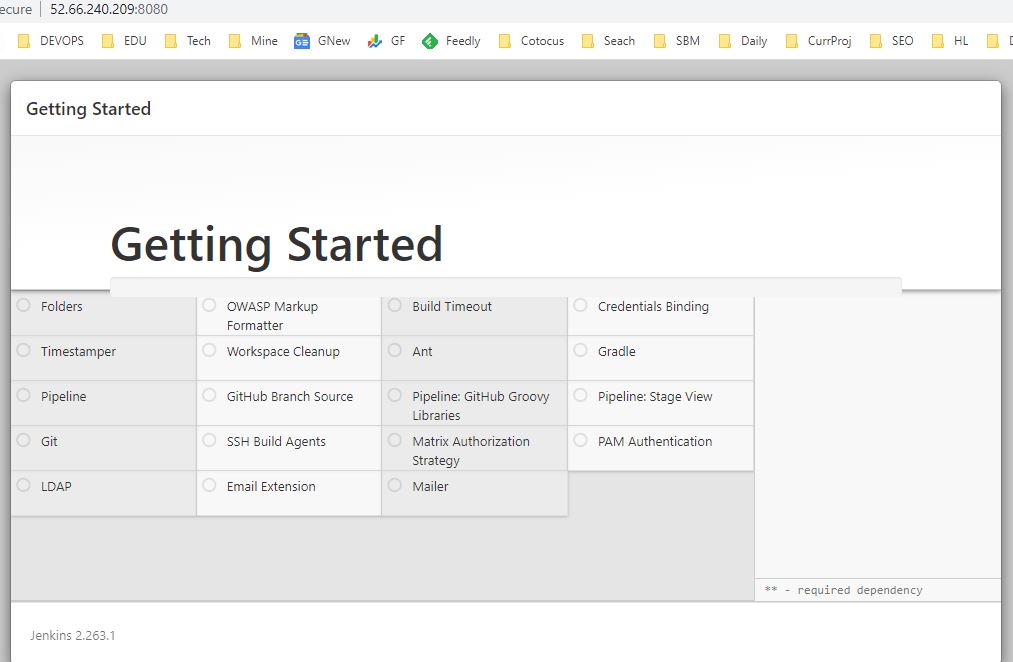
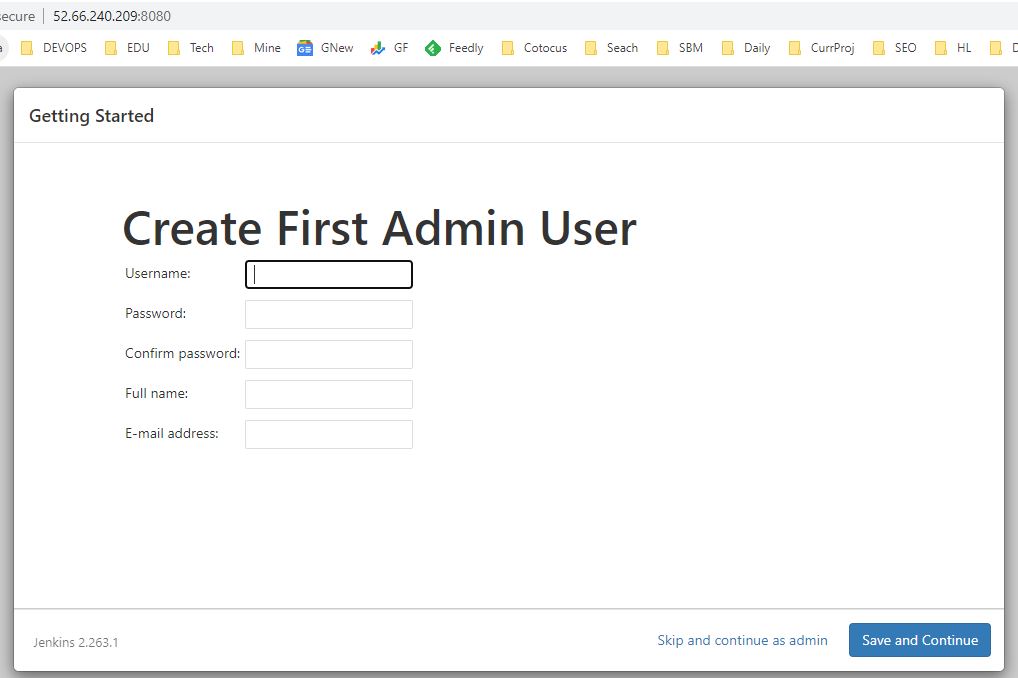
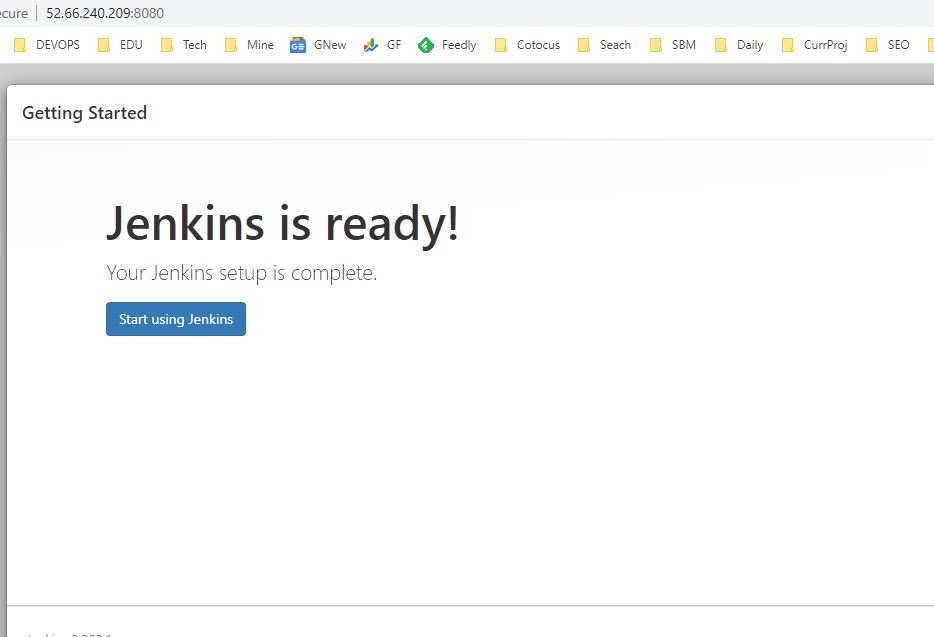
Accessing Jenkins and Configuring

I’m Rajesh Kumar, a DevOps, SRE, DevSecOps, Cloud, and Platform Engineering expert passionate about sharing practical knowledge, real-world experiences, and industry best practices. I have worked at Cotocus and regularly write about technology, travel, investing, health, product reviews, and digital marketing through my various platforms.
I publish technical articles at DevOps School, travel stories at Holiday Landmark, stock market insights at Stocks Mantra, health and fitness guidance at My Medic Plus, product reviews at TrueReviewNow, and SEO and digital marketing strategies at Wizbrand.
Find Trusted Cardiac Hospitals
Compare heart hospitals by city and services — all in one place.
Explore Hospitals
This Jenkins Installation and Configuration Guide by Rajesh Kumar provides a comprehensive overview of the necessary steps and prerequisites to set up Jenkins. It’s a great resource for both beginners and experienced users. The inclusion of supported platforms, Java installation instructions, and hardware recommendations is particularly helpful for ensuring a smooth Jenkins setup process. The clear table of contents makes it easy to navigate and find the information you need. Overall, a well-structured and informative guide for anyone looking to install and configure Jenkins. Thanks, Rajesh, for sharing this valuable resource!