
Introduction
We’ve all been there: You look at a photo or video clip and think “It needs just a little polish,” and then, you’ve spent much more time on editing than you intended.
You sharpen. You reduce the noise. You tweak video quality. You enhance lighting. Then, perhaps you’ll go upscale to another platform.
Suddenly, what was a one-click edit has become a whole to-do list. Our aim is not to eliminate editing – it’s to remove the boring, repetitive parts of editing.
This review will help us understand if Wink can genuinely streamline image and video enhancement for today’s content teams, or whether it’s another AI-driven overpromise.
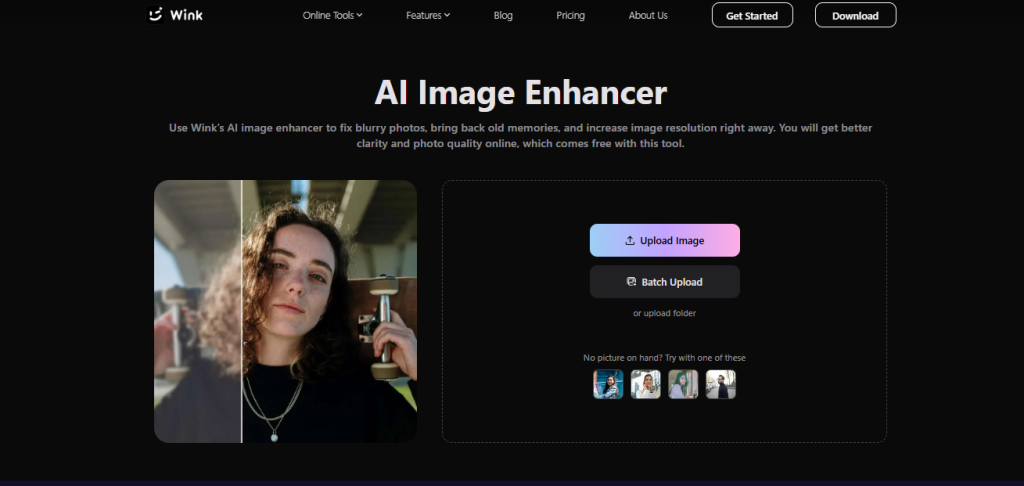
The Challenge: Creating Professional Visual Content Without Design Skills
Technical Teams Are Producing More Visual Content Than Ever
Most technical work now involves visual elements. You write documentation, then add some screenshots. You deploy a feature, then create a brief screen recording.
Pretty soon, you’re pulling together training videos, product walk-throughs, or even a social media update.
And that takes time, even if video was never listed in your job description.
Traditional Editing Tools Create Bottlenecks
The hard part is to make everything look good and neat… unless the team is lucky enough to have a designer sitting at the same table. That tiny change now ends up being much larger than intended.
What should be a quick edit often ends up taking much longer than expected.
Why AI Editing Tools Are Becoming Part of Modern Workflows
Now, this is where AI comes into play. Forget touching up each individually shaky video or clearing up each photo one by one. Upload it and let AI do 90% of the work.
It’s not about doing fancy movie studio effects.
It’s about producing nice-looking visuals without turning video editing into another hobby in your life.
What We Wanted to Evaluate Before Testing Wink
We weren’t looking for the editor with hundreds and thousands of tools and parameters; it would be overkill for the average team’s day-to-day use.
Rather, we were interested to know if Wink simplified the more monotonous parts of editing.
- Is it intuitive to operate?
- Is it cumbersome to get the hang of?
- How quickly can it crunch a photo or a video, and can you get good results with minimal after-effects touch-ups?
- And can you effectively work with it from your browser on a daily basis?
Those answers were more important to us than simply having the long features list.
Testing Wink in Real-World Content Workflows
Instead of trying every feature, we tested Wink … as most teams would do. For example, in screenshots for documentation, in images of products, in some short video clips, and on older material.
Enhancing Screenshots and Images for Documentation
What I did find interesting was how quickly screenshots could get fuzzy once you’d crop or compress them.
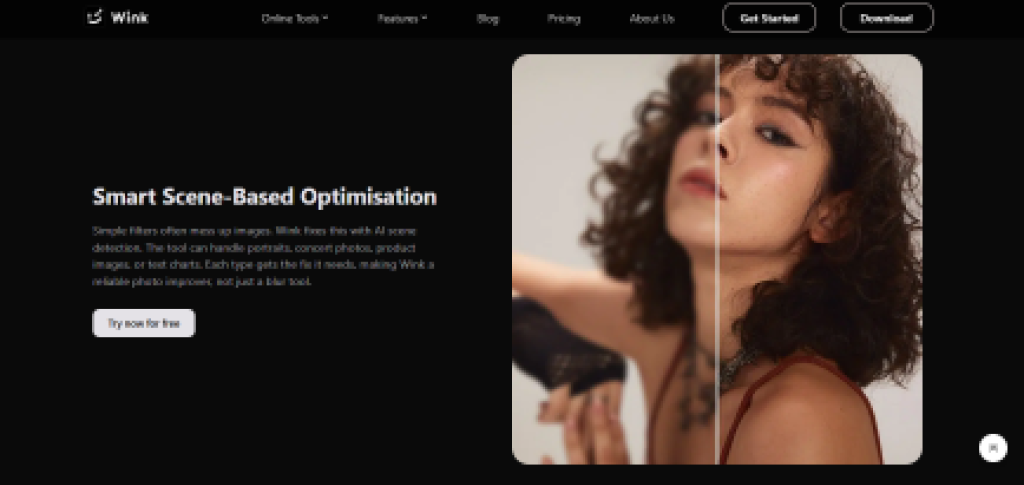
But here Wink image enhancer did the magic. We ran it through the “Blurry Photos” option offered, and it worked as the platform claimed.
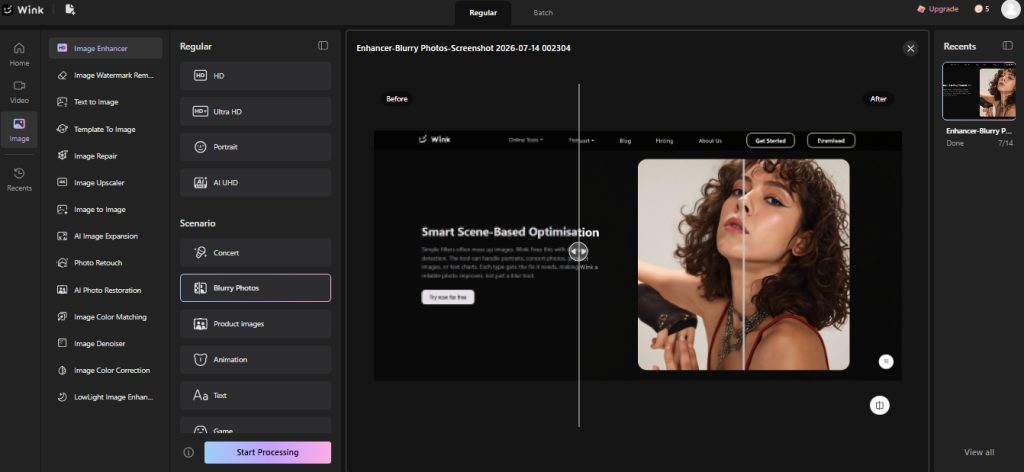
The menu, text, and interface details came into focus.
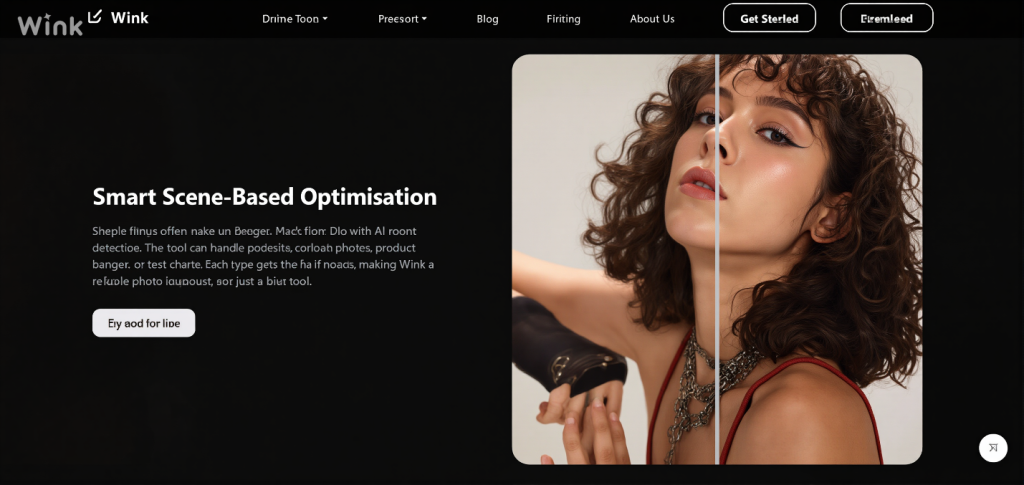
Improving Marketing and Product Visuals
We also tried some of the products and promotional shots. For the most part, Wink was able to do some light enhancement, make things clearer, and make the image cleaner without being too disturbed.

It never completely reworked the images, and I found the result was always a good look without seeming fake.

Enhancing Tutorial and Demo Videos
We also gave the tool a try in more realistic test environments. When trying to touch up a short demo video, Wink can save you the time and trouble of having to use video editing software.
We tried Wink on a blurry and pixelated product video. The goal was to make video look crisp a bit.
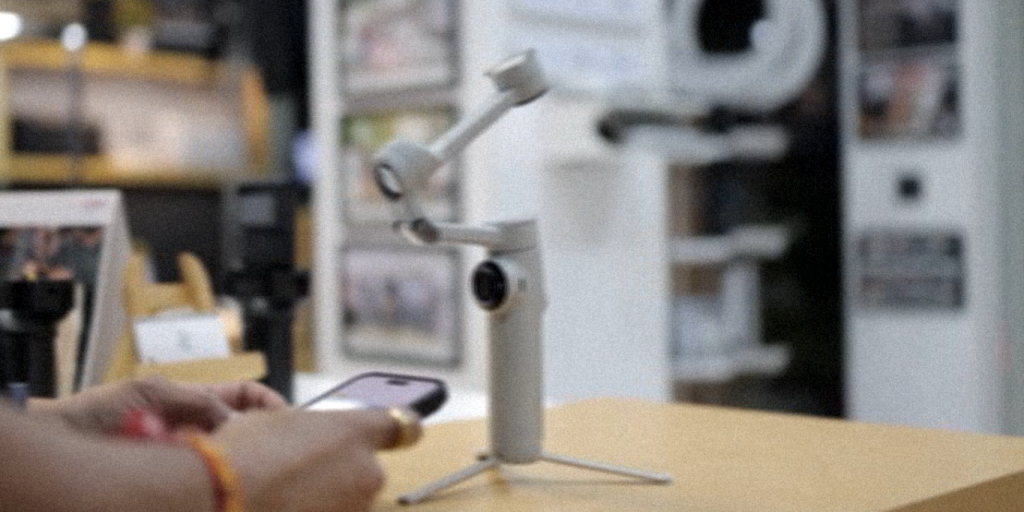
The videos are a bit cleaner and sharper, and they make them easy to watch.
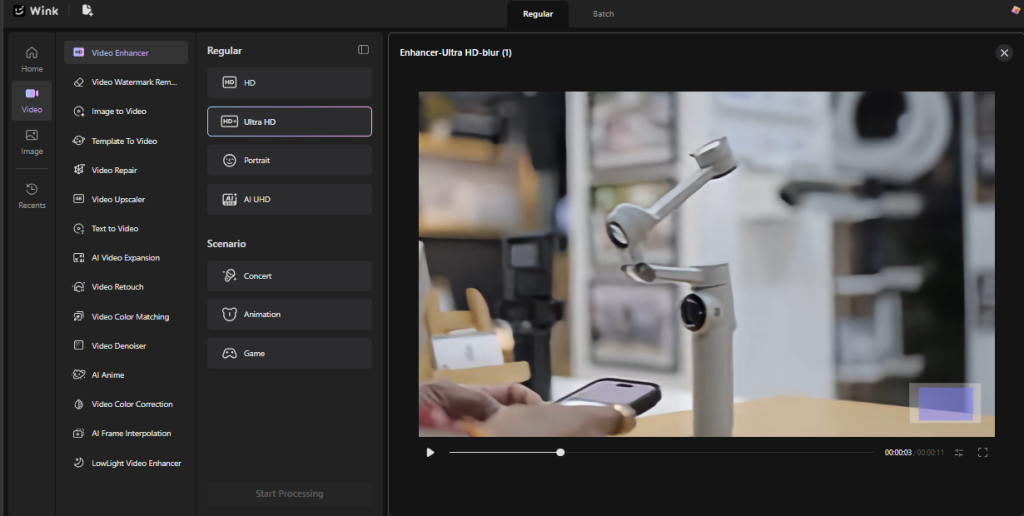
What Stood Out During Testing
Fast Learning Curve
What we really loved about Wink straight off was that it really required zero learning curve. Upload a file, choose a quick fix, done. No wasted time figuring out where everything was.
Browser-Based Workflow Reduced Friction
It all runs in the browser, so we didn’t need to download or install anything.
That meant we could dive right in, make some quick changes to the media files, and go on with our day without jumping between applications.
AI Saved Time on Routine Enhancements
This was where we noticed the greatest improvements. So instead of sharpening images or increasing the saturation of videos on an individual basis, Wink did it for us – in just a couple of clicks.
Better Results Than Manual Quick Fixes
Much better than those ‘quick fixes’ we usually apply manually, and the results turned out to be much cleaner than usual with no signs of “overdoing”.
| Best For | Why It Works Well |
| Technical writers | Quickly clean up screenshots and documentation images. |
| Product marketing teams | Improve product photos and short promotional videos without spending hours editing. |
| Online trainers | Make tutorial videos and learning materials look clearer with minimal effort. |
| Documentation teams | Keep guides and knowledge base articles looking consistent. |
| Small businesses | Create polished content without hiring a designer or learning complex software. |
Conclusion
Ultimately, Wink delivers what most of us want in an AI photo and video editing tool, making mundane edits slightly more enjoyable and efficient.
We appreciated its focused, user-friendly approach and found that it does its job well without overstretching itself by trying to be an entire suite of creative applications.
Of course, if you’re a designer, you’re going to want something more comprehensive for serious creative work, but if you want to enhance your visuals quickly without a day’s worth of fiddling around, Wink is the thing you might want to add to your routine.
And really, is that not always enough?

I’m Rajesh Kumar, a DevOps, SRE, DevSecOps, Cloud, and Platform Engineering expert passionate about sharing practical knowledge, real-world experiences, and industry best practices. I have worked at Cotocus and regularly write about technology, travel, investing, health, product reviews, and digital marketing through my various platforms.
I publish technical articles at DevOps School, travel stories at Holiday Landmark, stock market insights at Stocks Mantra, health and fitness guidance at My Medic Plus, product reviews at TrueReviewNow, and SEO and digital marketing strategies at Wizbrand.
Find Trusted Cardiac Hospitals
Compare heart hospitals by city and services — all in one place.
Explore Hospitals