Step 1 – Register at https://www.datadoghq.com/
Step 2 – Select the UBUNTU from the Datadog supported agent list
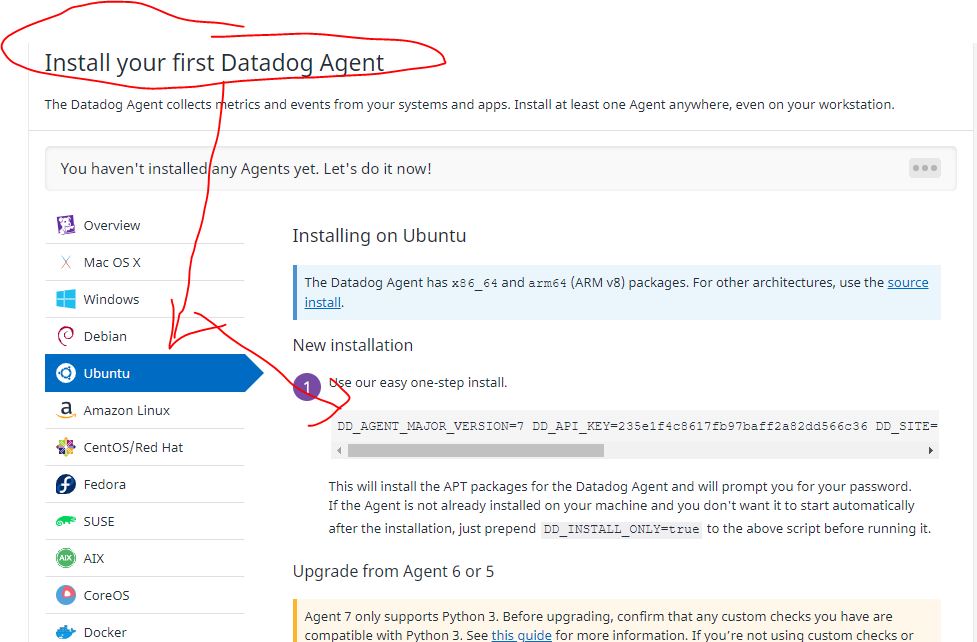
Step 3 – Run following commands
# DO NOT RUN THIS COMMANDS. Its an Example. COPY FROM Datadog.
$ D_AGENT_MAJOR_VERSION=7 DD_API_KEY=235e1f4c8617fb97badsadaddc36 DD_SITE="datadoghq.com" bash -c "$(curl -L https://s3.amazonaws.com/dd-agent/scripts/install_script.sh)"

# Run Following commands for Working with Datadog Agents
$ systemctl start datadog-agent
$ systemctl stop datadog-agent
$ systemctl restart datadog-agent
$ systemctl status datadog-agent
$ ls /var/log/datadog/
$ more /etc/datadog-agent/datadog.yaml
$ more /var/log/datadog/agent.log
$ more /var/log/datadog/process-agent.log
$ more /var/log/datadog/trace-agent.log
$ datadog-agent configcheck
$ datadog-agent config
$ datadog-agent health
$ datadog-agent hostname
$ datadog-agent version
$ datadog-agent status [ very important ]
Code language: PHP (php)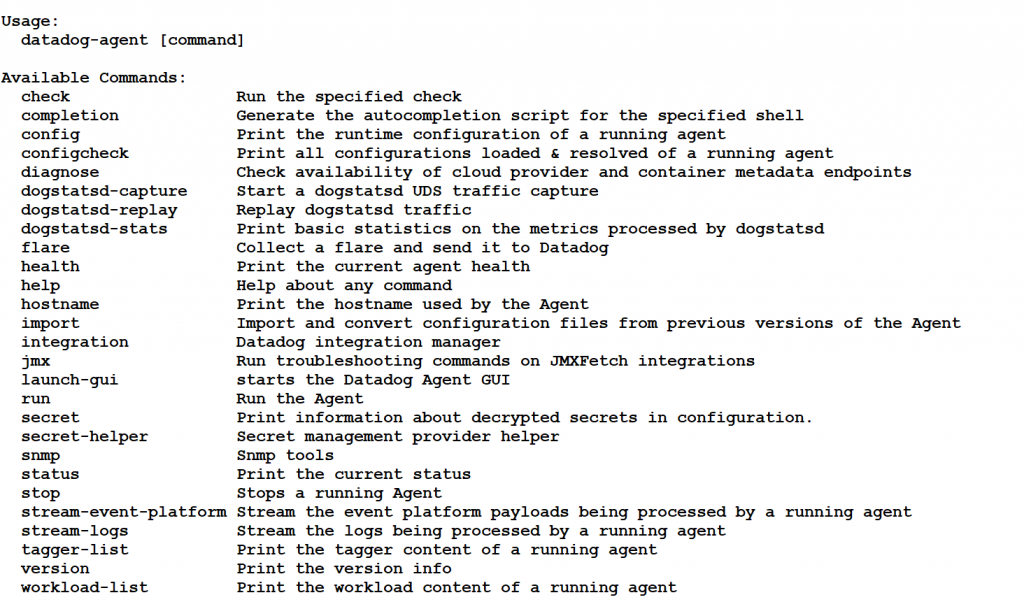
root@ip-172-31-45-47:/home/ubuntu# datadog-agent

The Datadog Agent faithfully collects events and metrics and brings them
to Datadog on your behalf so that you can do something useful with your
monitoring and performance data.

Usage:
  datadog-agent [command]

Available Commands:
  check                 Run the specified check
  completion            Generate the autocompletion script for the specified shell
  config                Print the runtime configuration of a running agent
  configcheck           Print all configurations loaded & resolved of a running agent
  diagnose              Check availability of cloud provider and container metadata endpoints
  dogstatsd-capture     Start a dogstatsd UDS traffic capture
  dogstatsd-replay      Replay dogstatsd traffic
  dogstatsd-stats       Print basic statistics on the metrics processed by dogstatsd
  flare                 Collect a flare and send it to Datadog
  health                Print the current agent health
  help                  Help about any command
  hostname              Print the hostname used by the Agent
  import                Import and convert configuration files from previous versions of the Agent
  integration           Datadog integration manager
  jmx                   Run troubleshooting commands on JMXFetch integrations
  launch-gui            starts the Datadog Agent GUI
  run                   Run the Agent
  secret                Print information about decrypted secrets in configuration.
  secret-helper         Secret management provider helper
  snmp                  Snmp tools
  status                Print the current status
  stop                  Stops a running Agent
  stream-event-platform Stream the event platform payloads being processed by a running agent
  stream-logs           Stream the logs being processed by a running agent
  tagger-list           Print the tagger content of a running agent
  version               Print the version info
  workload-list         Print the workload content of a running agent

Flags:
  -c, --cfgpath string           path to directory containing datadog.yaml
  -h, --help                     help for datadog-agent
  -n, --no-color                 disable color output
      --sysprobecfgpath string   path to directory containing system-probe.yaml

Use "datadog-agent [command] --help" for more information about a command.
Code language: PHP (php)
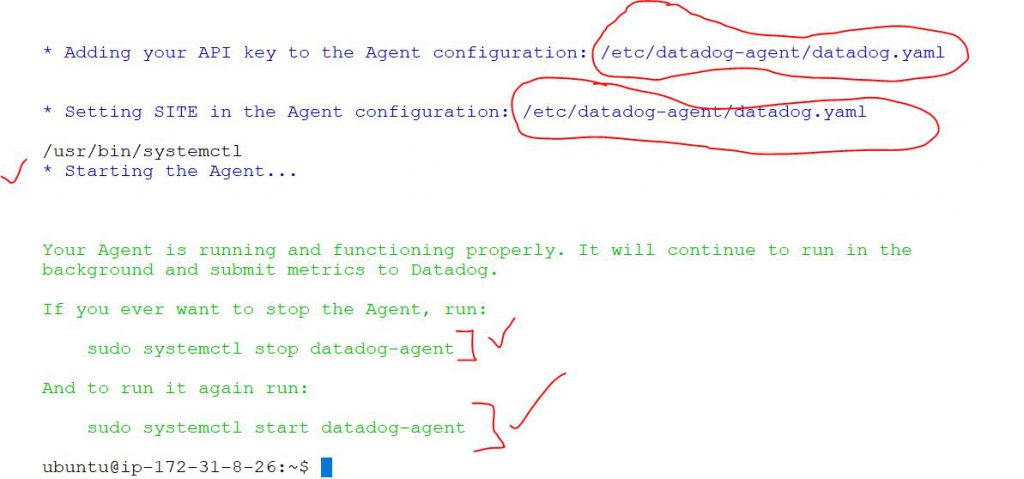
You would get output at the end of Installation
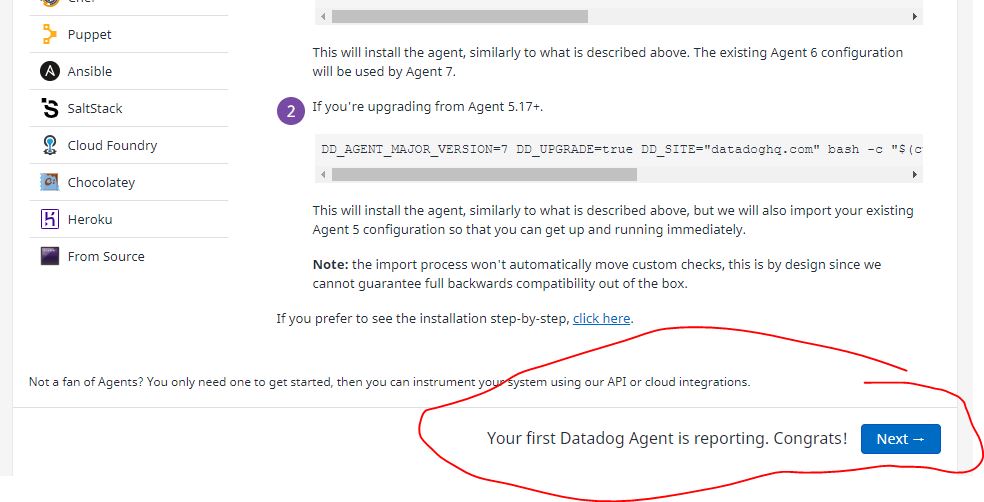
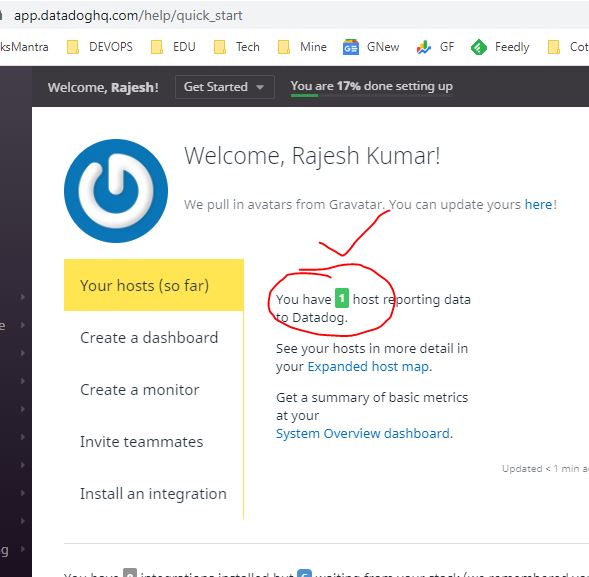
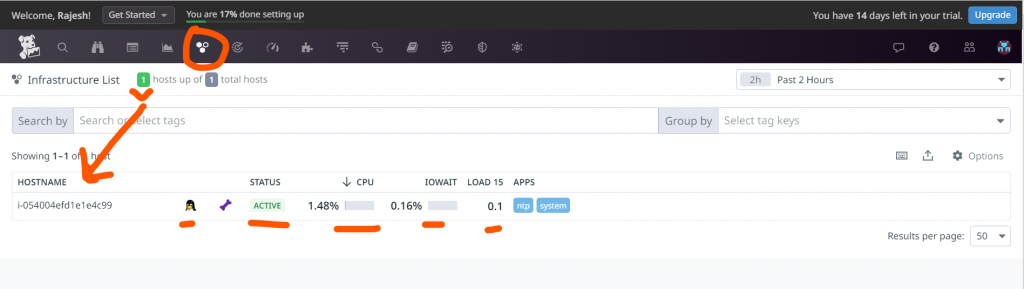
How to verify Whether Agent is sending a data to Datadog cloud?
Sorry, there was a YouTube error.

I’m Rajesh Kumar, a DevOps, SRE, DevSecOps, Cloud, and Platform Engineering expert passionate about sharing practical knowledge, real-world experiences, and industry best practices. I have worked at Cotocus and regularly write about technology, travel, investing, health, product reviews, and digital marketing through my various platforms.
I publish technical articles at DevOps School, travel stories at Holiday Landmark, stock market insights at Stocks Mantra, health and fitness guidance at My Medic Plus, product reviews at TrueReviewNow, and SEO and digital marketing strategies at Wizbrand.
Find Trusted Cardiac Hospitals
Compare heart hospitals by city and services — all in one place.
Explore Hospitals