
What is Google Cloud Natural Language API?
The Google Cloud Natural Language API is a cloud-based service provided by Google Cloud Platform that enables developers to integrate natural language processing (NLP) capabilities into their applications. The API offers pre-trained machine learning models that can analyze and extract insights from text data, including sentiment analysis, entity recognition, syntax analysis, and more. It’s designed to make it easier for developers to incorporate NLP functionalities without having to build and train models from scratch.
Top 10 use cases of Google Cloud Natural Language API:
Here are the top 10 use cases of the Google Cloud Natural Language API:
- Sentiment Analysis: The API can determine the sentiment or emotional tone of text, helping businesses gauge public opinion, customer feedback, and social media sentiment.
- Entity Recognition: The API can identify and classify named entities like names of people, organizations, locations, and more within text documents.
- Syntax Analysis: It can analyze the grammatical structure of sentences, including part-of-speech tagging, parsing, and dependency analysis, providing insights into sentence composition.
- Text Classification: The API supports text classification tasks where text documents are assigned to predefined categories, making it useful for topic categorization and content filtering.
- Entity Sentiment Analysis: This feature combines entity recognition and sentiment analysis to determine the sentiment associated with specific entities mentioned in text.
- Content Recommendation: The API can help recommend relevant content or products to users based on the analysis of their text interactions or preferences.
- Chatbot and Virtual Assistants: Integrating the API with chatbots or virtual assistants allows them to understand and respond to user queries more intelligently and contextually.
- Brand Monitoring: Businesses can monitor and analyze online content to understand how their brand is perceived and discussed across various platforms.
- Language Translation Quality Control: The API can assist in assessing the quality of machine-translated text by analyzing grammar, syntax, and sentiment.
- Social Media Analysis: Analyzing social media posts, comments, and reviews using the API helps businesses understand customer opinions, trends, and sentiment.
The Google Cloud Natural Language API is a powerful tool for various NLP applications, providing pre-trained models that can be easily integrated into web and mobile applications through RESTful APIs. It’s suitable for developers looking to add NLP capabilities to their projects without the need for extensive machine learning expertise or model training.
What are the feature of Google Cloud Natural Language API?
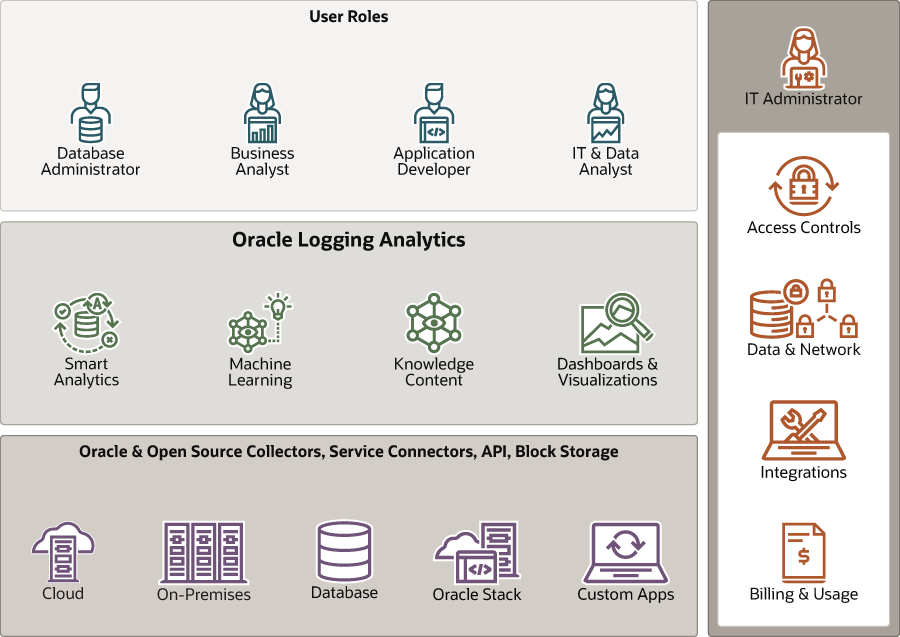
Certainly! Let’s dive into the features of the Google Cloud Natural Language API and how it works, including its architecture.
Features of Google Cloud Natural Language API:
- Sentiment Analysis: The API can analyze text and determine the overall sentiment as positive, negative, or neutral.
- Entity Recognition: It can identify and classify named entities such as people, organizations, locations, and more within text documents.
- Entity Sentiment Analysis: The API can analyze the sentiment associated with specific entities mentioned in the text.
- Syntax Analysis: It provides detailed syntactic information, including part-of-speech tags, syntactic dependency trees, and token-level details.
- Entity Salience: The API calculates the importance or salience of entities within a document.
- Content Classification: It can classify text documents into predefined categories or topics.
- Content Recommendation: The API can be used to recommend relevant content or products based on text interactions.
- Language Detection: It automatically detects the language of the text.
- Custom Entity Recognition: Users can train the API to recognize specific custom entities relevant to their domain.
- Integration with Google Cloud Services: The API seamlessly integrates with other Google Cloud services, allowing data to be ingested and processed within a cloud environment.
How Google Cloud Natural Language API Works and Architecture?
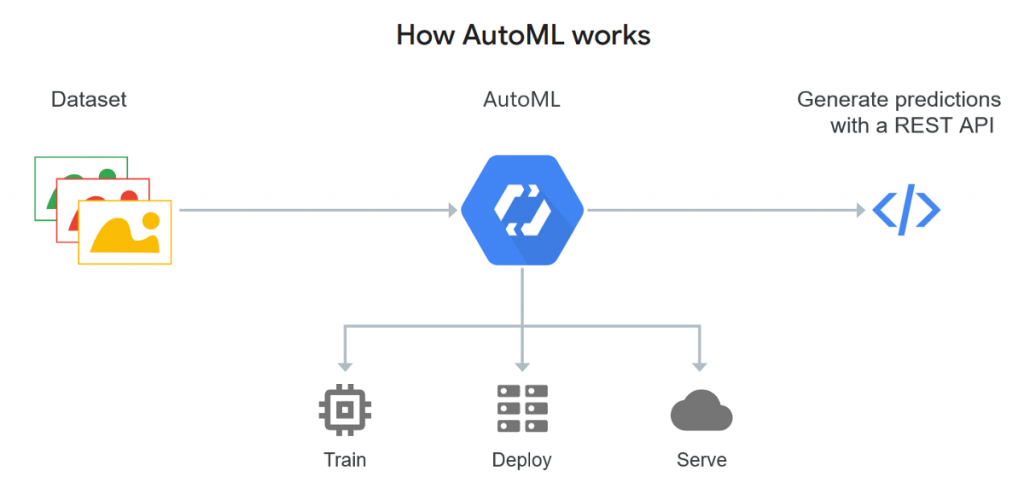
1. Sending a Request:
To use the Google Cloud Natural Language API, developers send a request with text content to the API endpoint.
2. Tokenization and Analysis:
Once the request is received, the API tokenizes the text into words, sentences, and tokens, forming the basis for analysis.
3. NLP Analysis:
The API processes the text through pre-trained machine learning models that perform various NLP tasks. These models include sentiment analysis, entity recognition, syntax analysis, and more.
4. Generating Annotations:
For each input document, the API generates annotations that provide insights into sentiment, entities, syntax, and more.
5. Sentiment Analysis:
For sentiment analysis, the API assesses the emotional tone of the text and classifies it as positive, negative, or neutral.
6. Entity Recognition and Entity Sentiment Analysis:
The API identifies named entities in the text and classifies them into categories. It can also analyze the sentiment associated with these entities.
7. Syntax Analysis:
The API performs syntax analysis, including part-of-speech tagging and dependency parsing, which provides information about word roles and relationships.
8. Output Annotations:
The API returns the processed text with annotations, which can be used to gain insights and inform downstream applications.
9. Integration and Usage:
Developers can integrate the Google Cloud Natural Language API into their applications using RESTful API calls. The processed results can then be used to enhance applications with NLP insights.
10. Scalability and Cloud Environment:
The API leverages the scalability and resources of Google Cloud Platform, enabling efficient processing of large volumes of text data.
The architecture of the Google Cloud Natural Language API involves the use of pre-trained machine learning models to analyze text and provide valuable linguistic insights. The API’s cloud-based nature allows developers to access advanced NLP capabilities without the need for extensive machine learning expertise or infrastructure setup.
How to Install Google Cloud Natural Language API?
To install the Google Cloud Natural Language API, you will need to have the following:
- A Google Cloud Platform (GCP) project.
- The Google Cloud SDK installed.
- The Python client library for the Google Cloud Natural Language API.
To create a GCP project, go to the Cloud Platform Console: https://console.cloud.google.com/. Once you have created a project, you can install the Google Cloud SDK by following the instructions on the official website: https://cloud.google.com/sdk/install.
For the Python client library installation process, run the following command:
pip install google-cloud-natural-languageOnce you have installed the necessary dependencies, you can use the following code to instantiate a client for the Google Cloud Natural Language API:
from google.cloud import language

client = language.LanguageServiceClient()Code language: JavaScript (javascript)
This will create a client object that you can use to call the Google Cloud Natural Language API.
For more information on how to install and use the Google Cloud Natural Language API, please refer to the official documentation: https://cloud.google.com/natural-language/docs/.
Here are some additional things to keep in mind when installing the Google Cloud Natural Language API:
- You will need to enable the Google Cloud Natural Language API in your project. You can do this by going to the Cloud Platform Console: https://console.cloud.google.com/ and clicking on the “APIs & Services” tab.
- You will need to create a billing account for your project. You can do this by going to the Billing page: https://console.cloud.google.com/billing/ and clicking on the “Create Billing Account” button.
Basic Tutorials of Google Cloud Natural Language API: Getting Started
The following steps are the basic tutorials of Google Cloud Natural Language API:
- Importing the Google Cloud client library
- Import the Google Cloud client library for the Natural Language API:
        Python
        <span style="background-color: initial;font-family: inherit;font-size: inherit;color: initial">from google.cloud import language</span>Code language: HTML, XML (xml)
2. Creating a client object
- Create a client object for the Natural Language API:
        Python
        <span style="background-color: initial;font-family: inherit;font-size: inherit;color: initial">client = language.LanguageServiceClient()</span>Code language: HTML, XML (xml)
3. Calling the analyze_sentiment method
- Call the
analyze_sentimentmethod to analyze the sentiment of a piece of text:
       Python
       <span style="background-color: initial;font-family: inherit;font-size: inherit;color: initial">document = client.analyze_sentiment( content="This is a happy sentence." )</span> Code language: HTML, XML (xml)
This will return a sentiment object that holds the sentiment of the text.
4. Accessing the sentiment
- The sentiment object has a number of properties that you can access, such as the overall sentiment, the positive score, and the negative score.
       Python
       <span style="background-color: initial;font-family: inherit;font-size: inherit;color: initial">print(document.sentiment.score) print(document.sentiment.magnitude)</span> Code language: HTML, XML (xml)
This will print the overall sentiment of the text, as well as the positive and negative scores.
5. Other methods
- The Google Cloud Natural Language API also provides a number of other methods, such as:
analyze_entity_sentiment: Analyze the sentiment of named entities in a piece of text.classify_text: Classify the text into a predefined category.extract_entities: Extract named entities from a piece of text.
- For more information on the Google Cloud Natural Language API, please refer to the official documentation: https://cloud.google.com/natural-language/docs/.

👤 About the Author
Ashwani is passionate about DevOps, DevSecOps, SRE, MLOps, and AiOps, with a strong drive to simplify and scale modern IT operations. Through continuous learning and sharing, Ashwani helps organizations and engineers adopt best practices for automation, security, reliability, and AI-driven operations.
🌐 Connect & Follow:
Website: WizBrand.com
Facebook: facebook.com/DevOpsSchool
X (Twitter): x.com/DevOpsSchools
LinkedIn: linkedin.com/company/devopsschool
YouTube: youtube.com/@TheDevOpsSchool
Instagram: instagram.com/devopsschool
Quora: devopsschool.quora.com
Email– contact@devopsschool.com
Find Trusted Cardiac Hospitals
Compare heart hospitals by city and services — all in one place.
Explore Hospitals




