
Groovy, a dynamic and object-oriented programming language, has emerged as a default choice for Java developers. Initially released in 2003, the programming language is largely Scala-like and was designed for the Java platform. Groovy is designed to be less verbose than Java. The syntax is less complicated and follows a simpler structure with no unnecessary semicolons, helping you code faster without worrying about boilerplate code. Java 8 and the Stream API are a big step towards providing better expression.
Features:-
Dynamic typing (enables you to program faster, at least primarily).
Tooling support to get useful APIs applying @DelegatesTo.
String interpolation (better building among strings showing values).
Currying/partial software (enabling you to a replica of the function with more than one arguments set).
Native associative array/key-value mapping support (you are able to generate an associative array literal).
Regex’s getting first-class residents.
1. SlickEdit

SlickEdit is a popular cross-platform, multi-language source code and text editor. It provides various coding tools and time-saving programming features. SlickEdit 2014 facilitates coding in over 40 languages on 9 different platforms. Use of SlickEdit Editor is licensed and managed by a proprietary license manager. Here’s an explanation of how to interface SlickEdit to OpenLM to monitor license usage and get license usage statistics.
Features:-
- Integrated builds/compiles
- Groovy debugger
- Syntax indenting and expansion
- Symbol coloring
2. TextMate
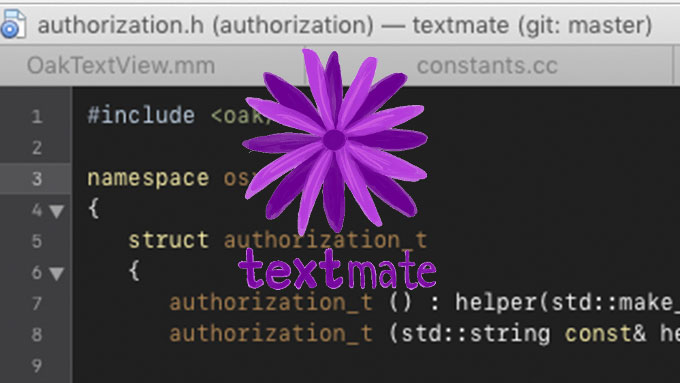
TextMate is a versatile plain text editor with a unique and innovative feature set, which earned it the Apple Design Award for Best Mac OS X Developer Tools in August 2006. The rapidly growing community has created bundles for over a hundred different “modes”. “Including support for all major programming languages, writing prose in structured formats like LaTeX, Markdown, Textile, etc., blogging, running SQL queries, scripting, budgeting, and more.
Features:-
It uses UNIX foundation for reducing overhead and the need for manual work
Syntax highlighting
Macros that are recordable
Code blocks that are foldable
3. Vim
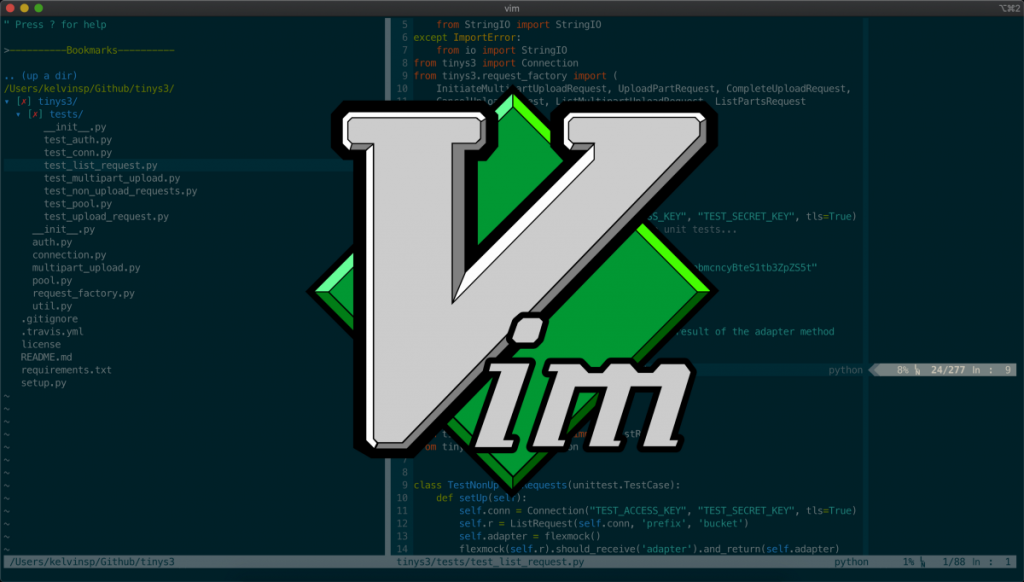
Vim is an extremely advanced code editor which is open-source which gives you as a developer the ability to modify the application as per your choice. With the help of Vim editors and Unix systems embedded in the software, applications can manage all of the developers’ text-editing activities in no time, whether the application is used online or on-premises. This application is available for use by Linux devices.
Features:
- It is designed to function with hundreds of programming languages and file formats
- Vast Plugin system
- A lot of tools integration
4. UltraEdit

UltraEdit is a powerful text editor with 4+ million users and many Fortune 100/500/1000 enterprise customers. For over 25 years UltraEdit has been the go-to editor in a diverse range of industries for professionals’ most important editing needs. Renowned for its power and performance in handling and processing huge files and data, UltraEdit is also a highly configurable and themed code editor with support for nearly any language or syntax.
Features
Multi-caret/multi-select
Integrated FTP, SSH & Telnet
It is used for multi-platform
5. Visual Studio Code
Visual Studio Code is a free open-source text editor by Microsoft. VS Code is available for Windows, Linux, and macOS. Although the editor is relatively lightweight, it includes some powerful features that have made VS Code one of the most popular development environment tools in recent times.
Features
IntelliSense and syntax highlighting
Debugging of codes directly from the editor
Visual studio code can be customizable and extensible

I’m Rajesh Kumar, a DevOps, SRE, DevSecOps, Cloud, and Platform Engineering expert passionate about sharing practical knowledge, real-world experiences, and industry best practices. I have worked at Cotocus and regularly write about technology, travel, investing, health, product reviews, and digital marketing through my various platforms.
I publish technical articles at DevOps School, travel stories at Holiday Landmark, stock market insights at Stocks Mantra, health and fitness guidance at My Medic Plus, product reviews at TrueReviewNow, and SEO and digital marketing strategies at Wizbrand.
Find Trusted Cardiac Hospitals
Compare heart hospitals by city and services — all in one place.
Explore Hospitals
VSCode doesn’t seem to format goovy (fro jenkins).