
Hi…
This is Ashwani, this is my next article related to software industry. Previously, I have shared my view on the Top 5 Code Coverage Tools. If you want to check that please click Here. Now Today i want to share something with you about Top 10 Static Code Analysis Tool. So, there are two things
I will explain about What is Static Code Analysis Tool.
There are three main benefits of Static analysis tools.
1. Automation — Automation can save your time and energy which ultimately means you can invest your time and energy in some other aspects of development lifecycle, which will help you to release your software faster.
2. Security — Security is also one of the major concern and by adopting Static analysis you can cut the doubt of security vulnerabilities in your application, which will ensure that you are delivering a secure and reliable software.
3. Implementation — Static analysis can be implemented as early in the software development lifecycle (SDLC) as you have code to scan, it will give more time to fix the issues discovered by the tool. The best thing of static analysis is that it can detect the exact line of code that’s been found to be problematic.
What is Static Analysis?
The process of amending by automatically observed the source code before running the program. Such process is called as Static Analysis. Now i’m explaining the second one about What is Static Code Analysis Tool.
What is Static Code Analysis Tool?
This is also the same thing as Static Analysis “The process of amending by automatically observed the source code before running the program”. Only a difference is Static Code Analysis Tool is finished by examine a set of code against a set of coding rules. Static Code Analysis and Static Analysis are similr to each other. This Static Code Analysis Tool generally finds the fault in source code that helps in leading the program. Now the Question is Where this Static Code Analysis Tool used. I’m explaning this in next paragraph.
Where this Static Code Analysis Tool used?
Static Code Analysis is mainly used to observing the coding guidelines. Earlier the Static Code Analysis is carry out for the development before the testing of software starts. When the Devops organisations were practicing in there formation period this Static Code Analysis takes place. So, you are thinking that who can use this Static Code Analysis Tool. I will explain you in next line.
Who can use this Static Code Analysis Tool?
Static Code Analysis Tool also assist Devops by making an automated feedback chain. For this the developer will know the fault or is there any problem in his code so he can fix that without any further delay and he can eassily fix any problem. Now I’m explaing the list of Top 10 Static Code Analysis Tool.
List of Top 10 Static Code Analysis Tool.
Reshift
- Reshift is one of the most SaaS-based software which make easy to find weakness as faster then any other software can does for the company and there software development team before the fully automated program were manufactured. Reshift have the most best function that it reduces the time taken to find the bug or problem and also decrease the time to fixing the program. It finds all the possible risk which is dangerous for your program and help all the companies to reach the better requirements. Reshift support all the developer, programer and their teams to creat a secure program. Click here to know more about this.
Visual Expert
- Visual Expert:-

Visual Expert is only the individual tool for static code analysis tools such as PowerBuilder, SQL Server, Oracle codes. It contain more then 200+ features which decresses the maintenance whenever you want to upgrade your software. Some of the features are given below:-- Code exploration
- Code Comparison
- Code Review
- E/R Diagrams synchronized with code view.
- Source Code Documentation
- CRUD Matrix
- Impact analysis
- Code Performance Analysis
- Click here to know more about this.

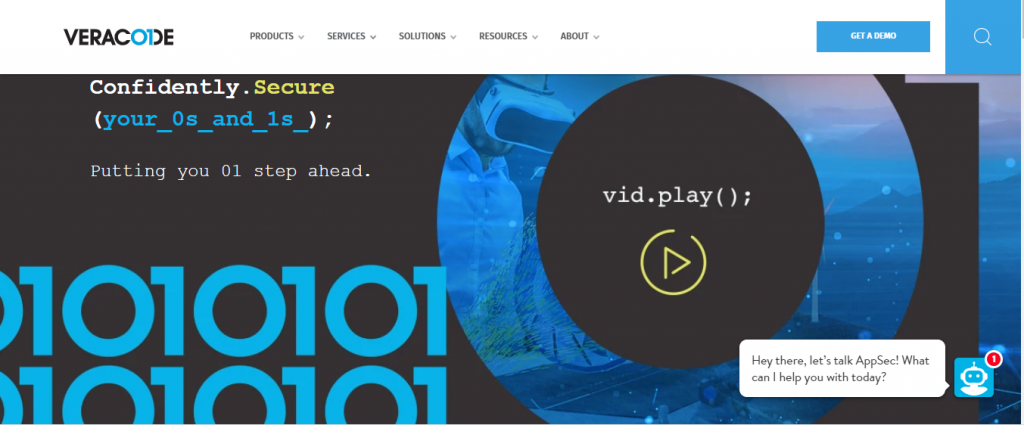
Veracode
- Veracode :-

Veracode is a such type of code which only created on SaaS model. This is also a static analysis tool which helps you to exmine your program for Security check. Veracode is used in many languages such as mobile applications, desktop and web Includng .NET,JAVA, etc. The languages which is used in Mobile applications and web Browser are explained in following:-- The languages which Mobile applications are using – Titanium,PhoneGap,Android (Java),Xamarin,iOS (Objective-C and Swift) and
- The languages which Web Browser are using – JavaScript (including AngularJS, Node.js, and jQuery), Python,Ruby on Rails,Classic ASP,PHP,ColdFusion.
- Click here to know more about this.
Code Compare:-
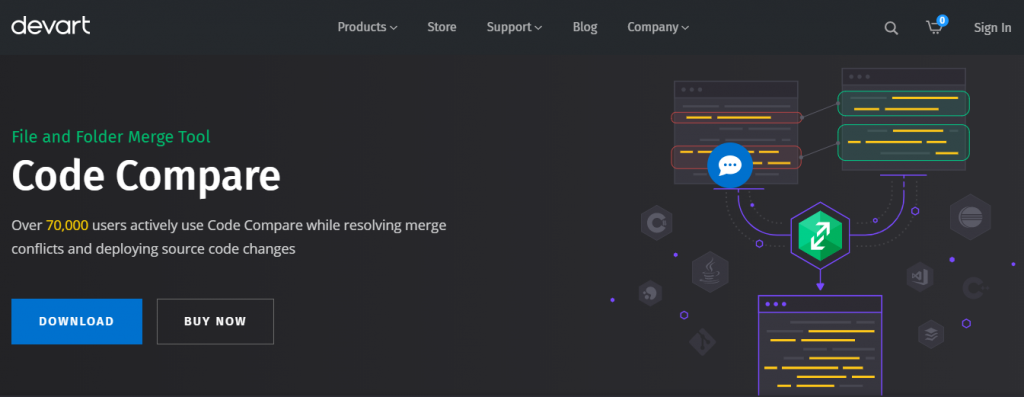
- Code Compare is a tool combine and compare the file and folders. Most of the experienced Devloper use this tool for combining problem and deploying source code changes. Most of the well liked Tools such as Mercurial,SVN,Perforce,TFS and Git were combined with Code Compare tool. There are the following features which Code Compare tool have are given in following:-
- Folder Comparison
- Version Control Integration and more
- Text Comparison and Merging
- Visual Studio Integration
- Semantic Source Code Comparison
- Click here to know more about this.
CodeSonar
CodeSonar is crearted by Grammatech. It help the Developer to Discover the errors in their program and
also find the errors which is related to Domain coding. No other Static Code Analysis Tool is supporting this Feature, this is a big achievement on its own. This is One of the great Static Code Analysis Tool for finding the security weekness and its own ability to find the errors from the bottom. for this, CodeSonar Stands Out for the best static analysis tools which is present in software atmosphere. Click here to know more about this.
Black Duck Software
Identify security risks and managing licence compliance using Black Duck Software.
Black Duck Software is a software composition analysis (SCA) tool. It is used to scan open source software, to identify and manage associated security risks. In addition, SCA tools are also used for managing licence compliance of open source software.
Organizations worldwide use Black Duck Software’s industry-leading products to secure and manage open source software, eliminating the pain related to security vulnerabilities, open source license compliance and operational risk.
CodeScan
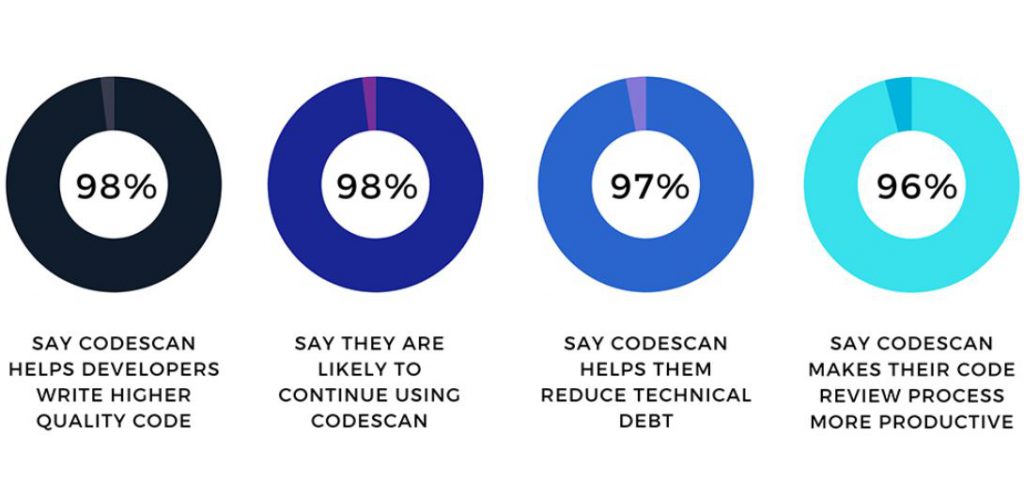
CodeScan is the leading end-to-end static code analysis solution. Our solutions are Lightning ready for Salesforce, Salesforce teams, and DevOps team. We are compatible with Salesforce languages and metadata, have the largest Salesforce ruleset, more than 21B line checks, and service over 150 customers around the world.
What CodeScan do:
- Control quality, allowing you to customize your code gates.
- Boost security to ensure your code is secured according to CWE and OWASP.
- Track technical debt by providing the ability to scan your projects quickly.
- Increase productivity by automating the code review process.
- Save time and allow dev teams to focus on what matters the most.
- Enforce standards by enabling you to define your rules for your org.

I’m Rajesh Kumar, a DevOps, SRE, DevSecOps, Cloud, and Platform Engineering expert passionate about sharing practical knowledge, real-world experiences, and industry best practices. I have worked at Cotocus and regularly write about technology, travel, investing, health, product reviews, and digital marketing through my various platforms.
I publish technical articles at DevOps School, travel stories at Holiday Landmark, stock market insights at Stocks Mantra, health and fitness guidance at My Medic Plus, product reviews at TrueReviewNow, and SEO and digital marketing strategies at Wizbrand.
Find Trusted Cardiac Hospitals
Compare heart hospitals by city and services — all in one place.
Explore Hospitals
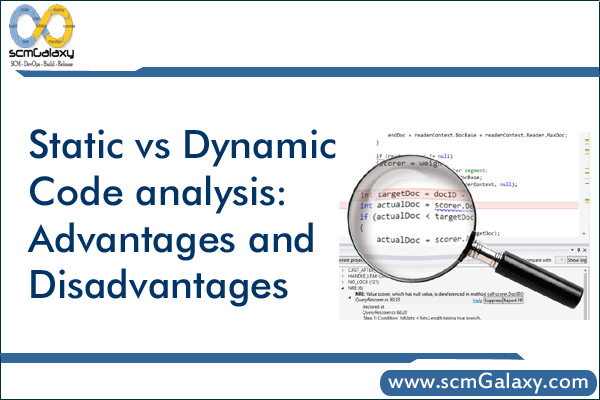
Static analysis becomes much more useful when developers can distinguish genuine risks from repetitive or irrelevant warnings. An overwhelming number of findings can create alert fatigue and allow serious defects to slip through unnoticed. Teams should prioritize issues by severity, review suppression rules regularly, and monitor whether recurring problems are decreasing over time. Running lightweight checks during code reviews and more comprehensive analysis before releases also helps maintain code quality without unnecessarily slowing down the development process.