Prereq
- Install Datadog Infra Agent
Step 1 – Enable Datadog Process Monitoring
Step 2 – Install Docker Server
Step 3 – Enable Docker integration with Datadog
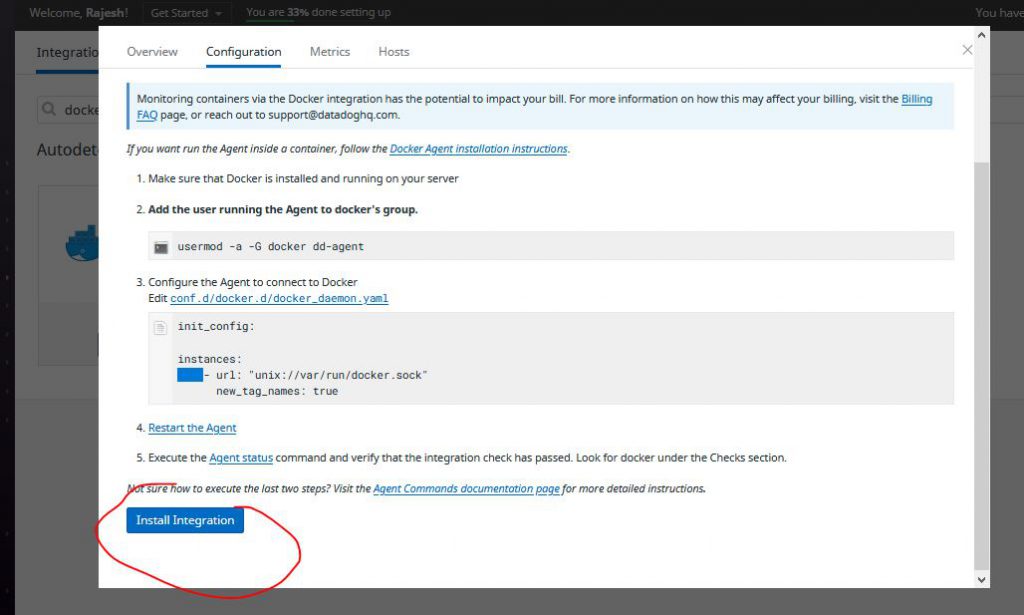
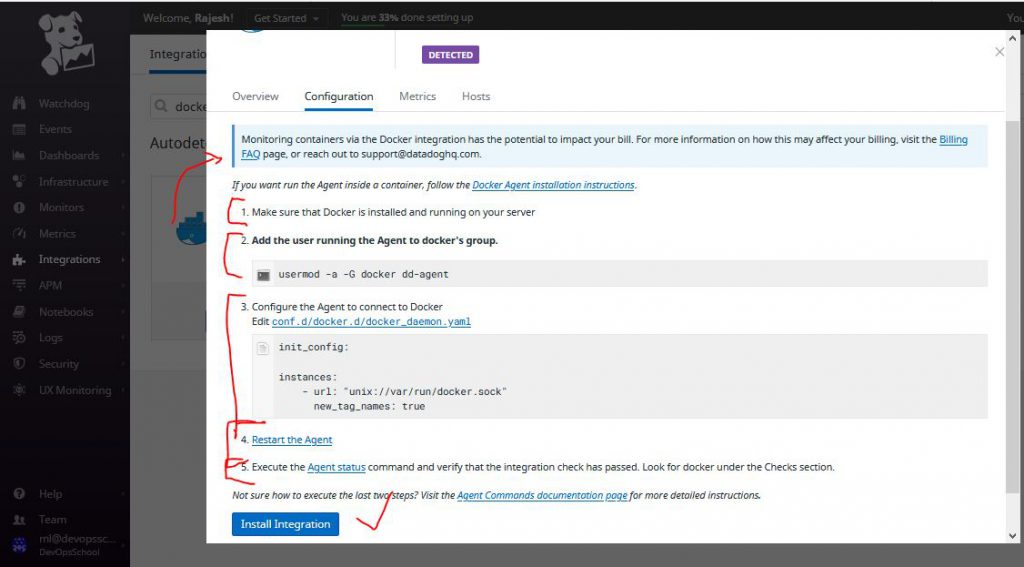
# These commands to configure Agent for Docker Intergration.

# Add the user running the Agent to Docker's group.
$ usermod -a -G docker dd-agent


$ cd /etc/datadog-agent/conf.d/docker.d/
$ cp conf.yaml.default conf.yaml
$ vi conf.yaml [ FOLLOW IMAGE BELOW ]
$ systemctl restart datadog-agent
$ systemctl status datadog-agentCode language: PHP (php)
ad_identifiers:
- _docker
init_config:
instances:
- url: "unix://var/run/docker.sock"
new_tag_names: trueCode language: JavaScript (javascript)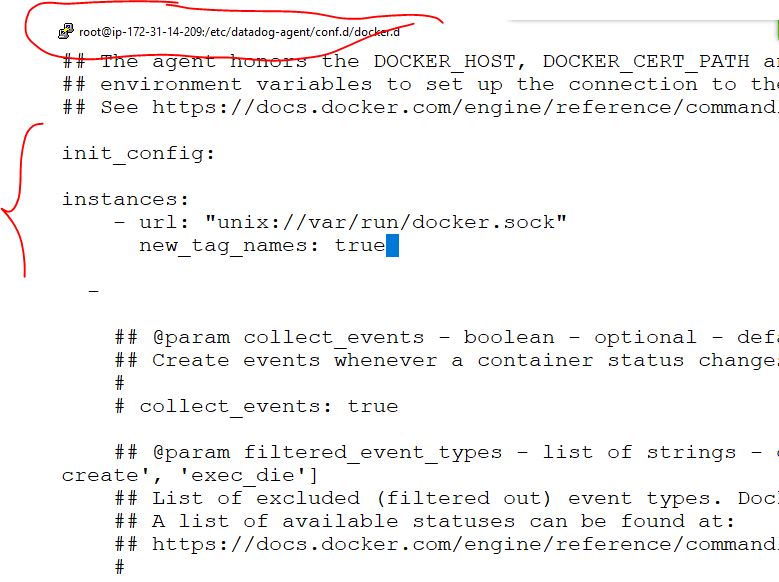
How to Check if docker is enabled or not?

$ datadog-agent configcheck
$ datadog-agent check docker
$ datadog-agent status
datadog-agent status | grep docker -B 5 -A 5
      Average Execution Time : 30ms
      Last Execution Date : 2023-09-06 09:02:07 UTC (1693990927000)
      Last Successful Execution Date : 2023-09-06 09:02:07 UTC (1693990927000)


    docker
    ------
      Instance ID: docker [OK]
      Configuration Source: file:/etc/datadog-agent/conf.d/docker.d/conf.yaml.default
      Total Runs: 15
      Metric Samples: Last Run: 11, Total: 116
      Events: Last Run: 1, Total: 1
      Service Checks: Last Run: 1, Total: 15
      Average Execution Time : 4ms
--

  =========
  Collector
  =========
    Last collection time: 2023-09-06 09:02:08
    Docker socket: /var/run/docker.sock
    Number of processes: 0
    Number of containers: 0
    Process Queue length: 0
    RTProcess Queue length: 0
    Connections Queue length: 0
Code language: JavaScript (javascript)
Step 4 – Create few containers and Verify
$ docker run -itd ubuntu
$ docker run -itd ubuntu
$ docker run -itd ubuntu
$ docker ps

CONTAINER ID   IMAGE     COMMAND       CREATED          STATUS         PORTS     NAMES
0bc26ab4b940   ubuntu    "/bin/bash"   3 seconds ago    Up 2 seconds             compassionate_brahmagupta
2fb7163a3a17   ubuntu    "/bin/bash"   8 seconds ago    Up 6 seconds             romantic_hertz
bd76230bbb70   ubuntu    "/bin/bash"   10 seconds ago   Up 8 seconds             compassionate_curran
Code language: JavaScript (javascript)
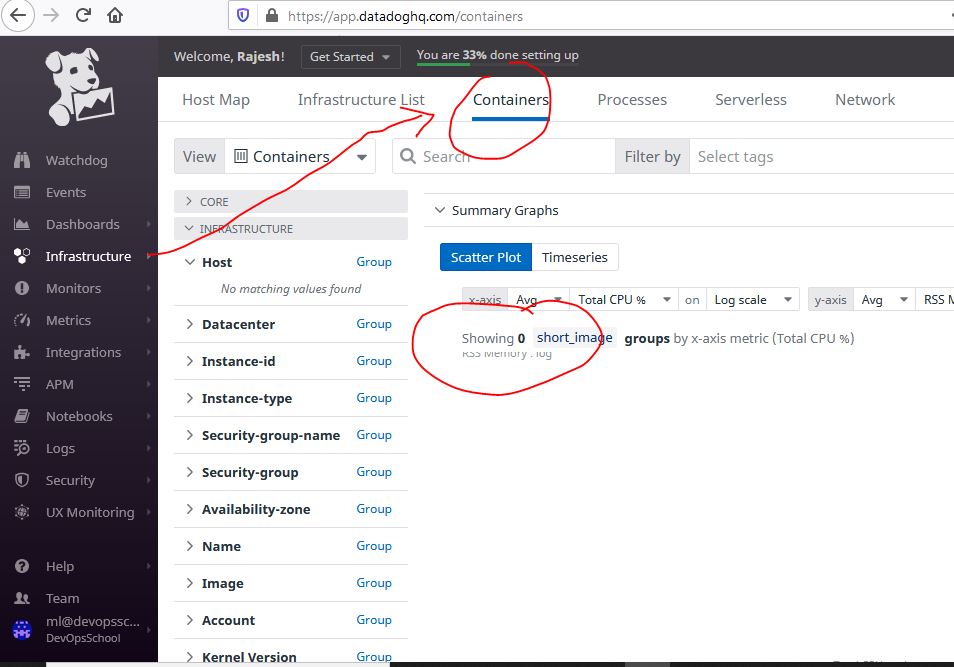
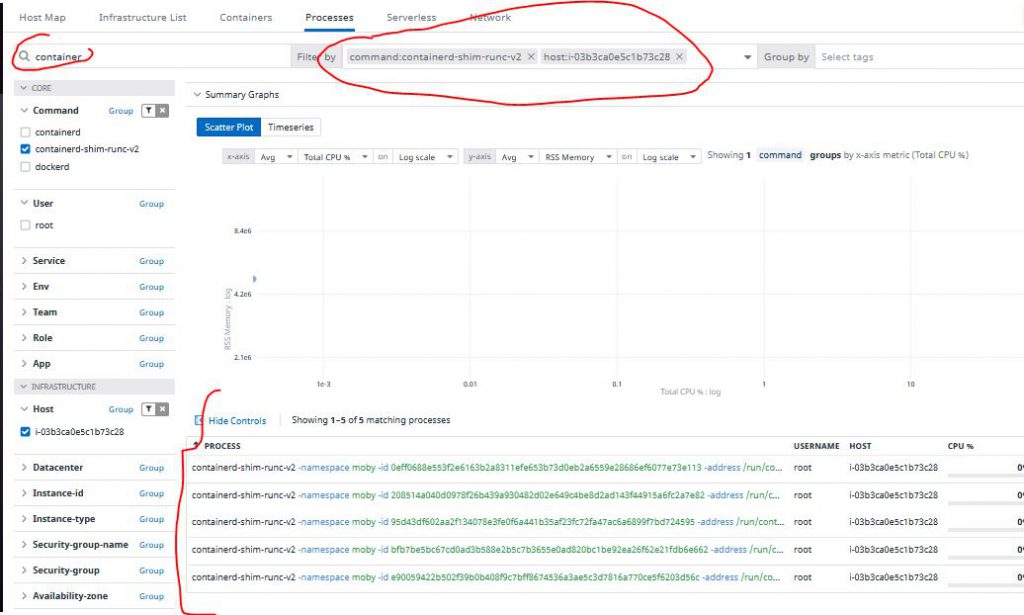
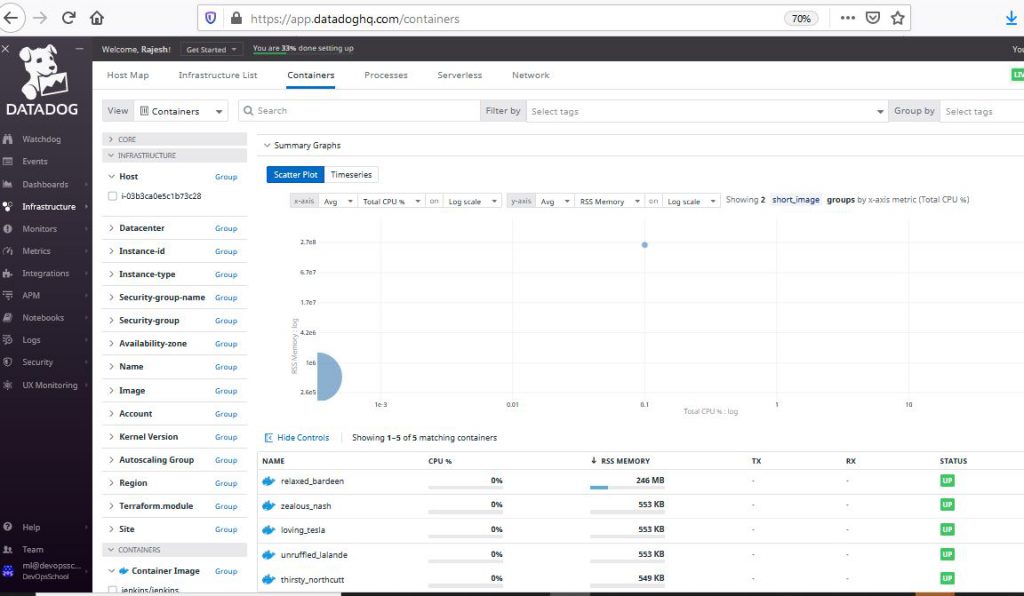
How to verify the containers at Datadog?
Docker Tutorials Fundamental To Advanced-2021 Crash Course:- https://bit.ly/3hOIbTB

I’m Rajesh Kumar, a DevOps, SRE, DevSecOps, Cloud, and Platform Engineering expert passionate about sharing practical knowledge, real-world experiences, and industry best practices. I have worked at Cotocus and regularly write about technology, travel, investing, health, product reviews, and digital marketing through my various platforms.
I publish technical articles at DevOps School, travel stories at Holiday Landmark, stock market insights at Stocks Mantra, health and fitness guidance at My Medic Plus, product reviews at TrueReviewNow, and SEO and digital marketing strategies at Wizbrand.
Find Trusted Cardiac Hospitals
Compare heart hospitals by city and services — all in one place.
Explore Hospitals