
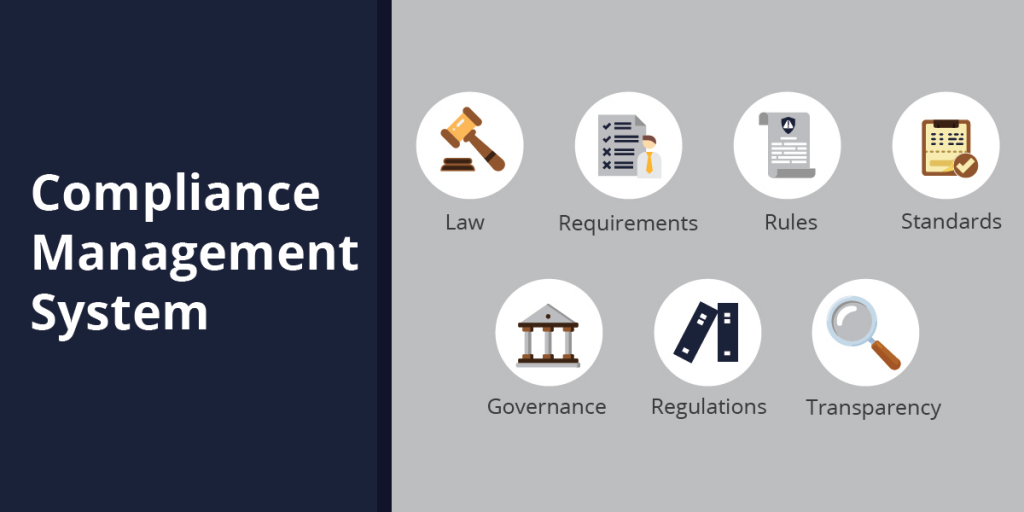
There are many compliance management tools available on the market, each with its own strengths and weaknesses. Here are some of the best compliance management tools in 2023:
- AuditBoard: AuditBoard is a comprehensive compliance management software that helps organizations manage all aspects of their compliance program, from risk assessment and policy development to audit planning and execution.
[Image of AuditBoard compliance management software logo] - Hyperproof: Hyperproof is a cloud-based compliance management software that provides a single platform for managing all of your compliance requirements. It offers features for risk assessment, policy management, training, and auditing.
- KPA EHS Software: KPA EHS Software is a compliance management software specifically designed for the environmental, health, and safety (EHS) industry. It offers features for risk assessment, incident management, and compliance reporting.
- Alyne: Alyne is a compliance management software that helps organizations manage their compliance with regulations such as GDPR, CCPA, and HIPAA. It offers features for risk assessment, policy management, and training.
- Resolver: Resolver is a compliance management software that helps organizations manage their compliance with regulations such as SOX, PCI DSS, and FCPA. It offers features for risk assessment, policy management, and auditing.
When choosing a compliance management tool, it is important to consider the specific needs of your organization. Some factors to consider include:
- The types of compliance requirements you need to manage
- The complexity and size of your company
- Your budget
- Your IT infrastructure
Once you have considered these factors, you can start to narrow down your options and choose the compliance management tool that is right for you.
Some additional factors to consider when choosing a compliance management tool:
- The tool’s ease of use
- The level of support provided by the vendor
- The tool’s scalability
- The tool’s integration capabilities
By carefully considering all of these factors, you can choose a compliance management tool that will help you effectively manage your compliance program and mitigate your risk of non-compliance.

👤 About the Author
Ashwani is passionate about DevOps, DevSecOps, SRE, MLOps, and AiOps, with a strong drive to simplify and scale modern IT operations. Through continuous learning and sharing, Ashwani helps organizations and engineers adopt best practices for automation, security, reliability, and AI-driven operations.
🌐 Connect & Follow:
Website: WizBrand.com
Facebook: facebook.com/DevOpsSchool
X (Twitter): x.com/DevOpsSchools
LinkedIn: linkedin.com/company/devopsschool
YouTube: youtube.com/@TheDevOpsSchool
Instagram: instagram.com/devopsschool
Quora: devopsschool.quora.com
Email– contact@devopsschool.com
Find Trusted Cardiac Hospitals
Compare heart hospitals by city and services — all in one place.
Explore Hospitals