
Step: 1- First of all you have to go:-

Step:2- then right-click in this Drive and got to Git Bas Here and click.
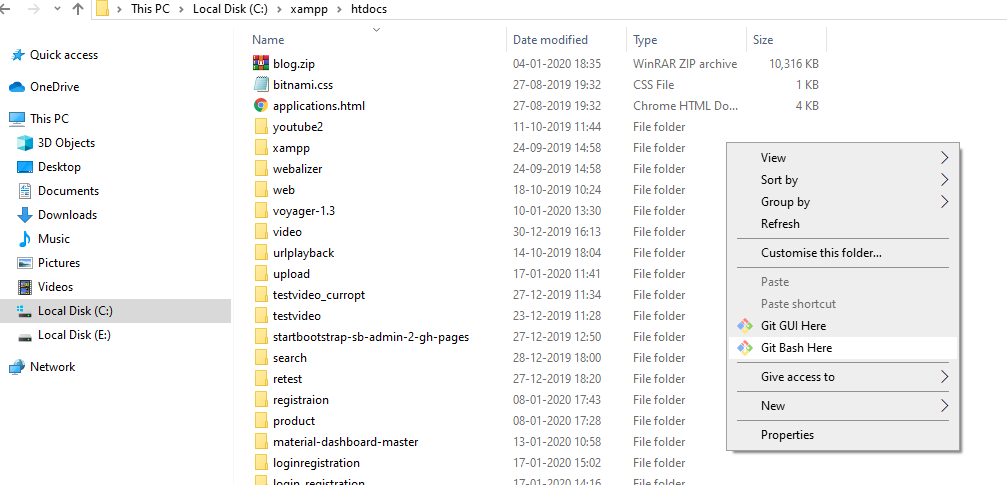
Step:3-run the composer

step: 4- write the project name. then press Enter. it will take time for this run this project

Step:5- The next step go to inside the project folder and click the Git base Here and write php artisan serve . and Enter

And copy the url like that: http://127.0.0.1:8000/ run this url in the web browser.
Step:6- see the pic

Step:7- now we need to create a File model.

Step:8- migrations using the following command.

Step:9– Create the file table.
Step:9- File.php, write the following code.
Step:10- Now, define the Relationship inside the User.php model.
Step:11- php artisan make:controller FileController. run this command in composer.
Step:12- Create a View and Route for uploading files.
Step:13- home.blade.php create this page
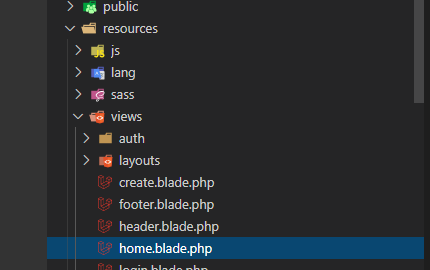
Step:14- you need to define the Post route inside routes >> web.php file.
you can see the page view.
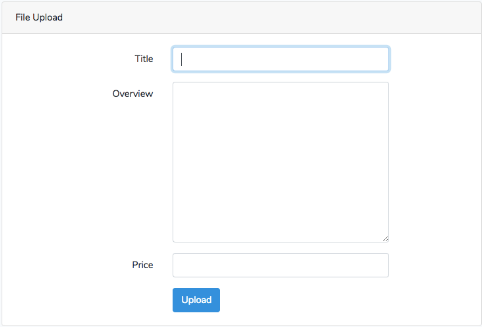
Step:15- Storing the form data.
Also, we need to update our view to see the flash message.

MotoShare.in is your go-to platform for adventure and exploration. Rent premium bikes for epic journeys or simple scooters for your daily errands—all with the MotoShare.in advantage of affordability and ease.
Find Trusted Cardiac Hospitals
Compare heart hospitals by city and services — all in one place.
Explore Hospitals