

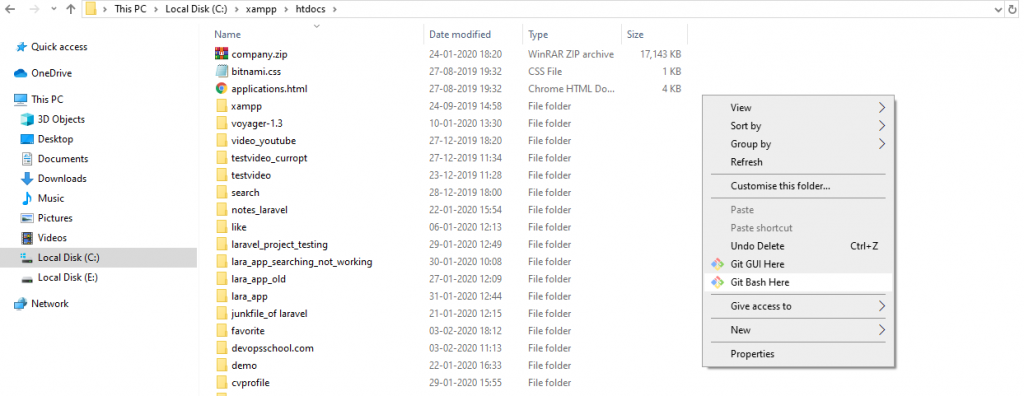
step:1– first, you have go this path: C:\xampp\htdocs. then you have right-click on the git base here. same as this pic.
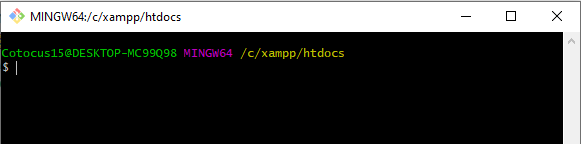
Step:2- write any project name like that.
Step:3– composer create-project –prefer-dist laravel/laravel tutrial
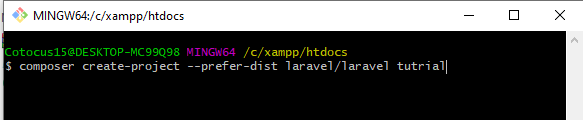
Strep:3– and press the Enter .it will take a few minutes for installing this project.
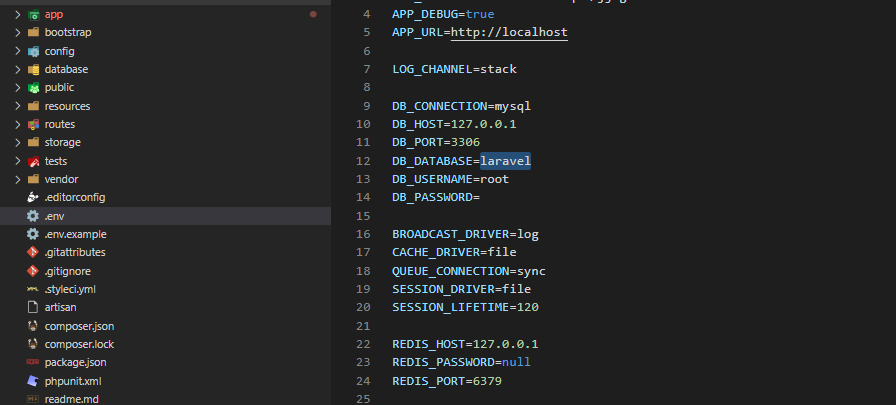
Step:4– edit .env file and put your database name credentials in it.
Step:5- go to your users’ table migration file and add one more field called isAdmin, and its data type is boolean.
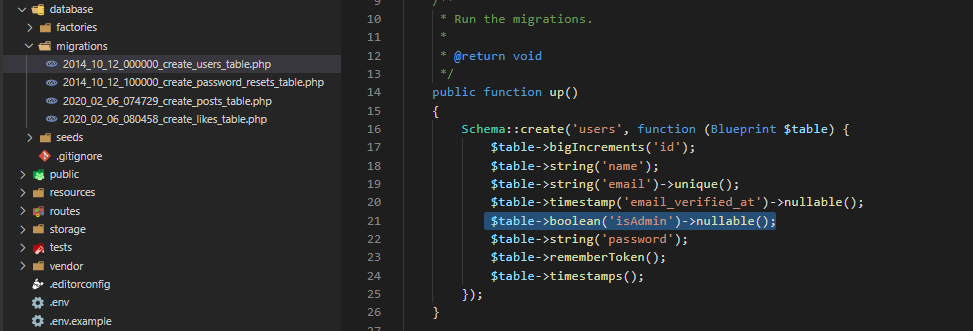
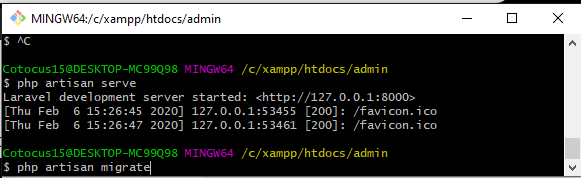
Step:6- Now run the following command. php artisan migrate
Step:7- The next step is to create Authentication functionality. php artisan make:auth
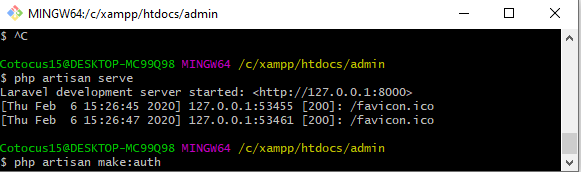
it will be shown: So the auth scaffold will generate successfully.
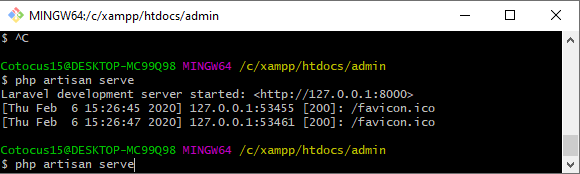
Step:8-just write php artisan serve and press enter than go this url: http://127.0.0.1:8000/
Step:9- Create one middleware by typing following Laravel Command.
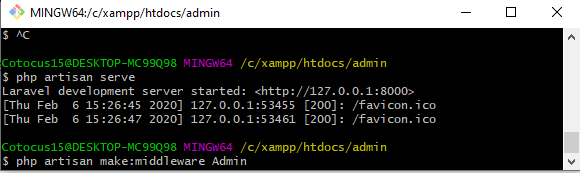
Step:10- go to this directory. app >> Http >> middleware >> admin.php
Step:11- you have to go this path : app >> Http >> Kernel.php
Step:12- you have added our custom middleware called admin.
Step:13-you have to resources>>view>>home.blade.php
Step:14- you have to HomeController.
Step:15– Create one admin.blade.php
Step:16-than you have to go into a database.
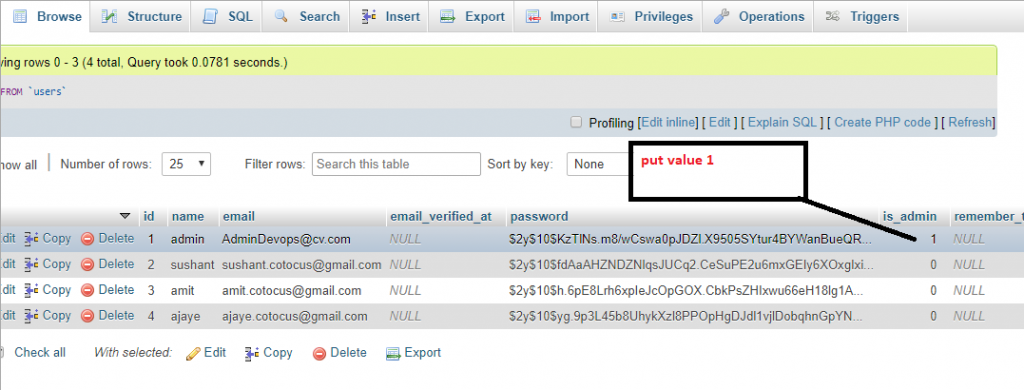
and run this command php artisan serve. and go on url: http://127.0.0.1:8000/

MotoShare.in is your go-to platform for adventure and exploration. Rent premium bikes for epic journeys or simple scooters for your daily errands—all with the MotoShare.in advantage of affordability and ease.
Find Trusted Cardiac Hospitals
Compare heart hospitals by city and services — all in one place.
Explore Hospitals