

Laravel framework provides three primary tools for interaction through command-line namely: Artisan, explains about Artisan in detail.
Introduction to Artisan
Artisan is the command-line interface frequently used in Laravel and it includes a set of helpful commands for developing a web application.
Here is a list of few commands in Artisan along with their respective functionalities
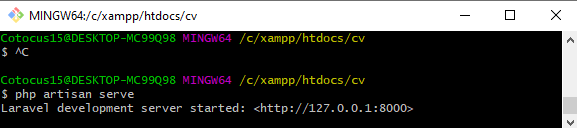
To start Laravel project
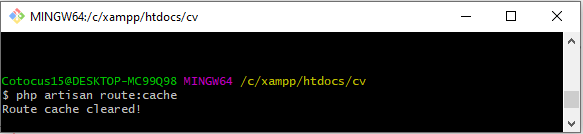
To enable caching mechanism
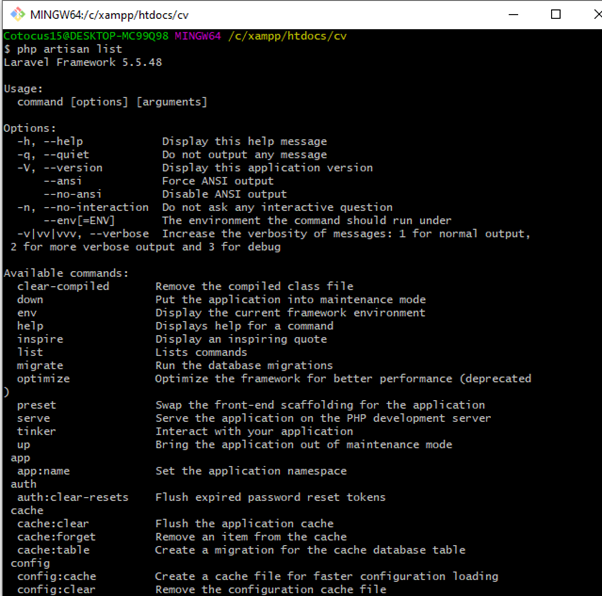
To view the list of available commands supported by Artisan.
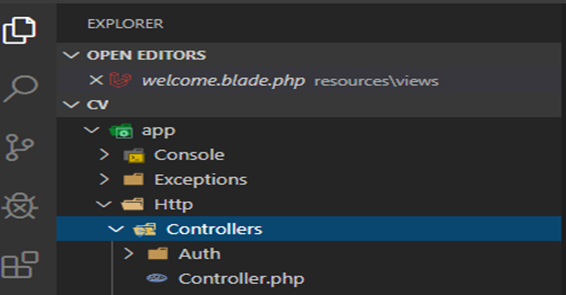
make:controller
This command creates a new controller file in app/Http/Controllers folder.
Example:-
Yes, you’ve got it right, you can do it like this:
Or even shorter:
The controller will contain a method for each of the available resource operations – index(), create(), store(), show(), edit(), update(), destroy().
make:model
Parameters:
-m
Or –migration
Create a new migration file for the model.
make:migration
Simply put, Laravel migration is a way that allows you to create a table in your database, without actually going to the database manager such as phpmyadmin.
Example
make:seeder
Writing Seeders To generate a seeder, execute the make: seeder Artisan command. All seeders generated by the framework will be placed in the database/seeds directory: php artisan makes:seeder UsersTableSeeder. A seeder class only contains one method by default: run
php artisan make:seeder BooksTableSeeder
Create a new form request class in app/Http/Requests folder.

cache clear syntax: php artisan cache:clear


MotoShare.in is your go-to platform for adventure and exploration. Rent premium bikes for epic journeys or simple scooters for your daily errands—all with the MotoShare.in advantage of affordability and ease.
Find Trusted Cardiac Hospitals
Compare heart hospitals by city and services — all in one place.
Explore Hospitals