Find the Best Cosmetic Hospitals

Explore trusted cosmetic hospitals and make a confident choice for your transformation.

“Invest in yourself — your confidence is always worth it.”

Explore Cosmetic Hospitals

Start your journey today — compare options in one place.

How To Fix “Windows 10 Automatic Repair”

Rest your Pc Fully if You Want to Solve This Problem

Click On “Advance Option”

Use This “Troubleshoot” Option For Reset Pc

After Reset Pc: You C Drive Data Will Be Deleted
Like: Your Games, Software, Drivers.

After You Go “Advance” Option Click On “Troubleshoot”

Click On “Reset This Pc”

Click On “Keep My Files”

Some Time like 30Minute t0 60Minute wait

After Some Procedure: Click On “Reset”

Reset Procedure Has Been Started Wait For 30-45 Minute

Wait for 100%

Installing Windows

Installing Windows Wait For 100%

After 100% Your Pc Will Be Restart

After Restart: Again Show From 64% So Wait For 100 %


Solved My Problem :)!!!

Find Trusted Cardiac Hospitals

Compare heart hospitals by city and services — all in one place.

Explore Hospitals
I'm Rajesh Kumar, a DevOps, SRE, DevSecOps, Cloud, and Platform Engineering expert passionate about sharing practical knowledge, real-world experiences, and industry best practices. I have worked at Cotocus and regularly write about technology, travel, investing, health, product reviews, and digital marketing through my various platforms. I publish technical articles at DevOps School, travel stories at Holiday Landmark, stock market insights at Stocks Mantra, health and fitness guidance at My Medic Plus, product reviews at TrueReviewNow, and SEO and digital marketing strategies at Wizbrand.

Related Posts

Bootstrap a Windows Node with Chef over WinRM (Knife Windows Guide)

Learn how to bootstrap a Microsoft Windows node using Chef with the `knife bootstrap windows winrm` workflow. This revised guide adds prerequisites, command variants, validation steps, and operational pitfalls.

Read More

Windows XP/2000 Commands and Tools: Practical Admin Reference with Examples

A modernized, task-oriented reference to key Windows XP/2000 command-line tools for troubleshooting, system administration, and automation. Includes command comparisons, workflow guidance, and copy-ready examples.

Read More

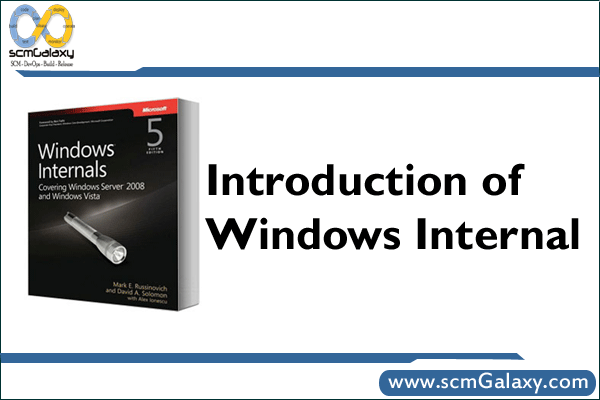
Windows Internals for Administrators: Resource Kit Tools, Services, and Troubleshooting

A practical overview of legacy Windows Resource Kit tools, how Windows Services work, and a repeatable troubleshooting flow for build and runtime issues. Includes command examples, comparison tables, and an operations-focused workflow diagram.

Read More

NMake for Windows: What It Is, How to Install It, and How to Use It

NMake is Microsoft’s make utility for Windows, commonly used in Visual Studio and older Perl-on-Windows build flows. This guide explains what NMake does, how to set it up (including legacy steps from the original post), and how to run practical build commands.

Read More

Windows 7 Deployment Best Practices: A Structured Playbook for Enterprise IT

A practical rewrite of the original Windows 7 deployment guidance, with rollout strategy comparisons, tooling guidance, and readiness checks. Useful for legacy Windows 7 estates and as a model for modern desktop migration planning.

Read More

Windows XP/2000 Command-Line Reference for Administrators

A structured reference to key Windows XP and Windows 2000 command-line tools, including OS availability, troubleshooting workflow, and practical command examples. Useful for legacy support, migration prep, and forensic troubleshooting.

Read More