
easyTravel Demo Application in Docker
This project builds and deploys the Dynatrace easyTravel demo application in Docker. All components are readily available on the Docker Hub.
URL – https://github.com/Dynatrace/easyTravel-Docker
EasyTrade
EasyTrade – new demo microservices based application that allows its users to buy and sell stocks, developed by Demoability Team
URL – https://github.com/Dynatrace/easytrade
What is easyTravel?
easyTravel is a state-of-the-art demo application for Dynatrace. It helps you evaluate or showcase Dynatrace with a realistic heterogeneous multi-tier web application.
Overview
easyTravel provides a web portal that allows users to log in, search for journeys to various destinations, select promotional journeys directly that are offered, and book a journey using credit card details.
Additionally, a Business-to-Business (B2B) web portal for travel agencies is provided where travel agencies can manage the journeys that they offer and can review reports about made bookings.
easyTravel is a multi-tier application implemented in .NET and Java. The starting of the various tiers and the enabling/disabling of different problem pattern plugins is done via a separate easyTravel Launcher.
The Launcher allows the user to conveniently switch between different demo scenarios. Each scenario can define load scripts and certain problem pattern plugins that are enabled. The scenarios can be modified or extended by changing an XML file. This is useful when giving demos and allows you to focus on problem areas that are particularly relevant for a specific demo.
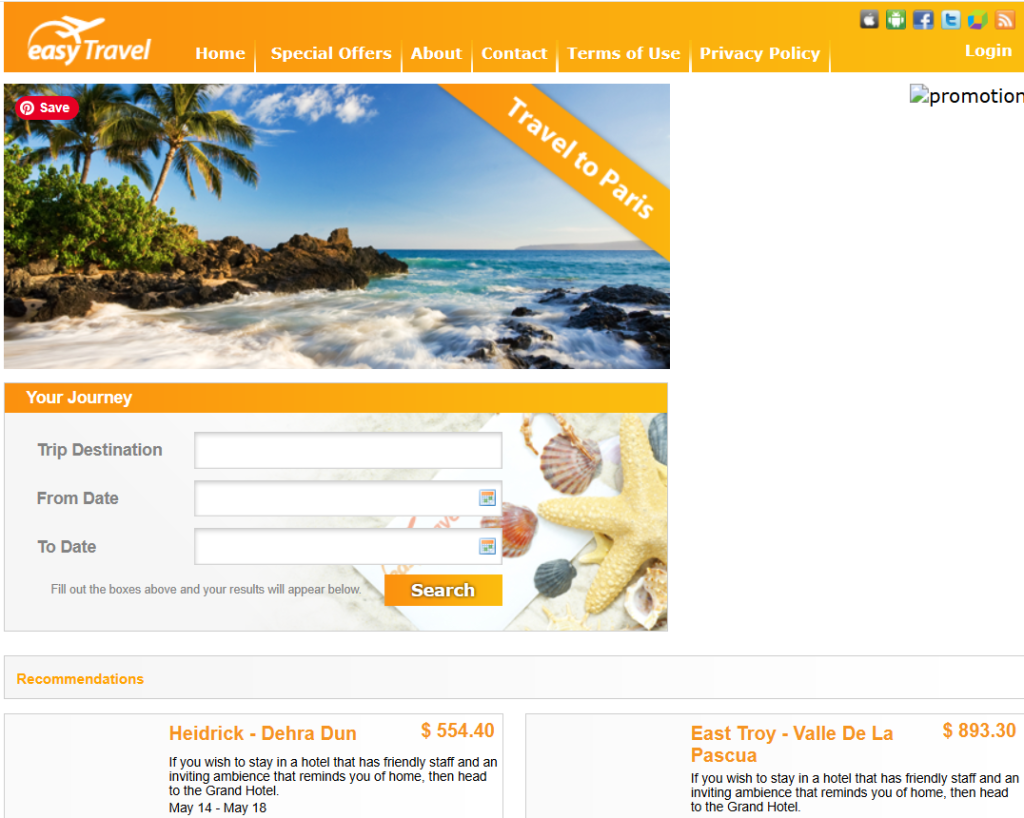
https://community.dynatrace.com/t5/Getting-started/easyTravel-Documentation-and-Download/td-p/181271
How to install EasyTravel in Ubuntu 22
## Chromium
Chromium is a web browser developed by Google. It is a free and open-source software project. Chromium is the basis for many other popular web browsers, such as Chrome and Edge.

## Firefox
Firefox is a web browser developed by the Mozilla Foundation. It is a free and open-source software project. Firefox is one of the most popular web browsers in the world.

## Screen
Screen is a terminal multiplexer. It allows you to create and manage multiple terminal sessions within a single window. Screen is a powerful tool for system administrators and other users who need to work with multiple terminal sessions at the same time.

## openjdk-11-jdk
The openjdk-11-jdk package is the Java Development Kit (JDK) for Java version 8. It contains the tools and libraries that you need to develop, compile, and run Java programs.

$ sudo apt update
$ sudo apt install openjdk-11-jdk -y
$ sudo apt install openjdk-11-jre -y
$ sudo apt install chromium-browser firefox screen [ TIME - 75 mins ]
$ sudo reboot

Code language: PHP (php)
$ sudo -s
$ cd /opt
$ wget -O dynatrace-easytravel-linux-x86_64.jar https://etinstallers.demoability.dynatracelabs.com/latest/dynatrace-easytravel-linux-x86_64.jar

$ chmod 755 dynatrace-easytravel-linux-x86_64.jar

$ java -jar dynatrace-easytravel-linux-x86_64.jar

$ cd easytravel-2.0.0-x64

$ /bin/bash resources/installChromeDeps.sh

$ ./weblauncher/weblauncher.shCode language: JavaScript (javascript)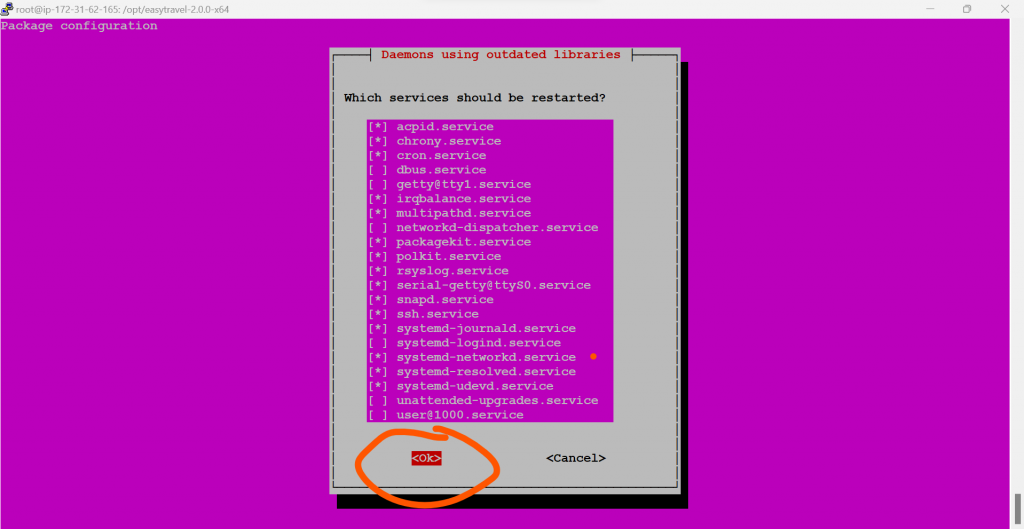
How to run?
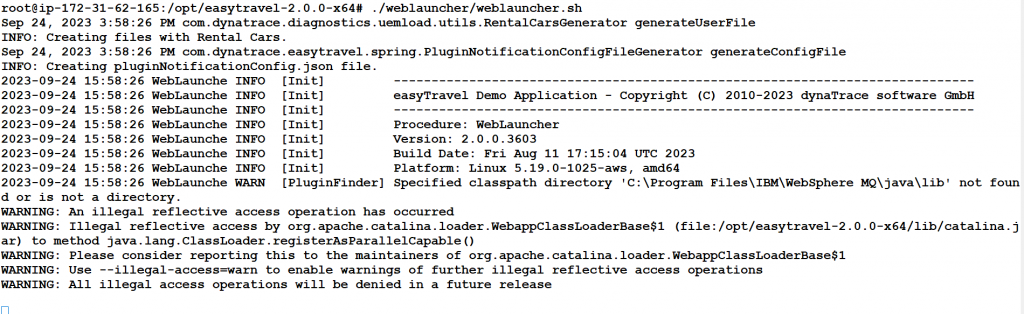
$ ./weblauncher/weblauncher.sh
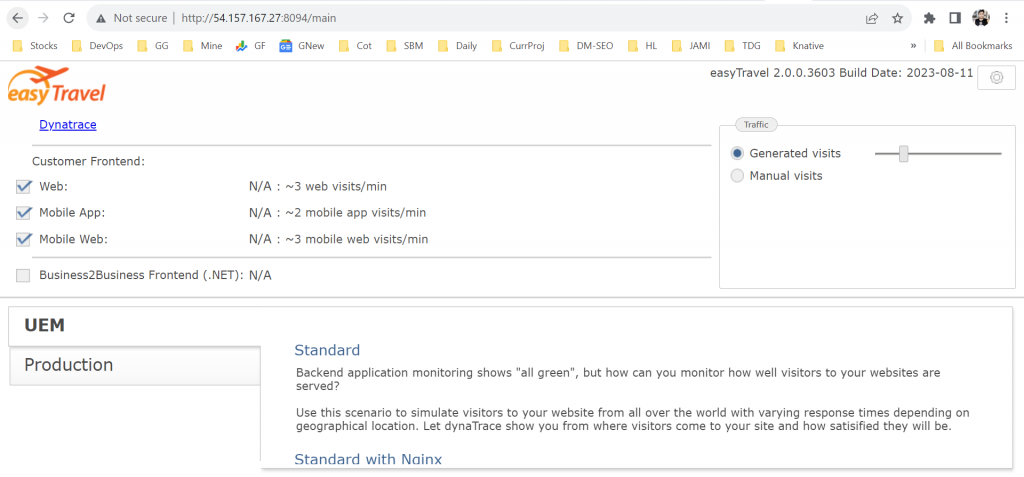
How to access?
http://54.157.167.27:8094/

I’m Rajesh Kumar, a DevOps, SRE, DevSecOps, Cloud, and Platform Engineering expert passionate about sharing practical knowledge, real-world experiences, and industry best practices. I have worked at Cotocus and regularly write about technology, travel, investing, health, product reviews, and digital marketing through my various platforms.
I publish technical articles at DevOps School, travel stories at Holiday Landmark, stock market insights at Stocks Mantra, health and fitness guidance at My Medic Plus, product reviews at TrueReviewNow, and SEO and digital marketing strategies at Wizbrand.
Find Trusted Cardiac Hospitals
Compare heart hospitals by city and services — all in one place.
Explore Hospitals





