
Introduction
Have you ever heard of FinOps? If you haven’t, don’t worry, you’re not alone. FinOps is a term that has been gaining traction in the tech world recently, and it refers to a set of practices and principles that aim to optimize cloud costs. In this article, we’ll explore what FinOps is, why it’s important, and how you can implement it in your organization.
What is FinOps?
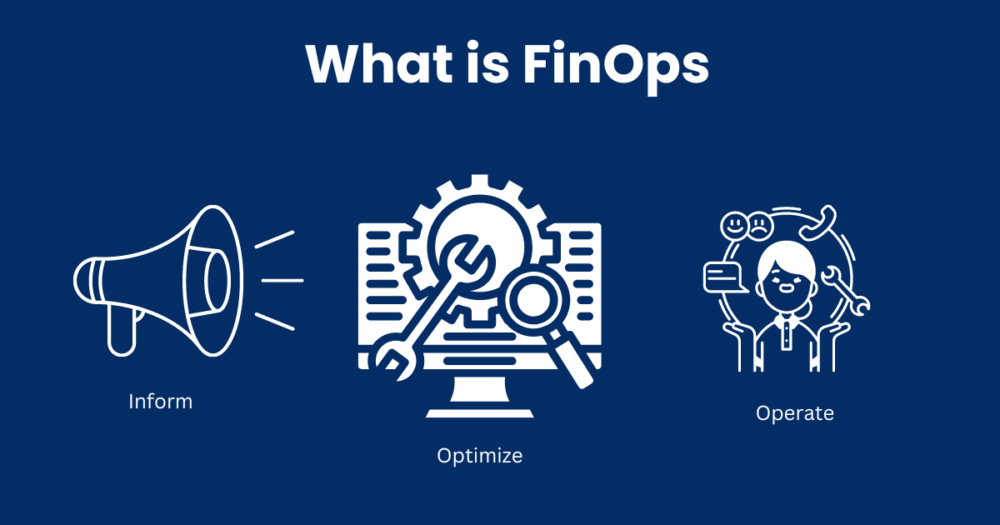
FinOps, short for Financial Operations, is a methodology that aims to bring financial accountability to cloud usage. In other words, it’s a set of practices and principles that help organizations optimize their cloud spending. FinOps is a collaborative approach that involves stakeholders from different departments such as finance, IT, and engineering. By working together, these stakeholders can identify areas where they can reduce costs and improve efficiency.
Why is FinOps important?
Cloud computing has become an essential part of modern business operations. However, with the rise of cloud usage comes the challenge of managing costs. According to a survey conducted by Flexera, cloud waste costs organizations around $14.1 billion per year. FinOps is important because it helps organizations avoid unnecessary spending and optimize their cloud usage.
How can you implement FinOps?
Implementing FinOps requires a culture shift within your organization. Here are some steps you can take to implement FinOps:
Step 1: Identify stakeholders
The first step in implementing FinOps is to identify stakeholders from different departments. These stakeholders should include representatives from finance, IT, engineering, and other relevant departments.
Step 2: Define cloud usage policies
Once you’ve identified your stakeholders, you need to define cloud usage policies. These policies should outline guidelines for cloud usage and spending. For example, you may set limits on the number of instances that can be used or require approval for certain types of spending.
Step 3: Monitor cloud usage
To optimize your cloud spending, you need to monitor your cloud usage. This involves tracking your cloud spending and usage patterns. By monitoring your cloud usage, you can identify areas where you can reduce costs and improve efficiency.
Step 4: Optimize cloud spending
Based on your monitoring, you can optimize your cloud spending. This involves making changes to your cloud usage policies and practices to reduce costs. For example, you may identify instances that are not being used and shut them down or switch to a less expensive cloud provider.
Conclusion
FinOps is an important methodology that can help organizations optimize their cloud spending. By working together and implementing best practices, organizations can reduce costs and improve efficiency. While implementing FinOps may require a culture shift, the benefits are worth it. So why not give it a try and see how it can benefit your organization?

👤 About the Author
Ashwani is passionate about DevOps, DevSecOps, SRE, MLOps, and AiOps, with a strong drive to simplify and scale modern IT operations. Through continuous learning and sharing, Ashwani helps organizations and engineers adopt best practices for automation, security, reliability, and AI-driven operations.
🌐 Connect & Follow:
Website: WizBrand.com
Facebook: facebook.com/DevOpsSchool
X (Twitter): x.com/DevOpsSchools
LinkedIn: linkedin.com/company/devopsschool
YouTube: youtube.com/@TheDevOpsSchool
Instagram: instagram.com/devopsschool
Quora: devopsschool.quora.com
Email– contact@devopsschool.com
Find Trusted Cardiac Hospitals
Compare heart hospitals by city and services — all in one place.
Explore Hospitals




