
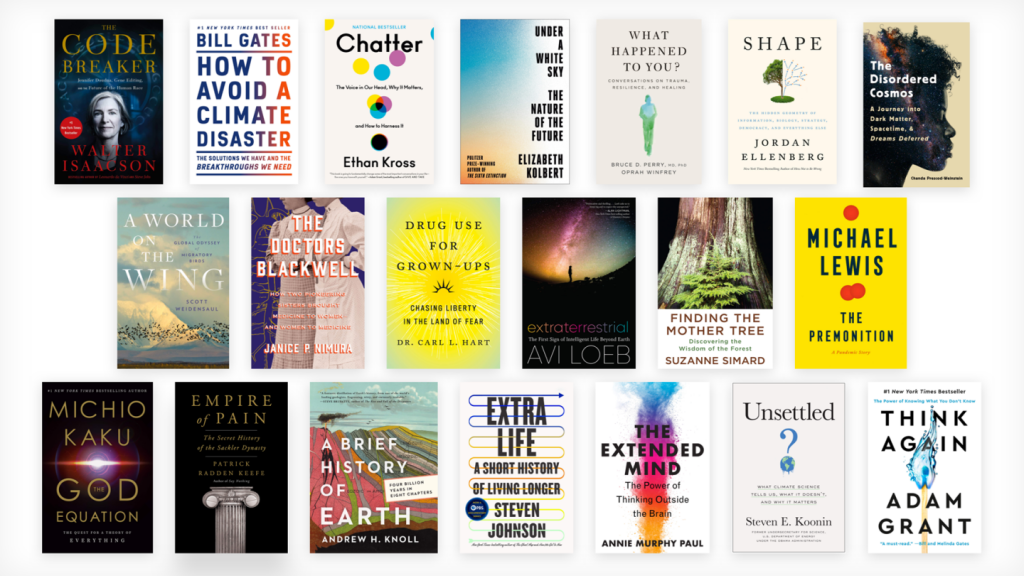
Are you an avid reader looking for the best apps to enhance your reading experience? Look no further! We have compiled a list of the top 11 best apps for books and reference that will make reading even more enjoyable.
1. Goodreads
Goodreads is a social media platform for book lovers. It allows you to connect with other readers, share book recommendations, and keep track of the books you have read or want to read. Goodreads also provides personalized book recommendations based on your reading history, making it easier to discover new books.
2. Kindle
The Kindle app allows you to access a vast library of e-books, including bestsellers and new releases. The app also provides features like adjustable font sizes, night mode, and in-app dictionary, making reading more comfortable and convenient.
3. Audible
Audible is an audiobook app that offers a vast selection of audiobooks. It provides features like narration speed adjustment, sleep timer, and offline listening, making it easier to listen to audiobooks on the go.
4. Libby
Libby is an app that allows you to borrow e-books and audiobooks from your local library. It provides a vast selection of books, and the app’s interface is easy to use, making borrowing books effortless.
5. Google Play Books
Google Play Books is a digital bookstore that provides access to millions of e-books and audiobooks. It offers features like personalized recommendations, adjustable font sizes, and night mode, making reading more enjoyable.
6. Scribd
Scribd is a digital library that provides access to e-books, audiobooks, and magazines. It offers a vast selection of books and magazines, and the app’s interface is easy to use, making reading and browsing effortless.
7. Grammarly
Grammarly is an app that helps you improve your writing. It provides spelling and grammar checks, style suggestions, and vocabulary enhancements, making it easier to write error-free and professional content.
8. Merriam-Webster Dictionary
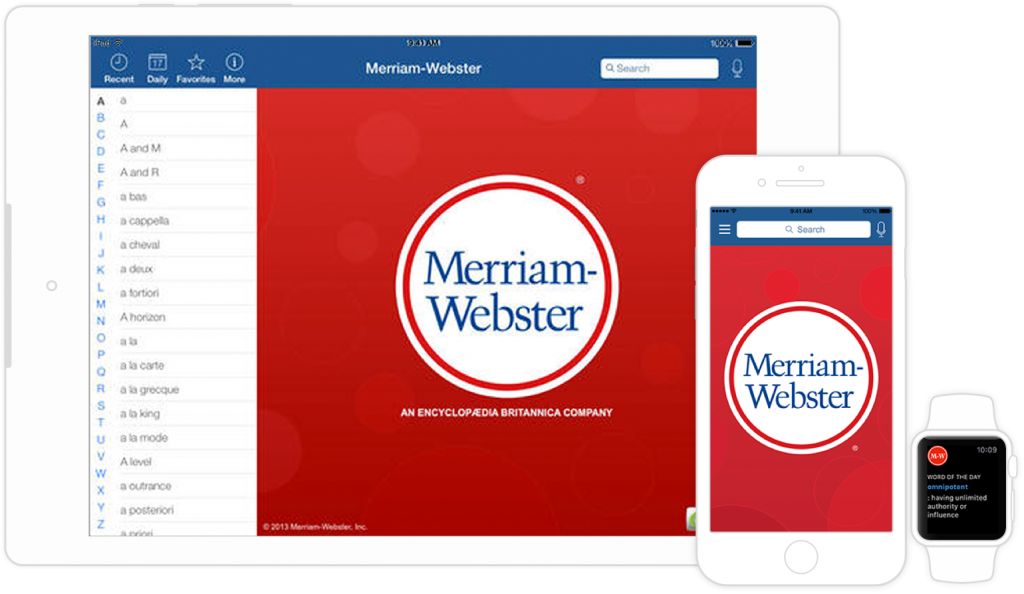
The Merriam-Webster Dictionary app provides access to thousands of definitions, synonyms, and antonyms. It allows you to search for words and provides pronunciation and usage examples, making it easier to improve your vocabulary.
9. Oxford English Dictionary
The Oxford English Dictionary is the ultimate reference for the English language. The app provides access to over 350,000 words, phrases, and meanings, making it an essential tool for writers and readers alike.
10. Blinkist
Blinkist is an app that provides key insights from non-fiction books. It provides summaries of books in 15 minutes or less, making it easier to learn and discover new topics.
11. Bookmate
Bookmate is a digital library that provides access to e-books and audiobooks. It offers personalized recommendations and a vast selection of books, making it easier to discover new authors and genres.
In conclusion, these are the top 11 best apps for books and reference that will enhance your reading experience. Whether you prefer e-books, audiobooks, or physical books, these apps provide something for everyone. So, what are you waiting for? Start exploring these apps and take your reading to the next level!

👤 About the Author
Ashwani is passionate about DevOps, DevSecOps, SRE, MLOps, and AiOps, with a strong drive to simplify and scale modern IT operations. Through continuous learning and sharing, Ashwani helps organizations and engineers adopt best practices for automation, security, reliability, and AI-driven operations.
🌐 Connect & Follow:
Website: WizBrand.com
Facebook: facebook.com/DevOpsSchool
X (Twitter): x.com/DevOpsSchools
LinkedIn: linkedin.com/company/devopsschool
YouTube: youtube.com/@TheDevOpsSchool
Instagram: instagram.com/devopsschool
Quora: devopsschool.quora.com
Email– contact@devopsschool.com
Find Trusted Cardiac Hospitals
Compare heart hospitals by city and services — all in one place.
Explore Hospitals




