
Are you tired of managing your data manually? Do you need a reliable and efficient tool to help you keep your data organized? Look no further! We have compiled a list of the top data management tools that will make your life a whole lot easier.
What is Data Management?
Before we dive into the list of tools, let’s first understand what data management is. Data management refers to the process of collecting, storing, organizing, maintaining, and utilizing data effectively. With the ever-increasing amount of data being generated every day, it’s crucial to have a system in place to manage it efficiently.
The Top Data Management Tools
1. Microsoft Excel
Microsoft Excel is one of the most popular data management tools out there. It’s a spreadsheet program that allows you to store, organize, and manipulate data in a tabular format. With features like filtering, sorting, and pivot tables, Excel makes it easy to analyze and visualize your data.
2. Google Sheets
Google Sheets is another spreadsheet program that is gaining popularity among users. It’s a web-based tool that offers many of the same features as Excel. One of the biggest advantages of Google Sheets is that it allows for real-time collaboration, making it a great tool for team projects.
3. MySQL
MySQL is a popular open-source database management system. It’s widely used in web applications and can handle large amounts of data. MySQL offers a range of features, including data backup and recovery, data replication, and security options.
4. MongoDB

MongoDB is a NoSQL database management system. It’s designed for handling unstructured data and offers high scalability and flexibility. MongoDB is widely used in big data applications and is known for its ability to handle large volumes of data.
5. Apache Hadoop
Apache Hadoop is an open-source framework for processing and storing large data sets. It’s designed to handle distributed data processing and is widely used in big data applications. Hadoop offers features like data redundancy, fault tolerance, and scalability.
6. Tableau
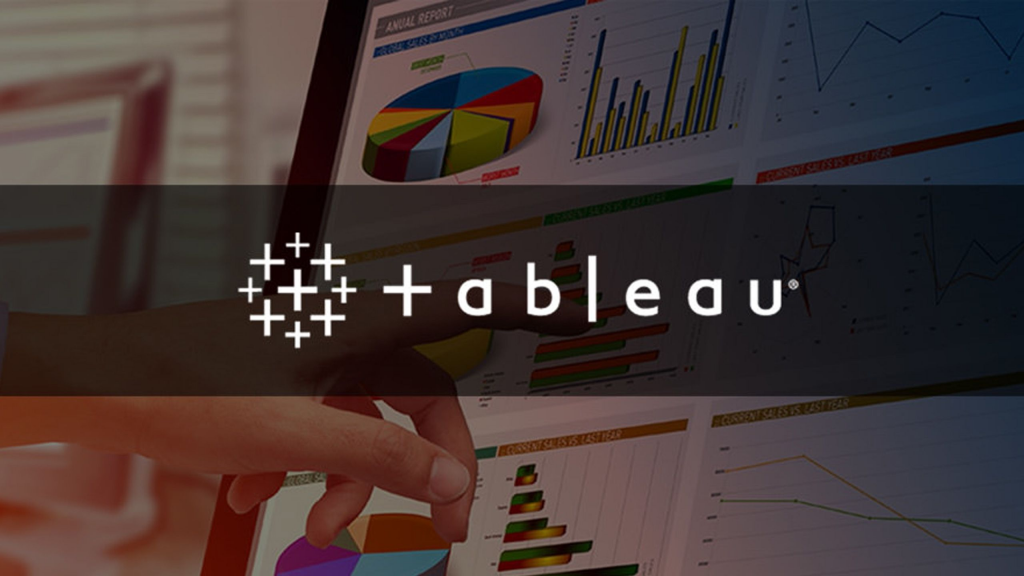
Tableau is a data visualization tool that allows you to create interactive dashboards and reports. It’s designed to work with a wide range of data sources, including Excel, SQL databases, and cloud-based data sources. With Tableau, you can easily create charts, graphs, and other visualizations to help you make sense of your data.
Conclusion
Managing data can be a daunting task, but with the right tools, it can be a lot easier. We hope this list of data management tools helps you find the perfect tool for your needs. Remember to choose a tool that fits your specific requirements and offers the features you need to manage your data effectively. Happy data managing!

👤 About the Author
Ashwani is passionate about DevOps, DevSecOps, SRE, MLOps, and AiOps, with a strong drive to simplify and scale modern IT operations. Through continuous learning and sharing, Ashwani helps organizations and engineers adopt best practices for automation, security, reliability, and AI-driven operations.
🌐 Connect & Follow:
Website: WizBrand.com
Facebook: facebook.com/DevOpsSchool
X (Twitter): x.com/DevOpsSchools
LinkedIn: linkedin.com/company/devopsschool
YouTube: youtube.com/@TheDevOpsSchool
Instagram: instagram.com/devopsschool
Quora: devopsschool.quora.com
Email– contact@devopsschool.com
Find Trusted Cardiac Hospitals
Compare heart hospitals by city and services — all in one place.
Explore Hospitals




