
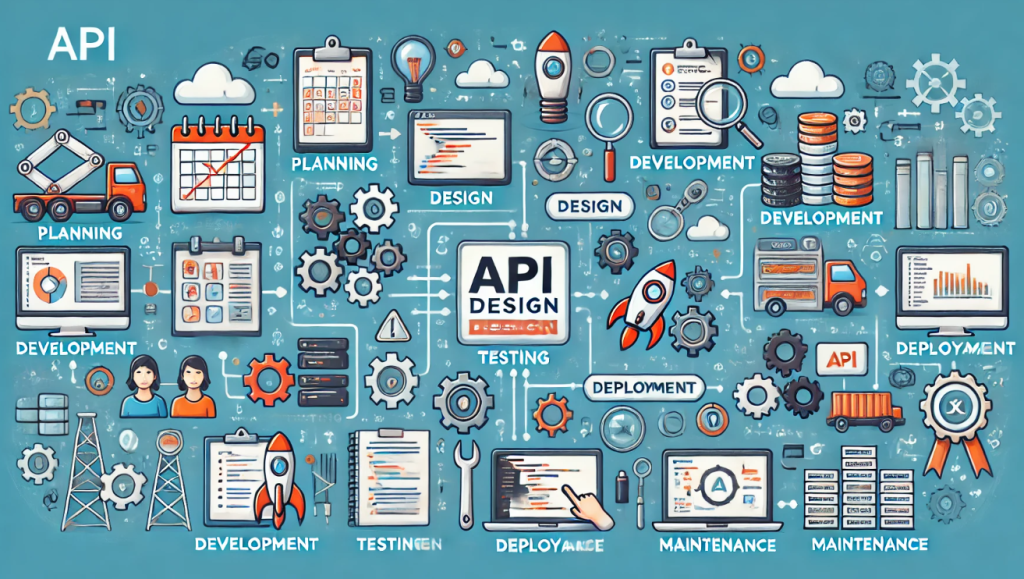
There are two main API design approaches:
- Design-First Approach: This approach prioritizes planning and designing the API before any code is written. It involves collaboration between technical and non-technical stakeholders to define the purpose, functionality, and contract of the API. This approach is often implemented using an API description language like OpenAPI to create a machine-readable specification. The benefits of this approach include:
- Well-defined and documented API
- Reduced development time and costs
- Increased API maintainability and scalability
- Code-First Approach: This approach prioritizes writing code first and then documenting the API afterwards. This can be faster for simple APIs, but it can lead to problems down the road, such as inconsistent design, poor documentation, and difficulty in maintaining the API.
In addition to these two main approaches, there’s also the concept of API-First Design. This is a broader philosophy that emphasizes the importance of APIs as core components of a software system. It focuses on creating well-designed, reusable, and consumer-oriented APIs from the very beginning of a project.
The best approach for you will depend on the specific needs of your project. If you are creating a complex API that will be used by a wide range of developers, then a design-first approach is a good choice. If you are creating a simple API for internal use, then a code-first approach may be sufficient.
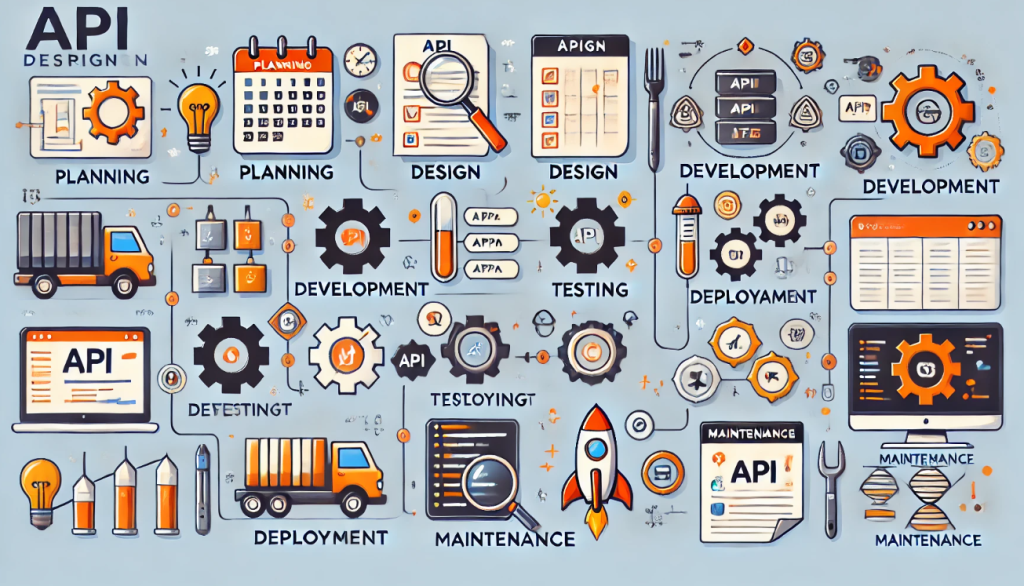
Designing an API (Application Programming Interface) effectively requires a thoughtful and structured approach to ensure it meets the needs of its users while being scalable, maintainable, and secure. Here is a detailed approach to API design:
1. Requirements Gathering
- Identify Use Cases: Understand the needs of the stakeholders and define the primary use cases for the API.
- Define the Target Audience: Determine who will use the API (internal developers, external partners, public developers).
2. Define Resources and Endpoints
- Identify Key Resources: Determine the primary entities the API will manage (e.g., users, orders, products).
- Design Endpoints: Create URL structures for accessing these resources. Use RESTful conventions (e.g.,
/users,/orders). - HTTP Methods: Use standard HTTP methods for CRUD operations (GET, POST, PUT, DELETE).
3. Data Modeling
- Define Data Structures: Specify the formats for requests and responses, typically using JSON or XML.
- Use Standard Schemas: Utilize JSON Schema or XML Schema for data validation.
4. Documentation
- API Reference: Provide detailed documentation for each endpoint, including request and response formats, parameters, and examples.
- Guides and Tutorials: Offer step-by-step guides and tutorials to help developers get started.
- Interactive Documentation: Use tools like Swagger (OpenAPI) to create interactive documentation.
5. Authentication and Authorization
- Authentication Methods: Choose an appropriate authentication method (API keys, OAuth, JWT).
- Authorization: Implement role-based access control (RBAC) or attribute-based access control (ABAC) to restrict access to resources.
6. Error Handling
- Standardize Error Codes: Use consistent error codes and messages (e.g., 404 for Not Found, 500 for Internal Server Error).
- Detailed Error Messages: Provide clear and actionable error messages to help developers troubleshoot.
7. Versioning
- API Versioning: Use versioning to manage changes and ensure backward compatibility (e.g.,
/v1/users).
8. Testing
- Unit and Integration Testing: Write comprehensive tests to ensure each endpoint functions correctly.
- Automated Testing: Use tools like Postman and JUnit to automate testing processes.
9. Rate Limiting and Throttling
- Rate Limits: Implement rate limits to prevent abuse and ensure fair usage.
- Throttling: Gradually reduce the rate of requests rather than blocking them immediately.
10. Monitoring and Analytics
- Monitor Usage: Track API usage, performance metrics, and error rates.
- Analytics Tools: Use tools like Google Analytics, New Relic, or Splunk for monitoring.
11. Security
- Encrypt Data: Use HTTPS to secure data in transit.
- Input Validation: Validate all inputs to prevent injection attacks.
- Regular Audits: Conduct security audits to identify and mitigate vulnerabilities.
12. Feedback and Iteration
- Collect Feedback: Gather feedback from API users to understand pain points and areas for improvement.
- Iterate and Improve: Regularly update and improve the API based on user feedback and new requirements.
Example Tools and Resources
References

I’m Rajesh Kumar, a DevOps, SRE, DevSecOps, Cloud, and Platform Engineering expert passionate about sharing practical knowledge, real-world experiences, and industry best practices. I have worked at Cotocus and regularly write about technology, travel, investing, health, product reviews, and digital marketing through my various platforms.
I publish technical articles at DevOps School, travel stories at Holiday Landmark, stock market insights at Stocks Mantra, health and fitness guidance at My Medic Plus, product reviews at TrueReviewNow, and SEO and digital marketing strategies at Wizbrand.
Find Trusted Cardiac Hospitals
Compare heart hospitals by city and services — all in one place.
Explore Hospitals





