
Introduction
Bookkeeping tools are digital solutions designed to record, organize, and manage a business’s financial transactions on a daily basis. At their core, these tools track income, expenses, invoices, bills, payroll data, and bank transactions, transforming raw financial activity into structured, understandable records. Unlike traditional manual bookkeeping using spreadsheets or ledgers, modern bookkeeping tools automate repetitive tasks, reduce errors, and provide real-time financial visibility.
Bookkeeping is important because it forms the foundation of sound financial management. Accurate books help businesses understand cash flow, maintain compliance with tax and regulatory requirements, prepare for audits, and make informed decisions. Without reliable bookkeeping, even profitable businesses can face cash shortages, compliance penalties, or poor strategic choices.
In real-world use, bookkeeping tools are used for daily expense tracking, invoice management, bank reconciliation, payroll preparation, tax readiness, and financial reporting. Freelancers use them to track billable income, startups rely on them to monitor burn rate, and established businesses depend on them for operational control and transparency.
When choosing a bookkeeping tool, users should evaluate ease of use, automation capabilities, integration with banks and other software, scalability, reporting depth, security, and overall value for money. The right tool should fit current needs while supporting future growth.
Best for:
Bookkeeping tools are ideal for freelancers, startups, small and medium-sized businesses, finance teams, accountants, consultants, retail businesses, service providers, and growing companies that need accurate, real-time financial records without heavy manual work.
Not ideal for:
They may be unnecessary for individuals with no business income, very small hobby-based activities, or organizations that already use fully customized enterprise ERP systems where bookkeeping is deeply embedded into larger financial workflows.
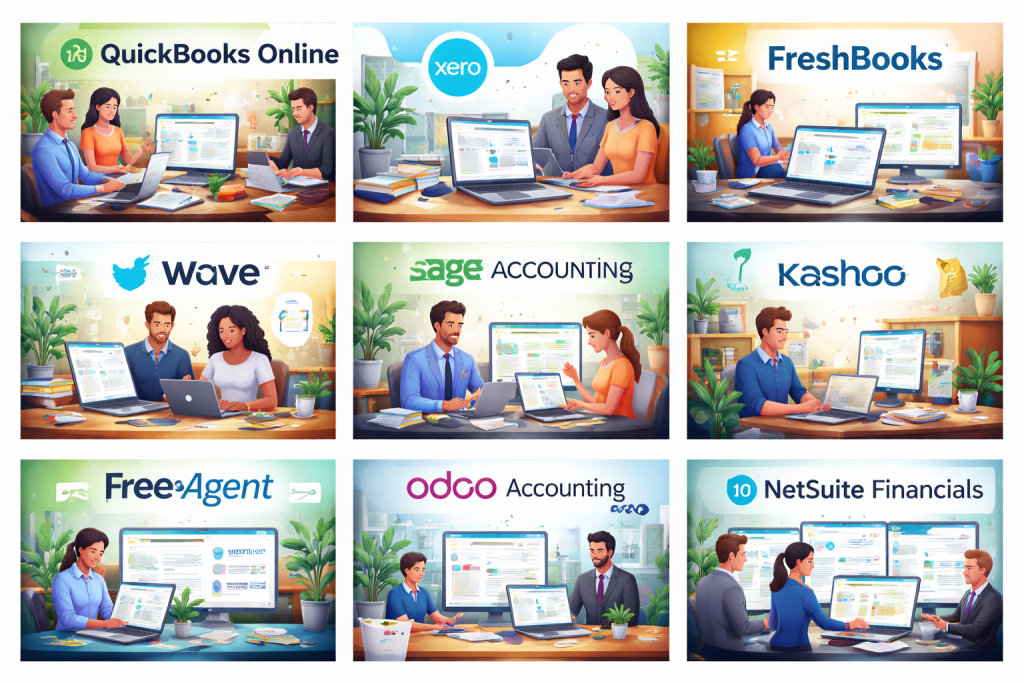
Top 10 Bookkeeping Tools
1 — QuickBooks Online
Short description:
A widely used cloud-based bookkeeping tool designed for freelancers, SMBs, and growing businesses that need robust features with scalability.
Key features:
- Automated bank feeds and reconciliation
- Invoicing and expense tracking
- Payroll and tax preparation support
- Customizable financial reports
- Multi-user access with permissions
- Inventory tracking
- Mobile app support
Pros:
- Rich feature set suitable for growth
- Large accountant and advisor ecosystem
- Strong reporting capabilities
Cons:
- Pricing increases with advanced features
- Interface can feel complex for beginners
Security & compliance:
Data encryption, role-based access, audit logs, GDPR alignment.
Support & community:
Extensive documentation, onboarding guides, large user community, professional support options.
2 — Xero
Short description:
A cloud-based bookkeeping platform focused on simplicity, collaboration, and strong accounting fundamentals for small businesses.
Key features:
- Real-time bank reconciliation
- Invoicing and bill tracking
- Multi-currency support
- Fixed asset tracking
- Custom financial reports
- Accountant collaboration tools
Pros:
- Clean and intuitive interface
- Strong automation for reconciliations
- Excellent collaboration features
Cons:
- Limited advanced inventory features
- Payroll availability varies by region
Security & compliance:
Encryption in transit and at rest, SOC-aligned practices, GDPR support.
Support & community:
Good documentation, active community forums, professional support plans.
3 — Zoho Books
Short description:
A feature-rich bookkeeping tool tailored for small businesses already using Zoho’s ecosystem.
Key features:
- Automated bank feeds
- GST and tax compliance support
- Invoicing and expense tracking
- Workflow automation
- Client portal
- Custom reports
Pros:
- Excellent value for money
- Strong automation and customization
- Integrates well with other Zoho apps
Cons:
- Best experience only within Zoho ecosystem
- Interface may feel dense to new users
Security & compliance:
Encryption, audit trails, GDPR compliance, ISO-aligned controls.
Support & community:
Structured onboarding, detailed help docs, responsive support.
4 — FreshBooks
Short description:
A user-friendly bookkeeping and invoicing tool designed primarily for freelancers and service-based businesses.
Key features:
- Professional invoicing
- Expense tracking
- Time tracking
- Automated late payment reminders
- Client collaboration
- Basic reporting
Pros:
- Extremely easy to use
- Excellent invoicing experience
- Great for service professionals
Cons:
- Limited advanced accounting features
- Not ideal for inventory-heavy businesses
Security & compliance:
Encrypted data, role-based access, GDPR alignment.
Support & community:
Strong customer support, clear documentation, guided onboarding.
5 — Wave
Short description:
A free bookkeeping solution targeted at freelancers and very small businesses with simple needs.
Key features:
- Income and expense tracking
- Invoicing and receipt scanning
- Basic financial reports
- Bank connections
- Payroll (paid add-on)
Pros:
- Free core bookkeeping features
- Simple and clean interface
- Ideal for micro-businesses
Cons:
- Limited scalability
- Fewer integrations and automation options
Security & compliance:
Standard encryption, basic compliance measures.
Support & community:
Help center resources, limited direct support for free users.
6 — Sage Accounting
Short description:
A bookkeeping and accounting platform suited for small to mid-sized businesses requiring compliance-focused features.
Key features:
- Cash flow tracking
- Invoicing and expense management
- VAT and tax compliance
- Financial reporting
- Bank reconciliation
Pros:
- Strong compliance support
- Reliable reporting tools
- Established brand trust
Cons:
- Interface less modern
- Fewer third-party integrations
Security & compliance:
Data encryption, compliance-focused controls, audit-ready reporting.
Support & community:
Professional support, training materials, long-standing user base.
7 — Kashoo
Short description:
A straightforward bookkeeping tool designed for small business owners who want simplicity and automation.
Key features:
- Automated transaction categorization
- Invoicing
- Expense tracking
- Simple reporting
- Bank reconciliation
Pros:
- Very easy to learn
- Clean, minimal interface
- Good automation for basics
Cons:
- Limited advanced features
- Smaller integration ecosystem
Security & compliance:
Encrypted data, basic compliance practices.
Support & community:
Helpful documentation, responsive customer support.
8 — FreeAgent
Short description:
A bookkeeping tool popular among freelancers and contractors needing tax-focused features.
Key features:
- Time tracking
- Invoicing
- Expense management
- Tax timeline and estimates
- Project profitability tracking
Pros:
- Strong tax-focused workflows
- Good for freelancers and contractors
- Simple reporting
Cons:
- Less suitable for larger teams
- Limited customization
Security & compliance:
Encrypted data, GDPR alignment, audit-ready reports.
Support & community:
Quality documentation, responsive support, active user base.
9 — Odoo Accounting
Short description:
A modular bookkeeping and accounting solution that scales from small businesses to enterprises.
Key features:
- Automated bank synchronization
- Invoicing and billing
- Multi-company support
- Integration with ERP modules
- Custom reporting
Pros:
- Highly customizable
- Scales with business growth
- Strong ERP integration
Cons:
- Requires setup and configuration
- Steeper learning curve
Security & compliance:
Role-based access, audit logs, configurable security controls.
Support & community:
Large open-source community, professional enterprise support options.
10 — NetSuite Financials
Short description:
An enterprise-grade financial and bookkeeping platform for complex, multi-entity organizations.
Key features:
- Advanced financial management
- Multi-entity and multi-currency support
- Automated compliance
- Real-time dashboards
- Deep reporting and analytics
Pros:
- Extremely powerful and scalable
- Suitable for global enterprises
- Strong automation
Cons:
- High cost
- Requires professional implementation
Security & compliance:
SOC-aligned controls, encryption, audit trails, enterprise-grade compliance.
Support & community:
Enterprise support, implementation partners, extensive documentation.
Comparison Table
| Tool Name | Best For | Platform(s) Supported | Standout Feature | Rating |
|---|---|---|---|---|
| QuickBooks Online | SMBs & growing businesses | Web, Mobile | Comprehensive feature set | N/A |
| Xero | Small businesses | Web, Mobile | Bank reconciliation | N/A |
| Zoho Books | Zoho ecosystem users | Web, Mobile | Workflow automation | N/A |
| FreshBooks | Freelancers | Web, Mobile | Invoicing simplicity | N/A |
| Wave | Micro-businesses | Web | Free bookkeeping | N/A |
| Sage Accounting | Compliance-focused SMBs | Web | Tax compliance | N/A |
| Kashoo | Small business owners | Web | Simplicity | N/A |
| FreeAgent | Freelancers & contractors | Web, Mobile | Tax timelines | N/A |
| Odoo Accounting | Scalable businesses | Web | ERP integration | N/A |
| NetSuite Financials | Enterprises | Web | Multi-entity finance | N/A |
Evaluation & Scoring of Bookkeeping Tools
| Criteria | Weight | Key Considerations |
|---|---|---|
| Core features | 25% | Invoicing, expenses, reconciliation |
| Ease of use | 15% | Learning curve, interface |
| Integrations & ecosystem | 15% | Bank feeds, apps |
| Security & compliance | 10% | Encryption, audits |
| Performance & reliability | 10% | Speed, uptime |
| Support & community | 10% | Help, training |
| Price / value | 15% | Cost vs benefits |
Which Bookkeeping Tool Is Right for You?
- Solo users: Simple, affordable tools with invoicing and expense tracking
- SMBs: Balanced platforms offering automation and reporting
- Mid-market: Scalable tools with integrations and controls
- Enterprises: Advanced, compliance-ready systems
Budget-conscious users should prioritize free or low-cost tools, while premium solutions suit businesses needing depth, automation, and scalability. Ease of use matters for non-finance users, while feature depth matters for finance teams. Integration and security become critical as businesses grow.
Frequently Asked Questions (FAQs)
- What is the difference between bookkeeping and accounting tools?
Bookkeeping focuses on recording transactions, while accounting includes analysis and reporting. - Can bookkeeping tools replace an accountant?
They automate tasks but do not replace professional financial advice. - Are bookkeeping tools secure?
Most reputable tools use encryption and access controls. - Do I need bookkeeping software as a freelancer?
Yes, it simplifies income tracking and tax preparation. - Can these tools handle taxes?
Many support tax calculations, but filing may require professionals. - Are free tools reliable?
They work for basic needs but may lack scalability. - How long does setup take?
From minutes for simple tools to weeks for enterprise systems. - Can I switch tools later?
Yes, but data migration should be planned carefully. - Do these tools support multiple users?
Most paid plans allow multiple users with permissions. - What is the biggest mistake when choosing a tool?
Choosing based only on price without considering future growth.
Conclusion
Bookkeeping tools are essential for maintaining accurate financial records, improving efficiency, and supporting better business decisions. The best tool depends on business size, complexity, budget, and long-term goals. Rather than searching for a single “best” option, focus on finding the tool that aligns with your specific needs, workflows, and growth plans.

Find Trusted Cardiac Hospitals
Compare heart hospitals by city and services — all in one place.
Explore Hospitals
