
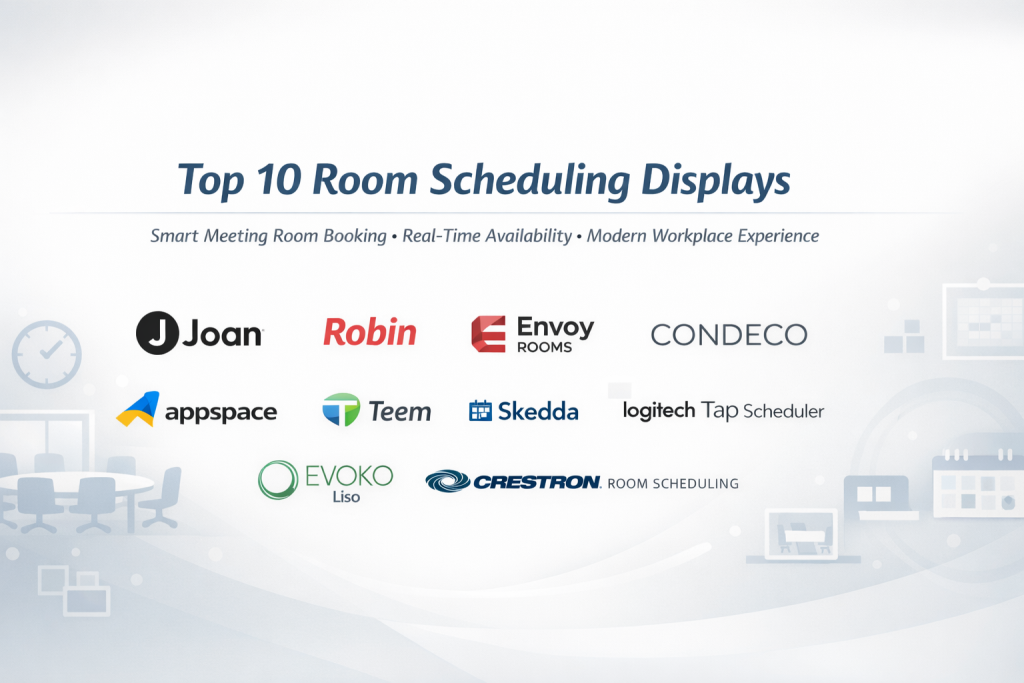
Introduction
Room Scheduling Displays are digital panels placed outside meeting rooms, conference spaces, classrooms, or shared work areas. Their main purpose is simple but powerful: show real-time room availability and allow people to book spaces instantly—without opening a laptop or calendar app.
In modern workplaces, hybrid offices, hospitals, universities, and co-working spaces, meeting room chaos is common. Double bookings, unused rooms, and people wandering around looking for space waste time and create frustration. Room Scheduling Displays solve this by offering clear visual status (available, occupied, upcoming meetings) and often support one-tap booking directly at the door.
Real-world use cases include:
- Corporate offices managing dozens or hundreds of meeting rooms
- Hospitals coordinating consultation rooms and training spaces
- Universities scheduling classrooms and faculty rooms
- Co-working spaces maximizing room utilization
When choosing a Room Scheduling Display solution, buyers should evaluate:
- Calendar integrations (Microsoft 365, Google Workspace, etc.)
- Ease of use for both employees and admins
- Hardware vs software flexibility
- Security and access control
- Scalability across multiple locations
- Total cost of ownership
Best for:
Room Scheduling Displays are ideal for SMBs, enterprises, healthcare facilities, educational institutions, and co-working operators that rely on shared spaces and want better utilization, fewer conflicts, and a more professional workplace experience.
Not ideal for:
They may be unnecessary for very small teams, fully remote organizations, or businesses with only one or two rooms where manual coordination is sufficient.
Top 10 Room Scheduling Displays Tools
1 — Joan
Short description:
Joan is a dedicated room scheduling display designed for modern offices that want a clean, hardware-first solution with minimal setup and high reliability.
Key features:
- E-ink and touch display options
- One-tap room booking at the door
- Microsoft 365 and Google Workspace sync
- Long battery life (wireless models)
- Color-coded availability indicators
- Analytics for room usage
- Cloud-based administration
Pros:
- Extremely easy to use and deploy
- Professional, minimalist hardware design
Cons:
- Hardware cost can be high
- Limited customization compared to software-only tools
Security & compliance:
SSO support, encrypted data transfer, GDPR-aligned data handling
Support & community:
Strong documentation, responsive enterprise support, smaller but focused user community
2 — Robin
Short description:
Robin is a comprehensive workplace experience platform that includes room scheduling displays as part of a broader office management ecosystem.
Key features:
- Interactive room scheduling displays
- Desk and space booking
- Real-time availability status
- Microsoft 365 and Google integration
- Mobile and web booking
- Workplace analytics and reports
Pros:
- Powerful analytics and reporting
- Excellent for hybrid workplaces
Cons:
- Can feel complex for small teams
- Higher pricing tiers for advanced features
Security & compliance:
SSO, SOC 2, GDPR compliance, audit logging
Support & community:
Strong onboarding, enterprise-grade support, active customer base
3 — Envoy (Rooms)
Short description:
Envoy Rooms focuses on fast, intuitive room booking displays designed to reduce no-shows and maximize meeting space efficiency.
Key features:
- Touch-enabled room displays
- Automatic release of unused rooms
- Calendar integrations
- Visitor and workplace integrations
- Custom branding options
- Usage insights
Pros:
- Very intuitive interface
- Reduces ghost meetings effectively
Cons:
- Best features require higher plans
- Limited hardware choice
Security & compliance:
SOC 2 Type II, SSO, GDPR compliance
Support & community:
High-quality documentation, reliable customer support
4 — Condeco
Short description:
Condeco is an enterprise-focused workspace scheduling solution widely used by large global organizations.
Key features:
- Advanced room scheduling displays
- Complex booking rules and policies
- Outlook and Google Calendar sync
- Global office management
- Detailed analytics and forecasting
Pros:
- Extremely powerful for large enterprises
- Handles complex scheduling scenarios
Cons:
- Steeper learning curve
- Overkill for small organizations
Security & compliance:
ISO 27001, GDPR, enterprise SSO
Support & community:
Enterprise onboarding, dedicated account management
5 — Appspace
Short description:
Appspace combines room scheduling displays with digital signage and internal communications in a single platform.
Key features:
- Room scheduling displays
- Digital signage content
- Calendar integration
- Mobile room booking
- Custom layouts and branding
- Analytics dashboards
Pros:
- Unified signage and scheduling
- Highly customizable displays
Cons:
- Interface may feel complex
- Requires planning for full value
Security & compliance:
SSO, encrypted data, GDPR-aligned controls
Support & community:
Good documentation, enterprise support options
6 — Teem (by iOFFICE)
Short description:
Teem provides room scheduling displays with a strong focus on analytics and meeting productivity.
Key features:
- Interactive room displays
- Meeting check-in and release
- Calendar integrations
- Workplace analytics
- Visitor management integration
Pros:
- Excellent data insights
- Reduces unused room time
Cons:
- UI feels dated to some users
- Hardware options are limited
Security & compliance:
SSO, SOC 2, GDPR
Support & community:
Strong enterprise support, smaller community post-acquisition
7 — Skedda
Short description:
Skedda is a flexible room booking system that supports room displays via tablets for SMBs and educational institutions.
Key features:
- Tablet-based room displays
- Rule-based booking controls
- Calendar sync
- Custom permissions
- Cloud administration
Pros:
- Affordable and flexible
- Great for schools and nonprofits
Cons:
- No proprietary hardware
- Limited enterprise analytics
Security & compliance:
SSO, GDPR compliance
Support & community:
Helpful documentation, responsive support team
8 — Logitech Tap Scheduler
Short description:
Logitech Tap Scheduler is a hardware-first room scheduling display designed for seamless integration with modern meeting rooms.
Key features:
- Dedicated scheduling panel
- Microsoft Teams and Zoom Rooms support
- LED availability indicators
- Enterprise-grade hardware
- PoE support
Pros:
- Premium build quality
- Excellent for standardized meeting rooms
Cons:
- Hardware cost is high
- Limited customization
Security & compliance:
Enterprise-grade security, depends on connected platform
Support & community:
Strong enterprise support, global partner ecosystem
9 — Evoko Liso
Short description:
Evoko Liso is a well-known room scheduling display combining elegant hardware with straightforward booking functionality.
Key features:
- Touchscreen room display
- LED room status indicators
- Calendar integrations
- On-device booking
- Usage statistics
Pros:
- Clean and intuitive design
- Reliable hardware
Cons:
- Limited software flexibility
- Fewer integrations
Security & compliance:
Varies / N/A (depends on deployment)
Support & community:
Good enterprise support, smaller user base
10 — Crestron Room Scheduling
Short description:
Crestron Room Scheduling is built for enterprises already invested in Crestron AV and control ecosystems.
Key features:
- Touch panel room displays
- Deep AV system integration
- Enterprise scheduling rules
- Outlook and Google sync
- Centralized device management
Pros:
- Best-in-class AV integration
- Highly scalable
Cons:
- Expensive ecosystem
- Requires specialized setup
Security & compliance:
Enterprise-grade security, ISO-aligned processes
Support & community:
Strong enterprise and partner-led support
Comparison Table
| Tool Name | Best For | Platform(s) Supported | Standout Feature | Rating |
|---|---|---|---|---|
| Joan | Modern offices | Web, Dedicated Hardware | E-ink wireless displays | N/A |
| Robin | Hybrid workplaces | Web, Mobile, Displays | Workplace analytics | N/A |
| Envoy Rooms | SMB to mid-market | Web, Tablet Displays | Auto-release rooms | N/A |
| Condeco | Large enterprises | Web, Hardware Panels | Complex scheduling rules | N/A |
| Appspace | Digital-first offices | Web, Displays | Signage + scheduling | N/A |
| Teem | Data-driven teams | Web, Displays | Meeting analytics | N/A |
| Skedda | Schools & SMBs | Web, Tablets | Rule-based booking | N/A |
| Logitech Tap Scheduler | Enterprise meeting rooms | Dedicated Hardware | Premium build | N/A |
| Evoko Liso | Corporate offices | Dedicated Hardware | LED room status | N/A |
| Crestron | AV-heavy enterprises | Touch Panels | Deep AV integration | N/A |
Evaluation & Scoring of Room Scheduling Displays
| Criteria | Weight | Score Considerations |
|---|---|---|
| Core features | 25% | Booking, displays, analytics |
| Ease of use | 15% | UI, setup, user adoption |
| Integrations & ecosystem | 15% | Calendars, AV, workplace tools |
| Security & compliance | 10% | SSO, encryption, standards |
| Performance & reliability | 10% | Uptime, sync accuracy |
| Support & community | 10% | Docs, enterprise support |
| Price / value | 15% | Cost vs delivered value |
Which Room Scheduling Displays Tool Is Right for You?
- Solo users / very small teams: Often do not need dedicated displays
- SMBs: Skedda, Envoy, or Joan offer great balance
- Mid-market: Robin and Appspace provide scalability
- Enterprise: Condeco, Crestron, and Logitech excel
Budget-conscious buyers should prioritize tablet-based solutions, while premium buyers may prefer dedicated hardware. If integrations and compliance matter, enterprise platforms are the safest choice.
Frequently Asked Questions (FAQs)
1. Do room scheduling displays require internet connectivity?
Yes, most rely on cloud syncing for real-time updates.
2. Can users book rooms directly from the display?
Many tools support instant, walk-up booking.
3. Are tablet-based displays reliable?
Yes, when managed properly, though dedicated hardware is more robust.
4. Do these tools support hybrid work?
Most modern solutions are built specifically for hybrid offices.
5. How secure are room scheduling displays?
Security varies; enterprise tools offer SSO and encryption.
6. Can they integrate with Microsoft Outlook?
Yes, Outlook integration is standard across most tools.
7. Are analytics included?
Mid-market and enterprise tools offer advanced analytics.
8. Do they reduce unused meeting rooms?
Yes, especially tools with auto-release features.
9. How long does deployment take?
From a few hours to a few weeks depending on scale.
10. Is dedicated hardware better than tablets?
Dedicated hardware is more reliable but more expensive.
Conclusion
Room Scheduling Displays play a critical role in modern, shared workplaces. They reduce confusion, improve room utilization, and create a smoother employee experience. The best solution depends on organization size, budget, integration needs, and security requirements.
There is no single “best” tool for everyone. A small office may thrive with a simple tablet display, while a global enterprise may require a fully integrated, hardware-backed ecosystem. Choosing wisely means aligning the tool with real operational needs—not just feature lists.

Find Trusted Cardiac Hospitals
Compare heart hospitals by city and services — all in one place.
Explore Hospitals