Hi Folks ! , In this tutorial we will be creating our own custom VPC.
This VPC will have :
- Public and Private Subnets
- Route Table configuration for both subnets
- NACLS
- NAT instances to connect to internet for private subnet
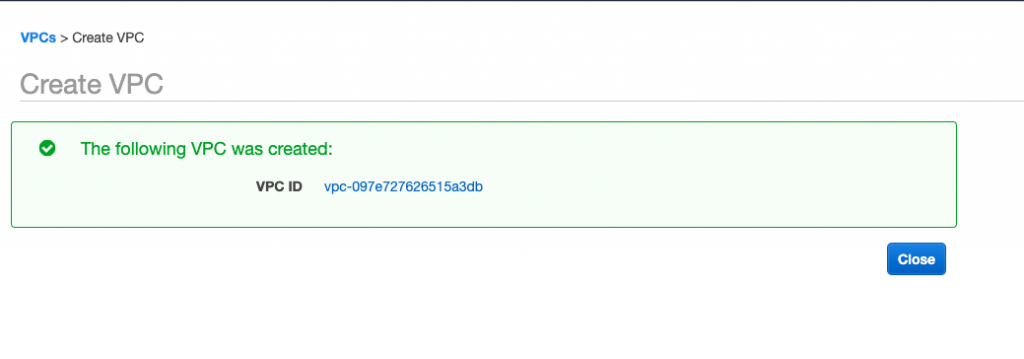
Step 1 – Create VPC screen, which will looks something like this.
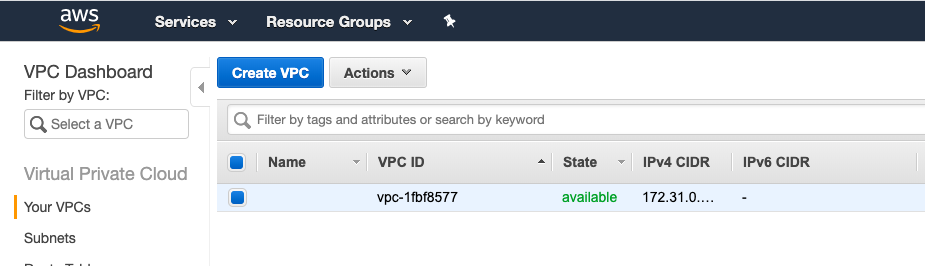
Step 2 – Click on create VPC
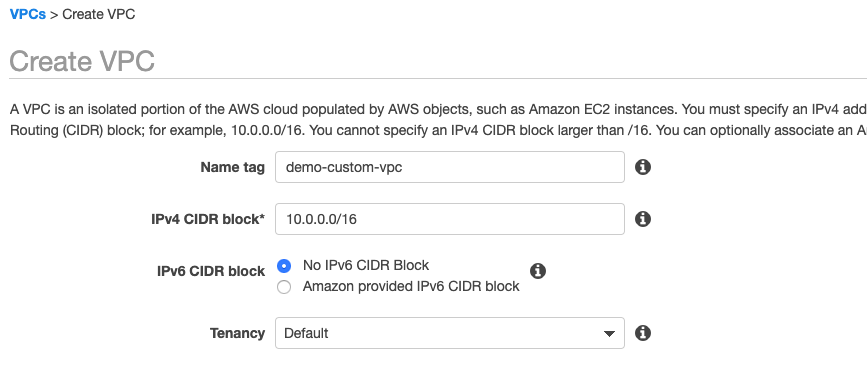
Step 3 – Click on create

Step 4 – Lets subnet’s now, which will have our ec2 instances. I’m create one public and one private subnet. Public subnet will have internet access and private subnet will not.
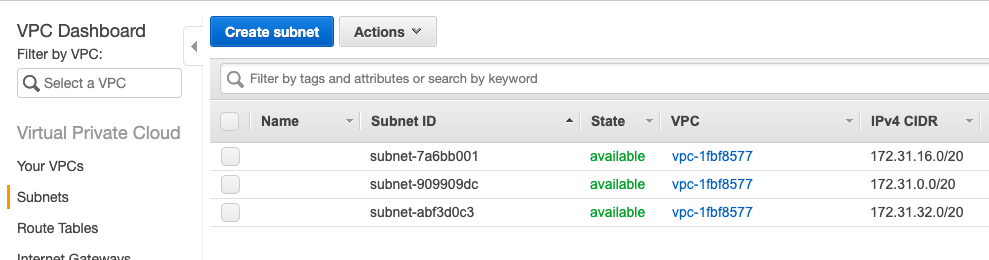
Click on Create subnet, and fill in details like below. ID’s would be different in your case but you should choose the newly created vpc in which you want to create the subnet:
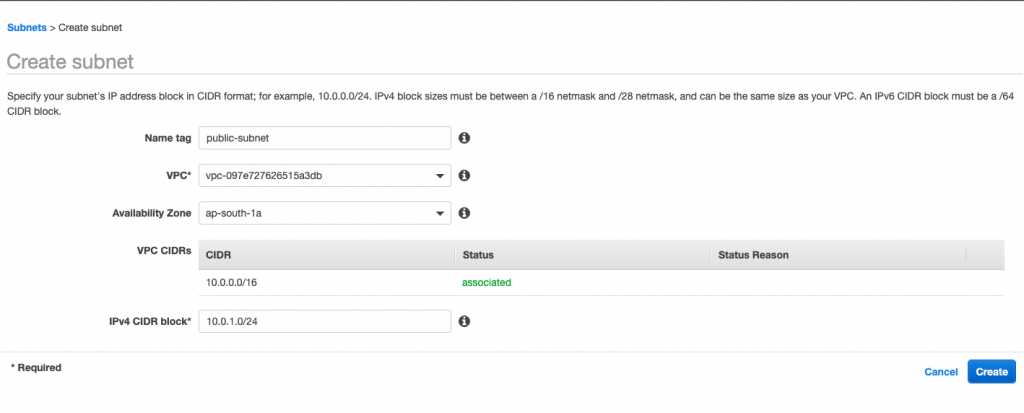
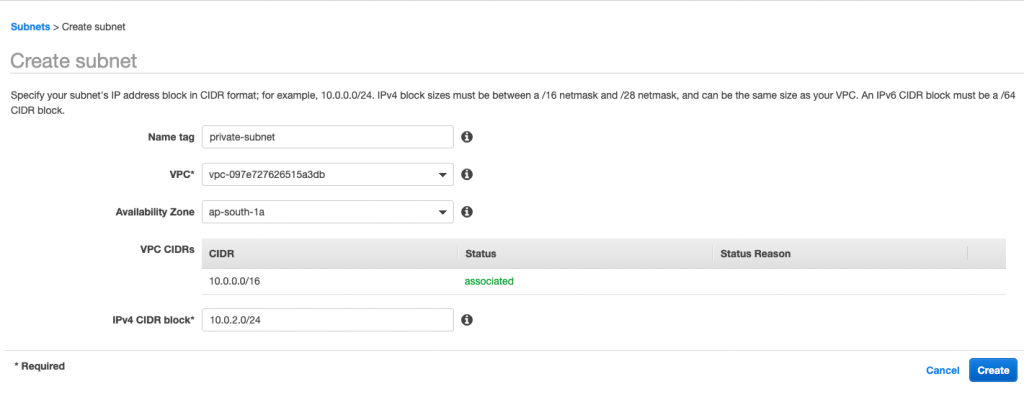
After this we will have two subnets which will looks something like this :

Step 5a – Now we create an IG, which will be target for route table which we will create in the next step
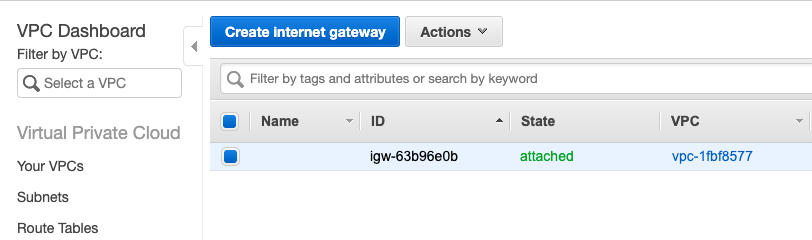
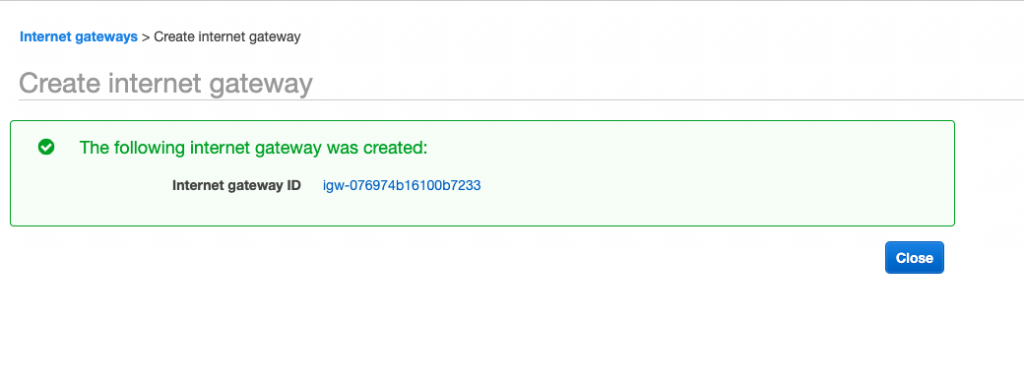
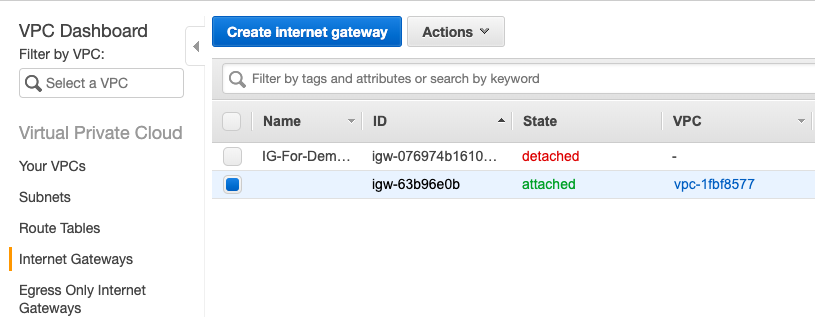
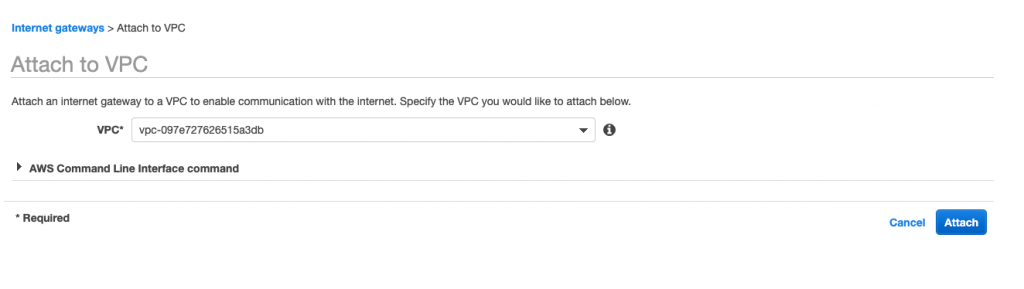
We will attach it to Demo VPC.
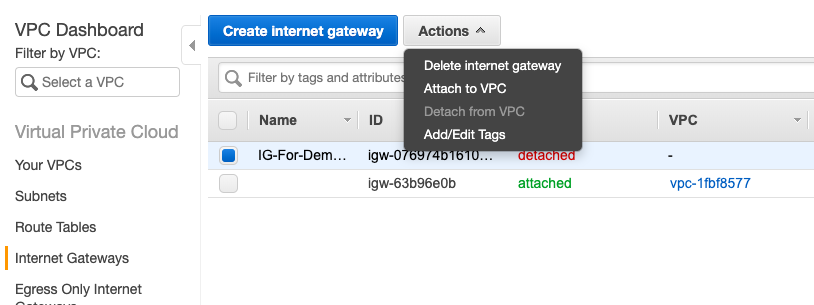
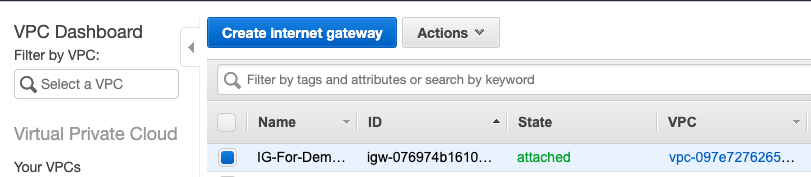
Now status will change to attached.
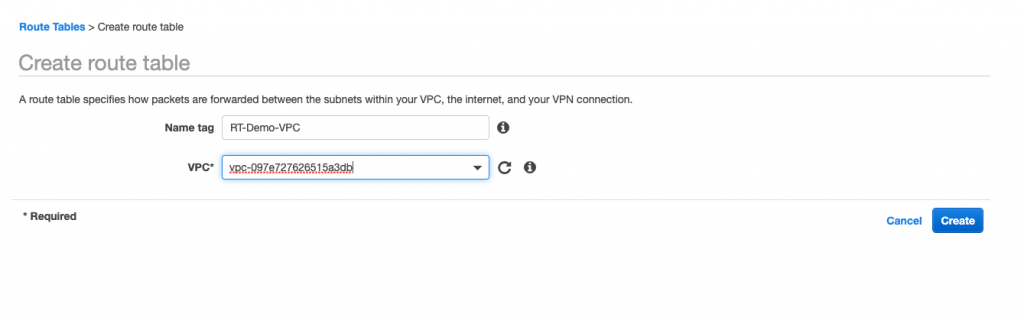
Step 5b – Let’s create route table for the new VPC, we can use the main route table for the newly created VPC. But created separate route table is highly encouraged.
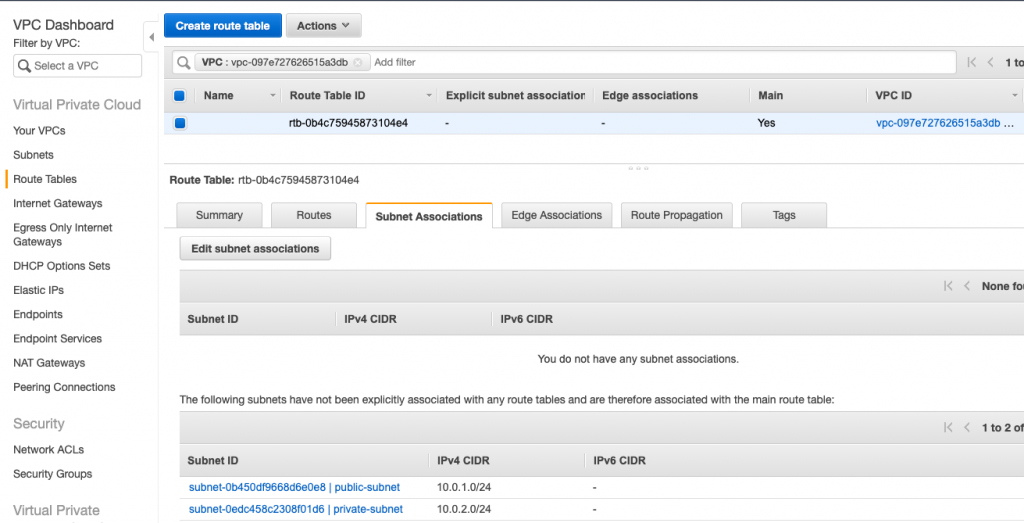
We will now add route, to the new route table create for internet.
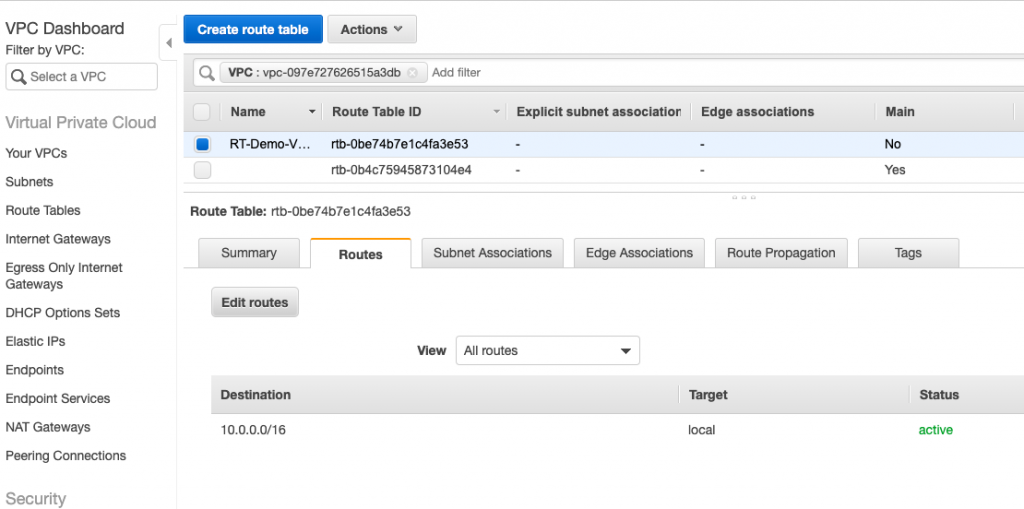
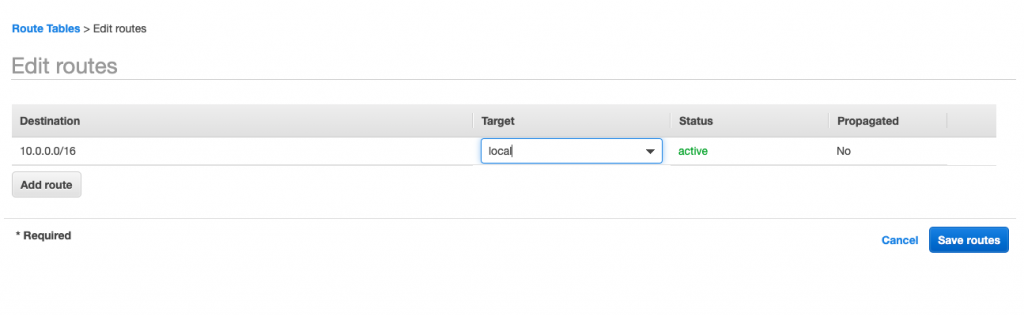
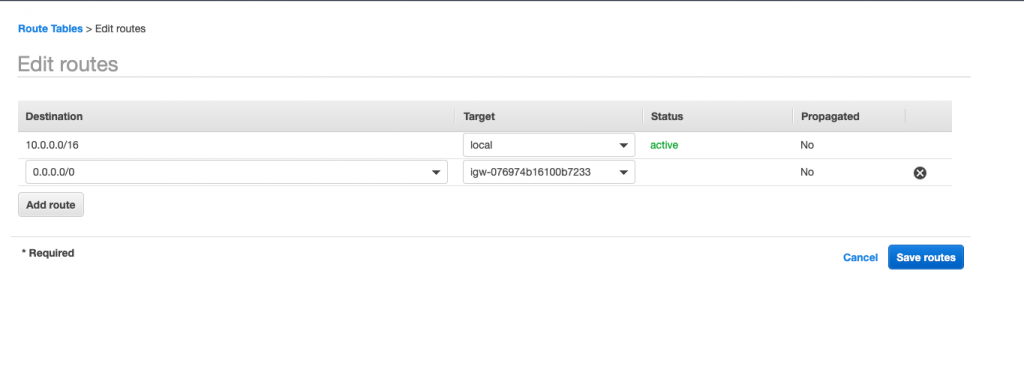
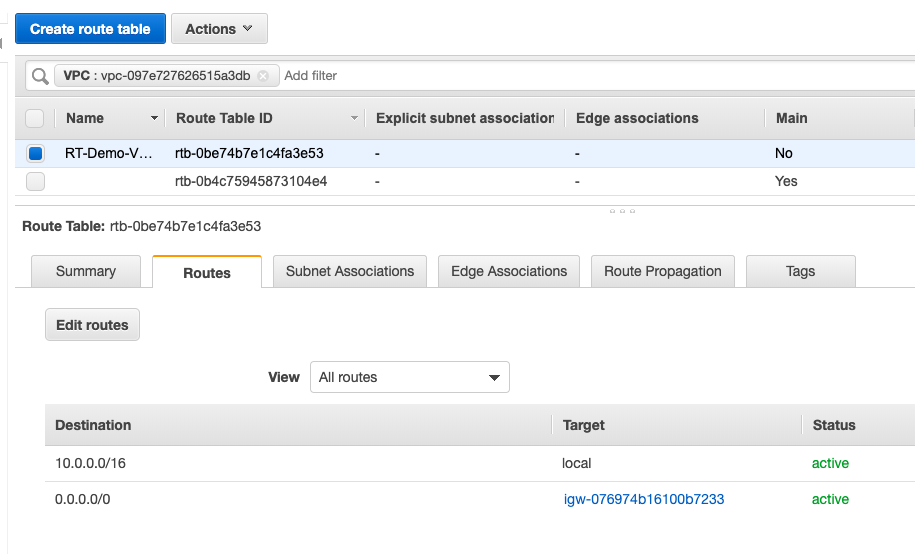
Now we will add subnets to the route table – under subnet association tab.
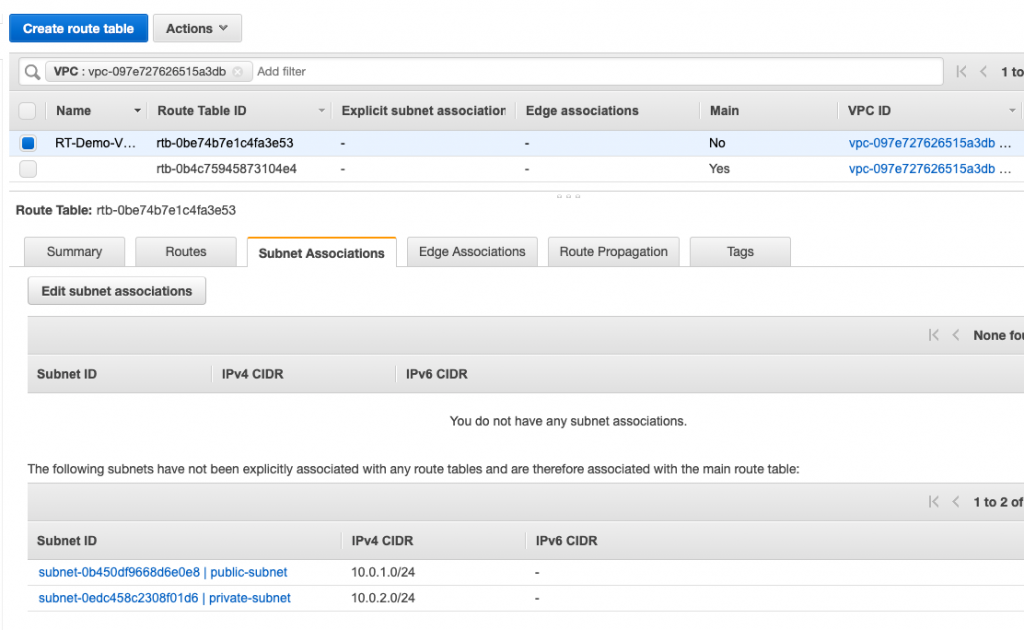
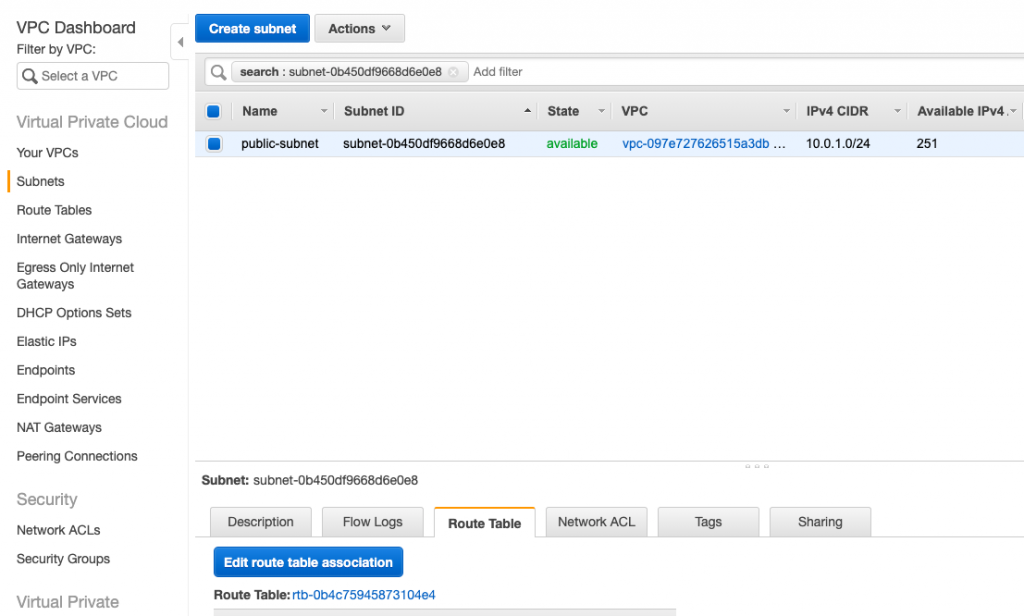
Clicked on public subnet – it will take you to subnets section. Then we will click on edit route table association
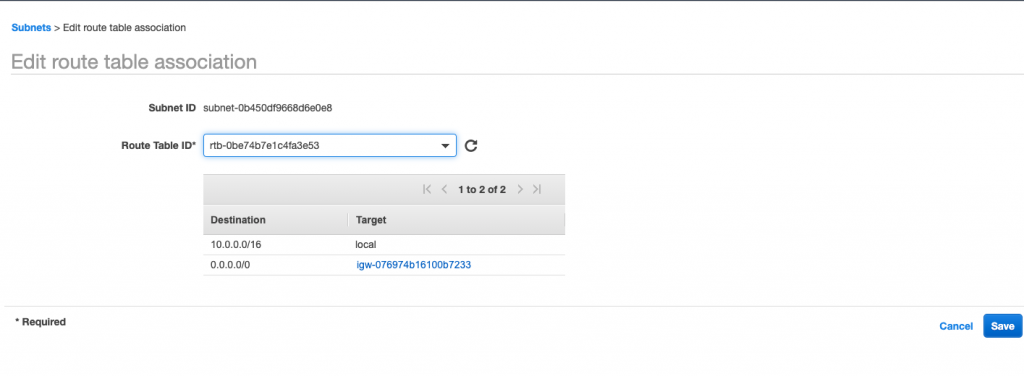
Here I have selected the new route table which we created earlier.
So far we have created VPC, Subnets, RT and IG. We have also completed setup for public subnet. Now before proceeding further we will try out our public subnet and see if we are able to connect to internet or not.
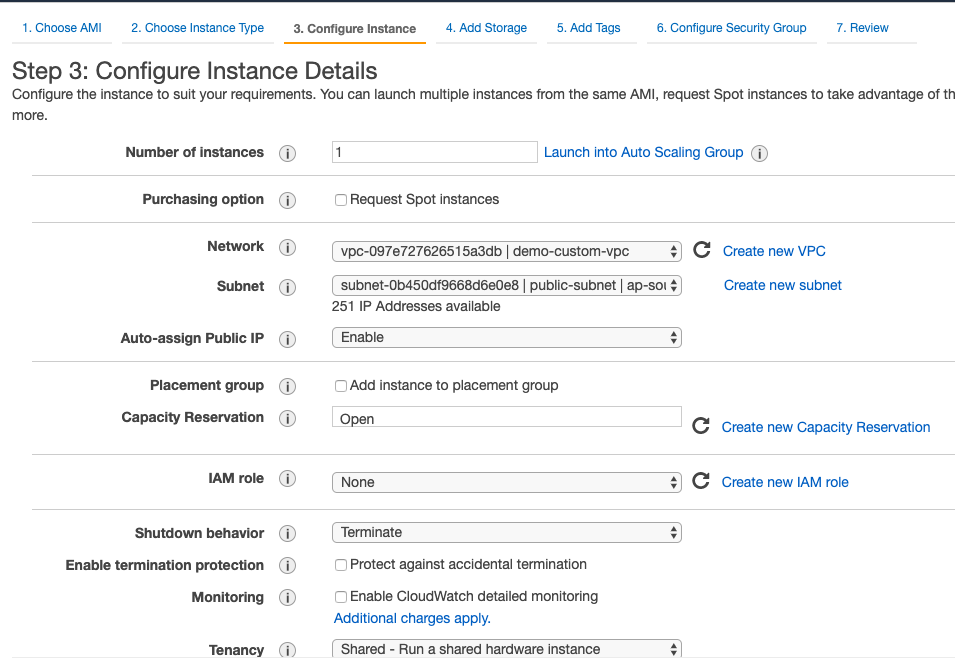
We are launching an EC2 instance now, but this time we will select in which VPC we want our EC2 instance to start and subnet settings as well.
Have Amazon AMI and have selected demo vpc and public subnet from the settings while launching EC2. Have also selected assign public IP to enable – any reason why I did that ??? :
Allowed SSH in SG for the EC2 instance:
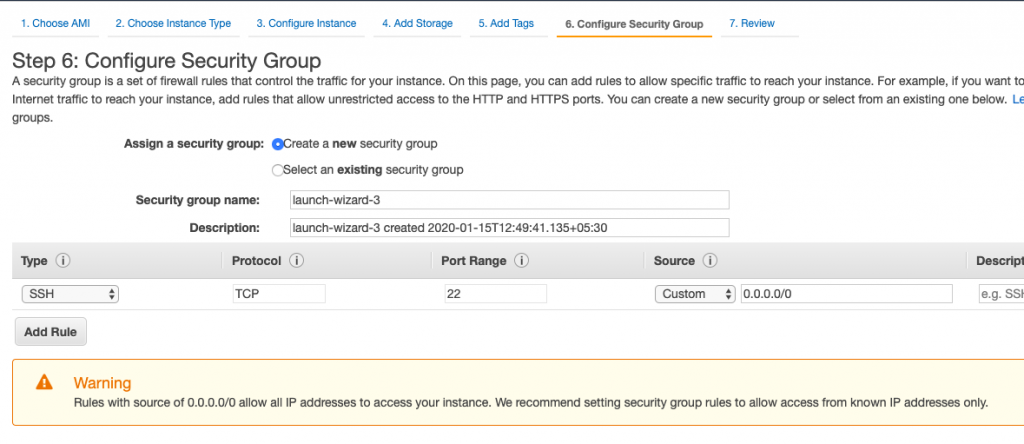
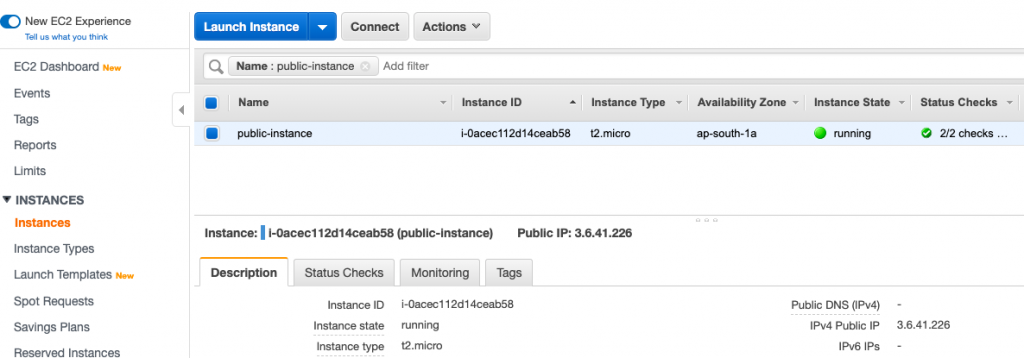
We will now SSH into it and try to connect to internet, hold your nerves guys – the moment of truth have arrived.
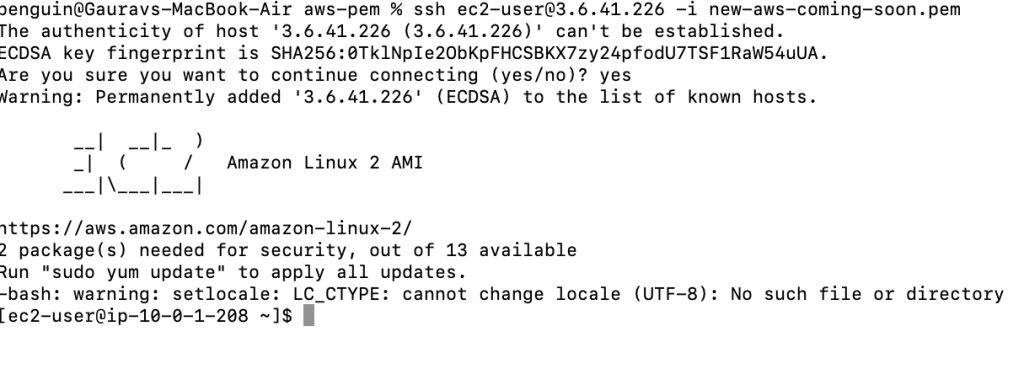
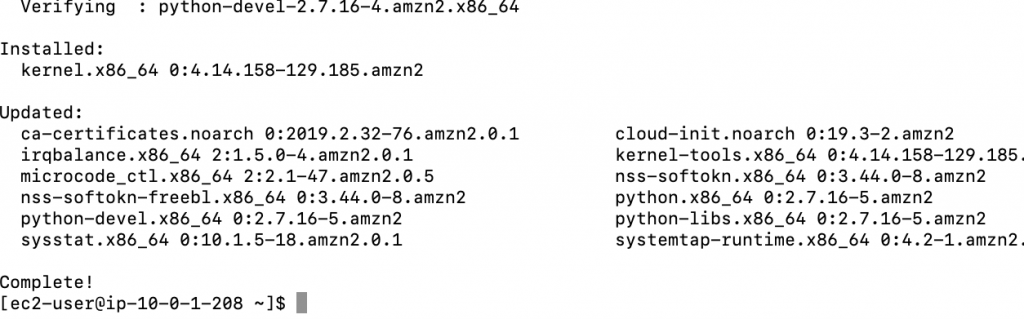
It’s working as its supposed to, we are able SSH into it. Now we will try updating packages – which should fail if there’s no internet connectivity.

MotoShare.in offers unparalleled convenience and affordability in bike rentals, allowing users to enjoy hassle-free rides for commuting, exploring, or leisure trips. With a wide range of bikes and scooters, it’s your trusted partner for all two-wheeler needs.
Find Trusted Cardiac Hospitals
Compare heart hospitals by city and services — all in one place.
Explore Hospitals