
If your system display driver crash, black screen, overheating, game crashes and Power Management. Then you should do something like this. Let’s check this out :
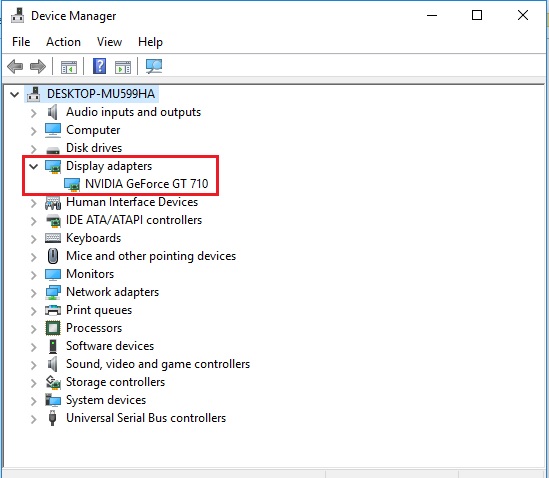
first of all, you should open the Device Manager to check the display adapters.
follow the below steps:
Step 1: Press Windows + R and type devmgmt.msc
Step 2: and check display adapters is working or not.
Step 3: then you should install Driver Uninstaller: follow URL ( Click Here. )
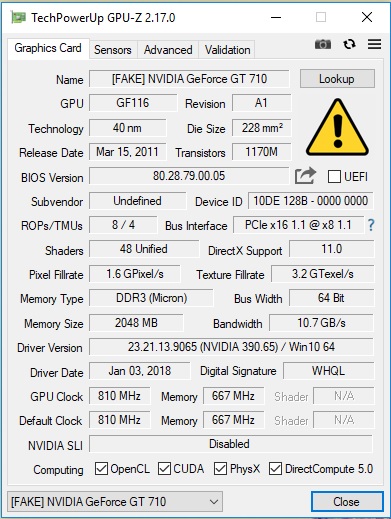
Step 4: After that, you should install GPU-Z ( Click Here. )for vital information about video card.
Step 5: At Last, You should follow this URL ( Click Here. ) for Nvidia Driver
There are some images attached to the above steps :

MotoShare.in provides the perfect two-wheeler for every occasion—daily commuting, weekend escapes, tourist exploration, or test-riding your dream bike. Simplify your mobility with us!
Find Trusted Cardiac Hospitals
Compare heart hospitals by city and services — all in one place.
Explore Hospitals