
Requirements for installing XL Release
XL Release Client requirements
The following web browsers are supported for the XL Release user interface:
- Chrome
- Firefox
- Internet Explorer 11 or later
XL Release Server requirements
- XL Release license: See XL Release licensing
- Operating system: Microsoft Windows or a Unix-family operating system
- Oracle Java Development Kit (JDK) and OpenJDK:
- For XL Release 4.8.0 and later: Oracle JDK 1.8.0_25 or later
- Important: XL Release is not compatible with Java Development Kit 9 (JDK 9).
- NTP synchronization between XL Release Server and Database Server(s)
- Database: By default, XL Release is installed with an embedded database. external database server such as PostgreSQL, MySQL, Oracle, Microsoft SQL Server or DB2 are supported
XL Release Server hardware requirements
- Multicore CPU
- RAM: 4-6 GB of RAM available for the XL Release process. Note: Allocating more than 6 GB to the XL Release process does not show significant performance improvements.
- Hard disk: XL Release must be installed on a hard drive that is persistent, but not NFS.
Install & Configure XL Release Using Docker
Step 1 – Install Docker
Step 2 – Run Docker command
Quickstart if you do not have a license
$ docker run -d -e "ADMIN_PASSWORD=desired-admin-password" -e "ACCEPT_EULA=Y" -p 5516:5516 --name xlr xebialabs/xl-release:25.3-ubuntu

Quick start if you have a license
$ docker run -d -e "ADMIN_PASSWORD=desired-admin-password" -e "XL_LICENSE=license-string" -p 5516:5516 --name xlr xebialabs/xl-release:25.3-ubuntu

$  docker logs 94c57e3d0aa6Code language: JavaScript (javascript)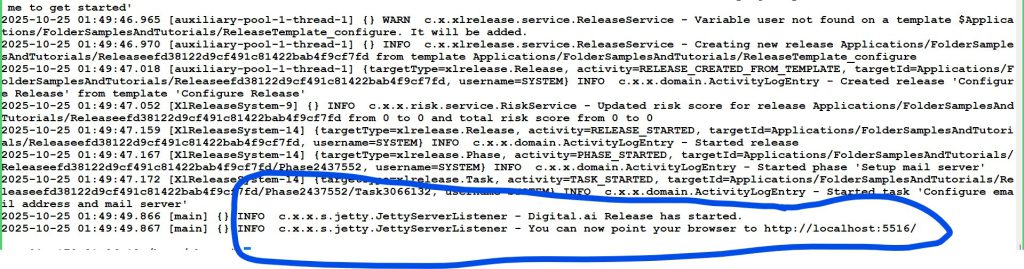
Step 3 – Accessing the XL Release
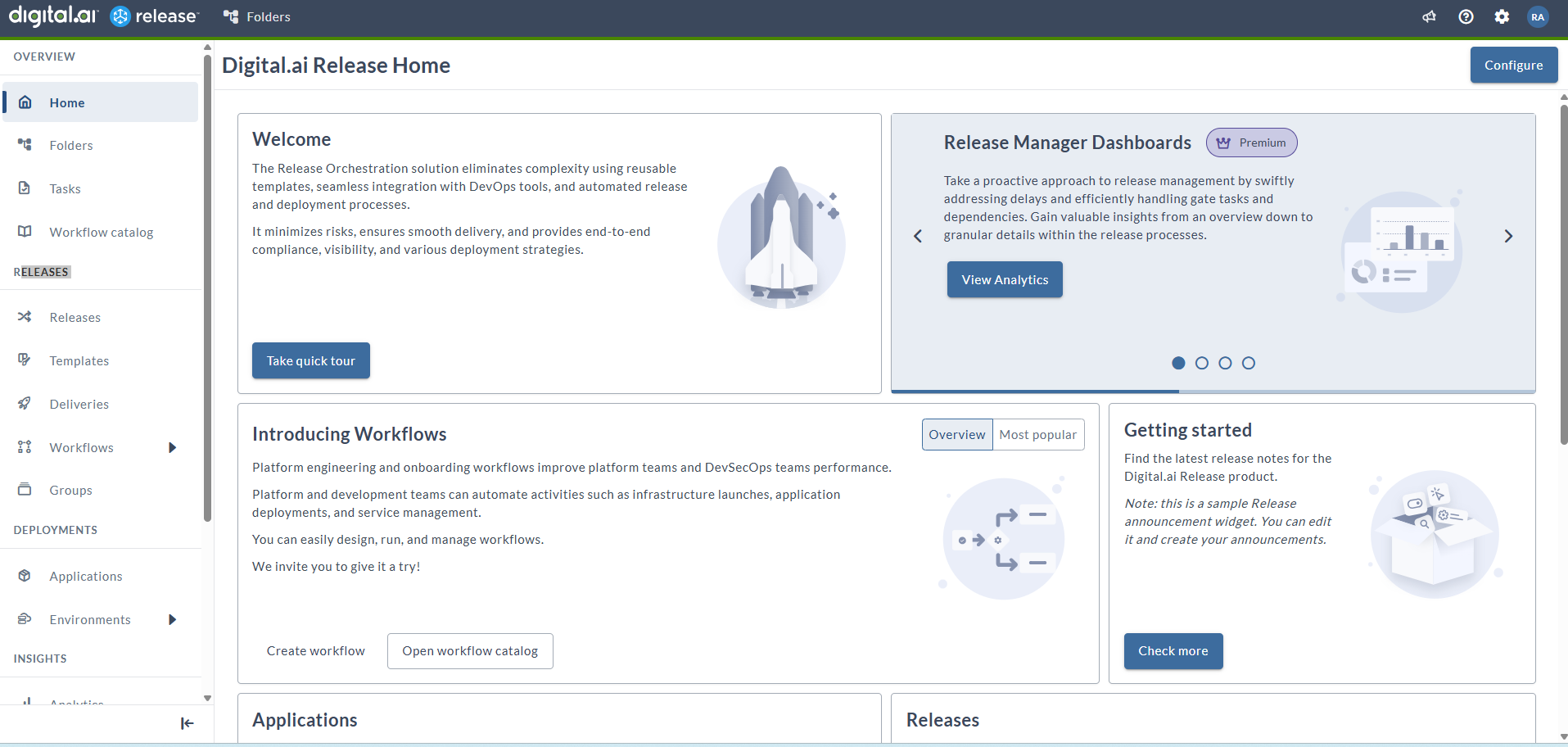
After the product starts, assuming Docker is running on your local machine, you can access it at http://localhost:5516. Log in with the user name admin and the password that you set in the Docker command.
Username – admin
Password – desired-admin-password
Reference
- https://hub.docker.com/r/xebialabs/xl-release
- https://legacydocs.xebialabs.com/xl-release/concept/requirements-for-installing-xl-release.html
- https://docs.digital.ai/release/docs/how-to/install-xl-release-as-a-trial
- https://hub.docker.com/r/xebialabs/xl-release

I’m a DevOps/SRE/DevSecOps/Cloud Expert passionate about sharing knowledge and experiences. I have worked at Cotocus. I share tech blog at DevOps School, travel stories at Holiday Landmark, stock market tips at Stocks Mantra, health and fitness guidance at My Medic Plus, product reviews at TrueReviewNow , and SEO strategies at Wizbrand.
Do you want to learn Quantum Computing?
Please find my social handles as below;
Rajesh Kumar Personal Website
Rajesh Kumar at YOUTUBE
Rajesh Kumar at INSTAGRAM
Rajesh Kumar at X
Rajesh Kumar at FACEBOOK
Rajesh Kumar at LINKEDIN
Rajesh Kumar at WIZBRAND
Find Trusted Cardiac Hospitals
Compare heart hospitals by city and services — all in one place.
Explore Hospitals
This article offers a detailed guide on installing and configuring XebiaLabs XL Release, a powerful tool for managing and orchestrating software release pipelines. XL Release allows teams to efficiently plan, track, and automate the various stages of a release, from development to deployment, ensuring consistency and reducing manual errors. The platform enhances visibility by providing a single source of truth for release workflows, which improves collaboration across teams and speeds up delivery. Additionally, XL Release integrates well with other DevOps tools, allowing for streamlined workflows that are repeatable and audit‑friendly. This makes it an ideal solution for managing complex, enterprise-level software releases.